
IO Interactive’s 007 First Light pushes the Glacier engine further than ever with a software ray-traced global illumination (RTGI) solution, overhauled volumetrics, advanced shadow systems, and dense NPC rendering that drives its spy-thriller set pieces. On console, technical analysis confirms the results: stable 60fps on PlayStation 5 and a locked 60fps on PlayStation 5 Pro, though base PS5 image quality suffers visible FSR 3.1.5 artifacts compared to the cleaner PSSR output on Pro hardware. The PC version inherits that same rendering ambition, but without the fixed hardware profile of a console, the display pipeline becomes a primary point of failure. When 007 First Light launches on PC and presents only a black screen, the issue is rarely a corrupted installation or a missing redistributable. More often, it is a handshake failure between the engine’s advanced renderer and the display environment-resolution, refresh rate, GPU selection, or overlay injection. Understanding that context is what separates effective troubleshooting from random guesswork.
Table of Contents (7)
Step 1: Force Windowed Mode with Alt+Enter
The single most reliable first response is overriding exclusive fullscreen. If the game boots to a black screen, press Alt+Enter immediately after the executable starts. This command forces the renderer out of fullscreen exclusive mode and into a windowed state, bypassing the most common failure point: the initial display-mode negotiation. 007 First Light defaults to fullscreen on first launch, and if your monitor’s EDID reports a native resolution, HDR state, or refresh rate that the engine’s RTGI swap chain does not expect, the presentation layer drops frames silently. You may hear audio. You may even see a cursor. But the visual buffer never reaches the screen.
By forcing windowed mode, you decouple the game from the display’s native handshake and regain control. Once inside-albeit in a smaller window-navigate to Settings > Video, set Display Mode to Borderless Windowed, and manually define your resolution and refresh rate. Save, exit, and relaunch. If Alt+Enter fails on the first attempt, trigger it a second time during the introductory splash sequence; the engine’s window message loop sometimes swallows the first input while initializing the DRM and shader pipelines. Think of this not as a permanent workaround but as a surgical bypass to reach the settings menu alive.
Step 2: Isolate Resolution and Refresh Rate Mismatches
High-refresh and high-resolution displays are disproportionately affected by black screen failures in this title. The Glacier engine’s new volumetrics and software RTGI are computationally expensive to initialize; if the game tries to open a 144Hz or 240Hz pipeline at 4K or ultrawide resolutions, the display driver may timeout and return a black buffer. The corrective action is to temporarily reduce your Windows desktop resolution to 1920×1080 and your refresh rate to 60Hz before launching. If the game then starts correctly, lock its internal refresh cap to 60Hz or 120Hz through the in-game limiter. Do not leave it uncapped if your panel exceeds standard rates, because the renderer’s frame pacing can destabilize during scene transitions.
For ultrawide users, the aspect ratio itself can trigger a black screen after prerendered cutscenes because the video decoder outputs a different buffer size than the gameplay renderer. If this occurs, set the in-game aspect ratio to 16:9 as a baseline, confirm stability, then test wider ratios in incremental steps. This is not a permanent downgrade; it is diagnostic isolation of the variable causing the pipeline stall. Once you confirm the engine launches reliably at a standard resolution, you can raise the output incrementally without reintroducing the failure.
Step 3: Force the Dedicated GPU
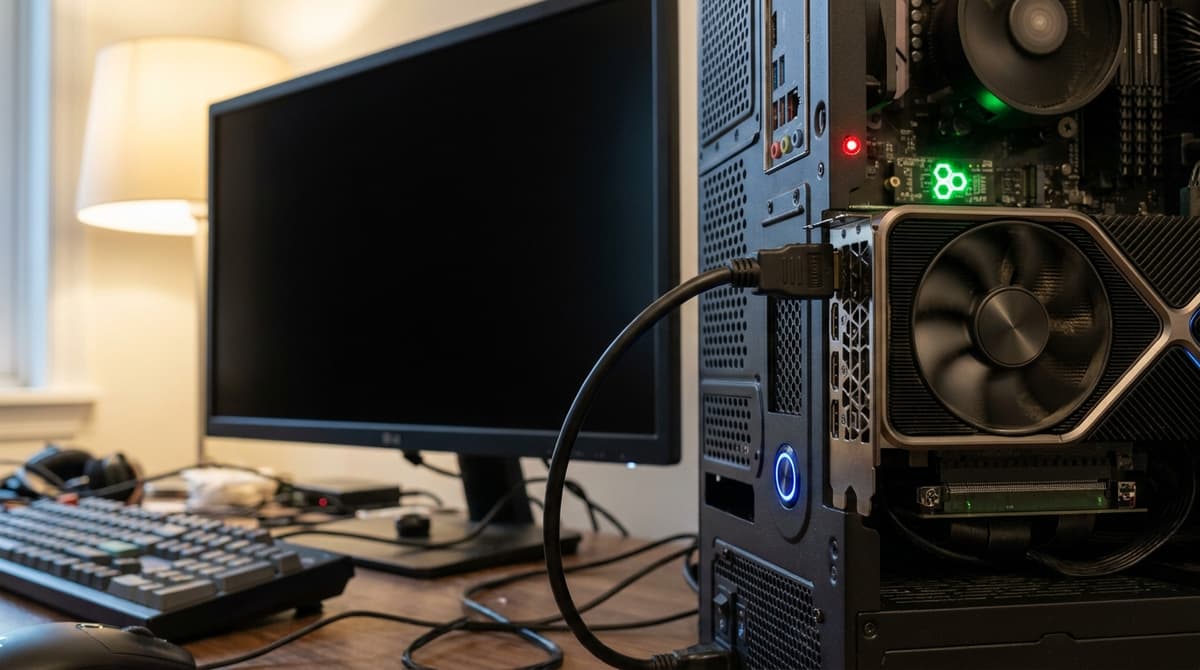
Hybrid-graphics systems—common in modern laptops and some prebuilt desktops—introduce a routing ambiguity that 007 First Light does not tolerate well. If the operating system assigns the game to integrated graphics, the engine’s advanced shadows and NPC rendering exceed the iGPU’s capability, resulting in a black screen with background audio still playing. The diagnostic signature is consistent: you hear the menu music, but the display remains dark, which means the game is running and rendering on a processor that cannot complete the frame presentation.
Open Windows Settings > System > Display > Graphics, add the 007 First Light executable, and set it to High Performance, which forces it onto the discrete NVIDIA or AMD GPU. In the GPU vendor control panel, set the Power Management Mode to Prefer Maximum Performance. This prevents the driver from downclocking or shifting workloads during the intense initialization spike that occurs when the RTGI solution builds its probe grids. The logic here is direct: if you are on a laptop and the screen is black but audio continues, force the dGPU. No other fix will matter until the correct processor is drawing the frame.
Step 4: Remove Overlay Interference
Third-party overlays hook the present chain to inject UI elements, and on a title with this level of rendering architecture, those hooks can misalign and zero the output buffer. Steam Overlay, Discord, NVIDIA GeForce Experience, and MSI Afterburner with RivaTuner Statistics Server are frequent culprits. If windowed mode and GPU forcing do not restore the image, disable Steam Overlay in the game’s Steam Library properties. In Discord, turn off both hardware acceleration and the in-game overlay. Exit GeForce Experience entirely, and close RTSS.
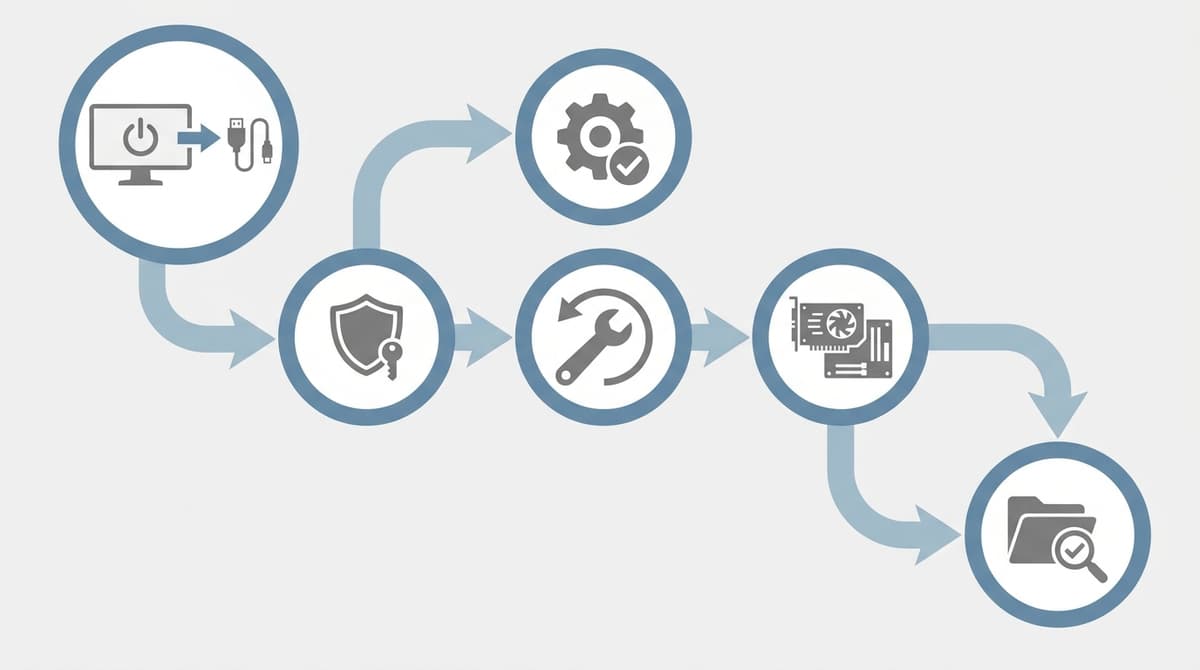
The conflict usually manifests not at launch but when opening the in-game map, a gadget menu, or a binocular view—moments when the engine creates a secondary render target. An overlay attempting to draw on that target can return a null buffer, producing a black screen that looks like a crash but is actually a presentation-layer conflict. The diagnostic method is binary: disable every overlay, launch the game, and confirm visuals. If the image returns, re-enable overlays one at a time to identify the specific conflict, then leave that one disabled permanently for this title.
Step 5: Verify Files and Clean Driver State
When a black screen persists across multiple launches or appears after a previously stable session, suspect driver state or file corruption. 007 First Light pre-compiles shaders for its RTGI and volumetric systems; if that cache is corrupted by a forced shutdown or a driver update, subsequent launches may hang at a black screen immediately after the developer logos. Start by verifying the game’s file integrity through Steam to restore any missing or altered shader precache data.
Next, perform a clean GPU driver installation. Old driver remnants can conflict with the new rendering extensions the Glacier engine relies upon. After the clean install, clear the DirectX shader cache from Windows Disk Cleanup, or manually purge the vendor-specific shader cache folders. This forces a full rebuild of the pipeline from scratch on the next boot. The rule is simple: if the black screen began after a driver update or a crash to desktop, wipe the cache and reinstall before changing any hardware. Do not roll back to ancient drivers unless the current WHQL release is explicitly broken; the game’s software RTGI depends on recent API extensions that older packages lack.
Step 6: Disable Fullscreen Optimizations, HDR, and Permission Conflicts
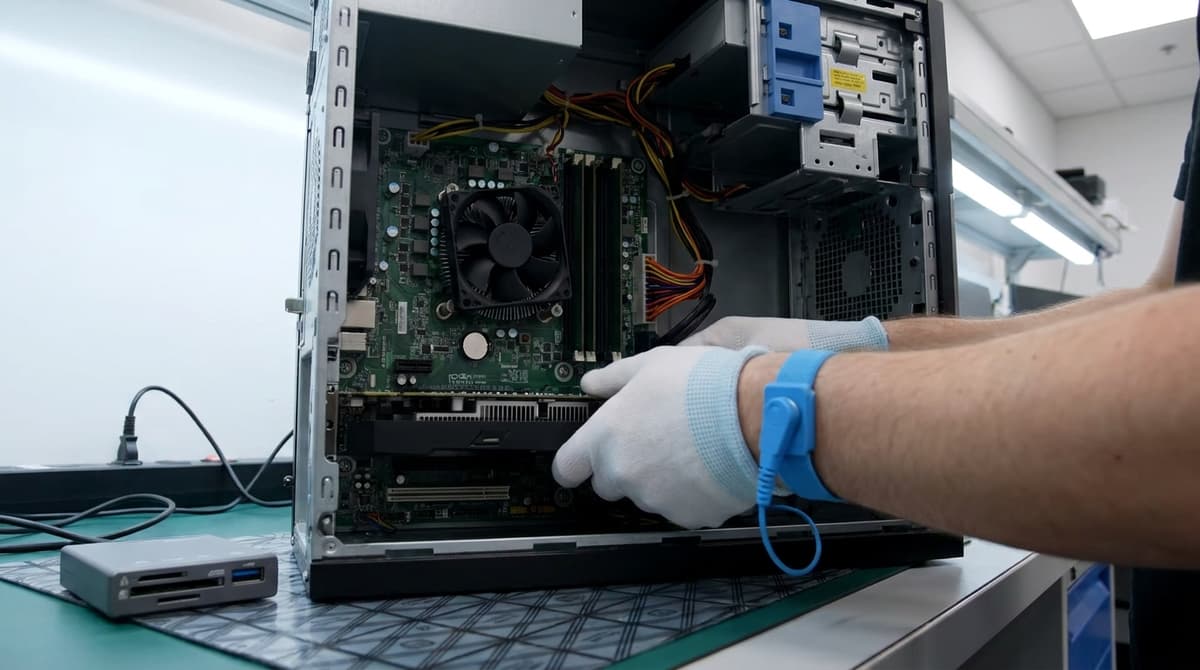
Windows 10 and 11 apply fullscreen optimizations to legacy exclusive-mode applications, and 007 First Light’s cinematic pipeline can misinterpret these hooks as focus-loss events, turning the screen black whenever you Alt-Tab or receive a system notification. If the black screen correlates with task switching, open the game executable’s properties, navigate to the Compatibility tab, and enable Disable Fullscreen Optimizations. Running the game as administrator can also resolve permission conflicts where Windows restricts the process from accessing the display driver’s exclusive mode.
Windows HDR poses a distinct and underreported problem. The game’s software RTGI and filmic lighting are tuned for SDR cinema output; on certain panels, Windows Auto HDR or native HDR10 output causes a black screen where only the mouse cursor is visible. If your display runs HDR, disable it in Windows Settings > System > Display > Use HDR before launching. If the game then renders correctly, you have isolated the HDR negotiation as the failure point. You can attempt to re-enable HDR after establishing a stable windowed or borderless baseline, but many players will find the SDR output more stable until a patch addresses the handshake.
Diagnostic Quick Reference: If X, Then Y
- If the screen is black but audio plays: You are likely on integrated graphics. Force the dedicated GPU via Windows Graphics Settings.
- If black screen happens only after cutscenes on an ultrawide monitor: The aspect ratio buffer is conflicting. Set the game to 16:9 and restart.
- If the game blacks out when opening the map or gadget wheel: An overlay is intercepting the render target. Disable Steam, Discord, and GeForce Experience overlays.
- If the black screen began after a GPU driver update: Perform a clean driver reinstall and delete the DirectX shader cache.
- If the screen goes black on Alt-Tab or notifications: Disable fullscreen optimizations and run the executable as administrator.
- If you see only a cursor on a black screen with HDR enabled: Disable Windows HDR before launch.
- If nothing else works: Force windowed mode with
Alt+Enter, drop desktop refresh to 60Hz, verify Steam files, and rebuild the shader cache.
FinalBoss // Gear
Level up your setup
01Graphics cardson Amazon→02Gaming laptopson Amazon→03High-refresh gaming monitorson Amazon→04Discounted game keyson Kinguin→
Affiliate links · As an Amazon Associate, FinalBoss earns from qualifying purchases.
Want to Level Up Your Gaming?
Get access to exclusive strategies, hidden tips, and pro-level insights that we don't share publicly.
Ultimate Guide Strategy Guide + Weekly Pro Tips