
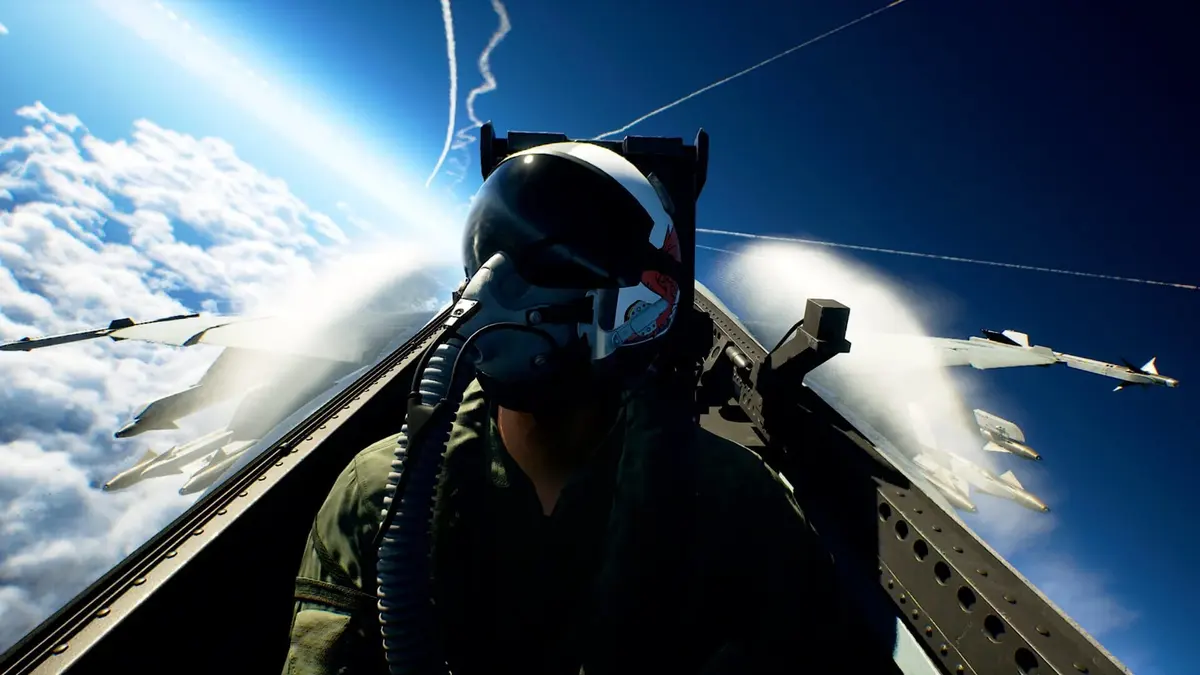
Performance mode is the best default for Ace Combat 8: Wings of Theve on PS5, PS5 Pro and Xbox Series X. Faster camera movement and more responsive target tracking matter more during dogfights than the extra clarity offered by Quality mode. Series S lacks an equivalent Quality-mode option, leaving players with a lower visual baseline and frame rates that fluctuate between 60fps and 30fps.
Table of Contents (4)
Console resolution and frame-rate breakdown
The figures below describe rendering resolution and frame-rate behavior, rather than a guaranteed output. A console sending a 4K signal to your television does not mean the game renders internally at 4K.
| Console | Rendering resolution | Frame-rate behavior | Main compromise |
|---|---|---|---|
| PS5 Pro | Around 1080p in Performance mode | Gameplay generally close to 60fps | Cutscenes and demanding moments can dip; image remains relatively soft |
| PS5 | Roughly 720p-1080p dynamically in Performance mode | Usually near 60fps, with drops during heavy action | Resolution reductions affect fine detail |
| Xbox Series X | Roughly 720p-1080p dynamically in Performance mode | Approximately 60fps, with demanding scenes causing drops | Dynamic resolution and uneven frame delivery |
| Xbox Series S | 720p maximum | Fluctuates between 60fps and 30fps | Lower-quality textures, no expanded Lumen lighting features and no equivalent Quality preset |
Why lowering resolution does not guarantee 60fps
A steady 60fps requires a new frame every 16.7 milliseconds. Dynamic resolution helps meet that budget by reducing pixel-processing work: dropping from 1920 × 1080 to 1280 × 720 means rendering about 56% fewer pixels.

That reduction cannot eliminate every expensive part of a scene. Ace Combat 8 combines cloud-heavy skies, lighting and large-scale battles, and its resolution scaling still leaves demanding moments below 60fps. The resolution figures alone do not identify a single hardware bottleneck.
The practical cost is visible softness when resolution falls, alongside changes in motion smoothness when frame rates drop. At 30fps, each frame lasts roughly 33.3 milliseconds — twice the interval at 60fps. Fast banking turns and tracking an aircraft across the screen make that difference particularly noticeable.
PS5 Pro versus Series S
PS5 Pro has the strongest console presentation: roughly 1080p in Performance mode, gameplay generally close to 60fps, and richer lighting than Series S. Its advantage is meaningful, although the remaining dips prevent calling it a locked-60fps version.
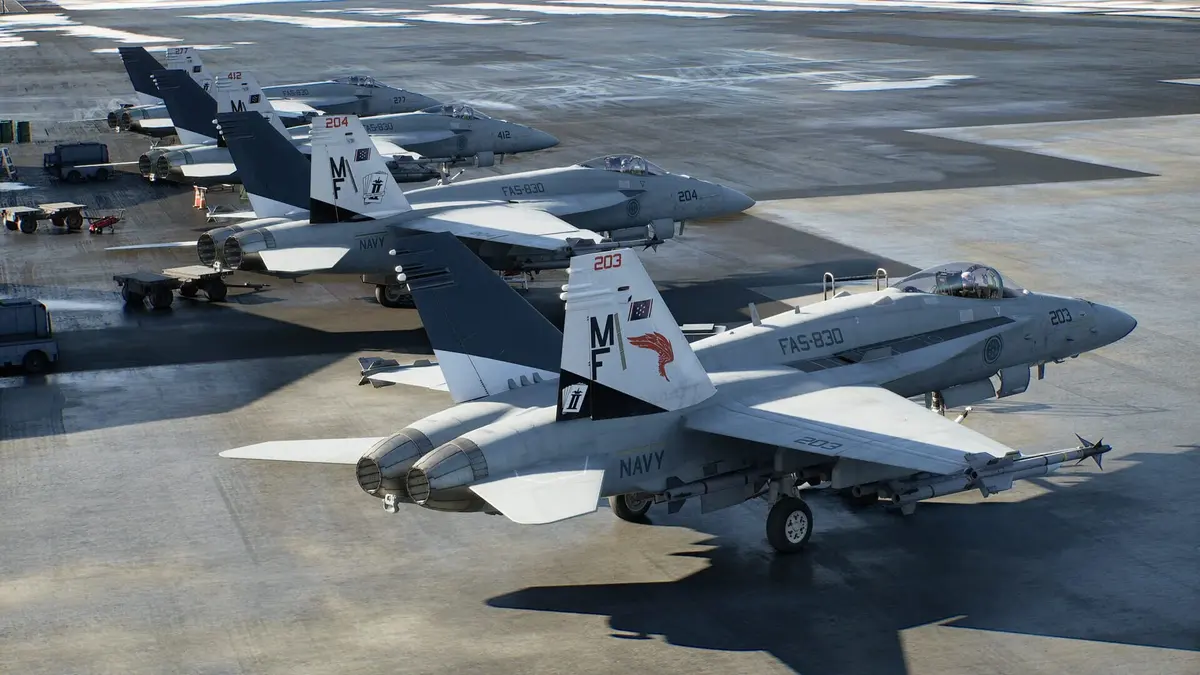
Series S sacrifices several things simultaneously. Its 720p ceiling limits distant detail, lower-quality textures reduce surface definition, and the missing expanded Lumen features simplify lighting. Frame-rate swings remain despite those reductions. Players sensitive to both image softness and uneven motion face the toughest compromise here.
Which mode to pick
On Series S, there is no equivalent preset switch to resolve the tradeoff. Buy that version only if its 720p ceiling and drops toward 30fps are acceptable to you.
FinalBoss // Gear
Level up your setup
01Flight sticks & HOTASon Amazon→02High-refresh gaming monitorson Amazon→03Gaming chairson Amazon→Affiliate links · As an Amazon Associate, FinalBoss earns from qualifying purchases.
Want to Level Up Your Gaming?
Get access to exclusive strategies, hidden tips, and pro-level insights that we don't share publicly.
Ultimate Tech Strategy Guide + Weekly Pro Tips