
Table of Contents (6)
Mouse polling rates stopped being simple around the 1,000 Hz era
For years, a 125 Hz mouse was normal, sending an input report to the PC every 8 milliseconds. Then 500 Hz and 1,000 Hz became the serious-gaming baseline, cutting that interval to 2 ms and 1 ms. Today’s flagship mice advertise 4,000 Hz and 8,000 Hz as though the setting alone can transform aim. The actual gain from 1,000 Hz to 8,000 Hz is a nominal 0.875 ms per report. That is real, but it is also a tiny slice of the full path between moving a mouse and seeing the result on screen.
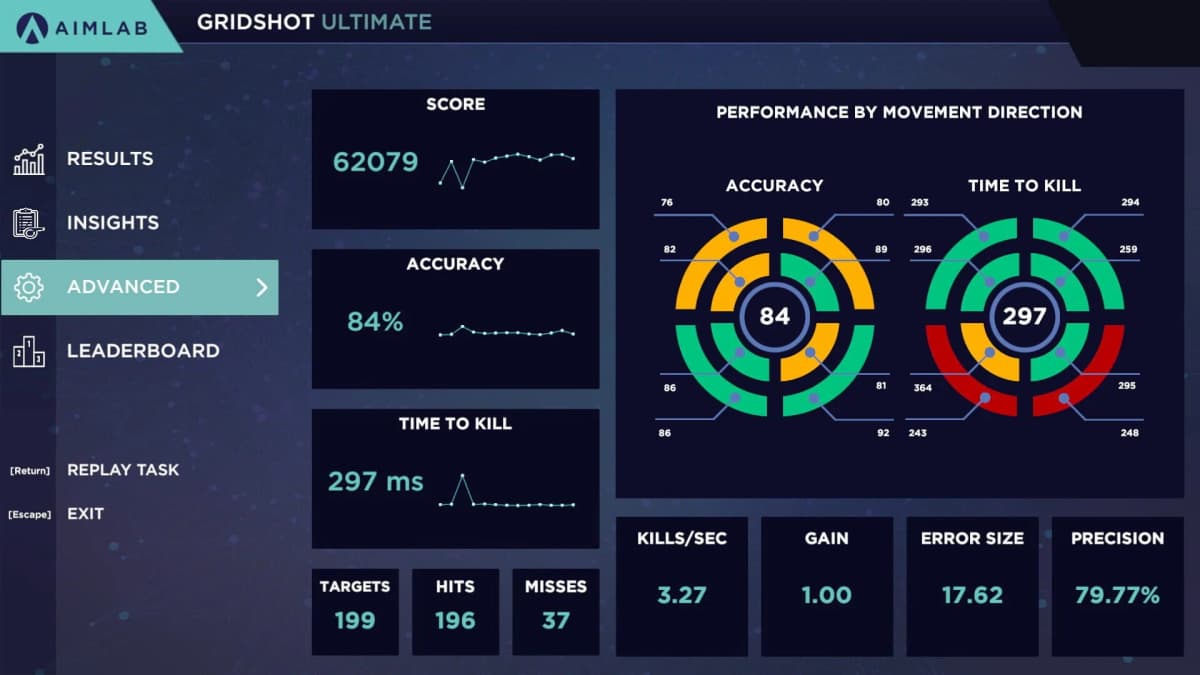
A September 22, 2026 Aimlabs Gridshot Ultimate experiment puts useful numbers behind that reality. The highest recorded score was 60,256 points at 800 DPI and 1,000 Hz. At the same 800 DPI, 8,000 Hz produced 56,170 points, 4,086 points lower. The test covers one player and one rapid-clicking scenario, so it cannot crown a universal best setting. It does, that said, shred the lazy assumption that maximum polling automatically creates maximum aim performance.
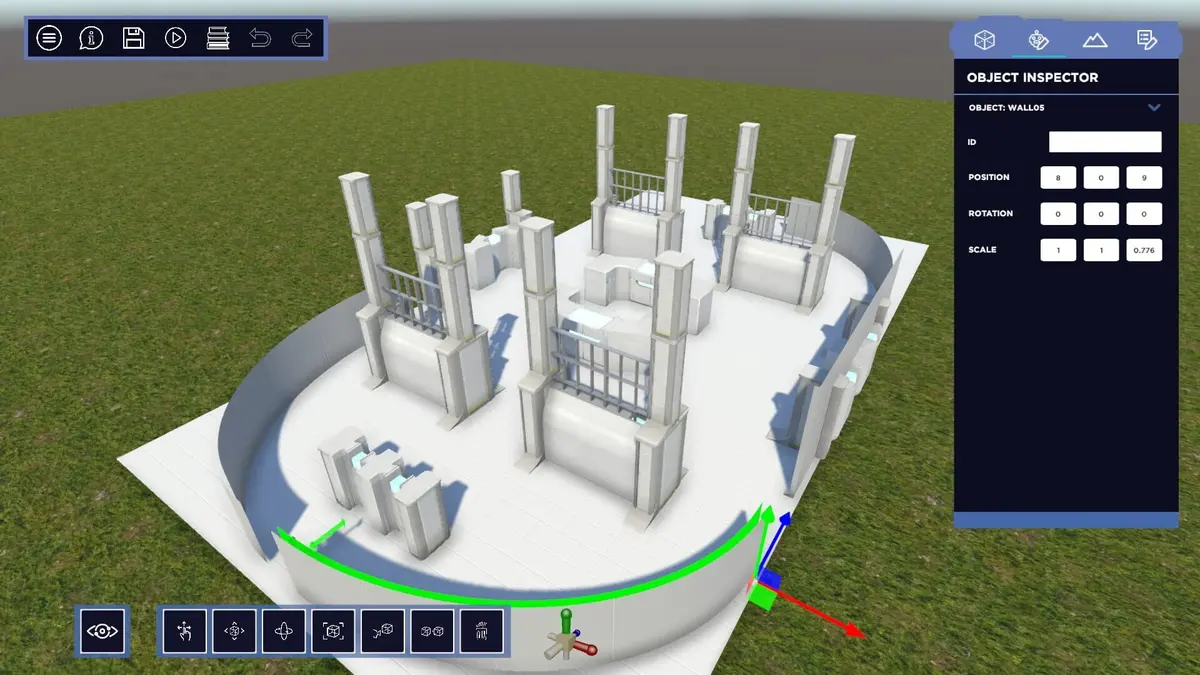
Aimlabs is a free-to-play PC aim-training platform from Statespace. Its Gridshot Ultimate scenario presents blue targets and rewards rapid target acquisition and clicking, making it a useful stress test for flick speed and hand control. It is less useful for measuring every part of competitive aim; sustained tracking, recoil handling, movement, and pressure all live outside this particular score.
The Gridshot results: performance rose, then hit a wall
| Polling rate | Nominal report interval | 800 DPI score | 1,600 DPI score | 4,000 DPI score |
|---|---|---|---|---|
| 125 Hz | 8.00 ms | 57,874 | 58,612 | 37,885 |
| 250 Hz | 4.00 ms | 58,879 | 51,065 | 41,183 |
| 500 Hz | 2.00 ms | 59,866 | 57,027 | 43,689 |
| 1,000 Hz | 1.00 ms | 60,256 | 57,232 | 48,341 |
| 2,000 Hz | 0.50 ms | 55,041 | 53,244 | 46,242 |
| 4,000 Hz | 0.25 ms | 58,700 | 52,215 | 50,053 |
| 8,000 Hz | 0.125 ms | 56,170 | 58,441 | 49,952 |
The 800 DPI pattern is the one that matters most here. The score climbed from 57,874 at 125 Hz to 60,256 at 1,000 Hz: a 2,382-point improvement, or roughly 4.1%. Then it stopped cooperating with the spec sheet. At 2,000 Hz it dropped to 55,041. At 4,000 Hz it recovered to 58,700. At 8,000 Hz it landed at 56,170.
There is a more revealing comparison than the headline-grabbing 8K result. At 800 DPI, 500 Hz scored 59,866 — just 390 points, or 0.65%, behind the 1,000 Hz peak. That is the plateau in plain sight. Going from 125 Hz to 500 Hz tightened the input cadence substantially. Going beyond 1,000 Hz failed to deliver a clean, repeatable score climb in this run.
The full 21-setting grid ranged from 37,885 to 60,256 points, a spread of 22,371 points. The best result was about 59% higher than the worst. That gap is far too large to pin on polling rate alone. Hand comfort, sensitivity feel, target-control precision, and how aggressively the mouse translates physical movement into cursor movement were doing the heavy lifting.
DPI and polling rate solve different problems
DPI determines how much cursor movement the mouse produces for each inch of physical travel. Polling rate determines how often that movement data is sent to the PC. They are separate controls, yet they get bundled together in a lot of peripheral marketing because larger numbers photograph well.
The test makes the distinction hard to ignore. At 1,000 Hz, 800 DPI reached 60,256, 1,600 DPI reached 57,232, and 4,000 DPI reached 48,341. The 800 DPI/1,000 Hz result also beat 1,600 DPI/8,000 Hz by 1,815 points, roughly 3.1%. A faster report rate could not compensate for a sensitivity feel that worked worse for this player.
The 4,000 DPI series improved as polling increased, rising from 37,885 at 125 Hz to 50,053 at 4,000 Hz. Even its best result remained well behind the top 800 DPI and 1,600 DPI scores. High polling can polish an already-sensible setup. It cannot rescue a setup that makes micro-corrections feel twitchy or inconsistent.
That does not make 800 DPI a magic number. DPI interacts with in-game sensitivity, operating-system pointer settings, raw input, mousepad space, grip style, and the player’s own control habits. The useful lesson is more practical: find a sensitivity range that lets your hand stop where you intend, then test polling rate around that stable foundation.
Why 8,000 Hz can feel better without raising an Aimlabs score
An 8,000 Hz mouse can report every 0.125 ms. A 1,000 Hz mouse reports every 1 ms. That difference may make motion feel slightly cleaner on a fast display, especially during rapid directional changes. But mouse polling is only one stage of the pipeline. Sensor processing, wireless or USB transport, operating-system scheduling, game input processing, simulation timing, render timing, display scanout, and pixel response all sit between hand movement and visible feedback.
At 240 fps, a new frame arrives every 4.17 ms. At 360 Hz, a display refresh interval is about 2.78 ms. An 8,000 Hz mouse can provide fresher positional data within those windows, but it cannot force the game engine or display to react eight times faster. The spec-sheet jump from 1K to 8K gets compressed by every stage after the mouse report.
There is also a cost. Higher polling rates send far more reports to the system. On a clean, powerful PC that workload may be trivial. On a CPU-bound system with browsers, overlays, recording tools, RGB utilities, and background tasks fighting for attention, extra input processing can contribute to uneven frame times. A single frame-time spike can be more disruptive to aim consistency than a sub-millisecond theoretical input gain is helpful.
High-polling hardware still has a place, but use its settings intelligently
The Razer Viper V3 Pro is a good example of how far the hardware has moved. The 54 g black model carries a Focus Pro 35K sensor, supports up to 8,000 Hz wireless polling through its 2.4 GHz connection, and launched at $159.99. It can run at 125, 500, 1,000, 2,000, 4,000, or 8,000 Hz wirelessly.
Its connection behavior deserves more attention than it usually gets. The Viper V3 Pro reaches 8,000 Hz through the HyperPolling Wireless Dongle, while its USB-C wired mode is capped at 1,000 Hz. That makes 1,000 Hz a fully valid operating mode for the mouse rather than some compromised fallback. The battery math is even blunter: its estimated runtime falls from about 95 hours at 1,000 Hz to 17 hours at 8,000 Hz, an approximately 82% reduction.
For players who have a 360 Hz or faster display, hold exceptionally high frame rates, and can verify clean frame pacing, 4,000 Hz or 8,000 Hz is worth testing. The key word is testing. A high-end sensor and lightweight shell can be excellent reasons to buy a premium mouse; the maximum polling figure should sit much lower on the decision list than shape, weight, button feel, wireless reliability, and comfort.
Aimlabs is useful for tuning only when the test is controlled
A single personal-best Gridshot run is fun. It is a lousy experiment. Practice order can inflate later scores as hands warm up, then drag them down once fatigue arrives. Testing 125 Hz, then 250 Hz, then 500 Hz through 8,000 Hz in neat ascending order creates exactly that problem.
- Lock sensitivity before touching polling. Keep DPI, in-game sensitivity, field of view, resolution, raw-input mode, pointer acceleration, smoothing, and angle snapping fixed for each polling-rate comparison.
- Use the same display conditions. Keep refresh rate, frame-rate cap, graphics settings, and background applications unchanged. Frame-time behavior belongs in this test because aim feel falls apart when the PC hitches.
- Randomize the rate order. Rotate between 500 Hz, 1,000 Hz, 2,000 Hz, 4,000 Hz, and 8,000 Hz rather than climbing upward through the menu. This prevents warm-up and fatigue from conveniently flattering one setting.
- Run several attempts per setting. Record the median score instead of celebrating one outlier. The best choice is the setting that produces a tight cluster of strong attempts, not one spectacular run surrounded by weak ones.
- Place the wireless receiver consistently. Keep it close to the mousepad, connect it directly to the PC where possible, and avoid changing its port or location halfway through the test.
Gridshot should be one data point, not the final court of appeal. A rate that looks great in rapid clicking may feel worse during slower micro-adjustments or sustained tracking. The sensible workflow is to use Aimlabs to narrow the field, then spend enough time at the chosen setting to judge comfort, stability, battery life, and frame pacing.
FinalBoss // Gear
Level up your setup
01Graphics cardson Amazon→02Gaming laptopson Amazon→03High-refresh gaming monitorson Amazon→04Discounted game keyson Kinguin→Affiliate links · As an Amazon Associate, FinalBoss earns from qualifying purchases.