
Table of Contents (7)
Alan Wake 2’s PC Version Has Moved Beyond Its FSR 2 Era
Alan Wake 2 has always been a demanding PC game because its lighting pipeline asks a lot from both the GPU and the frame-time graph. Patch 1.2.10, released on 18 August 2026, gives the game a more modern AMD path: FSR 4 image upscaling and FSR Frame Generation. It also addresses the sort of issues that can wreck an otherwise excellent play session — cutscene audio drifting out of sync, crashes tied to quick slots, and a New Game Plus progression problem involving a cult stash and crossbow.
The crucial detail is that Remedy has not simply added another graphics-menu badge. Selecting FSR Super Resolution now automatically uses FSR 4 on supported hardware, while FSR Frame Generation appears as a separate advanced graphics option on compatible systems. That setup is sensible once understood, although it will confuse players expecting an explicit “FSR 4” selector.
Patch 1.2.10 at a Glance
| Platform | Patch Version | Key Changes |
|---|---|---|
| PC via Epic Games Store | 1.2.10 | AMD FSR 4, FSR Frame Generation, audio-sync, crash, progression, and rendering compatibility fixes. |
| PlayStation 5 | 1.200.009 | Audio synchronization, stability, crash, and gameplay fixes. No new PC-style FSR 4 or Frame Generation menu options. |
| Xbox Series X|S | 1.2.0.10 | Audio synchronization, stability, crash, and gameplay fixes. No new PC-style FSR 4 or Frame Generation menu options. |
FSR 4 Is the Important Upgrade; Frame Generation Is the Conditional One
FSR Super Resolution renders the game below the monitor’s native resolution, then reconstructs the finished image to the target output. The goal is familiar: reduce the GPU work without turning fine scene detail into a fuzzy mess. What changes here is the reconstruction technology. Alan Wake 2 previously used AMD FSR 2; supported systems now route through FSR 4.1.1 when FSR Super Resolution is selected.
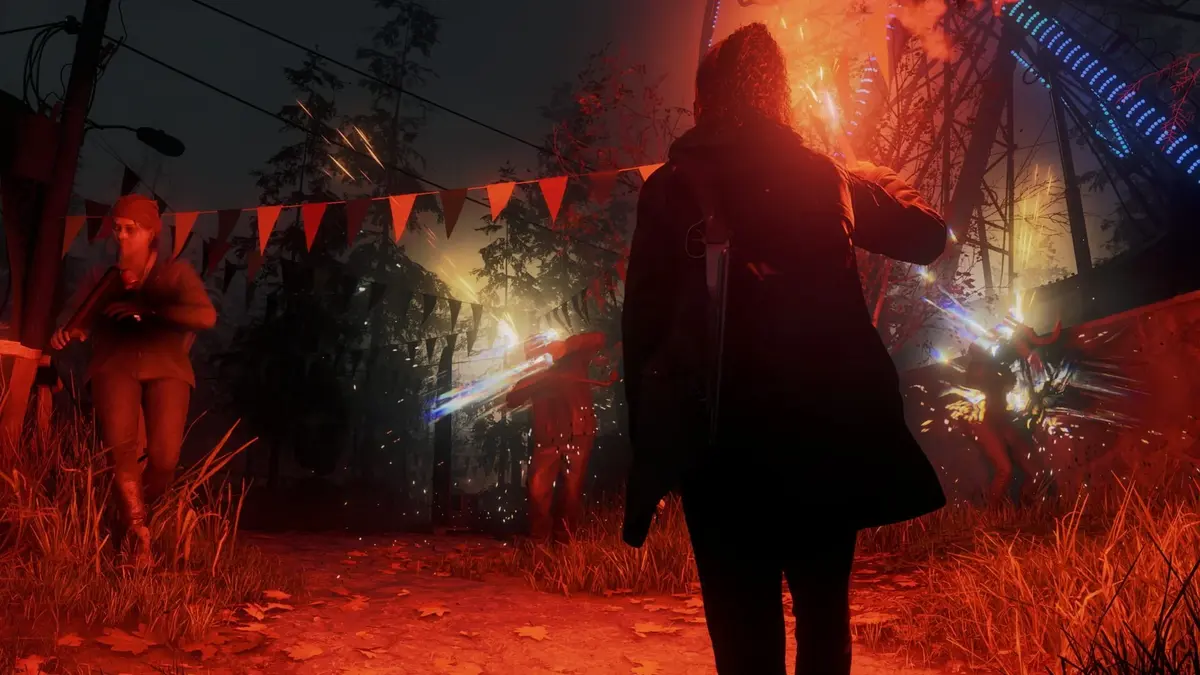
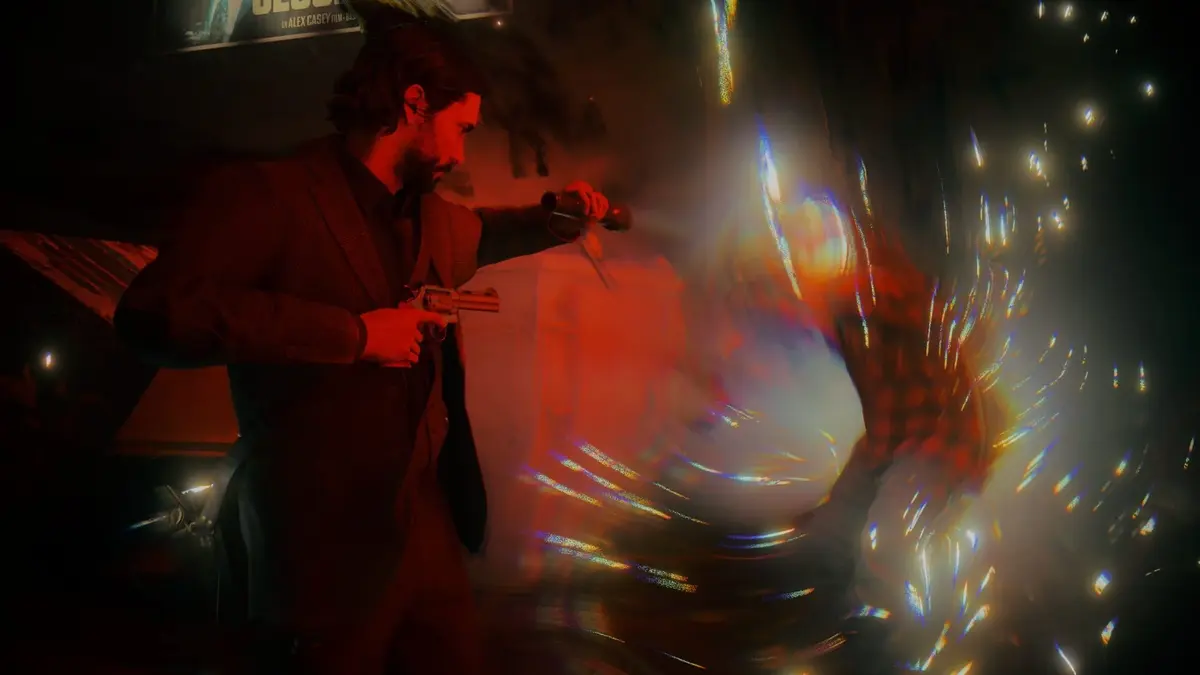
That is particularly relevant in Alan Wake 2’s darker scenes, where rain, dense foliage, hair, reflective surfaces, flashlight beams, and high-contrast edges can expose temporal artifacts quickly. A strong upscaler keeps those elements stable while the camera moves. A weak one produces shimmering detail, ghost trails, or texture breakup that makes the game look less convincing precisely when its lighting should be doing the heavy lifting.
Official FSR 4 Super Resolution support covers Radeon RX 7000-series and RX 9000-series cards. RX 6000-series support remains a future-facing question at patch launch, so RDNA 2 owners should not assume that selecting FSR Super Resolution means they are receiving the same FSR 4 path as newer Radeon hardware.
Frame Generation deserves more caution. It uses motion vectors and depth information from rendered frames to create intermediate frames, raising perceived motion smoothness and the on-screen FPS counter. The tradeoff is input latency. Generated frames cannot make the game react faster to a mouse movement or controller input; they make motion between real frames look smoother. That distinction matters in fast aiming, camera turns, dodges, and any moment where control response is more valuable than visual fluidity.
| GPU Family | FSR 4 Super Resolution | Frame Generation Expectation | Practical Takeaway |
|---|---|---|---|
| Radeon RX 9000 / RDNA 4 | Officially supported | Machine-learning FSR Frame Generation 4 path | The fullest AMD feature path in patch 1.2.10; test latency before committing to Frame Generation. |
| Radeon RX 7000 / RDNA 3 | Officially supported | Analytic, non-ML Frame Generation where the option is available | FSR 4 is the primary upgrade; compare Frame Generation against native responsiveness. |
| Radeon RX 6000 / RDNA 2 | Patch-level FSR 4 support is not fully detailed | Do not assume feature parity | Check the actual graphics menu and driver state before changing a stable configuration. |
| NVIDIA GeForce and Intel Arc | Vendor behavior depends on driver and implementation support | Support level is not exhaustively documented | Verify which options appear rather than relying on a Radeon-focused feature chart. |
How to Test the Patch Without Fooling Yourself With an FPS Counter
The cleanest way to judge this patch is to start with a repeatable baseline. Use the same location, the same resolution, the same graphics preset, and the same ray-tracing configuration for every run. At 1440p or 4K, disable both FSR Super Resolution and Frame Generation first. Record average FPS, 1% lows if available, and — more importantly — a frame-time capture through a tool such as RTSS or PresentMon.
Then enable FSR Super Resolution by itself. Quality mode is the sensible first comparison at 1440p and 4K because it preserves the highest internal render resolution. Balanced and Performance modes make more sense only when the baseline is clearly GPU-limited and Quality cannot deliver the frame rate required for a stable experience. Compare the image during movement, not in a static pause screen. Watch foliage, signs, thin geometry, bright reflections, and the edge of the flashlight beam for shimmer or ghosting.
Only after that should Frame Generation enter the test. Run the exact same scene with FSR Super Resolution enabled, then toggle Frame Generation on and off. Check the average FPS, but also watch the frame-time graph. An inflated FPS number paired with regular spikes, hitching during camera movement, or uneven pacing can feel worse than a lower but consistent native frame rate.
- Test V-Sync both on and off: Frame Generation can interact differently with display synchronization and frame caps. A stable cap below the display’s maximum refresh rate can produce a cleaner result than allowing FPS to swing wildly.
- Test input at a real gameplay pace: Rapid camera turns, tight flashlight aiming, dodging, and quick item changes are better latency checks than slowly walking through an empty area.
- Use one variable at a time: Do not change resolution scale, ray tracing, Frame Generation, sharpening, and a driver profile simultaneously. That is how useful troubleshooting becomes superstition.
- Disable old upscaling mods first: Third-party FSR or frame-generation injectors can conflict with Remedy’s native implementation and make any result meaningless.
- Check Radeon driver overrides: Driver-level sharpening or FSR settings can alter the final image. Disable overrides for the first pass, then experiment from a known-good baseline.
For an RX 9000 owner playing at 4K with demanding settings, FSR 4 plus Frame Generation may be worth testing because the game has enough visual complexity to benefit from a smoother presentation. For a player already getting a solid, stable real-frame baseline, enabling Frame Generation purely to chase a bigger number may be a downgrade in feel. Smoothness is a frame-pacing problem first and an FPS-counter problem second.
The Rendering Compatibility Work Matters Beyond AMD Cards
Patch 1.2.10 also moves Opacity Micromaps and Shader Execution Reordering to Microsoft’s Agility SDK. Those are not glamorous menu features, but they matter to the rendering pipeline. OMM can reduce the ray-tracing workload around alpha-tested geometry such as foliage, while SER helps organize shader work more efficiently on compatible hardware. Moving both through the Agility SDK is intended to preserve full functionality across NVIDIA, AMD, and Intel GPUs rather than treating them as vendor-specific extras.
That does not create a guaranteed performance gain for every configuration, and it should not be mistaken for a free FPS patch. It does make the PC version’s DirectX 12 feature handling less narrowly tied to one hardware ecosystem. Keeping Windows and GPU drivers current is especially important after a rendering-stack change like this.
Audio and Stability Fixes Are More Than Patch-Note Filler
The cross-platform fixes are less flashy but arguably more important for anyone whose save has been interrupted by a technical failure. Patch 1.2.10 resolves persistent audio synchronization problems during cutscenes, where dialogue and sound effects could fall behind the video. In a game that relies heavily on deliberate editing, spoken lines, and tightly timed transitions, delayed audio is a serious immersion break rather than a minor annoyance.
There is also a crash fix for quick-slot use under certain conditions. This is worth actively checking by switching items repeatedly during combat and traversal, particularly with a mixed inventory and low ammunition. The patch also fixes a New Game Plus problem where a cult stash containing a crossbow could prevent access to a beacon, blocking progress.
Players who had audio trouble before the update should test more than one cutscene. Use the same audio device that caused trouble, then repeat with another output if possible: USB headset, HDMI receiver, or motherboard audio. A quick sanity pass at both 44.1 kHz and 48 kHz in Windows can identify a system-level issue that a game patch cannot fully solve. Hot-plugging a device mid-session is also worth avoiding until a stable configuration is confirmed.
Who Should Change Settings Immediately
Radeon RX 7000 and RX 9000 owners should update, select FSR Super Resolution, and evaluate FSR 4 at their normal resolution and graphics preset. The upscaler is the low-risk feature to test first. RX 9000 owners have the strongest reason to examine Frame Generation as well, although a responsive real-frame baseline remains the requirement, not an optional nicety.
Players on other GPU families should install the patch for the audio, stability, New Game Plus, and Agility SDK changes, then inspect the available graphics options rather than assuming all FSR modes will behave identically. Anyone with an RX 6000 card should keep expectations measured until the game’s support situation is clearer for that generation.
FinalBoss // Gear
Level up your setup
01Top-rated gaming headsetson Amazon→02High-refresh gaming monitorson Amazon→03Gaming chairson Amazon→04Discounted game keyson Kinguin→Affiliate links · As an Amazon Associate, FinalBoss earns from qualifying purchases.