
Start with the driver version and the game’s upscaling support. An eligible Radeon needs both before FSR 4.1 becomes usable, and a generic “AMD FSR” entry in a graphics menu does not identify which version is running.
The October 20, 2026 release of AMD Software: Adrenalin Edition 26.10.1 brings the important expansion: RX 6000 desktop cards, Ryzen AI Max 300/400 and Ryzen AI 9 300/400 systems gain FSR 4.1 upscaling support. RX 9000 owners remain supported, with access to the broader Redstone feature set where the game and individual feature requirements allow it.
Table of Contents (7)
Which Radeon and Ryzen AI systems support FSR 4.1?
| Hardware | FSR 4.1 status | Important limit |
|---|---|---|
| Radeon RX 6000 desktop GPUs | Added through Adrenalin 26.10.1, spanning RX 6400-class through RX 6900-class cards | Upscaling support; this rollout does not establish equivalent support for every RX 6000 laptop GPU. |
| Radeon RX 7000 GPUs | Supported before this expansion | FSR 4.1 upscaling eligibility does not grant every Redstone feature. |
| Radeon RX 9000 GPUs | Supported | Eligible for the broader Redstone feature set, subject to each feature’s requirements and game integration. |
| Ryzen AI Max 300 and 400 | Integrated Radeon graphics supported through Adrenalin 26.10.1 | The device needs a compatible graphics driver; processor-family eligibility does not guarantee identical availability across OEM systems. |
| Ryzen AI 9 300 and 400 | Integrated Radeon graphics included in the driver’s support list | Check the exact device configuration and which GPU runs the game. |
The distinction between FSR 4.1 upscaling and the full FSR Redstone feature set matters. RX 6000 support extends AMD’s newer reconstruction technology to older cards, including the RX 6800 XT. It does not automatically extend every frame-generation or other Redstone capability to those cards.
On a laptop with both integrated Radeon graphics and a separate GPU, check the adapter actually rendering the game. An eligible Ryzen AI processor cannot confer its integrated-GPU feature support on a different graphics adapter.
How to enable FSR 4.1
- Identify the graphics device. Open AMD Software’s system or hardware information and check the exact Radeon model. For Ryzen AI systems, identify the integrated graphics and check whether the game uses it.
- Install Adrenalin Edition 26.10.1. Use the compatible package for your device, then open AMD Software’s system or driver-information page and check that the installed software version reads 26.10.1. Laptop and handheld driver availability can depend on the manufacturer’s supported packages.
- Update the game and check its FSR version. Read the patch notes or supported-game entry for the exact title and build. General FSR support, or a driver’s “new game support” entry, does not establish FSR 4.1 integration.
- Open the game’s graphics or upscaling settings. Select the supported AMD FSR implementation and begin with Quality mode. Keep the output resolution unchanged so you can judge reconstruction at your intended display resolution.
- Disable frame generation for the first comparison. Restart the game after the driver or game update so it reloads its graphics libraries and hardware detection.
If the menu only says “FSR,” use the game’s documentation to identify the implementation. If FSR 4.1 is missing, recheck the game build, installed driver and active graphics adapter before assuming the hardware is excluded. Installing 26.10.1 cannot add FSR 4.1 integration to every installed game.
AMD’s rollout announcement puts support at more than 300 games. The relationship between that total and the separate 400-plus FSR 4 catalogue figure is unclear. Neither count replaces a check of the exact game, patch and hardware combination.
What the smaller FSR 4.1 model changes
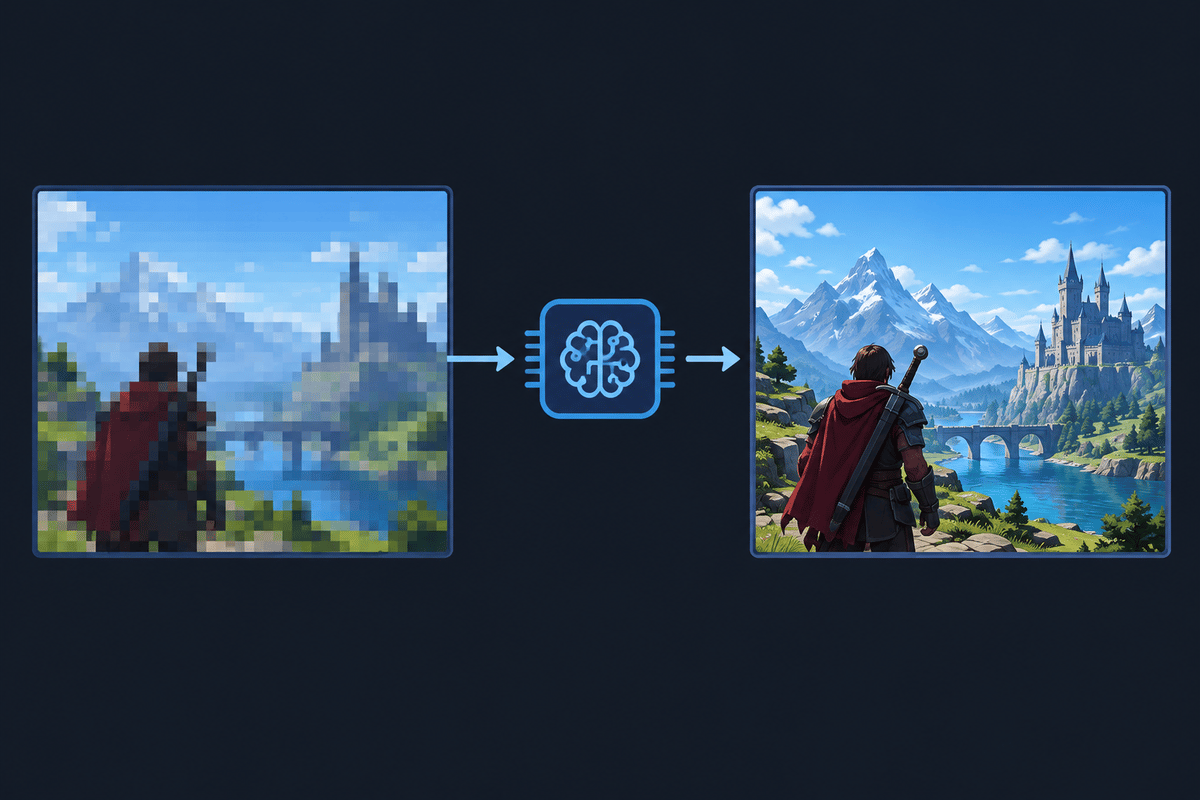
FSR reconstructs the output image from a lower-resolution render, reducing the GPU workload associated with drawing those pixels. AMD says the trimmed FSR 4.1 model is less than half the size of the original INT8 model, helping extend it to less powerful hardware.
That model-size reduction gives no direct percentage for frame-rate improvement, total graphics-memory use or power savings. Reconstruction still carries a processing cost, and each game balances that cost against the work saved by rendering fewer pixels.
The RX 6400-class inclusion makes the expansion unusually broad. It also makes blanket performance claims particularly unhelpful: an entry-level card and an RX 6800 XT have very different rendering budgets. Upscaling cannot remove CPU limits, increase physical graphics-memory capacity or guarantee smooth ray tracing.
Choose the quality mode at your actual display resolution
| Mode | Practical tradeoff | When to test it |
|---|---|---|
| Quality | Uses a higher internal resolution than the more aggressive modes, preserving more source detail. | Start here on RX 6000 and Ryzen AI systems. |
| Balanced | Reduces internal resolution further, accepting more reconstruction loss for lower rendering workload. | Try it when Quality falls short of your frame-rate target. |
| Performance | Substantially reduces internal resolution, increasing the reconstruction burden. | Test demanding scenes or high-resolution output where Quality and Balanced remain too costly. |
| Ultra Performance | Makes the largest internal-resolution reduction and carries the greatest risk of blur, shimmer and fine-detail loss. | Use only when its measured benefit outweighs the visible damage at your chosen resolution. |
Only use modes the game exposes. Judge them on the display you will play on: thin fences, distant lettering and foliage can reveal problems that a large, static foreground object hides. At lower output resolutions, aggressive modes have particularly little source detail to reconstruct.
Test frame times and image quality before keeping the change
A useful comparison isolates upscaling from everything else. Changing the graphics preset, ray tracing and frame generation together can produce a higher counter without explaining which change helped.
- Record the starting configuration. Note the GPU or APU, game build, driver, output resolution, graphics preset, ray-tracing setting and frame-generation state. On Ryzen AI devices, also record the power mode and whether the device is plugged in.
- Use one repeatable sequence. Run the same benchmark, save location or camera path at native resolution or with your existing upscaler. Record average fps, 1% low fps and the frame-time graph.
- Repeat with FSR 4.1. Test Quality first, then Balanced and Performance without changing the output resolution or graphics preset. Keep frame generation off throughout this stage.
- Inspect movement as well as screenshots. Compare foliage, hair, fences, particles, reflections and thin geometry from matching camera positions. Watch for shimmer, ghosting and detail breaking apart during camera movement.
- Test frame generation separately. After choosing an upscaling mode, enable frame generation if your game and hardware support it. Evaluate input response and frame pacing alongside the displayed frame rate.
Average fps measures throughput; the frame-time graph exposes uneven delivery. A higher average with persistent spikes can still feel rough. If reducing internal resolution barely changes performance, a CPU limit or another bottleneck may be dominating the scene.
For Ryzen AI Max and Ryzen AI 9 devices, keep the power profile and cooling conditions consistent between runs. Integrated graphics share system memory and operate within device-specific power and thermal limits, so the processor name alone cannot predict sustained performance.
If quieter operation is the goal, keep the frame-rate cap unchanged during the comparison. An uncapped game can spend the rendering savings on additional frames rather than lower fan noise or power draw.
Xbox and ROG Xbox Ally support follows a separate path
FSR 4.1 is also planned for Xbox Series X|S and the ROG Xbox Ally and Ally X handhelds. The October 20 PC driver release does not enable it on Xbox consoles. On the Windows handhelds, check the exact processor, delivered graphics driver and game support rather than treating the Xbox branding as a compatibility guarantee.
FSR Diamond targets Microsoft’s next-generation Project Helix device family. That announcement adds no Diamond features to the RX 6000 and Ryzen AI upscaling rollout.
Benefits and limits
FinalBoss // Gear
Level up your setup
01Top-rated gaming headsetson Amazon→02High-refresh gaming monitorson Amazon→03Gaming chairson Amazon→04Discounted game keyson Kinguin→Affiliate links · As an Amazon Associate, FinalBoss earns from qualifying purchases.
Want to Level Up Your Gaming?
Get access to exclusive strategies, hidden tips, and pro-level insights that we don't share publicly.
Ultimate Tech Strategy Guide + Weekly Pro Tips