
Table of Contents (12)
This “boring” AMD CPU tweak might be the start of simpler gaming laptops
My first reaction when I saw these new AMD Ryzen AI Max+ laptop chips was honestly: “Wait, that’s it?” Same Strix Point silicon, same NPU, same 40 compute units on the GPU, just… fewer CPU cores?
It felt like one of those tiny spec sheet reshuffles OEMs do when they’ve run out of real ideas. But the longer I stared at the table, the more it clicked. This isn’t about cranking performance numbers higher for a headline. It’s about putting the best integrated GPU AMD has ever built into laptops that don’t need an overkill 16-core CPU – and might not need a dedicated GPU at all.
And that’s where it gets interesting, because the messy reality of gaming laptops in 2025 isn’t raw performance. It’s the constant dance between the iGPU and dGPU, battery life that tanks the second you launch a game, and weird, intermittent stutters when the system can’t decide which GPU to use. Strix Point with a maxed-out iGPU and saner CPU counts might be the first realistic way out of that mess.
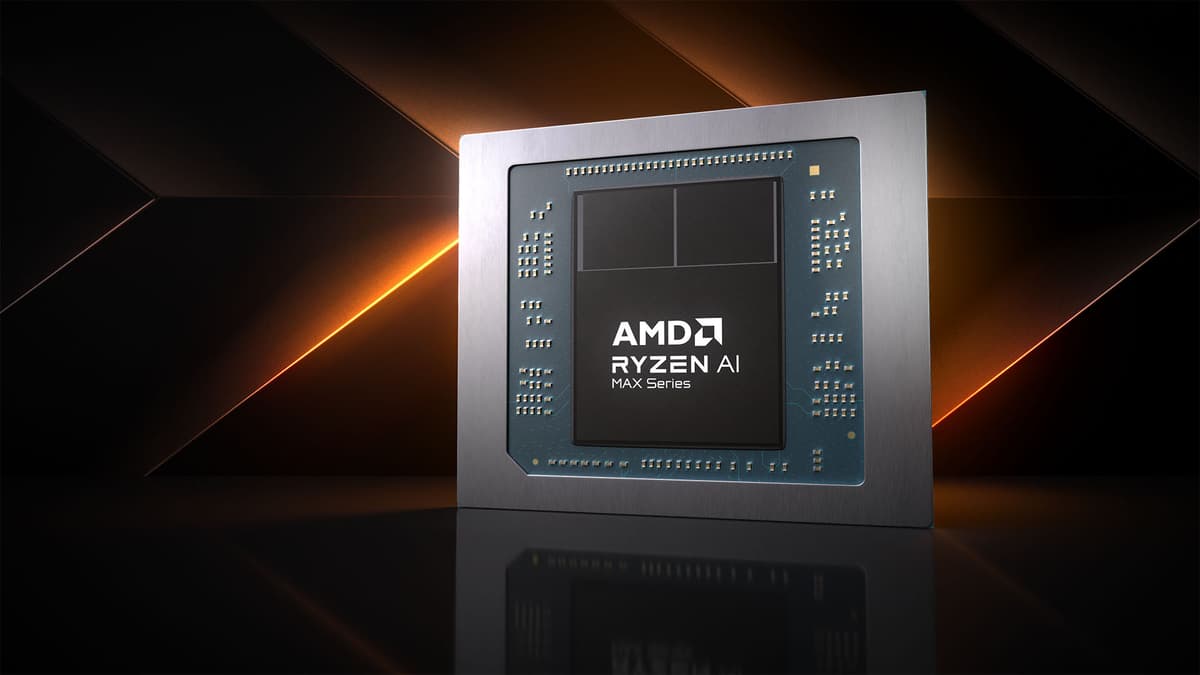
AMD just announced two new Strix Point laptop processors: Ryzen AI Max+ 392 and Ryzen AI Max+ 388. On paper they look like minor variations, but if laptop makers use them wisely, they could define an entirely new class of machines: 1080p-capable gaming laptops with no dGPU drama.
Let’s break down what actually changed, why this matters way more than it looks, and where I’m still skeptical.
Specifications
The moment it clicked: this is about removing a GPU, not adding one
It took me a minute to understand why I cared so much about this announcement. These aren’t brand-new architectures. We’ve already seen Strix Point in action in machines like the ROG Flow Z13, and that thing is already one of the best showcases of powerful integrated graphics in a Windows gaming device.
The aha moment was when I connected two dots:
1) The Flow Z13 with a weaker 32 CU Strix iGPU was already hitting around 45fps in Cyberpunk 2077 at 1080p Ultra (and about 50fps on High). That’s on integrated graphics. No dGPU. No MUX switch. No Optimus/Advanced Optimus juggling.
2) The new 392 and 388 give you the full 40 CUs and 60 TFLOPs of the top-end 395, in chips that laptop makers can actually afford to put into mid-range designs. That means this level of iGPU performance isn’t locked behind ultra-premium flagships anymore.
Once that sunk in, it stopped being “a couple of SKUs” and started looking like the missing piece for a new category of gaming laptops: ones that ship with no discrete GPU at all, but still let you play modern AAA games at 1080p with decent settings.
And as somebody who has fought with GPU switching on more laptops than I care to admit, that idea is very appealing.
dGPU vs iGPU reality: why this matters more than another 10 FPS
On paper, the argument against caring about iGPU gaming is simple. Why bother when a laptop with an RTX 4060 or 5070 will still crush any integrated GPU in existence? The Razer Blade 14 with an RTX 5070, for example, pushes roughly 97fps in Cyberpunk 2077 at 1080p Ultra in the same test where Strix’s iGPU hovers in the 45-50fps range.
That’s a huge gap. Dedicated GPUs aren’t going anywhere. If you want 1440p/165Hz, ray tracing, or heavy content creation workloads, you still want a dGPU.
But that’s only half the story. The other half is what your laptop is like to live with every single day.
On my own gaming laptops – a Legion with an RTX 3070 and a thin-and-light with a 4060 – I’ve lost count of the number of times Optimus or MUX switching has bitten me. Random hitching when alt-tabbing. Black screens for a second or two as the system flips outputs. Games launching on the wrong GPU. Battery life nosediving because the dGPU never fully powers down. External monitor behaving differently depending on which port it’s plugged into.
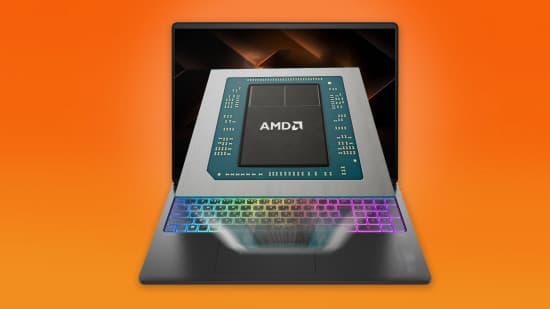
Most of the time, you get used to it. But once you’ve used a machine like the ROG Flow Z13, where everything runs on one, genuinely powerful integrated GPU, it’s hard not to notice how much smoother the experience feels. No switching. No duplicated frame buffers. Just one GPU dealing with the desktop, browsers, games, everything.
With a 60 TFLOP Strix Point iGPU, that “single GPU simplicity” is no longer a low-end compromise. It’s a realistic option for people who want to game at 1080p without dragging around a thicker chassis and a dGPU that’s mostly overkill for what they actually play.
What does 60 TFLOPs of iGPU actually mean for games?
Let’s translate the numbers into something tangible. The ROG Flow Z13 we’ve already tested used the Ryzen AI Max 390 with 32 CUs and 48 TFLOPs, and it managed:
- Cyberpunk 2077, 1080p, Ultra: ~45fps average
- Cyberpunk 2077, 1080p, High: ~50fps average
That’s already past the “playable” threshold for single-player at 1080p, especially if you’re willing to dip a hair below Ultra or enable FSR in performance or balanced modes. We’re not talking emulation-level settings here, we’re talking modern AAA at relatively high presets on integrated graphics.
Jumping from 48 to 60 TFLOPs is a 25% bump in theoretical compute and 32 to 40 CUs is a straightforward 25% increase in shader hardware. Real games won’t scale perfectly with that, but a rough 15–20% uplift over the 390’s iGPU is a reasonable expectation in many titles, assuming similar power limits and memory bandwidth.
If that holds, we’re looking at something like:
- Cyberpunk 2077, 1080p, High: creeping into the 55–60fps average territory on well-cooled designs.
- Less brutal engines (think esports titles, older games, or well-optimized AAAs) comfortably hitting 60–90fps at 1080p with medium–high settings.
That’s not RTX 5070 territory, but for an iGPU living inside a 12-core or 8-core CPU package, it’s borderline ridiculous. This is well past “play a bit of Rocket League in a pinch” and firmly into, “You could buy this instead of a mid-range dGPU laptop if your expectations are sane.”
The caveat, and this is a big one, is memory bandwidth. Strix Point relies on system memory (LPDDR5X typically) instead of GDDR6. If OEMs cheap out and ship 16GB dual-channel at modest speeds, that 60 TFLOP iGPU will be bottlenecked. Give it 32GB of fast LPDDR5X and suddenly those compute units can actually stretch their legs.
This is one of those hidden spec sheet traps I’m already bracing for. The silicon is there. Whether we see the full benefit will depend heavily on how brave – or stingy – laptop makers decide to be.
Why fewer CPU cores is actually a feature here
On desktop, “fewer cores” is usually shorthand for “cheaper, worse, entry-level.” On laptops, it’s more complicated, because performance has to share space with heat and battery life.
The original Strix Point flagship, the Ryzen AI Max+ 395, throws 16 CPU cores at the problem. That’s awesome for workstation-class workloads and bragging rights, but in a gaming laptop that’s mostly wasting power and money. Most games still care more about a handful of fast cores than 16 average ones, and 12 or even 8 high-performance cores is enough headroom for gaming, streaming, and normal productivity.
By letting OEMs pair the exact same 40 CU iGPU with 12 or 8-core CPUs, AMD is essentially giving them three levers to pull:
- Lower BOM cost (cheaper CPU silicon)
- Lower power draw at full tilt (fewer CPU cores eating the power budget)
- More room to prioritize the GPU within the thermal envelope
In other words, you’re not just saving money, you’re potentially freeing up power and thermals for the iGPU. In a 15–16-inch chassis with sane cooling, I’d much rather have 8–12 strong CPU cores plus a 60 TFLOP iGPU running at decent clocks, than 16 cores stuffed next to the same GPU but constantly throttling because the power budget is getting split too many ways.
The 392 in particular looks like the sweet spot for serious portable gaming rigs: 12 cores is still overkill for 99% of gamers, but plenty for creators who actually do video editing or 3D work on the move. The 388 is the chip that could power genuinely affordable gaming notebooks if OEMs don’t get greedy.
Thermals, battery life, and why integrated can feel so much nicer
Raw FPS is fun to talk about, but what sold me on Strix Point as an idea was the combination of performance and efficiency I’ve seen in practice.
Devices using the Ryzen AI Max 390 – like the Flow Z13 – have already shown what Strix Point can do when it’s tuned well. You’re getting legitimate 1080p gaming performance, while still having usable battery life when you’re not gaming. In normal day-to-day usage (browsing, docs, media), that machine behaved much more like an ultrabook than a gaming laptop with a dGPU.
That’s the underrated advantage of building everything around one efficient GPU:
- No dGPU ticking away at idle, sipping extra watts even when “off”.
- No external display paths wired through the dGPU that keep it awake whenever you dock.
- No driver juggling between iGPU and dGPU stacks.
A high-end dGPU is like mounting a motorcycle engine under your desk: amazing when you’re riding, absurd when you’re trying to quietly read a book. A high-end iGPU is more like an electric bike – still limited at the top end, but vastly easier to live with.
I expect the 392/388-based machines to lean into this. They’re perfect candidates for thin, relatively quiet 14–16-inch laptops that behave like ultrabooks at idle and punch above their weight when you fire up a game. You’ll still want a charger for long sessions, but the gap between “plugged in” and “on battery” shouldn’t feel as catastrophic as it does on most dGPU systems.
The AI angle: 50 TOPS is mostly about future-proofing (for now)
Every Strix Point part listed here – old and new – has a 50 TOPS NPU. That’s not unique to the 392/388, but it does matter in terms of the kinds of laptops we’re likely to see them in.
Windows OEMs are chasing the “Copilot+ PC” sticker hard, and 40+ TOPS NPUs are the entry ticket. A 392 or 388 laptop can tick that AI box, offer solid 1080p gaming, and still stay slimmer and cheaper than a fully decked-out 395 configuration with a discrete GPU.
I’m not personally buying laptops for branded AI features, but I do care about local workloads: running smaller LLMs, doing image upscaling, or even accelerating some creator workflows without having to fire up a hot, loud dGPU. Having a 50 TOPS NPU plus a big, fast iGPU means those jobs don’t have to hammer the CPU alone.
For now, the AI story is more about not being left behind than about Strix Point doing something unique that no one else can. But if you’re shopping in late 2024 or 2025, you probably want that on-die NPU around for the lifetime of the laptop anyway. The fact that AMD lets you get it in chips that also happen to be iGPU beasts is a nice alignment of trends.
How these chips fit in the current gaming laptop landscape
Zooming out, where do the 392 and 388 actually sit?
On one side you’ve got handheld-class APUs (think Steam Deck, ROG Ally, Legion Go) that can do 720p–900p nicely but struggle at native 1080p without big compromises. On the other side you’ve got full-fat gaming laptops with RTX 4060/4070/5070 mobile GPUs that demolish 1080p but come with thicker chassis, bigger power bricks, higher prices, and all the switchable-graphics drama.
Strix Point with 60 TFLOP iGPUs lands dead in the middle:
- Way more GPU grunt than handheld APUs or old-gen laptop iGPUs.
- Still much simpler and more efficient than dGPU systems.
- Enough CPU muscle (especially in the 392) for serious non-gaming work.
In raw performance, you can think of the 392/388 as enabling laptops that sit roughly in the same space as a “console-level” GPU at 1080p, but with more modern features and PC flexibility. No, you’re not getting RTX 4080 Laptop performance, but that’s not the point. The point is to replace the lower-midrange dGPU laptop – the ones that ship with something like an RTX 4050 just so the spec sheet can say “discrete GPU” – with something cleaner and often better for the same money.
If laptop makers are smart, we’ll see these chips in machines that would previously have been saddled with weak dGPUs, and in slim devices that never had the cooling headroom for one in the first place.
The practical questions: pricing, RAM, and OEM decisions
This is where my enthusiasm slows down a bit. The silicon looks fantastic, but we don’t buy chips, we buy laptops – and that’s where things get messy.
So far, laptops using Strix Point / Ryzen AI Max chips have tended to land at the expensive end of the spectrum. Early adopter tax, premium chassis, fancy screens – all the usual suspects. The rumor mill says ASUS is prepping a more entry-level gaming laptop built around these new SKUs, and I fully expect other brands to follow, but until those machines and their prices are public, this is all potential, not certainty.
There are a few specific things I’m watching for:
- Base RAM configuration: A 60 TFLOP iGPU deserves at least 16GB, ideally 32GB, of fast dual-channel LPDDR5X. If we start seeing 8GB configs or slow single-channel setups, that’s an instant red flag.
- Display choices: Pairing these chips with 1080p 60Hz TN panels would be criminal. A 1080p or 1200p IPS at 120–144Hz is the sweet spot. 1440p is doable for esports/low settings, but I wouldn’t push it for AAA.
- Cooling and power limits: OEMs love thin chassis and quiet modes, but this GPU needs a bit of thermal breathing room to hit its potential. A well-ventilated 50–65W sustained package would be ideal.
- Actual price tiers: If 388-based laptops land around the price of current “RTX 4050” machines but deliver similar or better 1080p performance with way better battery life and simplicity, they’ll be compelling. If they’re priced like 4060/4070 systems, it’s going to be a harder sell.
AMD has clearly done its part on the silicon side here – the balance of cores, GPU, and NPU finally makes sense. Whether this becomes a turning point or just a nerdy footnote will come down to how aggressive laptop makers are willing to be.
Who these chips are actually perfect for
Not everyone should be eyeing a Strix Point iGPU machine as their next gaming rig. But for a certain type of player – and honestly, a lot of people I know fall into this bucket – the 392/388 combo looks almost tailor-made.
I’m thinking of:
- Students and commuters who want one laptop that handles lectures, coding, and nightly gaming sessions, and don’t want to haul around a 300W power brick and a 2.5kg chassis.
- “Gamer-adjacent” creators who edit video, dabble in Blender, or do heavy Photoshop work, but don’t actually need RTX 4080-level acceleration to make a living.
- People burned by switchable graphics who are done troubleshooting whether their game’s using the right GPU every time they plug into a monitor.
- Console-first players who mostly game on a PS5/Series X and just want a laptop that doesn’t feel like a huge downgrade when they play on the go.
For these folks, an iGPU-only 392/388 system is less a compromise and more like a rebalancing of priorities. You’re trading extreme peak FPS for less noise, less heat, simpler behavior, and usually better battery life. If you rarely push 240Hz in esports titles and mostly live in the 60–90fps sweet spot, that’s a pretty good trade.
If you’re the kind of person who reads GPU power limit spreadsheets for fun and won’t buy anything below a 140W RTX 4070, these chips aren’t aimed at you. But you might still end up recommending them to friends and family who ask what gaming laptop to buy “that doesn’t weigh like a brick.”
What I’ll be testing when the first 392/388 laptops land
When I finally get my hands on a 392 or 388-based laptop, there are a few things I’m going to test before I even run the usual benchmark suite.
- Responsiveness and stutter-free behavior: Does the system feel “console-like” in how it launches games and switches between them and the desktop? Any weird black screens or glitches? With a single GPU, it shouldn’t – and that’s half the point.
- Thermal stability over time: Can the iGPU sustain respectable clocks over a 30–60 minute gaming session without aggressive thermal throttling or fan noise going nuclear?
- Battery-only gaming: How crippled is performance on battery compared to plugged in? One of the real promises of a powerful iGPU is less brutal battery scaling.
- 1080p “high plus FSR” viability: Is “1080p, high-ish settings, FSR balanced” a comfortable default profile for modern AAA titles, or do we have to dial down more than I’d like?
- RAM bandwidth sensitivity: How much do memory speed and capacity affect real game performance? This will tell me how hard I’ll recommend 32GB configs.
After 20 hours with one of these machines, the verdict I want to reach isn’t “this beats an RTX 5070” – because it won’t. The verdict I want is more like: “This feels like a console-level experience in a thin-and-light shell, and I never had to think about which GPU was doing what.”
FinalBoss // Gear
Level up your setup
01Top-rated gaming headsetson Amazon→02High-refresh gaming monitorson Amazon→03Gaming chairson Amazon→04Discounted game keyson Kinguin→Affiliate links · As an Amazon Associate, FinalBoss earns from qualifying purchases.