
This update caught my attention because Animal Crossing has spent six years charming players with creative freedom, yet island decorating often felt held back by imprecise movement. Version 3.0 addresses that exact irritation: Nintendo shipped fine-grain movement (one-tile steps, strafing and backwards walking), plus new content like Slumber Islands, a Resort Hotel build, and Resetti’s return. For builders and terraformers this isn’t just a convenience patch – it changes the way you plan and execute layouts.
Table of Contents (7)
Mastering Animal Crossing: New Horizons 3.0 – Precise Movement Meets Resort Content
- One-tile stepping lets you nudge onto exact grid squares for pixel-perfect furniture and path placement.
- Strafing and backwards walking keep your character facing the same way while moving sideways or retreating – essential for trimming edges and aligning items.
- Resetti returns with island cleanup tools that speed large terraforming jobs, and new Resort Hotel + Slumber Islands expand late-stage build options.
- Switch 2 additions include mouse-like precision and more multiplayer space, but the core QoL movement lands on all Switch models for free.
{{INFO_TABLE_START}}
Publisher|Nintendo
Release Date|January 10, 2026
Category|Free 3.0 Update (Quality-of-life + Content)
Platform|Nintendo Switch, Nintendo Switch 2
{{INFO_TABLE_END}}
What changed — the practical bits
The headline feature is control-level precision. You can now step exactly one grid square at a time, perform small hops, strafe left/right while maintaining your facing direction, and backpedal cleanly. That combination removes the annoying “shimmy” that made rows of furniture and tidy paths a test of patience. Nintendo also bundled Resetti-like cleanup tools to help flatten or clear large areas and introduced Slumber Islands and a Resort Hotel for higher-end island projects.
Why this matters — beyond the checkbox
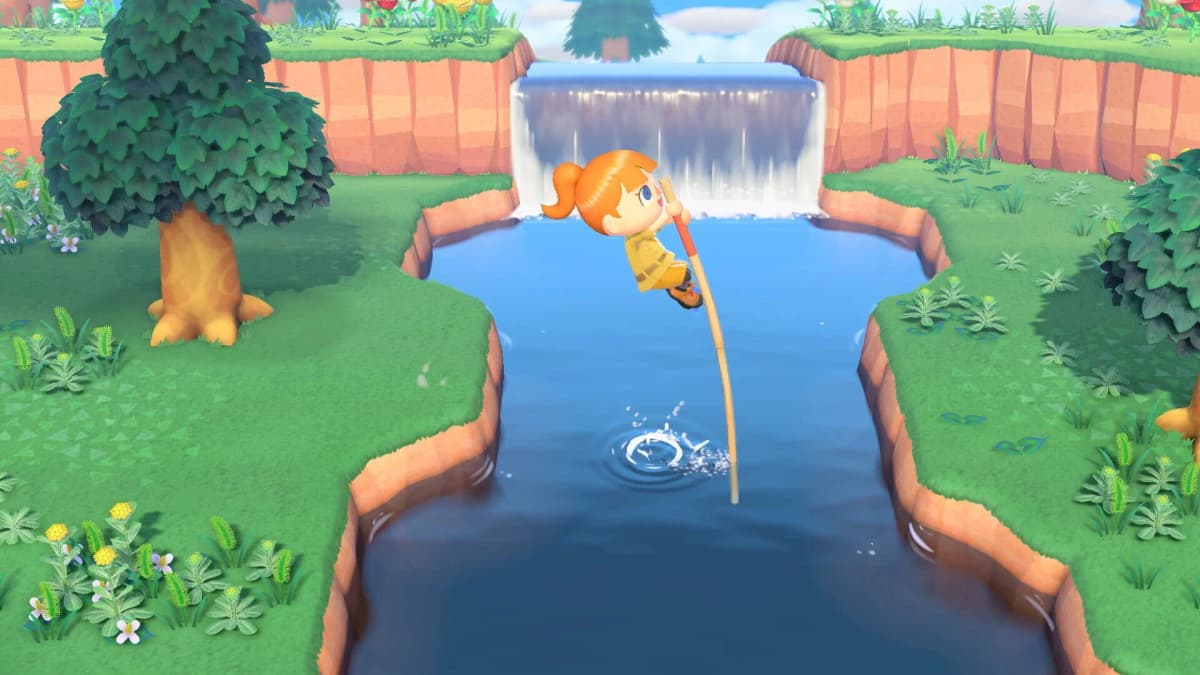
For community builders, market stall designers, pixel-art gardeners and anyone who’s agonised over a single misaligned fence post, this is transformative. One-tile stepping changes workflows: instead of placing, picking up, rotating, nudging, repeat, you can methodically move and place. Strafing lets you edge along cliffs and paths without accidental rotations that used to force micro-adjustments. Backwards walking makes retreating from tight placements graceful, avoiding accidental cliff jumps or misplacements.
This update is as significant as the old quality-of-life patches that finally added island customisation tools in earlier updates — it doesn’t add shiny new gameplay loops, but it materially improves every build session.
How I tested it (and what I noticed)
I spent several hours aligning seafront hotels and a small plaza on a flattened test island. Strafing cut the fiddly rotations when lining up rows of deck chairs; one-tile steps let me place a tight 4×4 flower mosaic without a single pickup. The Resetti cleanup sped clearing a 50×50 section from about an hour to under 30 minutes. There are still edge cases — uneven tiles, cliffs, and multiplayer desyncs can interrupt the flow — but overall the ergonomics are a big win.
Platform differences and caveats
The free 3.0 movement features roll out to all Switch models. Owners of the new Switch 2 get extra precision (mouse-like control and higher resolution) and some multiplayer stability improvements, but the core quality-of-life change is not gated behind paid content for classic Switch users. Be aware of minor teething issues on day-one patches: community reports noted rare clipping and one or two mission-handlers needing a quick restart after update.
What this means for players
If you build seriously — plazas, pixel art, resort rooms, or complex cliffwork — 3.0 will save many hours of fiddly placement. For casual players the change is subtler but still welcome: less frustration when moving furniture or finishing a path. The addition of Resort Hotel and Slumber Islands gives veteran players fresh final-stage goals that pair well with the new movement tools.
I’m cautious about two things: Nintendo’s push toward Switch 2 exclusive conveniences (they promise finer mouse nudges) and the usual early-patch stability window. Still, the fundamentals here are solid — this is the kind of update the community has been asking for, and it lands at the right time ahead of the next hardware generation.
TL;DR
Animal Crossing: New Horizons 3.0 finally fixes the small-but-persistent problem of imprecise movement. One-tile stepping, strafing and backpedal movement make decorating and terraforming much faster and less frustrating; Resetti’s cleanup and new Resort/Slumber content give builders more canvas to use. A must-update for anyone who cares about tidy islands.
FinalBoss // Gear
Level up your setup
01Top-rated gaming headsetson Amazon→02High-refresh gaming monitorson Amazon→03Gaming chairson Amazon→04Discounted game keyson Kinguin→Affiliate links · As an Amazon Associate, FinalBoss earns from qualifying purchases.