
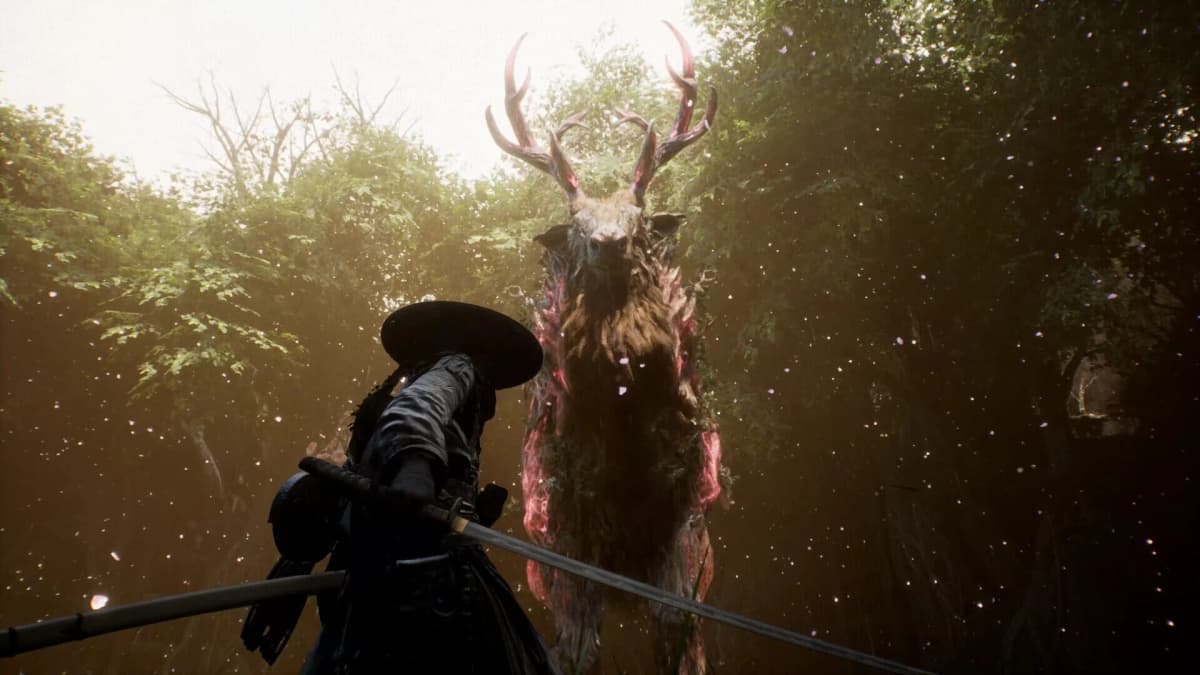
Beast of Reincarnation should receive a controlled 25-45 minute launch test before a keep-or-refund decision. The useful standard is simple: a one-off hitch during first-time loading can be acceptable; a crash, freeze, or severe stutter that returns at the same point after basic fixes is a refund-level problem.
Run the initial test from a clean system state, then repeat any failure after one targeted fix. Do not judge the build from a title-screen boot alone. The pressure points are startup, shader or asset streaming, cutscene transitions, fast traversal, and menu responsiveness. PC reports have specifically included micro-stutter, performance dips, visual problems, and crashes during cutscenes, so those sections deserve deliberate testing rather than incidental play.
Table of Contents (15)
Use This Keep-or-Refund Standard
The relevant question is whether the game remains stable through repeated stress during the first 60-90 minutes of ownership. A temporary issue that disappears after a restart, completed shader compilation, driver update, file verification, or cache repair has a different weight from a failure that survives those checks.
| Result after testing | What it usually means | Decision before the refund window closes |
|---|---|---|
| One-time startup hitch, first-load stutter, or brief loading pause that does not return | Likely first-run shader compilation or initial asset loading | Keep, then check whether the issue stays gone during normal play. |
| A crash or stutter that disappears after one focused repair, then remains absent through a repeat test | A recoverable installation, driver, cache, or background-process conflict | Conditional keep. Continue playing through another cutscene, traversal segment, and menu sequence before the refund deadline. |
| The same crash point, loading hang, traversal hitch, input delay, or cutscene freeze returns after basic troubleshooting | A reproducible failure window tied to the current build or platform configuration | Refund if the issue materially affects play. Do not wait for an uncertain patch while the refund window expires. |
Prepare a Fair First Test
Testing on a cluttered PC desktop or a PS5 that has not completed its update creates noise. Remove the obvious variables before assigning blame to the game. This also makes any later crash report or refund request much clearer.
PC baseline
- Install the latest stable GPU driver before launching. Driver updates are a first-line check for both crashes and poor performance.
- Close browser tabs, recording tools, RGB utilities, extra launchers, hardware monitoring overlays, Discord-style overlays, and other background applications for the first pass.
- Return CPU and GPU overclocks or undervolts to stock settings during the test. A borderline-stable tuning profile can fail under game-specific load and resemble a launch bug.
- Confirm that Beast of Reincarnation is fully installed on the storage device you intended to use. A partial, damaged, or misplaced installation should be corrected before performance is assessed.
- Pick the graphics preset you would realistically use, then leave it alone for the first test. Changing several settings at once prevents clean comparison.
PS5 baseline
- Confirm that both the game and PS5 system software are fully updated and that installation has completed.
- Fully power down the console, then start it again. Do not use Rest Mode for the initial boot test.
- Disconnect unnecessary USB accessories if the game crashes, freezes, or behaves erratically.
- Use the same display mode, controller, and storage arrangement that you expect to use in normal play.
Testing rule: change one variable per retest. Updating the driver, disabling overlays, changing graphics settings, reinstalling, and rebooting all at once may make the game run better, but it provides no useful indication of what stabilized it.
The 25-45 Minute Launch Test
Run the sequence in this order. Each stage targets a different failure window. If the game fails, record the exact point, apply one relevant fix, and replay that same sequence rather than moving on immediately.
| Test stage | What to do | What counts as a meaningful fault |
|---|---|---|
| 1. Clean boot | Launch from a rebooted PC or fully powered-down PS5. Reach the first interactive state, a new game, or an existing save. | Repeated crash before the logo, at the logo, at the menu, while loading a save, or on the first loading screen. |
| 2. Shader and streaming load | Allow any shader compilation to finish. Enter the first area that loads substantial scenery, enemies, effects, or textures, then move through it twice. | Hitches that recur on the second pass, a loading hang, repeated frame-time spikes, or a crash while assets stream in. |
| 3. Cutscene transition | Play at least one cinematic sequence and continue until control returns. Watch subtitles, audio, image stability, and the handoff back to gameplay. | Audio desync, black screen, frozen image, skipped dialogue, crash entering the scene, or crash when gameplay resumes. |
| 4. Traversal under load | Move quickly through a newly loaded route, rotate the camera often, and enter a situation with enemies, geometry, and effects on screen. | Repeatable stop-start motion, delayed controls, severe camera-linked hitches, or a crash along the same movement path. |
| 5. UI and pause/resume | Open the pause screen, map, inventory, settings, and upgrade or crafting interfaces where available. Swap tabs rapidly, exit to gameplay, and repeat. | Menu lockups, delayed input, missing UI elements, hangs when resuming, or performance loss that persists after closing the menu. |
1. Establish the boot failure window
Time is less important than the exact failure point. “It crashes on launch” is too broad to diagnose. “It crashes on the second logo after a clean reboot” is a reproducible failure window. Repeat the same boot once before changing anything. Two failures at the same point are sufficient to treat the problem seriously.
On PC, a black screen, launcher failure, endless loading state, or “not responding” message belongs in the boot category. On PS5, distinguish a game freeze from a console-wide failure. If the system itself becomes unstable across other software, stop treating the result as a game-only performance verdict.
2. Separate first-run shader stutter from persistent streaming stutter
Shader compilation and asset streaming can produce brief stutters during an initial run. Let any explicit compilation process complete before judging it. Then replay the same route or re-enter the same space. A hitch that vanishes after the first load is materially different from a hitch that occurs every time the camera turns toward a new area or the game loads effects and enemies.
Use one graphics configuration for the first pass. If stutter persists, change a single setting that affects overall load, then replay the same route. Do not lower every visual option at once; that can conceal whether the game has a general streaming problem or whether one chosen setting is exceeding the available hardware headroom.
3. Treat cutscene faults separately from intended cinematic frame rate
Beast of Reincarnation includes a Cinematic Mode option that locks cutscenes to 24 frames per second while leaving gameplay performance separate. That selected 24 fps presentation is expected behavior. It should not be logged as a performance failure by itself.
The actual cutscene test is about stability and synchronization: audio should remain aligned, subtitles should follow dialogue correctly, the image should not freeze, and control should return after the scene without a black screen or crash. A cutscene-only crash is still significant because it can block progression even when combat appears smooth.
4. Stress traversal, camera movement, and combat loading
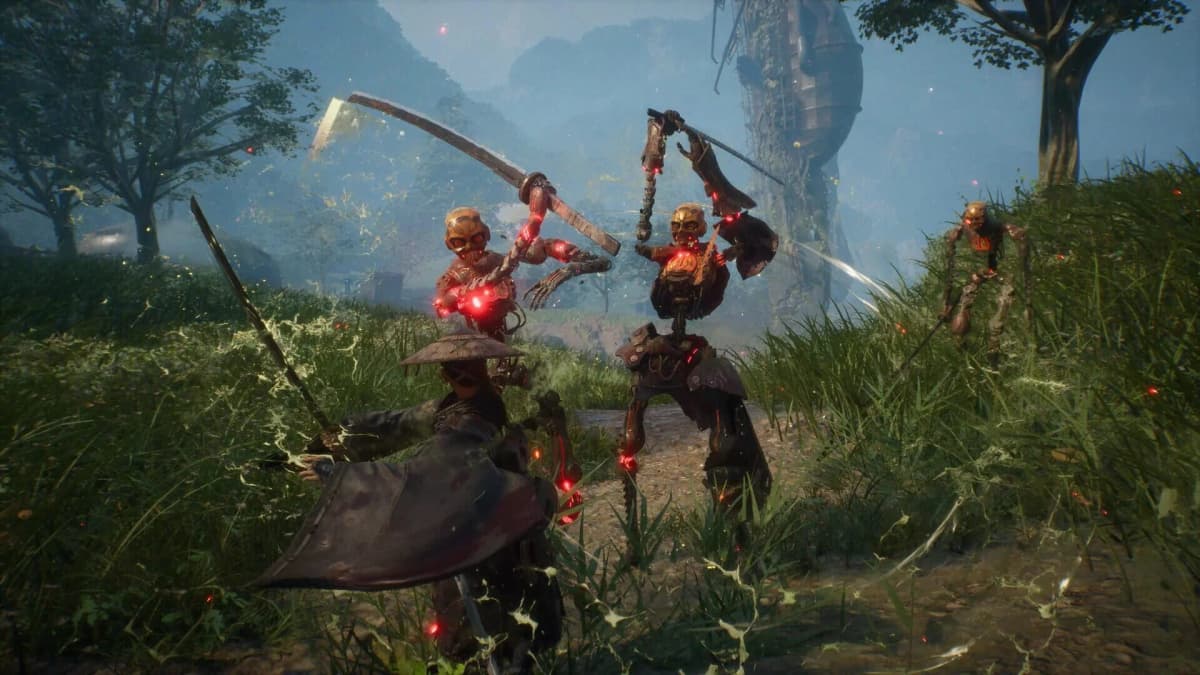
Traversal is the most useful test for sustained frame pacing. Move through an area quickly, change camera direction repeatedly, and enter active encounters rather than standing still in a quiet space. The game’s action relies on precise parry timing, so input delay and uneven frame pacing have more practical impact here than a lower average frame-rate number alone.
Log the route if a problem appears. “Stutters sometimes” is weak evidence. “The game pauses for roughly the same moment when crossing the same boundary after a restart” is actionable. Repeatable traversal crashes should be treated as a no-go result unless a targeted fix removes them and the route remains stable afterward.
5. Check menus before committing to a long session
Menu problems are easy to miss during an opening hour, but they can become a constant interruption in an action RPG. Open and close the map, inventory, settings, pause menu, and any available progression screen several times. Return to gameplay after each one. A brief initial menu load is less concerning than delayed button presses, a frozen cursor, an unresponsive pause screen, or frame pacing that remains degraded after the interface closes.
On PS5, repeat this check after the console has been used normally if Rest Mode is part of the usual routine. A problem that appears only after suspension is still worth recording, but it should be distinguished from a failure that occurs from a full power-off start.
Apply Basic Fixes, Then Retest the Exact Failure
Use the repair sequence below only after the initial test identifies a specific fault. The goal is to establish whether the problem is transient, configuration-related, or persistent. Retest the same crash point, cutscene, route, or menu sequence after each step.
PC repair order
- Restart the PC and launch with background programs and overlays still closed.
- Confirm the stable GPU driver is current. If a driver update was installed after the first test, repeat the same failure window before changing graphics settings.
- Verify the game installation files through the PC storefront.
- Confirm the game remains installed on the intended drive and that the installation is complete.
- Clear the relevant game or launcher cache if that option is available for the installed version.
- Reinstall only after verification and cache cleanup fail to change a reproducible issue.
PS5 repair order
- Fully power down the PS5, restart it, and confirm the game and console are updated.
- Remove unnecessary attached USB devices and repeat the failure window.
- Use the console’s cache or database repair options if restart and updates do not resolve the issue.
- Reinstall the game on the intended storage location if the same crash, freeze, or loading hang continues.
A repair is only meaningful if the problem remains absent when the original trigger is repeated. A game that boots once after a reinstall but crashes again at the same cutscene or traversal point has not passed the test.
Record Only the Details That Matter
Keep a short note during the test. This avoids relying on memory after multiple restarts and gives a refund request a precise technical timeline if one is needed.
- Platform and model: PC configuration or PS5.
- Game version or build number, if the game displays one.
- PC GPU driver version and whether the CPU or GPU was returned to stock settings.
- Exact failure point: logo, menu, save load, shader phase, cutscene entry, cutscene exit, traversal route, combat, or UI.
- Whether the fault repeated from a clean reboot or full PS5 power-off state.
- What changed before the retest: driver, file verification, cache cleanup, reinstall, graphics setting, or overlay removal.
- Whether the fix removed the issue permanently across a second pass.
Final Decision
Keep Beast of Reincarnation when startup, loading, cutscenes, traversal, and menus remain stable after the first-run shader period and a normal restart. Refund when a crash, soft lock, severe repeatable traversal stutter, or UI/input failure survives the basic repair sequence and returns at the same point. A launch build that only works after avoiding core systems or lowering expectations below the intended experience has failed the refund-safe test.
FinalBoss // Gear
Level up your setup
01Best-selling PS5 gameson Amazon→02DualSense controllerson Amazon→03PS5 SSD upgrades (M.2 NVMe)on Amazon→04Discounted game keyson Kinguin→
Affiliate links · As an Amazon Associate, FinalBoss earns from qualifying purchases.
Want to Level Up Your Gaming?
Get access to exclusive strategies, hidden tips, and pro-level insights that we don't share publicly.
Ultimate Guide Strategy Guide + Weekly Pro Tips