
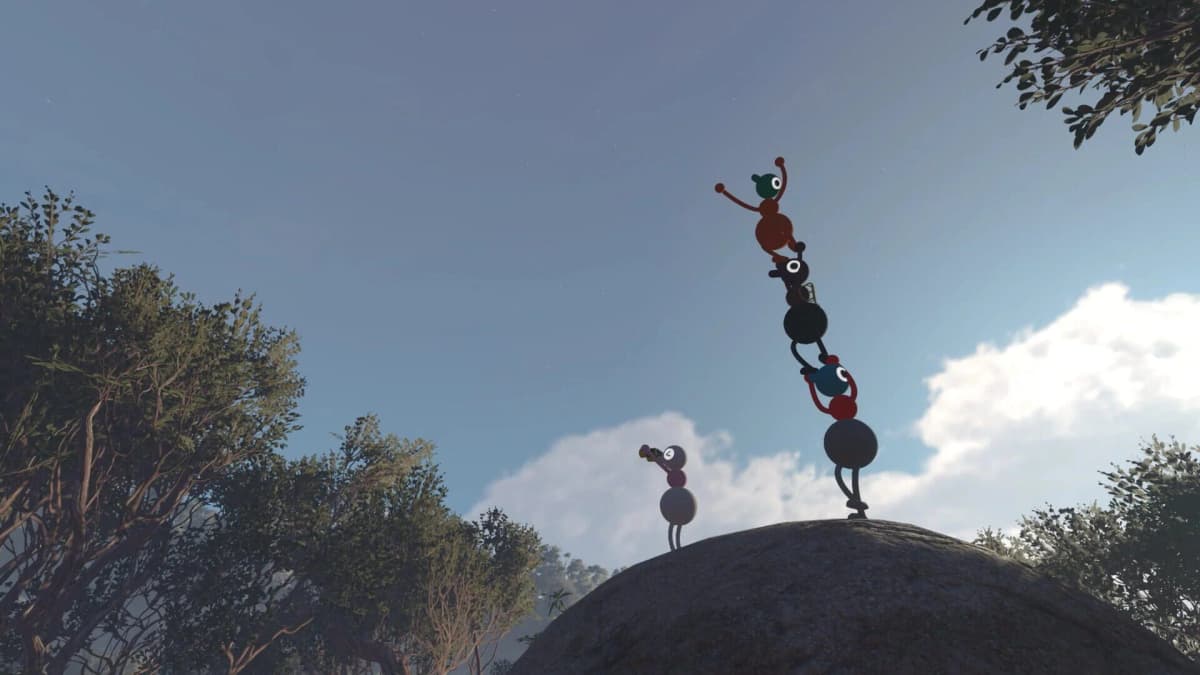
Big Walk has no couch co-op or split-screen mode. Every player needs their own device, copy of the game, online connection, and screen. That limitation is deliberate: Big Walk’s puzzles rely on proximity voice and text, where distance and obstacles can muffle or cut off communication between players.
The workable replacement for a traditional couch night is a multi-device session. Friends can still meet at one house, use PC/Mac through Steam, PlayStation 5, or Nintendo Switch 2, and join the same crossplay world — but the best experience comes from treating the in-game communication limits as part of the puzzle rather than bypassing them with room-to-room shouting or a permanent external voice call.
Table of Contents (6)
Why Big Walk Has No Local Co-Op
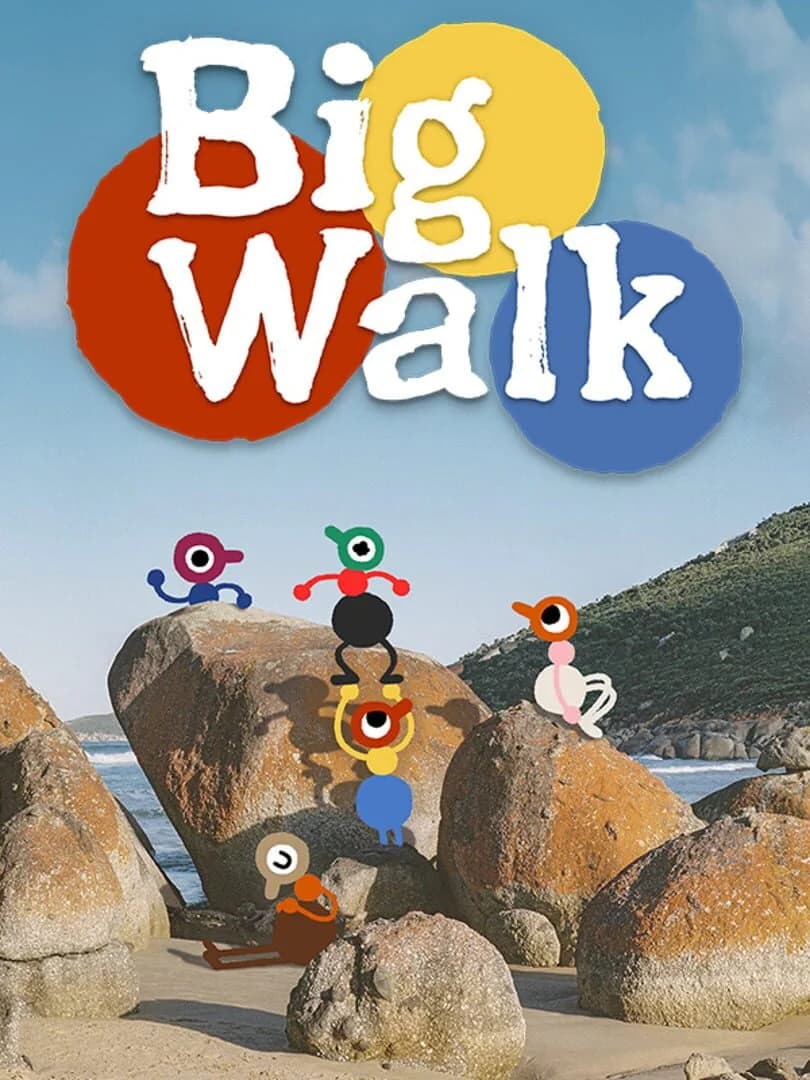
Big Walk supports online groups of two to 12 players, and it is designed around a “walker-talker” structure: one player may find a clue, route, object, or mechanism while another player is too far away to see it. The group has to work out how to reconnect, relay information, or use the tools available in the world.
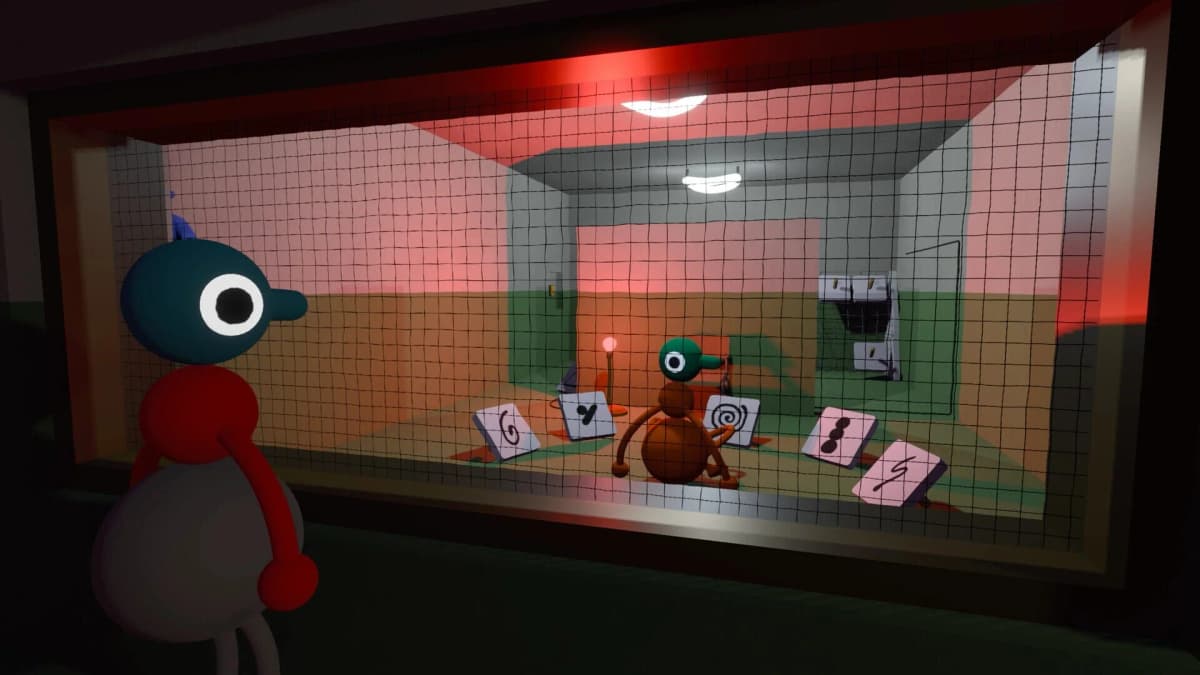
Voice and text are tied to your characters’ positions. Stay near each other and conversation works normally; spread out or put terrain between the group and communication becomes limited. In longer-distance situations, radios and other in-game tools become the intended way to coordinate.
A shared couch undermines that system in two ways. Players can hear each other in person even when their characters are separated, and anyone glancing at a neighbour’s screen can see information their character should not have. That turns several communication and navigation puzzles into simple verbal callouts.
The key expectation to set before buying it for a group: Big Walk lets you share a house, but it does not let you share one screen, one console, or one pair of speakers. There is also no LAN or offline system-link alternative to replace the online requirement.
The Best Setup for a Same-House Big Walk Session
If friends are gathering in person, give every active player a separate device and headset. Physical separation is preferable when possible, because headphones prevent game audio from leaking but do not stop players from hearing each other speak across the room.
| Group setup | What you need | How well it preserves the game |
|---|---|---|
| Separate rooms in one home | One device, game copy, connection, and headset per player | Best choice. In-game proximity voice, silence, and radios work as intended. |
| Same home, separate corners or floors | Headsets, low room noise, and an agreement not to call out puzzle answers aloud | Workable. Keep enough distance that players cannot casually hear one another. |
| One couch and one TV | Impossible as an active multiplayer setup | Avoid it. There is no split-screen, and live conversation defeats the proximity-chat challenge. |
One person can still host a social viewing setup for players waiting their turn, but spectators should avoid feeding information to the active group. Big Walk’s discovery moments depend on players piecing together what they personally saw, heard, and understood.
Set Up Crossplay Before the Group Arrives
Big Walk supports crossplay between Steam on PC/Mac, PlayStation 5, and Nintendo Switch 2. Mixed-platform groups can play together, so a living-room session does not require everyone to own the same console.
- Choose a regular host first. Progress belongs to the host’s world, so pick the player with reliable internet and the best chance of attending future sessions.
- Confirm every player has their own supported device and game copy. One account or one console cannot add extra local players.
- Use platform invites for same-platform friends. This is the simplest route when the whole group is on Steam, PS5, or Switch 2.
- Use the host’s Join Code for mixed-platform groups. This is the useful route for a Steam, PS5, and Switch 2 party.
- Start with at least two committed players. A player can walk around alone, but Big Walk has no solo campaign and its progression puzzles assume another human is present.
Do not plan around random matchmaking. Big Walk is invite-only, with no public lobby browser or quick-play system for filling empty slots. A two-player session is enough to begin, while larger groups work best when everyone agrees on the host and the next session date before progressing too far.
Use the Communication Rules Instead of Bypassing Them
The easy trap is opening Discord, a console party chat, or a phone call the moment players become separated. That removes the obstacle Big Walk is asking the group to solve. When one player cannot hear the others, the intended response is to adapt inside the world.
- Stay close while learning a new area, then split only when the group has a reason to do so.
- Use in-game voice and text when characters are within range.
- Use radios or walkie-talkies for long-distance coordination when the group has access to them.
- Ping, gesture, or physically retrace a route when spoken communication fails.
- Regroup before committing to a complicated mechanism if only one player understands the clue.
That last point prevents a common stall: one player may have the right answer but no way to explain it from their current position. Instead of trying to force a description through blocked voice, move back into range, establish a landmark, or bring the relevant player to the object. The journey back is often part of the solution.
Plan Around the Host-Owned Save
Big Walk is structured more like an ongoing group expedition than a drop-in party game. The host’s world is the campaign state, so changing hosts between nights can leave the group in different places or repeat progress already made elsewhere.
For a stable group, keep one person as host for the whole run and treat their availability as the session anchor. If two people cannot make a night, the remaining players can still explore, but they should avoid pushing through a major discovery if the wider group wants to experience it together.
Fix the Most Likely Session Problems
“We cannot hear each other.” First check where the characters are standing. In Big Walk, silence can be an intended effect of distance or terrain. Move closer, backtrack, find a clearer route, or use a radio rather than assuming the game’s voice chat has failed.
“We are in the same house and the puzzle feels too easy.” Move players farther apart, close doors, and use headsets. If everyone can hear every out-of-game comment, the proximity system has stopped mattering.
“One friend is on a different platform.” Have the host create and share a Join Code instead of relying on platform friends lists. Crossplay supports Steam, PS5, and Switch 2 players in the same session.
“Our usual host cannot play tonight.” The group can play in another player’s world, but that is a separate host-owned save. For campaign continuity, wait for the regular host or accept that the new session may not reflect the group’s main progress.
The cleanest Big Walk plan is so simple: organise a fixed online group, choose one reliable host, give each player their own device and headset, and let the game control when the group can communicate. That setup preserves the separation, confusion, and eventual reconnection that its co-op puzzles are built around.
FinalBoss // Gear
Level up your setup
01Top-rated gaming headsetson Amazon→02High-refresh gaming monitorson Amazon→03Gaming chairson Amazon→04Discounted game keyson Kinguin→Affiliate links · As an Amazon Associate, FinalBoss earns from qualifying purchases.
Want to Level Up Your Gaming?
Get access to exclusive strategies, hidden tips, and pro-level insights that we don't share publicly.
Ultimate Guide Strategy Guide + Weekly Pro Tips