
Table of Contents (7)
Borderlands 4’s PC Launch Is Rough-And That Matters
This one caught my eye because Borderlands, when it sings, is a buttery 60+ FPS dopamine machine. Borderlands 2 ran on toasters, Borderlands 3 eventually settled after a rocky start-so seeing Borderlands 4 stumble out of the gate on modern rigs is frustrating, but sadly not shocking in the UE5 era.
- Players report heavy stutter and FPS drops even on RTX 30/40 and RX 6000/7000 cards.
- Gearbox says PC performance is “top priority,” pushes patches and optimization guides.
- Randy Pitchford recommends enabling DLSS and dropping to 1440p-cue backlash.
- The community already has mods to unlock FPS caps and trim visual overhead.
Breaking Down the Issues
The symptoms are classic bad PC launch: shader-like hitching during traversal and combat, sudden FPS dives, and inconsistent frame pacing that makes 60 look like 40. Some players can’t hold 60 FPS at 1080p with “High” settings on GPUs that normally blitz similar shooters. There’s also talk of a misbehaving frame limiter and a few ugly visual artifacts when the engine is under load.
The culprit isn’t mysterious. Borderlands 4 runs on Unreal Engine 5, and while Nanite/Lumen can look fantastic, they’re notorious for hammering CPU and GPU if not tuned aggressively for PC. We’ve seen this story in Immortals of Aveum and early Remnant II builds: you either budget smartly or rely on upscalers to paper over the cost. Right now, Borderlands 4 is doing a bit of both, but not enough of either.
To make matters weirder, console players pointed out the lack of a FOV slider at launch. It’s not a performance fix, but it absolutely affects comfort and perceived smoothness—especially in a twitchy looter-shooter.
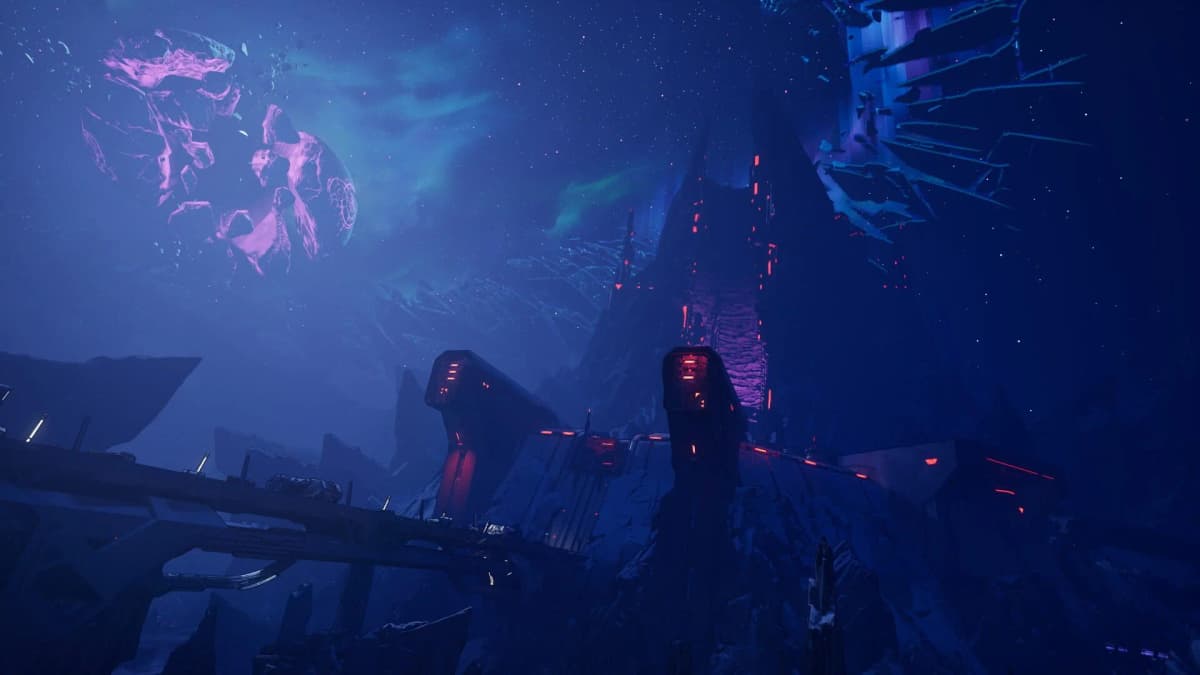
Gearbox’s Response vs. Player Reality
On the record, Gearbox says PC performance is the number one priority, with patches already out and more queued up. Good. The studio also published optimization guides—also good. Randy Pitchford took to social media recommending that players enable DLSS and even drop to 1440p to stabilize performance. That’s practical advice for NVIDIA users, but it’s also the sort of thing that rubs PC diehards the wrong way. Telling people with $700+ GPUs to lower resolution on day one feels like shifting responsibility to the player instead of the product.
Context matters: Borderlands 3’s PC launch had its own mess (remember the DX12 “beta” option and menu stutter?), and it took a few months to iron out. So I’m not shocked we’re back here. But in 2025, with lessons learned and UE5’s quirks well known, this shouldn’t be a surprise to developers either.
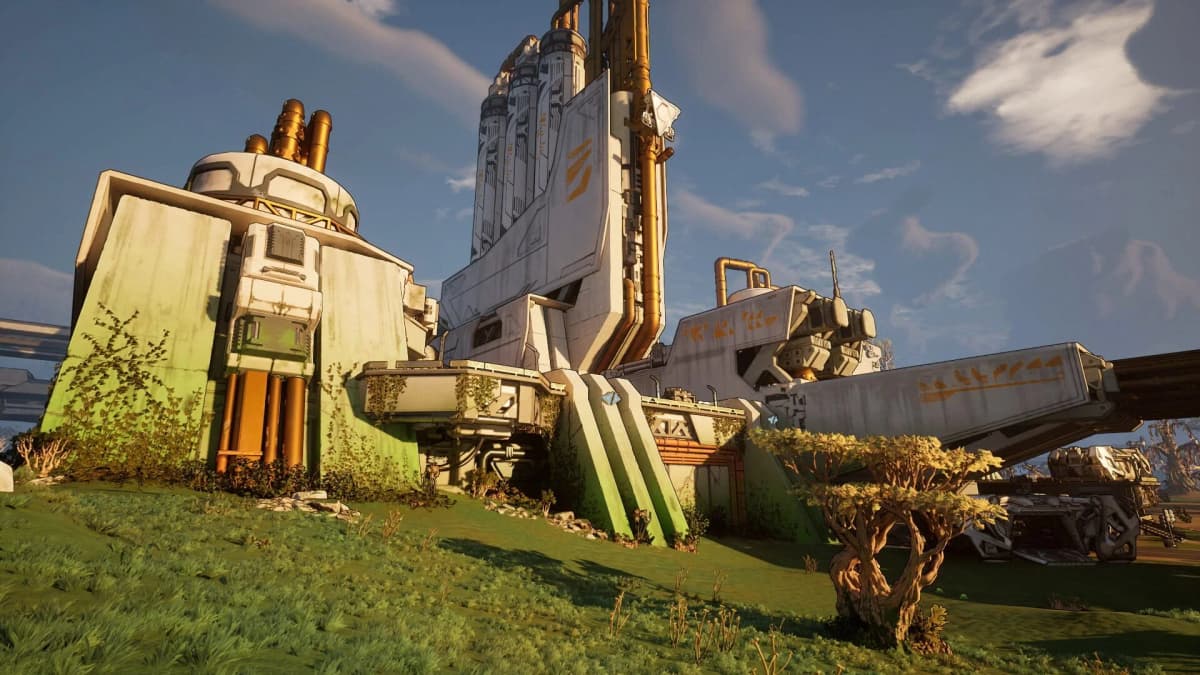
The Community Already Found Workarounds
PC players being PC players, the community has rolled out its own fixes: FPS unlockers that dodge the cranky limiter, texture optimization packs that shave VRAM without tanking image quality, and bug-fix bundles aimed at the most frequent crashes. They’re not silver bullets, but they can turn “barely playable” into “mostly smooth” if you’re willing to tinker. It’s both impressive and a little depressing that this is the state of things for a flagship looter-shooter.
What You Can Do Right Now (Practical Settings That Actually Help)
- Use an upscaler: DLSS for NVIDIA, FSR for AMD, XeSS if available. Quality mode at 1440p is a sweet spot; Balanced if you’re chasing 120 FPS.
- Turn off or reduce the heavy hitters: ray-traced shadows/reflections, high-end volumetrics, and overly aggressive post-processing. Keep Effects high, dial down Shadows and Global Illumination.
- Prefer exclusive fullscreen over borderless to reduce overhead and improve latency.
- Cap your FPS to a number your CPU/GPU can hold (60 or 120). Fluctuations hurt more than lower but stable frame rates.
- Update GPU drivers and clear any old shader cache. Verify game files after crashes to rebuild corrupted PSOs.
- Watch temps—thermal throttling looks a lot like “random” stutter. Keep your case airflow honest.
If you’re speccing a build, think at least a Ryzen 7 3700X or Core i7-10700K, 16 GB RAM minimum, and an RTX 3060 Ti/RX 6700 XT tier GPU. And yes, install it on an NVMe SSD. This isn’t the generation to run a UE5 shooter off a hard drive.
Why This Matters Now
Borderlands is one of the rare FPS franchises where performance directly amplifies the fun: quicker headshots, snappier looting, smoother chaos when four Vault Hunters pop ults and the screen turns into a fireworks factory. Technical friction undercuts all of that. Mixed Steam reviews right now aren’t just about bugs; they’re about trust. If Gearbox can rapidly stabilize PC performance and add basics like a console FOV slider, the vibe flips. If not, the launch window—when the player base is energized and social—starts slipping away.
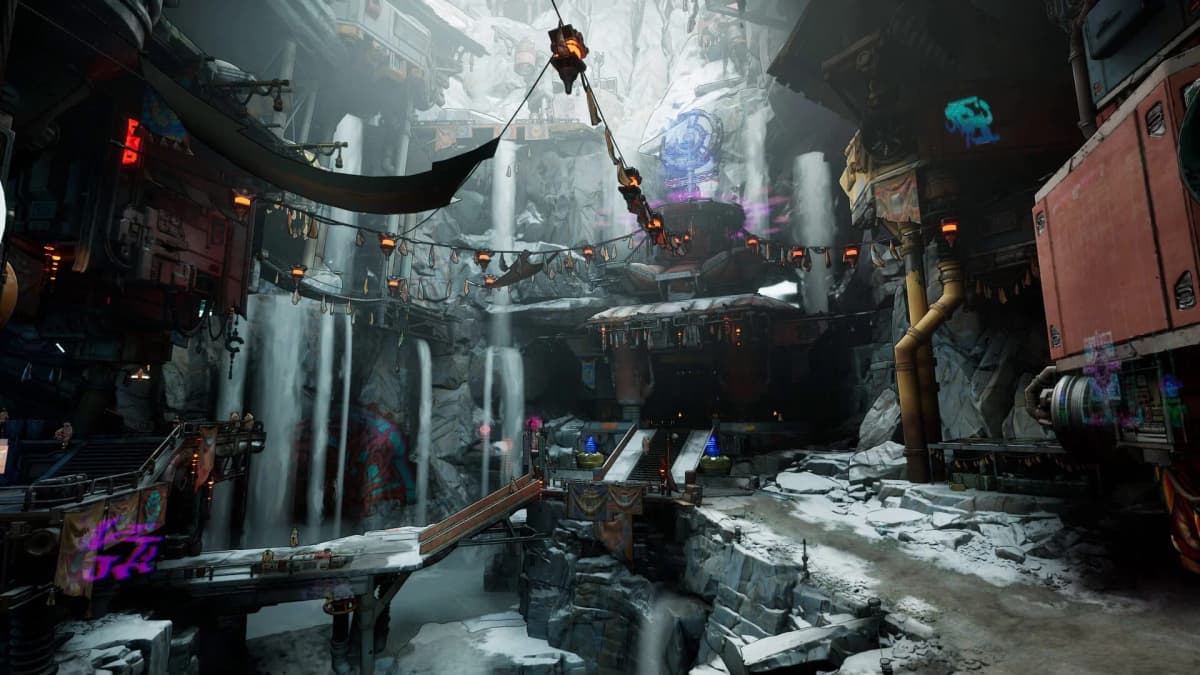
The optimistic read: Gearbox has been here before and did improve Borderlands 3 substantially post-launch. The skeptical read: we shouldn’t be normalizing “buy now, tune later.” Borderlands 4 deserves to be the power fantasy it’s designed to be on day one, not after three patches and a mod manager.
TL;DR
Borderlands 4’s PC launch is hamstrung by UE5-heavy settings, unstable frame pacing, and a few avoidable technical pitfalls. Enable an upscaler, trim the usual GPU hogs, and cap frames for stability—but the real fix has to come from Gearbox. Get the patches out fast, bring parity features like FOV to all platforms, and let the looting shine.
FinalBoss // Gear
Level up your setup
01Graphics cardson Amazon→02Gaming laptopson Amazon→03High-refresh gaming monitorson Amazon→04Discounted game keyson Kinguin→Affiliate links · As an Amazon Associate, FinalBoss earns from qualifying purchases.