
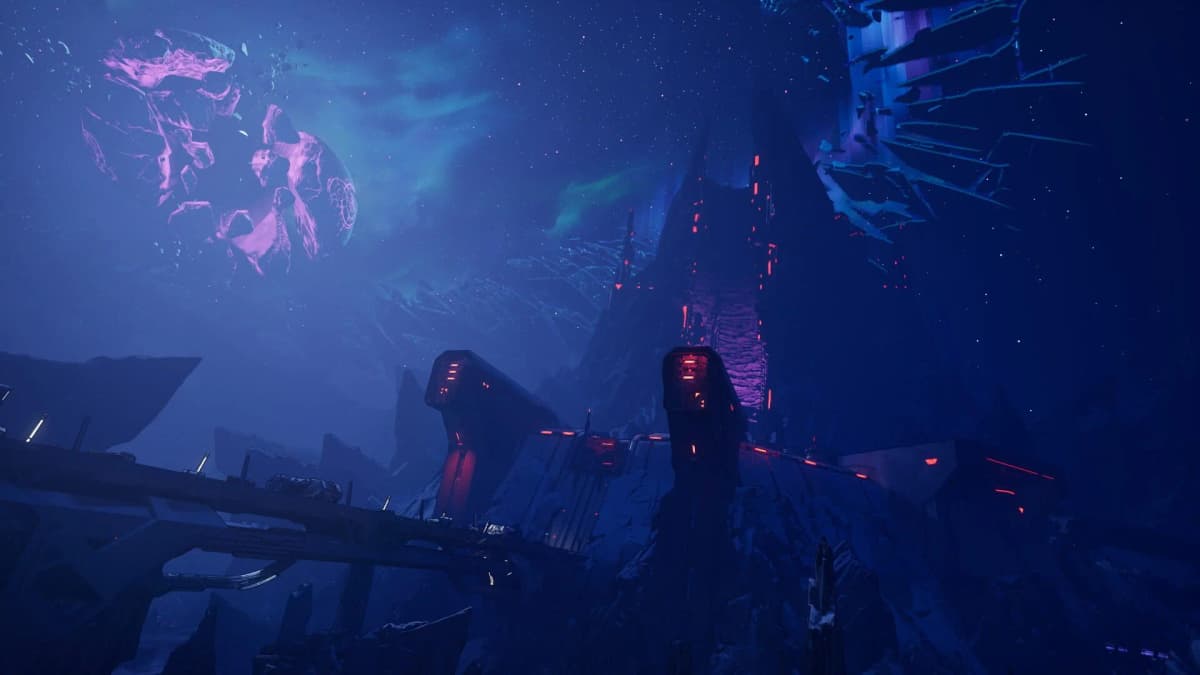
Borderlands 4’s First PC Stability Patch: Real Progress, Still Work to Do
Game intel
Borderlands 4
Why This Patch Actually Matters
Borderlands 4’s first post-launch PC patch landed, and it immediately caught my attention because the game underneath the stutters is genuinely great. The early hours on PC were rough-texture pop-in, hitching when firefights got spicy, and the occasional crash. Gearbox says this update targets stability across a “wide range of PCs,” and based on early testing (and my own quick run through a few missions), frame rates are more consistent-hovering around 50-60 fps instead of diving into the 30s and 40s during big encounters. It’s not perfect, but it’s the kind of step we needed to see in week one.
Key Takeaways
- Stability is improved for some rigs: fewer dips and hitches, steadier 50-60 fps, but not a magic fix.
- Shaders recompile after any graphics tweak-give it up to 15 minutes before judging performance.
- Gearbox posted Nvidia/AMD optimization charts and recommends the latest GPU drivers.
- Two free Echo-4 skins (“Break Free” and “Knox”) are rolling out via SHiFT codes.
- No detailed patch notes yet—good for quick triage, but transparency needs to improve.
Breaking Down the Update (and What’s Missing)
Gearbox’s note is light on specifics—“improved stability” without a proper changelog. I get the impulse to push a fast fix, but clear patch notes matter, especially when the Steam user rating is sitting at 66% positive and “Mixed.” Players want to know what actually changed: texture streaming tweaks? GPU driver hooks? Fixes for specific crashes? Without that detail, you’re left guessing which issues are genuinely addressed versus placebo.
The shader compilation reminder is crucial: if you tweak graphics settings, the game needs time to rebuild shaders—Gearbox says up to 15 minutes. That makes testing settings annoying, but it’s also why some folks think patches don’t work when they immediately jump back in and still see stutter. My advice: make your changes, load into a hub or early mission, and let the game simmer before you judge.
In practice, I saw cleaner frame pacing in crowded arenas and fewer “freeze for a split second” moments as new effects kicked in. If you’re chasing a locked 144 Hz, temper expectations; if you want a smooth 60-ish experience for campaign play, this patch pushes BL4 closer to that mark. Results will vary with hardware, obviously, but the floor feels higher than it did at launch.
FinalBoss // Gear
Level up your setup
01Graphics cardson Amazon→02Gaming laptopson Amazon→03High-refresh gaming monitorson Amazon→04Discounted game keyson Kinguin→Affiliate links · As an Amazon Associate, FinalBoss earns from qualifying purchases.
Context: Gearbox, PC Launches, and Rebuilding Trust
This isn’t Gearbox’s first rodeo with post-launch PC tuning—Borderlands 3 needed several rounds of updates to settle its performance quirks. And honestly, PC players have been on a run of rough big-budget launches across the industry the last few years. Shader compile stutter, aggressive texture streaming, and uneven CPU utilization have become the usual suspects. BL4 is hardly alone, but that’s not an excuse—it’s a warning that momentum can die fast if the fixes don’t come quickly and clearly.
The Steam score nudging up to 66% is encouraging, but “Mixed” is a red flag for anyone on the fence. To move the needle, Gearbox needs a cadence: clear patch notes, meaningful stability gains, and visible communication about what’s next. Players are more forgiving when they can track progress. Silent patches? Not so much.
Want to Level Up Your Gaming?
Get access to exclusive strategies, hidden tips, and pro-level insights that we don't share publicly.
Ultimate Gaming Strategy Guide + Weekly Pro Tips
The Gamer’s Playbook: Getting the Most Out of BL4 Right Now
If you’re itching to dive back in, start with the basics. Update your GPU drivers—both Nvidia and AMD pushed fresh packages around big fall releases, and BL4’s optimization guides include vendor-specific charts that are actually useful for setting expectations. Pick a target (60 or 90 fps), cap your frame rate accordingly, and avoid changing five settings at once. Make one tweak, let the shaders compile, play a short loop, then decide if it helped.
Prioritize settings that hit stability over spectacle until Gearbox ships another patch. Texture quality and draw distance tend to poke the streaming system; post-processing and shadow quality can be reliable wins if you’re hunting for smoother frame-time. And if you’re testing lots of combinations, give the game the full shader compile window before calling it a wash.
On the cosmetic front, the Break Free pack gets two more freebies: the “Break Free” and “Knox” looks for Echo-4 via SHiFT codes tied to weekend carnage totals. It’s a small make-good, but I’ll never say no to fresh digs for my drone.
What We Need Next
Short term: full patch notes, crash hotfixes, and continued work on frame-time consistency in large firefights. Medium term: an in-game shader status indicator so players know when the compile is done, and clearer recommended presets that map to common PC tiers. Long term: a commitment to transparent performance updates—what’s fixed, what’s not, and what’s being investigated. The core shooter is strong; let’s get the tech out of the way.
TL;DR
Borderlands 4’s first PC stability patch is real progress. Expect steadier 50-60 fps on some rigs and fewer hitches, but don’t expect miracles yet. Let shaders compile, use the vendor guides, grab your Echo-4 skins, and keep an eye on Gearbox’s next round of fixes.