
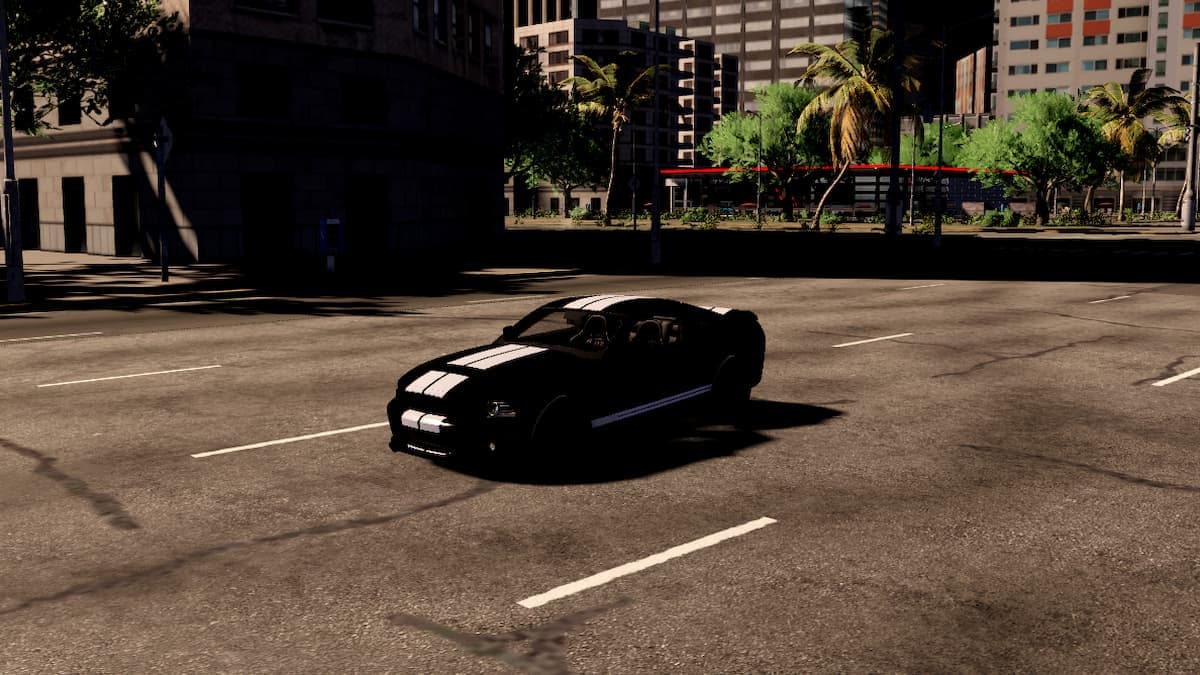
The only Car Zone code with recent, explicit verification behind it in July 2026 is UPDATE63 – cash, confirmed live on 11 July 2026. SEASON2 (25,000 cash) is the other one currently classified as working by the trackers that actively prune expired codes. Everything else you will find on the big lists is either from June or earlier, or is one of the roughly 120 archived, expired codes this game has accumulated since launch.
That is a much shorter list than most sites will show you, and it is deliberate. Car Zone ships numbered update codes fast – the game was on UPDATE44 in March and is past UPDATE63 now – and every one of those cycles retires the batch before it. A 70-code list looks generous and wastes ten minutes of your time.
Table of Contents (13)
Working Car Zone codes – July 2026
| Code | Reward | Confidence |
|---|---|---|
UPDATE63 | Cash (amount not officially stated) | High – checked and confirmed live 11 July 2026 |
SEASON2 | 25,000 Cash | Medium-high – listed as working on the expiry-tracking wiki in July |
Worth a try, but only June-verified
These were confirmed active in June 2026 and have not been re-tested against the UPDATE63 patch. They cost you five seconds each:
UPDATE61– around 25,000 cashCUSTOMIZATION– around 25,000 cashUPDATE60– cash230KLIKES– cashSEASON1– cashUPDATE59– cash
Why the hedging: the trackers openly contradict each other. One site claims 51 of 74 codes are currently active. The expiry-focused wiki, which prunes aggressively, says two working and 120 archived. Given that the game has cycled through more than sixty numbered update codes, the conservative count is far more plausible – and the site with the most recent explicit check date is the one listing UPDATE63 alone as the newest working code. I would rather tell you two codes that work than seventy that mostly do not.
Codes that are definitively dead
Skip these entirely. All were confirmed expired by April 2026 at the latest, and the launch-era batch has been dead far longer: MERRYCHRISTMAS, 1000LIKES, 2000LIKES, 8000LIKES, NEWSTARTERS, HAPPYNEWYEAR, SORRY, RELEASE, UPDATE1, UPDATE2, UPDATE3, UPDATE4, UPDATE8, UPDATE9, and the whole low-numbered update run below roughly UPDATE50. If a guide is still presenting UPDATE44 or 75MVISITS as current, it has not been touched since spring.
How to redeem Car Zone codes
Menu-based, not chat. Every current source agrees on the flow:
- 1. Launch Car Zone on Roblox and spawn in.
- 2. Press the Menu button – upper-right or right-hand side of the screen depending on your build and device.
- 3. Open the Main Menu tab.
- 4. Select Codes in the pop-up window.
- 5. Paste the code into the Enter Code field.
- 6. Hit Redeem.
Some builds put a Codes button directly at the top of the main menu, skipping step 3. Either route lands in the same box.
Paste rather than type. Car Zone codes are all-caps with no spaces, and the field does not clean up a stray trailing space – which is the cause of most “this code doesn’t work” complaints that turn out to be typing.
If a code fails
- Check the case. Codes are uppercase.
Update63is notUPDATE63. - Check you have not already used it. One redemption per account, permanently.
- Rejoin a fresh server. Newly released codes sometimes need a server restart to propagate.
- Assume expiry. With this update cadence, a code that fails is almost always simply retired rather than broken.
There is no group-join or like requirement in Car Zone – unlike a lot of Roblox code systems, this one just works from the menu.
Is Car Zone still worth playing in 2026?
Yes, and the numbers back it. The game – officially Car Zone Racing & Drifting, by CODIV Studio, credited in-game to Divvine and MrCollin – released on 2 November 2024 and has since crossed 128 million visits with a multi-thousand concurrent player count. It is an open-world city racing and drifting game where cash buys cars and upgrades, which is exactly why codes matter: every code in the current pool pays out in cash.
Content is still shipping. A Season 1 event went live on 25 June 2026 with new exclusive cars and a fresh code batch, and the numbered update codes have kept climbing since – UPDATE59, 60, 61, then 63 inside about a month. That cadence is why milestone codes tied to like counts (230KLIKES, and earlier 200KLIKES) keep appearing alongside them.
How to get the codes before the trackers do
- Watch the update number. Codes follow the pattern
UPDATE<n>. When you see a new update land in-game, try the next number up – it works more often than it has any right to. - Watch the like milestones. Round numbers on the experience page have consistently produced a matching
<n>KLIKEScode. - Watch the seasons.
SEASON1andSEASON2both exist. Season transitions are a reliable drop point.
Practically: redeem the moment you see a new code, because with this many updates the window is short.
What to spend the cash on
If you are chaining codes on a new account, you will land somewhere north of 50,000 cash from the currently working pool. Resist buying the most expensive car you can afford – upgrades on a mid-tier car will out-perform a stock high-tier one in the drift and race events where you actually earn, and the compounding matters far more than the badge on the bonnet. The Car Zone game hub tracks the cars and events as they land.
If you keep a Roblox code routine going, our Doodle World & Miraculous RP July 2026 codes and 100 Days at Sea codes guides run on the same verify-then-list discipline.
FAQ
How much cash does UPDATE63 give?
No source states an exact figure – every tracker just says “cash”. Comparable recent update codes have paid around 25,000, but I am not going to present that as confirmed for this one.
Can I redeem the same code twice?
No. One use per account, permanently.
Why do other sites list 50+ working codes?
Because they never prune. With the game past UPDATE63, the low-numbered batch has been dead for months; those lists are archives presented as current.
Is Car Zone the same game as Car Zone Driving?
Yes – the official Roblox experience is Car Zone Racing & Drifting, and the shorter names in thumbnails and code lists all refer to it. There is no separate popular Car Zone experience.
FinalBoss // Gear
Level up your setup
01Mobile gaming controllerson Amazon→02Top-rated gaming headsetson Amazon→038BitDo controllerson Amazon→Affiliate links · As an Amazon Associate, FinalBoss earns from qualifying purchases.
Want to Level Up Your Gaming?
Get access to exclusive strategies, hidden tips, and pro-level insights that we don't share publicly.
Ultimate Guide Strategy Guide + Weekly Pro Tips