
Table of Contents (9)
Why invite codes matter in Cookie Run: OvenSmash’s launch event
The Invite a Friend event in Cookie Run: OvenSmash is one of the quickest ways to grab early Crystals, coins, and limited cosmetics like the Black Cat Tail and Ears. The catch is that the game doesn’t clearly explain the difference between invite codes and promo codes, or how Friendship Points actually scale.
Once I understood that every Player ID works as an “invite code” and that mutual invites give both players a big chunk of Friendship Points, the whole system clicked. If you use a few active IDs and keep up with the daily quests, you can clear most rewards well before the event ends.
How Invite a Friend and Friendship Points work
In OvenSmash, the Invite a Friend event tracks your progress with a currency called Friendship Points. You don’t spend these points; they’re just a cumulative score that unlocks milestone rewards.
Here’s the core loop I’ve been using:
- Your Player ID = your invite code. Other players enter this to give both of you points.
- Mutual invites are huge: when you enter someone else’s Player ID, both of you get 200 Friendship Points instantly.
- Daily quests add steady progress on top of invite bonuses.
- Rewards unlock automatically when your total Friendship Points pass specific milestones.
You only get the 200-point bonus the first time you enter a specific ID, so you can’t farm the same code repeatedly. The trick is to use a few valid codes early, then let daily quests carry you the rest of the way.
Friendship Point milestone rewards (what you’re working toward)
From the in-game event screen and testing, these are the key Invite a Friend milestones:
- 200 Friendship Points – 100 Crystals
- 600 Friendship Points – 1 Random Coin Box
- 1,000 Friendship Points – Black Cat Tail (cosmetic)
- 1,500 Friendship Points – 5 Epic Universal Soulchips
- 2,500 Friendship Points – Black Cat Ears (cosmetic)
These rewards are tied to the launch event, so once the event ends, you won’t be able to climb this ladder anymore. That’s why front-loading a couple of mutual invites is worth doing right away.
Step-by-step: how to use an invite code (Player ID)
The UI is a bit busy when you first land in the lobby, so here’s the practical flow I’ve been using on mobile:
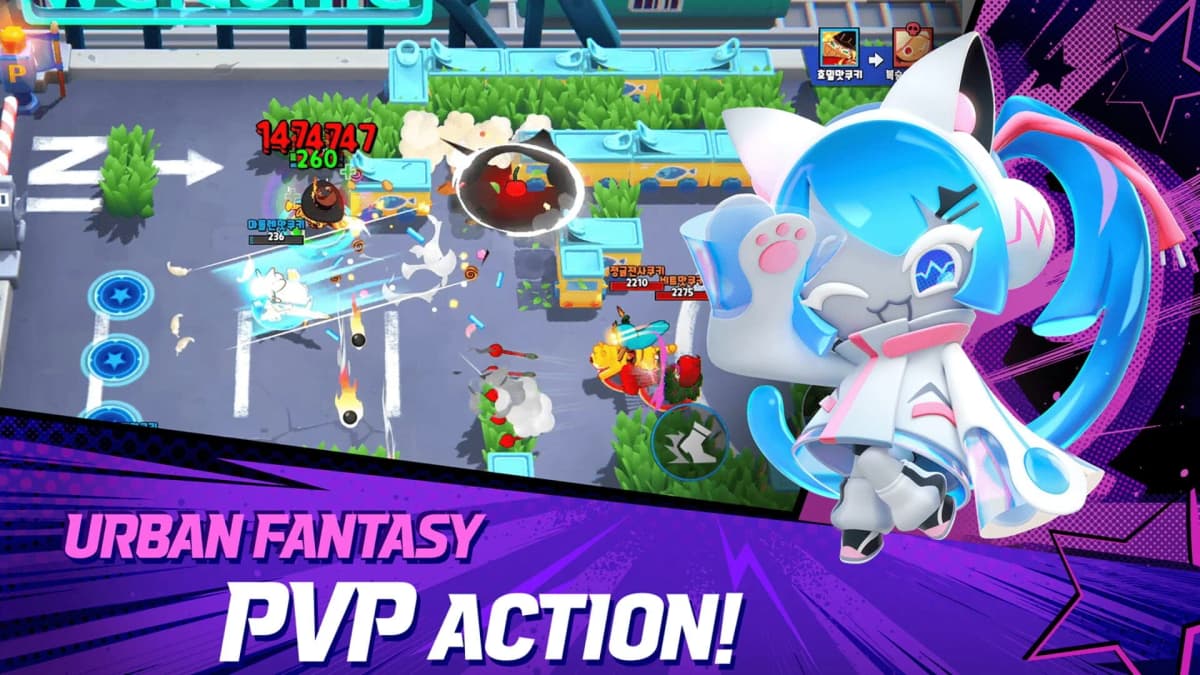
- 1. Open the Invite a Friend event screen.
On the main lobby, tap the Event button (right side of the screen), then select the Invite a Friend banner. This is where your total Friendship Points and rewards are displayed. - 2. Find your own Player ID.
On this same screen, you’ll see your Player ID shown near a “Share” button. This string of letters and numbers is your personal invite code. You can copy it or share it directly. - 3. Enter someone else’s invite code.
In the Invite a Friend screen, look for the field labeled something like “Enter Friend’s ID” or “Enter Invite Code”. Tap it, paste or type one of the codes from the list below, and confirm. - 4. Confirm the 200-point bonus appeared.
If the code is valid and you haven’t used it before, your Friendship Points should jump by 200, and the other player will also gain 200 on their account. - 5. Repeat with different codes.
You can enter multiple different Player IDs, but only once per ID. Once you’ve used a code, move on to the next one.
If the game says a code is invalid or already used, just move down the list. Codes can stop working if the other player is no longer eligible, the event changes, or you’ve already redeemed that ID without realizing.
Ready-to-use Cookie Run: OvenSmash invite codes
These are Player IDs that have been shared publicly during the launch window. I’ve cycled through a batch like this to jump-start my own rewards. Treat each as a one-time test: if it works, great; if not, just go to the next.
- GZBCK6278
- HZLLK8728
- GNKBD2839
- FFYNF5841
- TJVFW8556
- ZTFQQ2189
- QQMNV1367
- MBXJV8057
- RMJZQ6679
- DDVTD6429
- PWJKX2332
- YCMMD8489
- GQVWC9337
- VQKQM9684
Because these come from public megathreads, a few of them can end up “used out” or limited by region. The fastest way to handle that is to paste one, hit confirm, glance at your Friendship Points total, and move on if nothing changes.
Daily quests: the reliable way to farm Friendship Points
Once you’ve grabbed the easy 200-point boosts from invite codes, your main engine becomes the daily Invite a Friend quests. These are predictable and don’t rely on anyone else’s code still being valid.
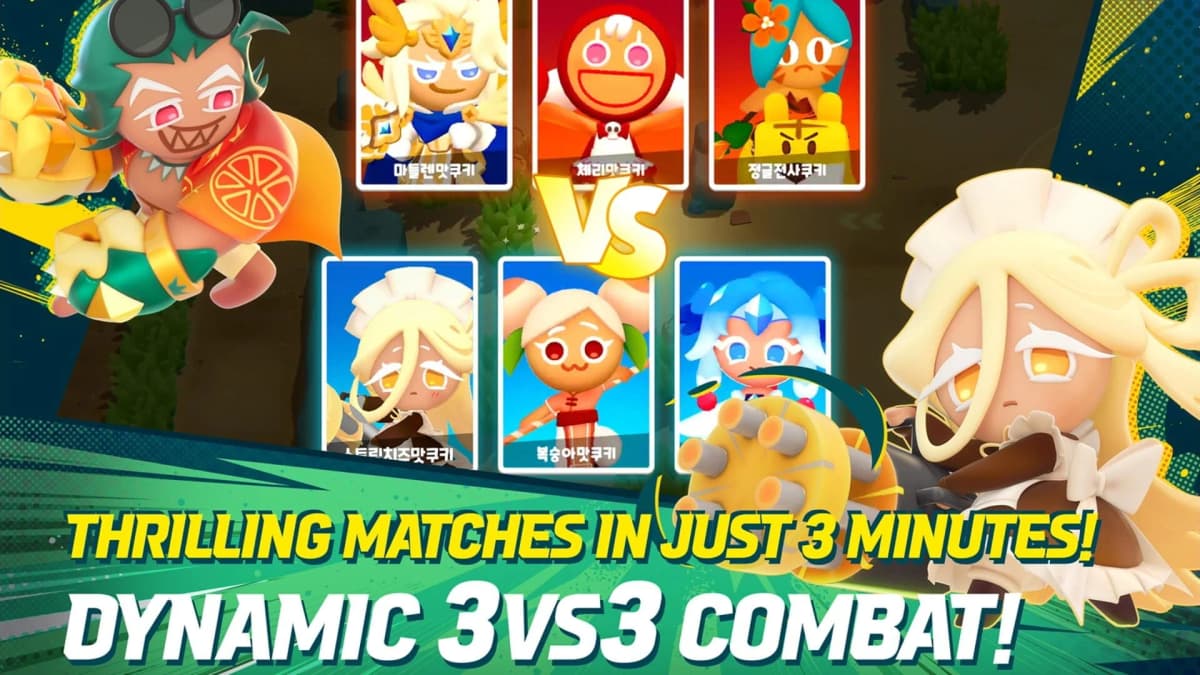
From the Invite a Friend event panel, these are the tasks I’ve been clearing each day:
- Play 1 game with a friend – 40 Friendship Points
- Share your code once – 40 Friendship Points
- Play Standard Mode 3 times – 20 Friendship Points
- Use your Ultimate 5 times – 20 Friendship Points
- Daily completion bonus (finish all above) – 80 Friendship Points
All together, that’s 200 Friendship Points per day just from playing normally and remembering to share once and queue at least one match with a friend.
In practical terms:
- One successful invite (200 points) + one full daily = 400 points (already past the 100 Crystal reward).
- About 5 full days of dailies (with or without an extra invite or two) will push you into the 1,000–1,500 point range for the Black Cat Tail and the 5 Epic Universal Soulchips.
- With consistent dailies plus a few mutual invites, hitting 2,500 points for the Black Cat Ears is very realistic before the event ends.
What helped me most was treating the Invite a Friend daily list like any other battle pass: open it once when you start playing, mentally tick off the requirements, and clean up anything left before you log off.
Invite codes vs promo codes (DevPlay coupons)
OvenSmash has two completely different “code” systems, and mixing them up wastes time. The game doesn’t spell this out clearly, so here’s how I separate them:
- Invite codes / Friend codes
These are just Player IDs. You enter them in the Invite a Friend event screen to get Friendship Points. They do not go through any website. - Promo codes / coupon codes
These are separate text codes (for example, at launch, some outlets reportedWELCOME2OVENSMASHfor 1,000 Crystals). You redeem these via the external DevPlay coupon page, not the Invite a Friend menu.
One thing to be aware of: coverage has conflicted on whether WELCOME2OVENSMASH is currently active. Some sites reported it as live around March 27, 2026, while others still listed no active codes earlier the same week. That usually means fast expiration or region locks. It’s worth trying the code, but don’t be surprised if it returns an error.

How to redeem promo codes through DevPlay
Redeeming promo codes is completely separate from Friendship Points, but combining both systems gives you a strong early resource boost. Here’s the flow I’ve been using, based on the standard DevPlay setup:
- 1. Grab your DevPlay ID.
In-game, openSettings → Accountand look for your DevPlay ID. Copy it or jot it down. - 2. Open the official DevPlay coupon page.
In your mobile browser, go to the Cookie Run: OvenSmash coupon redemption page (linked from official news or support pages). - 3. Enter details.
Fill in your DevPlay ID, any required email or server info, and the promo code (for example, tryWELCOME2OVENSMASHif it’s still active in your region). - 4. Confirm and submit.
Hit the confirm/redeem button and wait for the success message. If you get an error about expiration or invalid region, that code is no longer usable for your account. - 5. Restart the game if rewards don’t show.
Go back to OvenSmash. If the rewards don’t appear in your mailbox right away, force-close the app and relaunch it.
Again, promo codes are pure bonus; they don’t affect your Invite a Friend progress or Friendship Points, but they stack nicely with the milestone rewards if you catch them while they’re live.
How to claim rewards and fix common Invite a Friend issues
Once your Friendship Points cross a threshold, the corresponding reward can usually be claimed directly from the Invite a Friend event panel.
- Claiming rewards
Open Event → Invite a Friend, then tap the Claim button next to any milestone you’ve reached (for example, the 200-point Crystal reward). The items go straight to your account; check your mailbox or inventory if you don’t see them immediately. - If your Friendship Points didn’t increase
If entering a new Player ID doesn’t change your total:- Double-check you haven’t already used that ID before.
- Restart the app; sometimes the UI doesn’t refresh instantly.
- Make sure your connection is stable when you submit the code.
- If you can’t add or play with friends
The “play 1 game with a friend” daily can be finicky:- Both players should be on the same region/server.
- Make sure both accounts are properly linked to DevPlay to avoid desync issues.
- If a friend invite doesn’t appear, have the other player send you the invite instead.
- Event not appearing or rewards locked
If you don’t see Invite a Friend at all, or the panel is greyed out, it usually means:- Your account is too new and still inside a short tutorial phase; play a few standard matches and re-check.
- The launch event is over in your region, so new progress and rewards are disabled.
As long as the Invite a Friend banner is still visible in your Event tab, it’s worth plugging in a few codes, keeping up with the daily objectives, and cleaning out the milestone rewards before the timer disappears.
FinalBoss // Gear
Level up your setup
01Mobile gaming controllerson Amazon→02Top-rated gaming headsetson Amazon→038BitDo controllerson Amazon→Affiliate links · As an Amazon Associate, FinalBoss earns from qualifying purchases.
Want to Level Up Your Gaming?
Get access to exclusive strategies, hidden tips, and pro-level insights that we don't share publicly.
Ultimate Guide Strategy Guide + Weekly Pro Tips