
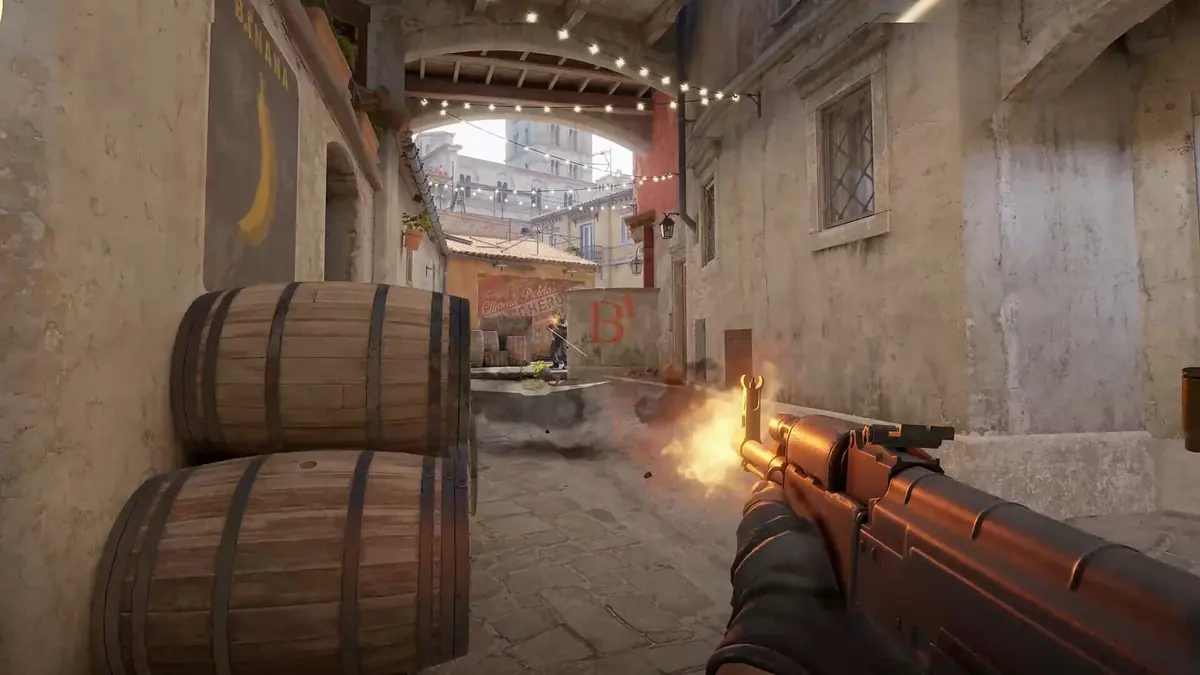
Stopping power is the mouse-pad trait that matters most when Counter-Strike 2 aim repeatedly ends a few pixels beyond the target. For a broadly effective CS2 control surface, the Zowie H-SR III is the strongest default: it balances a planted crosshair with enough usable glide for swing shots. Players who need more braking should move toward the Zowie G-SR III or Razer Gigantus V2 Pro (Control); players who feel stuck during tiny corrections should use a freer balanced-control surface such as the Artisan Zero or X-raypad Equate Plus V2.
Table of Contents (8)
What “stopping power” changes in Counter-Strike 2
CS2 rewards crosshair placement, short corrections after counterstrafing, and clean stops at the end of a flick. A control pad adds friction to those movements. The useful result is a mouse that decelerates predictably as your hand reaches the target, reducing the need to tense your fingers and manually arrest a fast glide.
That friction has two separate parts. A pad can feel anchored at rest yet glide freely once moving, or it can start easily and become resistant during a larger swipe. The second pattern is often the better fit for tactical shooters because it preserves quick micro-adjustments while adding braking during recoil control and flick recovery.
| Friction term | What it feels like | CS2 effect |
|---|---|---|
| Static friction | The force required to start moving the mouse | Moderate static friction helps keep the crosshair settled on an angle. Excessive static friction creates “stiction,” where one- or two-pixel corrections take too much effort. |
| Dynamic friction | The resistance while the mouse is already moving | Higher dynamic friction supplies braking during flicks, spray pulls, and transfers. It is the main contributor to a pad’s stopping-power feel. |
| Stopping power | How reliably the pad slows a moving mouse at the end of a swipe | Strong stopping power reduces overflicks, stabilizes recoil corrections, and keeps wide peeks from turning into a correction-back duel. |
Relative pad testing commonly uses controlled slide-distance comparisons, including tilt-table setups using an 8.5-degree incline and a 294-mm mouse run. Those methods are useful for comparing surfaces, but the final feel still changes with mouse feet, desk hardness, arm pressure, humidity, and pad wear. “Medium” and “high” friction below describe the pad’s practical behavior rather than a universal coefficient.
Counter-Strike 2 control pad ranking
This ranking measures suitability for typical competitive CS2 aim: holding a line, making low-speed corrections, snapping to a close peek, and controlling rifle sprays. It is not a durability ranking or a speed-pad ranking.
| Rank | Mouse pad | Relative friction profile | Best CS2 use | Main trade-off |
|---|---|---|---|---|
| 1 | Zowie H-SR III | Medium static friction; medium-high dynamic friction | General CS2 play, precision rifling, AWP holds, and controlled swing shots | Deliberately slower than a balanced or speed surface |
| 2 | Artisan Zero | Medium static friction; high dynamic friction | Players who want fast initial movement with a clear, controlled stop | Less anchored than heavier control pads during long holds |
| 3 | X-raypad Equate Plus V2 | Medium static friction; medium-high dynamic friction | Mixed rifler and AWPer play, especially for players leaving a speed pad | Provides less extreme braking than a heavy Zowie-style control pad |
| 4 | Zowie G-SR-SE | Balanced-control profile with firm dynamic resistance | Players who want Zowie-style tactical stopping power without a full mudpad feel | More glide-oriented than the G-SR III for static angle holding |
| 5 | Zowie G-SR III | High static friction; high dynamic friction | Ultra-low-sensitivity AWPers, disciplined angle holders, and spray-focused riflers | Wide swings and tiny corrections require more force |
| 6 | SteelSeries QcK Performance Control | Medium-high static friction; high dynamic friction | Players who want a locked-in crosshair and strong tactile feedback | Its rougher texture is divisive and can feel abrasive over long sessions |
| 7 | Razer Gigantus V2 Pro (Control) | Very high overall resistance | Specialist choice for players who specifically want a very slow, highly damped surface | Too restrictive for many fast flicks, reactive peeks, and hybrid-game play |
Why the Zowie H-SR III is the safest overall pick
The H-SR III occupies the useful middle ground between a free-gliding balanced pad and a true mudpad. Its initial movement is controlled enough to keep a crosshair settled while holding Mirage Window, Dust II Long, or a similar long sightline, but it does not demand the same effort as the heaviest control cloth when a close-range opponent wide-swings.
This matters most for players using common low CS2 sensitivities around 1.5 to 2.5 at 800 DPI. Large arm movements need enough glide to clear a wide angle, while the final wrist adjustment needs a reliable stop. The H-SR III supports both phases without making either one dominate the aim feel.
Its primary advantage is consistency rather than maximum friction. A pad with extreme stopping power can make an angle hold feel exceptionally stable, then become a liability when a spray transfer or fast AWP flick requires a larger acceleration. The H-SR III avoids that narrow specialist profile.
Match the pad to the way your crosshair misses
Buy against a repeatable error pattern. A control pad cannot repair crosshair placement or movement timing, but it can remove a friction mismatch that keeps producing the same miss.
| Repeatable aim problem | Friction adjustment | Best pad direction | Reason |
|---|---|---|---|
| You swipe past heads, then correct back onto them | Increase dynamic friction | Zowie H-SR III, Artisan Zero, or Zowie G-SR III | More resistance during motion shortens the final glide and reduces overshoot. |
| Your crosshair drifts during angle holds or jiggle peeks | Increase static friction slightly | Zowie H-SR III, SteelSeries QcK Performance Control, or Zowie G-SR III | A more planted initial feel reduces accidental movement when holding a narrow line. |
| Tiny corrections feel sticky and repeatedly undershoot | Lower static friction | Artisan Zero, X-raypad Equate Plus V2, or Zowie G-SR-SE | A freer start lets the wrist make small corrections without pushing through a friction wall. |
| Spray transfers travel too far horizontally | Increase dynamic friction | Zowie G-SR III, SteelSeries QcK Performance Control, or Razer Gigantus V2 Pro (Control) | The pad supplies resistance as the mouse moves between targets, making recoil pulls easier to meter. |
| Your hand tires from gripping hard to stop a fast pad | Increase dynamic friction | Zowie H-SR III or X-raypad Equate Plus V2 | The surface takes over more of the braking work, reducing the need for constant finger tension. |
| You alternate between CS2 and faster tracking-heavy shooters | Keep static friction moderate and dynamic friction controlled | Artisan Zero, X-raypad Equate Plus V2, or Zowie G-SR-SE | Balanced-control pads preserve enough CS2 stopping power without making faster games feel excessively slow. |
Heavy control versus balanced control
Heavy-control pads such as the Zowie G-SR III and Razer Gigantus V2 Pro (Control) suit a narrow but valid CS2 audience. Their high static and dynamic friction produces an anchor-like crosshair, useful for players who spend most rounds holding a scoped line or playing very low sensitivity. The cost is visible when a fight demands a 180-degree reset, a quick multi-target transfer, or repeated micro-corrections after a missed pre-aim.
Balanced-control pads are the better category for most players. The Artisan Zero is a clear example: its static friction remains relatively low for a control pad, so the mouse starts moving without a sticky breakaway point, while its higher dynamic friction provides a controlled stop once the flick is underway. The Equate Plus V2 follows the same practical logic, prioritizing braking without turning every movement into a heavy drag.
The Zowie G-SR-SE sits between those categories. It retains tactical-shooter stopping behavior but feels smoother and freer than the slowest control cloth. It is a sensible correction for players moving off a speed pad who want more precision without immediately committing to a heavily damped surface.
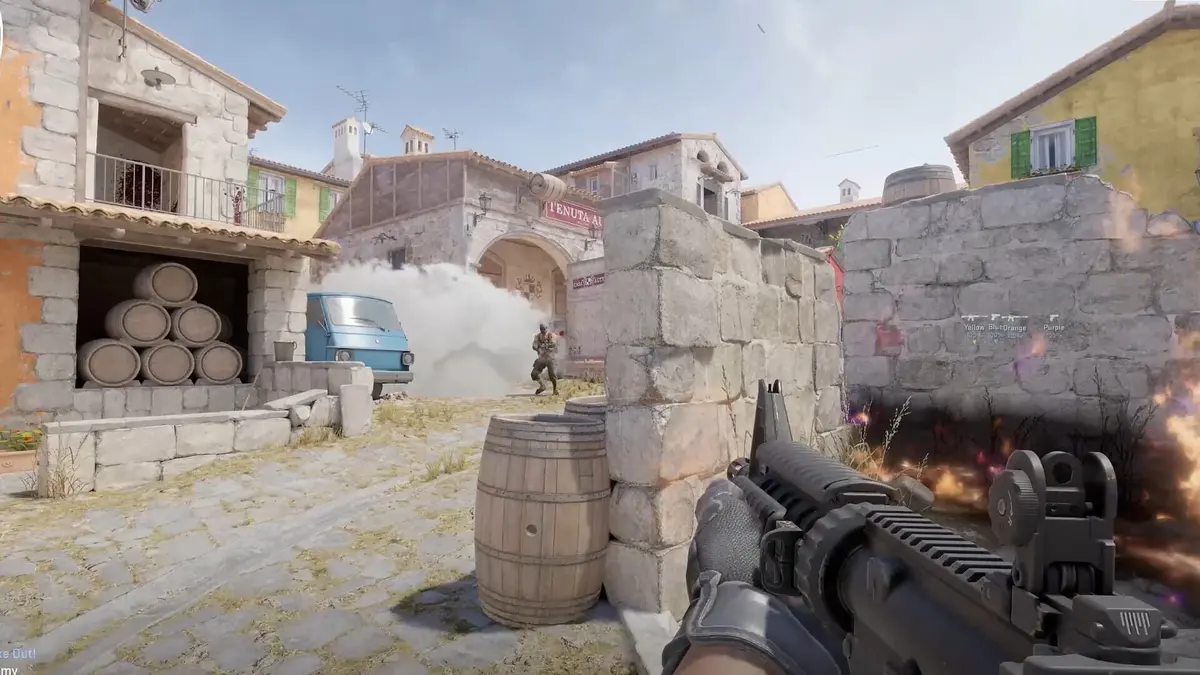
Why glass and fast pads are usually a poor CS2 control fix
Glass pads deliver a smooth, durable, highly consistent glide, and the Wallhack CR-005 is the longer-lasting option in that category. Its low-friction behavior remains fundamentally different from cloth control surfaces. The mouse accelerates quickly, and the player supplies much more of the braking through grip pressure and hand tension.
That can work for a high-sensitivity player who relies on reactive flicks, but it does not directly solve CS2 overflicks, unstable spray transfers, or crosshair creep during long angle holds. Cloth control pads provide tactile distance feedback during a swipe. That feedback makes it easier to judge when a flick has reached its stop point without looking away from the crosshair.
The Corsair MM Pro falls closer to this faster direction than the pads above. Its quicker feel and smaller format make it a weak fit for low-sensitivity CS2 players who need space for broad arm movement and dependable end-of-swipe braking.
Keep the friction profile stable after buying
A control pad is only half of the friction system. Fresh, low-friction PTFE mouse feet lower initial resistance and can make the same cloth surface feel faster at the start of a movement. Worn PTFE feet add drag over time, potentially turning a balanced-control setup into a much slower one. Replace feet when the glide changes unevenly rather than waiting for them to become visibly damaged.
- Use the same mouse feet and pad type at home and at LAN events when consistent crosshair behavior matters.
- Keep the pad flat on a firm desk surface. A soft desk mat underneath can create a dig-in effect that increases friction under pressure.
- Watch for humidity changes. Dense cloth can feel substantially slower in humid conditions and faster in dry air.
- Replace warped pads or pads with worn slow zones. Uneven resistance is especially disruptive at low sensitivity because wide swipes cross more surface area.
- Choose a size that leaves room for the full horizontal sweep of your current sensitivity. A low-sensitivity rifler or AWPer gains little from control friction if every wide swing reaches the pad edge.
The purchase decision
Choose the Zowie H-SR III for the most reliable all-round CS2 control profile. Choose the Artisan Zero or X-raypad Equate Plus V2 when heavy pads make micro-corrections stick. Choose the Zowie G-SR III, SteelSeries QcK Performance Control, or Razer Gigantus V2 Pro (Control) only when maximum stopping power matters more than fast, low-effort crosshair movement.
FinalBoss // Gear
Level up your setup
01Graphics cardson Amazon→02Gaming laptopson Amazon→03High-refresh gaming monitorson Amazon→04Discounted game keyson Kinguin→
Affiliate links · As an Amazon Associate, FinalBoss earns from qualifying purchases.
Want to Level Up Your Gaming?
Get access to exclusive strategies, hidden tips, and pro-level insights that we don't share publicly.
Ultimate Guide Strategy Guide + Weekly Pro Tips