
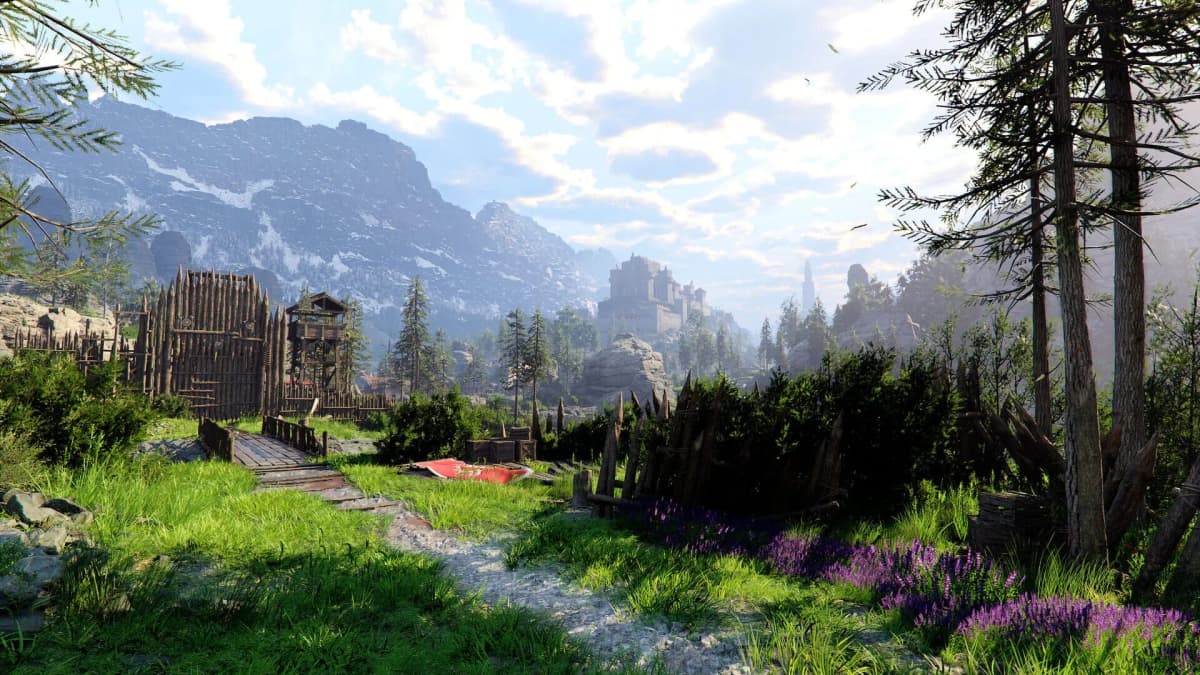
Kliff reaches a new Enhanced cutscene, starts speaking English, and the Voice Language field has no German option at all. That usually means the German audio component has not been installed yet. Crimson Desert Enhanced version 2.00.00 requires two changes: download the German language data through your platform, then select German inside Menu → Others → Settings → Language and Audio.
The free Crimson Desert Enhanced update, released on 25 August 2026, adds a complete German voice track for Kliff, the Greymanes, and the game’s story content. German is one of five new fully voiced languages, alongside French, Castilian Spanish, Brazilian Portuguese, and Japanese. Arabic support is separate: it provides interface text and subtitles, but there is no Arabic voice track to download.
Table of Contents (12)
Check These Three Things Before Changing the Audio
German voices will only appear after the base game has fully updated to version 2.00.00 or later. Enhanced is a free upgrade for existing owners, but its optional language packs are kept separate from the core installation to avoid forcing every player to download every dub.
- Confirm Crimson Desert shows the Enhanced label or version 2.00.00 on its title screen, update notes, or platform game-information page.
- Leave enough storage space for the German voice pack. Pearl Abyss has not published an exact file size, so avoid planning around a guessed number.
- Fully finish the language-pack download before launching the game. A completed main-game update alone does not guarantee that German audio data is installed.
- Keep the German pack installed after switching. Removing optional language content removes that voice choice from the in-game list.
Important: changing your PS5 or Xbox system language to German is unnecessary. Crimson Desert checks for the installed German voice package, then lets you choose it from its own audio menu.
Where to Install the German Voice Pack
The final in-game setting is identical across platforms, but the download location is different. Install German from your platform’s language or content manager first, then open the game’s Language and Audio screen.
| Platform | Where to add German audio | Final in-game setting |
|---|---|---|
| Steam | Library → Crimson Desert → Properties → Language | Menu → Others → Settings → Language and Audio → Voice Language → German |
| Epic Games Store | Library → Crimson Desert → … → Options | Menu → Others → Settings → Language and Audio → Voice Language → German |
| PlayStation 5 | Home Screen → Crimson Desert → Options → Manage Game Content | Menu → Others → Settings → Language and Audio → Voice Language → German |
| Xbox Series X|S | Game Hub → Manage → Crimson Desert → Game Features | Menu → Others → Settings → Language and Audio → Voice Language → German |
Enable German Voiceover on Steam
Steam handles Crimson Desert’s German dub through the game’s individual language setting. Set the game itself to German even when your Steam client, Windows installation, and subtitles are set to English.
- Open the Steam client and select Library.
- Right-click Crimson Desert, then choose Properties.
- Open the Language tab.
- Choose German from the language drop-down.
- Check Steam Downloads and wait for Crimson Desert’s language-data download to finish.
- Launch the game and open
Menu → Others → Settings → Language and Audio. - Set Voice Language to German or Deutsch, then apply the change.
Your text language is independent from the voice setting. A useful setup for players who prefer English menus is English UI and subtitles with German voices. The same screen also supports Arabic UI and subtitles alongside German dialogue.
Steam Fix: German Is Missing From Voice Language
- Return to
Properties → Languageand confirm Crimson Desert is set to German, not only the Steam client. - Open Steam’s Downloads page and make sure the language component is complete rather than paused or waiting in the queue.
- Use
Properties → Installed Files → Verify integrity of game filesto force Steam to check the installed game data. - If the option still does not load, switch Crimson Desert’s Steam language to another supported language, close Steam, set it back to German, and let the launcher check for a fresh download.
Enable German Voiceover on Epic Games Store
On Epic, the crucial screen is the game’s Options panel. German needs to be selected there before the German voice choice can appear inside Crimson Desert.
- Open the Epic Games Launcher and go to Library.
- Find Crimson Desert and select the … button beside the game entry.
- Choose Options.
- Select or tick German in the available language choices.
- Choose Apply and allow the German language data to download.
- Launch Crimson Desert only after Epic’s download queue is clear.
- Go to
Menu → Others → Settings → Language and Audio, then set Voice Language to German.
For a fresh installation, choose German from the Options section of Epic’s install prompt before confirming the installation. That gets the audio package into the initial download instead of adding it afterward.
Epic Fix: German Is Installed but Does Not Show In-Game
- Reopen
Library → Crimson Desert → … → Optionsand confirm German remains selected. - Check Epic’s download queue. The main Enhanced patch and the language download must both be complete.
- Confirm Crimson Desert is running Enhanced version 2.00.00 or newer.
- Untick German, apply the change, then tick German again and apply it once more. This prompts Epic to re-check the optional language data.
Enable German Voiceover on PlayStation 5
PS5 keeps Crimson Desert’s optional voices under game content management. The pack can be installed without changing the console’s system language or creating a separate German PSN profile.
- From the PS5 home screen, highlight Crimson Desert.
- Press the Options button on the DualSense controller.
- Select Manage Game Content.
- Find the available language packs and choose German.
- Select Install.
- Watch the PS5 Downloads/Uploads list until the language-content installation is finished.
- Launch Crimson Desert, open
Menu → Others → Settings → Language and Audio, and choose German under Voice Language.
The common PS5 trap is assuming the Enhanced patch includes every voice pack automatically. The update unlocks support for the new languages; Manage Game Content is where you add the German files themselves.
PS5 Fix: The Voice Setting Still Has No German Entry
- Open Manage Game Content again and check that German is marked Installed.
- Check PS5 storage before retrying the installation. Optional content can fail to complete when free space is too low.
- Verify that Crimson Desert has received the Enhanced update through the game’s version information.
- Restart the console, launch the game again, and revisit
Language and Audio. - Reinstall Crimson Desert and add the German pack again only after the earlier checks fail.
Enable German Voiceover on Xbox Series X|S
Xbox places the German dub in Crimson Desert’s managed game features. The relevant download is separate from the regular game update, so check the installed feature list instead of repeatedly changing the in-game audio option.
- Open the Crimson Desert game hub from the Xbox home screen.
- Select Manage, then open Crimson Desert under Manage game and add-ons.
- Look under Game Features for the language or voice-content section.
- Select German and confirm the download and installation.
- Check Queue and wait for the voice data to complete.
- Launch Crimson Desert and open
Menu → Others → Settings → Language and Audio. - Set Voice Language to German.
Xbox Fix: German Does Not Appear After the Download
- Return to
Manage → Game Featuresand confirm German is installed rather than merely available. - Check
Manage → Updatesfor a pending Crimson Desert update. - Restart the console after the feature installation, then reopen Crimson Desert’s Language and Audio screen.
- Remove the German feature from the managed content list, restart the console, and download the feature again if the pack is present but still unavailable in-game.
What the German Track Covers in Crimson Desert Enhanced
The German option is a full voiceover track, not a replacement voice for Kliff alone. It covers Kliff, key companions, main-quest dialogue, and the added narrative material in Crimson Desert Enhanced. The 2.00.00 update includes new story moments, additional cutscenes, and expanded dialogue, and those Enhanced scenes are part of the German localization.
That matters if you are starting a new run or revisiting the story after the update. You can keep your preferred UI language, subtitles, and menu layout while hearing Kliff and the Greymanes in German. The audio choice applies as soon as it is selected; for a cutscene already playing, the new track will be heard from the next scene onward.
Use This Setup for the Cleanest Switch
Patch Crimson Desert to Enhanced 2.00.00, install German through Steam, Epic, PS5 game content, or Xbox Game Features, and then select German under Voice Language in the game. Keep the voice pack installed and leave the text language set to whatever makes menus and subtitles easiest to read.
Once both layers are set correctly, Kliff’s full German performance carries through the original campaign and the Enhanced update’s new story scenes without requiring a separate localization purchase.
FinalBoss // Gear
Level up your setup
01Top-rated gaming headsetson Amazon→02High-refresh gaming monitorson Amazon→03Gaming chairson Amazon→04Discounted game keyson Kinguin→
Affiliate links · As an Amazon Associate, FinalBoss earns from qualifying purchases.
Want to Level Up Your Gaming?
Get access to exclusive strategies, hidden tips, and pro-level insights that we don't share publicly.
Ultimate Guide Strategy Guide + Weekly Pro Tips