
Table of Contents (10)
Why Your First Hours in Crimson Desert Feel So Brutal
After spending my first 10+ hours in Crimson Desert feeling constantly overwhelmed, I realised the game’s biggest enemy isn’t a boss – it’s how little the tutorial actually tells you. The systems are deep, the UI is dense, and the game quietly expects you to figure out a lot on your own.
What finally helped was treating those first hours almost like a training arc: learning how the lantern really works, why my inventory was always full, and how to stop getting deleted by early bosses. This guide condenses the practical things I wish I’d known from minute one, so your opening hours in Pywel are smoother and way less frustrating.
Step 1 – Let the World Teach You (Lantern, Documents, Map Tricks)
The first breakthrough for me was realising Crimson Desert constantly hides information in the world itself – not in menus.
1. Always grab and read documents
Whenever you see a parchment icon on the minimap, detour to it. Nine times out of ten it’s a recipe or useful note you can take without committing a crime, even inside houses.
Once picked up, actually open and read it in your inventory to learn the recipe. After that, you can safely sell or drop the document to free space. If an item title is no longer highlighted in purple, it’s usually no longer essential.
2. Keep your lantern out, even in daytime
The lantern you get at the start is secretly one of the most useful tools in the game. It’s not just a flashlight:
- Raise it (hold the
L1/LB“focus” button) to highlight interactables and points of interest. - Use it in bright daylight; important objects still pop visually when the lantern is up.
Don’t make my early mistake of only using it in caves. I missed recipes, puzzles and loot because I wasn’t “sweeping” areas with the lantern.
3. Mark campfires and grindstones properly
Any time you see a campfire (with or without a cooking pot) or a grindstone, stand in front of it and hold the focus button (L1/LB) for a few seconds. This “observes” it and permanently marks it on the map.
This is huge later when you need to:
- Quickly find a place to cook healing food.
- Sharpen your weapons before a boss.
4. Use the minimap more intelligently
Two little tricks the game never really explains:
- If you see an icon (book, recipe, etc.) on the minimap but can’t spot it in the world, aim your reticle at suspicious objects while holding the focus button. The correct object will turn yellow on the minimap.
- After fights, grey “X” markers on the minimap show enemies with notable loot. Check those before you move on.
Step 2 – Tame Your Inventory Before It Tames You
The inventory system is deliberately strict. I spent my first few hours constantly full, dropping good loot in frustration. Once I changed how I approached it, everything felt better.
5. Prioritise bag upgrades from side quests
Do not ignore early side quests. A lot of them reward you with bags that increase your inventory by three slots. These are some of the most valuable rewards in the entire early game.
If a quest marker is nearby and not obviously suicidal, it’s usually worth doing for the extra space alone.
6. Buy cheap bags from merchants
Whenever you meet a new merchant, scroll carefully through their stock. Many sell single-slot bags for a very low price. Early on, these are a better investment than most minor gear upgrades.
7. Open your money bags
This sounds stupidly obvious, but the game never tells you: when enemies drop pouches or balls of coins, they go into your inventory as items. They don’t auto-add to your money.
Open your inventory regularly and:
- Select coin bags and choose “Open”.
- If you have several, hold the confirm button and pick “Open all” to convert them in one go.
8. Clean out quest clutter
Quest items, flyers, and old notes all take space. After you finish a quest, check your inventory for items that are no longer highlighted in purple or marked as key. Those can usually be sold or discarded safely.
9. Use auto-stacking to stay sane
When your inventory starts to look like a disaster, highlight an item type and press and hold the stick button (L3/LS). This stacks all items of that type together, cleaning up your bag and making it easier to see what you actually have.
10. Recover stuff you sold by mistake (but not forever)
If you accidentally sell a quest item or rare material (I did this more than once), go back to that same merchant and look for the “Buy back” tab.
Important warning: the buyback inventory is limited. After around six in-game days, older items disappear. If you notice a mistake, fix it quickly.
Step 3 – Movement, Fast Travel and Your Horse
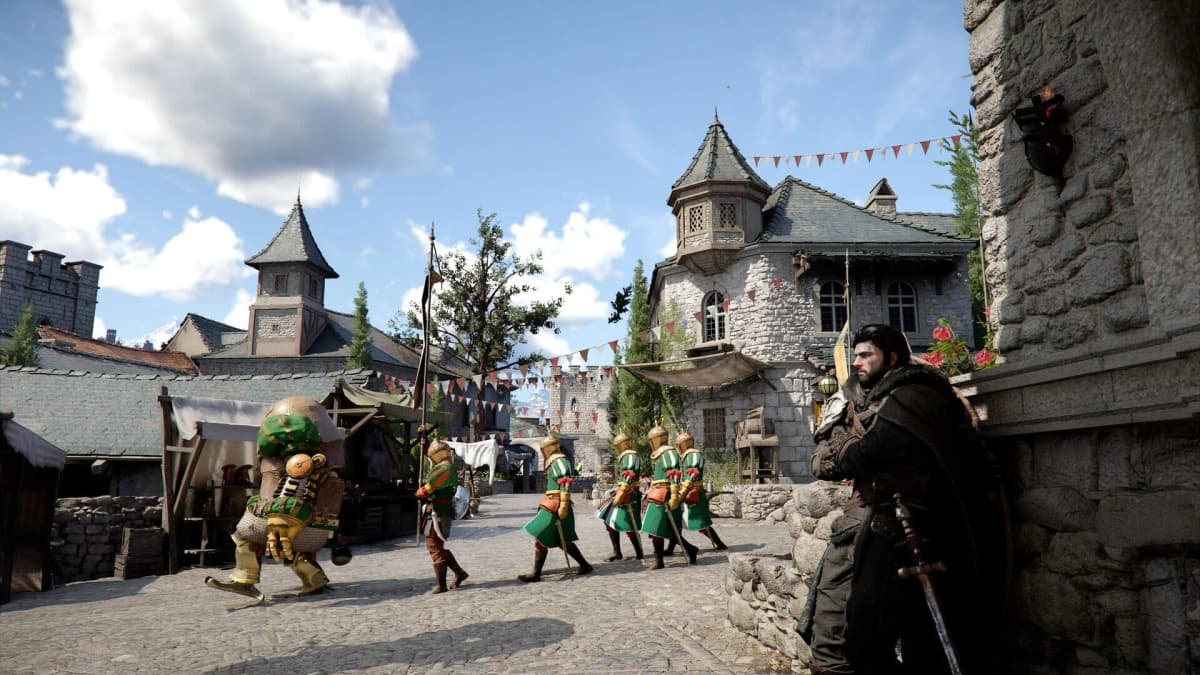
Crimson Desert’s world is huge, and the game doesn’t rush to unlock things like mounts and fast travel. Getting comfortable with movement early saves a lot of dead time.
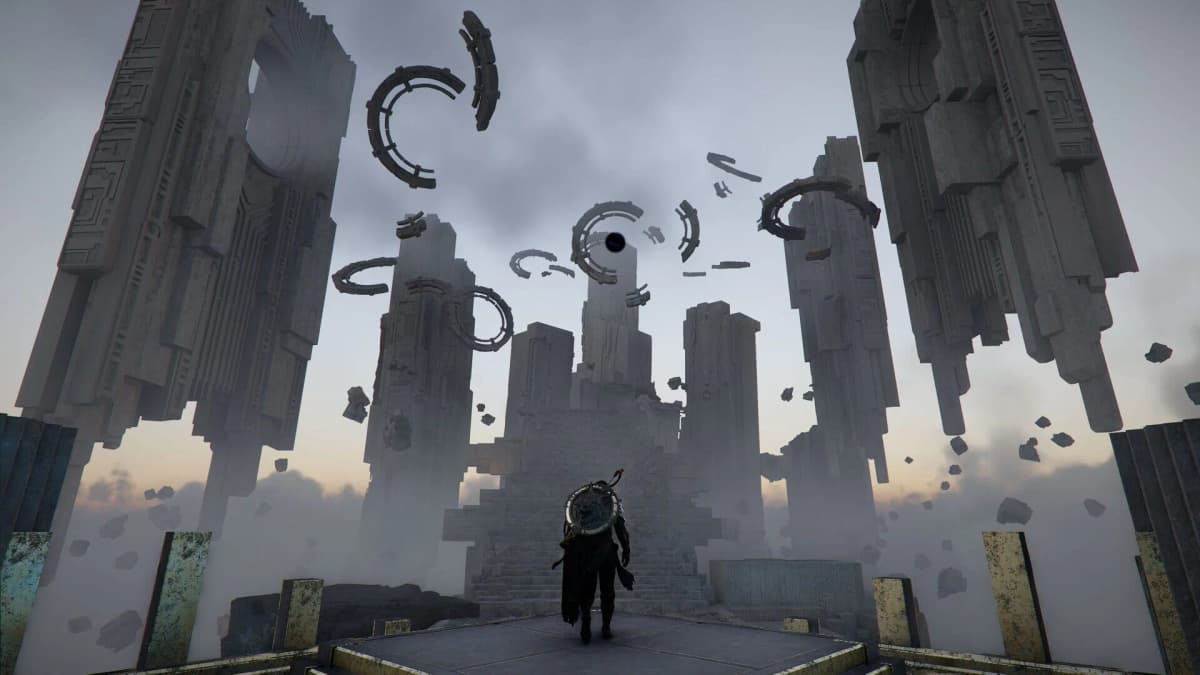
11. Activate every Abyss Monolith you see
Besides the standard fast travel pads you stand on to activate, you’ll find tall structures called Abyss Monoliths. Touching or solving them usually gives you an Abyss Artifact and, once active, they function as fast travel points on the map.
Many are locked behind light puzzles or platforming. It’s worth taking a few minutes to solve them when you find them – they massively reduce backtracking later.
12. Abuse “Force Palm” instead of climbing
Once you unlock the palm/force ability (the game calls it things like Force Palm), you can do a weird but amazing trick:
- Jump, then tap your palm ability toward the ground.
- Cliff will “slam” and catapult himself upwards.
- You can do this up to three times in a row to gain huge height without using stamina like normal climbing.
After I learned this, I basically stopped traditional climbing except when absolutely necessary.
13. The “Yoshi technique” with your horse
This one feels wrong but works brilliantly. If you’re riding toward a cliff edge:
- Gallop off the edge on your horse.
- Just after leaving the ground, press the dismount button.
- Cliff gets launched forward with your horse’s momentum, clearing big gaps or dropping further safely.
The horse miraculously survives and can be whistled back once you land. It’s a great way to shortcut descents and crossings.
14. Build trust with your horse early
The more you ride your horse, the more its trust level increases. Each level unlocks new mounted skills and makes handling smoother.
In practice, this means:
- Try to ride everywhere instead of fast travelling constantly.
- Don’t swap horses obsessively; sticking with one mount for a while pays off.
Step 4 – Combat Fundamentals the Game Barely Explains
Combat feels chaotic at first because the default “button mash” instinct actually works against you. Once I changed my inputs and mindset, fights became much more readable.
- Try to ride everywhere instead of fast travelling constantly.
- Don’t swap horses obsessively; sticking with one mount for a while pays off.
Step 4 – Combat Fundamentals the Game Barely Explains
Combat feels chaotic at first because the default “button mash” instinct actually works against you. Once I changed my inputs and mindset, fights became much more readable.
🎮 Get This Game at the Best Price
Compare prices instantly and save up to 80% on Steam keys with Kinguin — trusted by 15+ million gamers worldwide.
*Affiliate link — supports our independent coverage at no extra cost to you
15. Hold your light attack button, don’t spam it
Instead of rapidly tapping R1/RB for basic attacks, hold it down. The game chains your attacks more fluidly and you’re less likely to lock yourself into clumsy, mistimed combos.
It feels strange at first, but it’s far more comfortable once you get used to it.
16. Learn the “backwards” dodge logic
This one tripped me up badly:
- Press the dodge button once → you do a long roll that covers lots of ground (good for disengaging).
- Press it twice or more in quick succession → you do fast, short hops (good for tight i-frame dodges near the enemy).
Most action games reverse this behaviour, so retrain your reflexes. Long roll to escape, quick double-tap to micro-dodge.
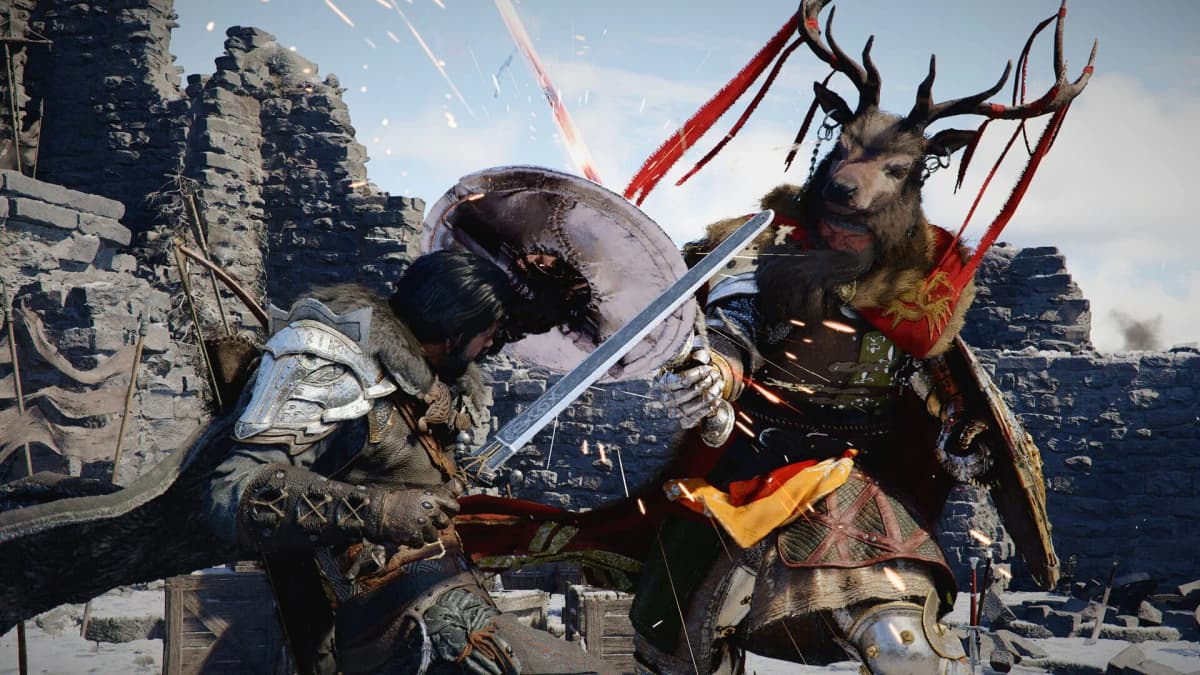
17. Break boss stamina, then go all in
Every boss (and many elites) has a stamina bar under their HP bar. When you deplete it, they become stunned for a short window.
During that stun, use the special heavy attack input – usually R1/RB + R2/RT together – to trigger a cinematic finisher that chunks their health. Saving stamina and big skills for this window makes fights much safer.
18. Prepare for bosses like you’re going camping
Before any big fight, especially early ones:
- Visit a campfire and cook a stack of meals (food is your main healing method).
- Hit a grindstone to sharpen your weapons for a damage boost.
- Make sure you’ve got room in your inventory so you’re not forced to drop loot mid-dungeon.
Also, some occupied zones can’t be fully cleared until certain main or side quests are completed. If you’re getting endlessly swarmed, check the map requirements; you might be forcing a scenario the game doesn’t actually want you to finish yet.
19. “Observe to learn” skills instead of buying all of them
In the skill tree, some abilities are tagged with something like “can be learned via observe”. In practice, this means you can unlock them for free by:
- Finding an enemy that uses that move.
- Watching them perform it while focusing on them for a few seconds.
This lets you save Abyss Artifacts, which you also need for gear upgrades. I only spend artifacts on skills that can’t be learned this way, or on abilities that radically change my toolkit.
Step 5 – Items and Loot That Quietly Save Your Life
There are a few item types Crimson Desert barely explains that make early survival dramatically easier if you know what they do.
20. Hunt down Palm Pills whenever you see them
If you spot a small glowing orb with an aura while exploring, sprint straight to it. These are Palm Pills, and they effectively act as extra lives.
With one in your inventory, if you die you can instantly revive on the spot with about 30% health (there are stronger versions later). Like recipes, picking them up doesn’t count as a crime, even in towns.
I can’t overstate how many bad pulls and boss attempts these saved for me.
21. Scavenge big battles for food
Large army-vs-army set pieces are endurance tests: you’ll chew through healing food fast. If you’re running low:
- Start looting the bodies of fallen enemies mid-battle.
- Many carry meals or ingredients you can use right away or cook later.
Combine this with watching your minimap for those grey Xs and you’ll rarely be totally dry on healing.
22. Don’t skip the purple cubes on the minimap
Those purple cube icons you sometimes see, often near shrine-like locations, are challenge objects. Interacting with them usually starts a mini-trial: a timed combat, a puzzle, platforming, etc.
They reward you with a mix of materials, artifacts and other goodies. In my experience, they’re some of the most time-efficient activities in the early game.
Step 6 – Menus, Missions and Time Management
A lot of Crimson Desert’s friction comes from how you interact with menus and time. Tweaking a few habits here made questing much smoother for me.
23. Use the “hold to open” menu shortcut
Instead of tapping the menu button and cycling through tabs every time, hold the menu button and flick the stick or D-pad toward the tab you want (inventory, map, quests, etc.).
It takes a bit of muscle memory, but once it clicks, you’ll move through menus much faster.
24. Speed up companion missions by sleeping
When you send companions (or “free blades”) on missions from camp, they often take hours of in-game time. Instead of just wandering aimlessly while you wait:
- Find a bed and choose to sleep for 3, 6 or 12 hours.
- This advances all active mission timers by the chosen amount.
There’s a cooldown before Cliff can sleep again, so you can’t spam it infinitely, but timing a 12-hour nap around long missions saves a lot of real-world time.
25. Double-check “occupied” locations before grinding them
Bandit forts and occupied outposts often look like straightforward clear-and-claim zones, but some are actually locked behind story or side quest progress.
If enemies seem endless or an objective won’t progress, back out and check the map and quest log. I wasted too much time trying to “outplay” content that was simply not meant to be finished yet.
26. Make a habit of saving often and reviewing patch notes
Crimson Desert is getting frequent tweaks and balance changes. Systems like crime, reputation, and loot rates have already seen adjustments since launch in pre-release coverage and early patches.
Manual saves before big fights, big thefts, or major purchases let you recover from bad decisions, and checking patch notes occasionally helps you avoid leaning on strategies that have since been nerfed.
Putting It All Together
If you boil all of this down, a smooth first 10 hours in Crimson Desert looks like this:
- Keep your lantern up and read everything the world offers you.
- Expand your inventory early via quests and merchants, and keep it tidy.
- Unlock monoliths and fast travel as you roam, and level your horse’s trust.
- Treat combat like a measured action game, not a button masher.
- Stock Palm Pills and food, and never walk past a purple cube or abandoned body without thinking about loot.
- Use menu shortcuts and sleep strategically to sync mission timers.
Once these habits click, the game transforms from confusing and punishing into demanding but fair. If I could go back and give my day-one self this checklist, I’d have saved a lot of frustration – so hopefully it does exactly that for you in Pywel.
FinalBoss // Gear
Level up your setup
01Top-rated gaming headsetson Amazon→02High-refresh gaming monitorson Amazon→03Gaming chairson Amazon→04Discounted game keyson Kinguin→
Affiliate links · As an Amazon Associate, FinalBoss earns from qualifying purchases.
Want to Level Up Your Gaming?
Get access to exclusive strategies, hidden tips, and pro-level insights that we don't share publicly.
Ultimate Guide Strategy Guide + Weekly Pro Tips