
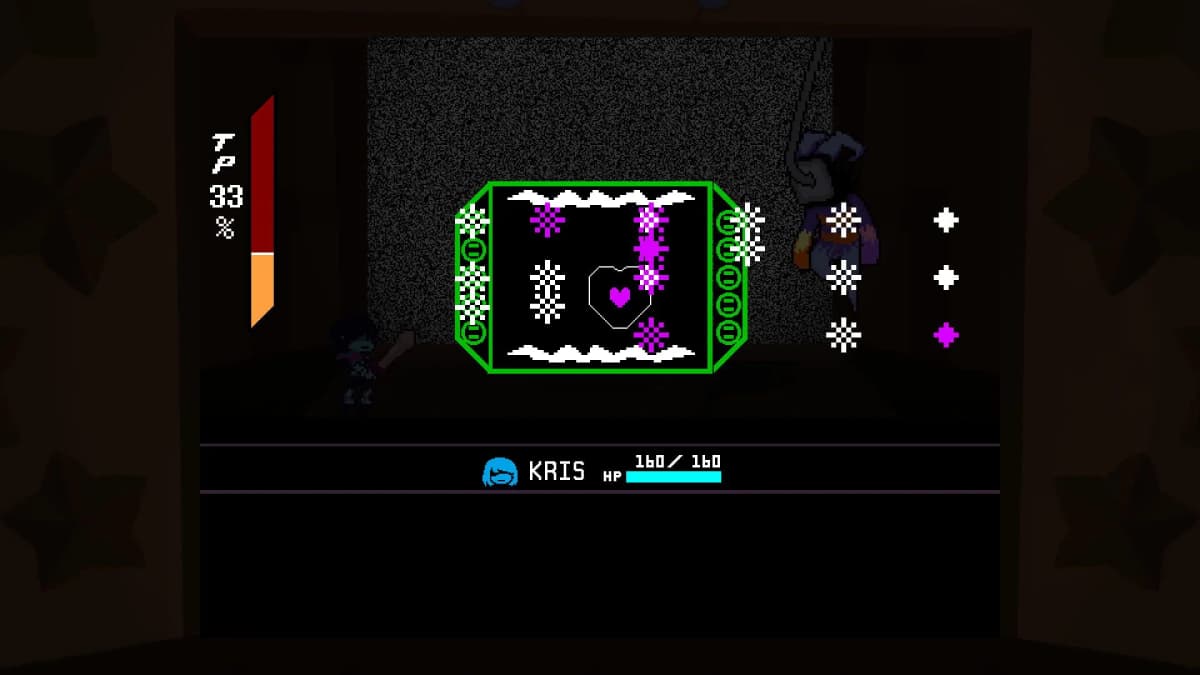
Deltarune Chapter 5 – internally nicknamed Festival Day – is live now as a free update for all owners of the paid game. It launched worldwide on June 24, 2026, at 11:00 a.m. EDT across PC, Mac, Nintendo Switch, Switch 2, PlayStation 4, and PlayStation 5. You do not need to buy anything extra. Existing owners get the update automatically, and anyone purchasing Deltarune after launch receives Chapter 5 in the base install. If the new chapter is not showing up, the issue is almost always a pending platform-level update that needs a manual push or a hard restart of your device.
Table of Contents (9)
Platform-by-Platform Download Steps
The update is bundled into the main Deltarune application on every storefront. There is no separate DLC menu to navigate. However, each platform handles the delivery slightly differently, and console certification can sometimes delay the prompt from appearing immediately at launch hour.
Steam (Windows and macOS)
On Steam, Deltarune updates automatically by default. If you had the game installed before June 24, the download should have queued the moment the build went live. Open your Steam Library, find Deltarune, and look for a blue “UPDATE” button instead of “PLAY.” If you do not see one, right-click the game in your library, hover over Manage, and select Browse local files. If the local folder shows a recent modification time matching the launch date but the game still launches an old build, force a manual check by right-clicking Deltarune, selecting Properties…, navigating to the Installed Files tab, and clicking Verify integrity of game files. This will reconcile any corrupted or stuck pre-load files and pull the Chapter 5 build if it is missing. Mac users on Apple Silicon should ensure they are launching the native build and not a cached Rosetta version, as Steam sometimes defaults to the latter after large updates. If your download hangs at 100%, pause and resume it; if that fails, clear the download cache through Steam Settings > Downloads. Avoid launching Steam in Offline Mode during the launch window, as the client may fail to flip the entitlements flag that unlocks the new chapter.
Nintendo Switch and Switch 2
On both Switch and Switch 2, highlight the Deltarune icon on your home screen and press the + Button to open the software options. Scroll to Software Update and select Via the Internet. Even if you have automatic updates enabled, Nintendo’s staggered CDN can delay the push, especially during high-traffic launches. You can monitor progress from the Home screen by selecting the Deltarune icon and watching the loading animation on the top-right of the tile. If the update begins downloading, do not put the console into sleep mode until the progress bar finishes; Switch downloads sometimes stall when waking from sleep during high-server-load periods. After installation, the game version should read Ver. 1.0.x or higher on the title screen; the exact number matters less than the presence of the Festival Day content itself. If you are playing on a secondary Switch profile that did not originally purchase the game, make sure that console is set as the primary unit for the purchasing account, or the update check may fail with an error stating the software cannot be verified.
PlayStation 4 and PlayStation 5
On PS5, navigate to the Deltarune tile on your home screen or game library, press the Options button on your controller, and select Check for Update. The Chapter 5 patch appears as a version increment in your download queue, usually listed under Notifications > Downloads. On PS4, press the Options button over the Deltarune icon and select Check for Update from the side menu. If the patch does not appear immediately, fully power cycle the console. Rest mode on PlayStation can cache an outdated entitlement check, particularly if the system entered rest mode before the daily store refresh. After the download completes, boot the game and wait at the title screen until the version number in the corner refreshes. PlayStation versions of the launch build carry a known crash risk when suspending the application from Castle Town’s church area, so avoid using the PS button to return to the dashboard while in that specific room until a hotfix is deployed.
Epic Games Store and Other PC Storefronts
If you bought Deltarune through the Epic Games Store, open your Library and look for the rotating arrow icon over the game tile, which indicates an active update. Epic does not always auto-update immediately; you may need to click the tile and select Update manually. For other regional PC storefronts that carry the game, the process is identical: log in, locate Deltarune in your owned library, and trigger the latest patch download. Because the launch window hit very high concurrent traffic, some players reported throttled download speeds. If your client is stalled, pausing and resuming the download usually renegotiates a faster server connection. Unlike Steam, Epic rarely requires a full file verification, but if the game launches without Chapter 5, log out and back into the Epic Games Launcher to refresh your library license.
How to Confirm Chapter 5 Is Installed
You do not need to start a new save file. Chapter 5 continues from the end of Chapters 3 and 4. From the title screen, the most reliable visual confirmation is that your existing save files now display a post-Chapter 4 status, and selecting Continue places you at the start of the Festival Day sequence rather than rolling credits or looping old content. The chapter opens with school festival events, town exploration, a beach-to-shop transition where Kris opens a Dark Fountain, and eventually the Flower Castle area. Early on, you will encounter Flowery in an anime-styled cutscene; if you see this, the update is working. If you instead see the Chapter Select screen capped at Chapter 4, the update has not applied correctly.
For players who want a technical confirmation before loading a save, check the version identifier on the title screen. While the exact version string varies by platform, any build dated June 24, 2026 or later is the Festival Day patch. On PC, you can also right-click the executable in your install folder and check the file properties for the modification date. If that date is before June 24, your client is outdated.
Troubleshooting: Still Locked to Older Chapters
If you have completed Chapters 3 and 4 but the game does not advance into the new content, work through these fixes in order.
- Hard restart your hardware. Fully power down your PC, Switch, or PlayStation and reboot. Do not simply sleep or rest the device. Platform-level caches sometimes hold an old entitlement flag until a cold boot clears it. On PC, this means shutting down, not just restarting Steam.
- Manually poll for updates again. On Switch, this means pressing
+and selectingVia the Interneta second time, even if it returned “You have the latest version” moments earlier. On Steam, exit the client entirely and restart it with administrator privileges if necessary. On PlayStation, power cycle and then use theOptionsmenu check. - Free up storage space. Chapter 5 adds new music, sprite animations, and voiced cutscenes. If your drive or SD card is near capacity, some platforms will silently fail to allocate space for the patch. Ensure you have at least several gigabytes free before attempting the download again. On Switch, you can check remaining space in
System Settings > Data Management. - Verify or reinstall. On Steam, use
Verify integrity of game files. On consoles, deleting and redownloading the entire game is safe; Deltarune save data on Switch is stored separately from application data inSystem Settings > Data Management, and on Steam or PlayStation it is cloud-backed by default. This is the most reliable fix for a corrupted pre-load that refuses to patch incrementally.
If none of these steps work, confirm that you are launching the paid version of Deltarune and not an older demo or trial build. The free chapters from years prior are no longer the active client; the paid release is the only SKU that receives Festival Day. Players who originally installed the standalone Chapter 1 or 2 demos must migrate to the paid Deltarune application.
Known Launch Issues and Temporary Workarounds
The Chapter 5 launch build has a few documented bugs that the development team is patching. None of them block access entirely, but knowing them ahead of time will prevent lost progress.
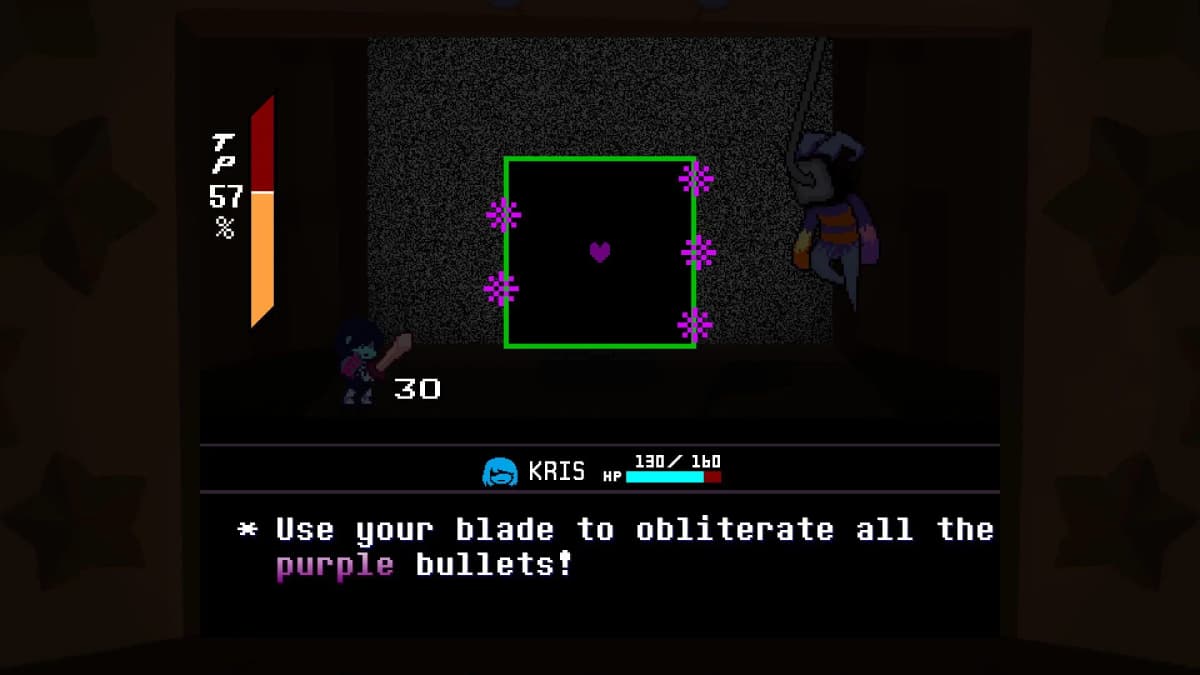
There is a hard freeze that can occur when selecting a “flirting” Act during one of the boss encounters in the Flower Castle sequence. The safest approach is to create a hard save before major boss doors and avoid that specific command if you notice frame stutter leading into the animation. Do not rely exclusively on autosave-style checkpoints in this area until the fix ships.
Additionally, on Nintendo Switch and PlayStation systems, rapidly suspending the game to the system home screen while inside Castle Town’s church can trigger a full application crash. If you need to pause, use the in-game menu instead of the console home button until you leave that room. A hotfix addressing both the freeze and the church crash is currently in certification.
Looking Ahead to Chapter 6
Chapter 5 concludes with narrative setup for the next arc. The developer FAQ confirms that Chapter 6 is targeted for a 2027 release and will follow the same free-update model for existing owners. Some development staff may shift toward Chapter 7 before the end of 2026, but the immediate priority is Festival Day stability patches. Your saves will carry forward just as they did into Chapter 5, so keeping a completed Chapter 5 file on hand is the best preparation.
FinalBoss // Gear
Level up your setup
01Top-rated gaming headsetson Amazon→02High-refresh gaming monitorson Amazon→03Gaming chairson Amazon→04Discounted game keyson Kinguin→Affiliate links · As an Amazon Associate, FinalBoss earns from qualifying purchases.
Want to Level Up Your Gaming?
Get access to exclusive strategies, hidden tips, and pro-level insights that we don't share publicly.
Ultimate Guide Strategy Guide + Weekly Pro Tips