
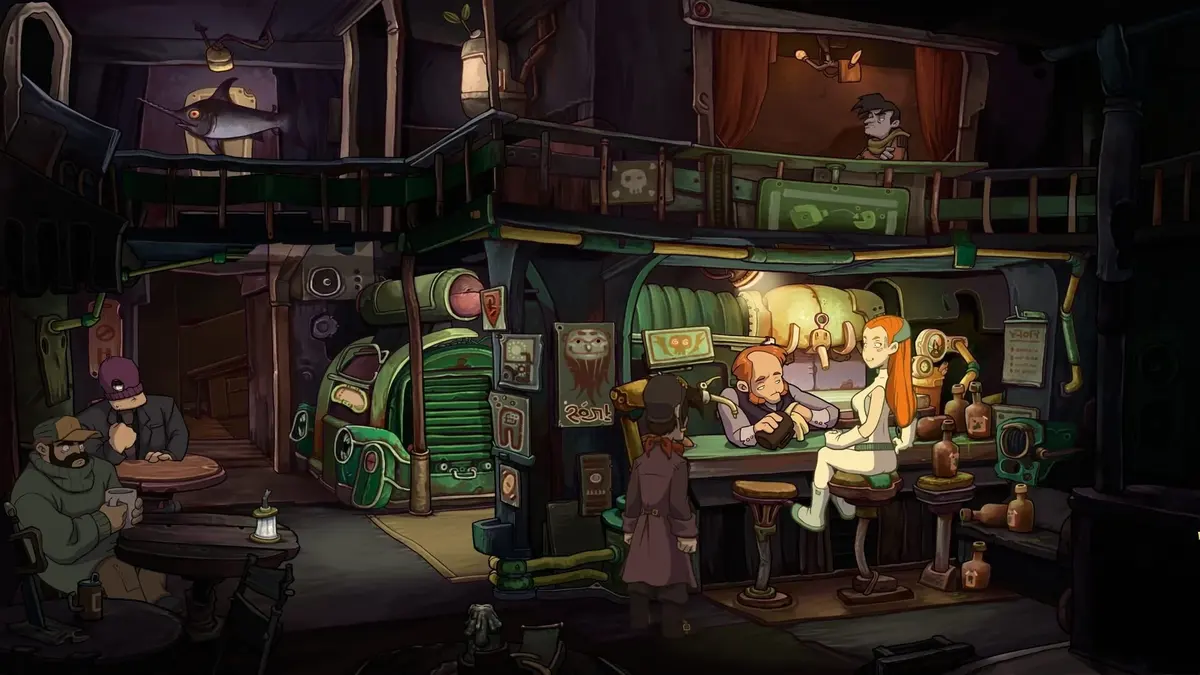
Two separate Steam packages carry two separate deadlines in August 2026. Deponia must be added before August 20 at 10:00 AM PT / 17:00 UTC, while Dokimon Quest is free to keep for 48 hours from August 24 at 10:00 AM PT / 17:00 UTC until August 26 at the same time. Add each game to the correct Steam account while its store page shows a 100% discount and a total of $0.00. Installation can wait; the completed account claim is what grants permanent ownership.
The main trap is the Deponia name. The free game is Deponia, the 2012 Daedalic Entertainment point-and-click adventure. It is not Deponia: The Complete Journey, the paid compilation containing Deponia and its two sequels. Claiming the base game does not unlock the compilation or its sequel content.
Table of Contents (8)
August 2026 Steam free-to-keep deadlines
Treat Steam’s live store banner and price field as the final authority, especially near the cutoff. A valid free-to-keep package shows a 100% discount and a zero-price checkout before it is added to the account.
| Game | Free-to-keep window | Normal Steam price | What the claim includes |
|---|---|---|---|
| Deponia | August 13, 2026, 17:00 UTC to August 20, 2026, 17:00 UTC 10:00 AM PT to 10:00 AM PT | $9.99 USD / €9.99 in several European regions / HK$75 in Hong Kong | The base game only |
| Dokimon Quest | August 24, 2026, 17:00 UTC to August 26, 2026, 17:00 UTC 10:00 AM PT to 10:00 AM PT | $14.99 USD / ¥1,200 in Japan | The base game package only |
For Deponia, the cutoff is August 20 at 7:00 PM CEST in Central Europe and August 21 at 1:00 AM HKT in Hong Kong. Dokimon Quest runs from August 25 at 2:00 AM JST until August 27 at 2:00 AM JST in Japan. The UTC timing is useful when converting the deadline elsewhere: Deponia ends at 17:00 UTC on August 20, and Dokimon Quest ends at 17:00 UTC on August 26.
Claim Deponia before the August 20 cutoff
Deponia is the urgent claim because its window closes four days before Dokimon Quest becomes available. The offer applies to PC through Steam and is intended for global regions, although the displayed currency and button text vary by storefront.
- Sign in to the Steam account that should permanently own the game. Check the account name in the profile menu before adding anything.
- Search Steam’s Store for Deponia. Select the original 2012 adventure, not Deponia: The Complete Journey.
- Inspect the purchase area before claiming. During the valid window, it should display the free-to-keep wording, a 100% discount, and a price of $0.00 or the regional equivalent.
- Select Add to Account, Add to Library, or Get, depending on the language of the storefront.
- Wait for Steam’s completion screen confirming that Deponia has been added to the Library.
- Open the Library and search for Deponia. A permanent claim produces an Install or Play button, rather than a Store link or Purchase button.
Steam’s free-to-keep promotion replaces the standard paid package only for the duration of the event. Once the clock expires, the paid Deponia package returns. A store page showing $9.99, €9.99, HK$75, or another non-zero regional price means the free claim window is no longer active.
Do not confuse Deponia with The Complete Journey
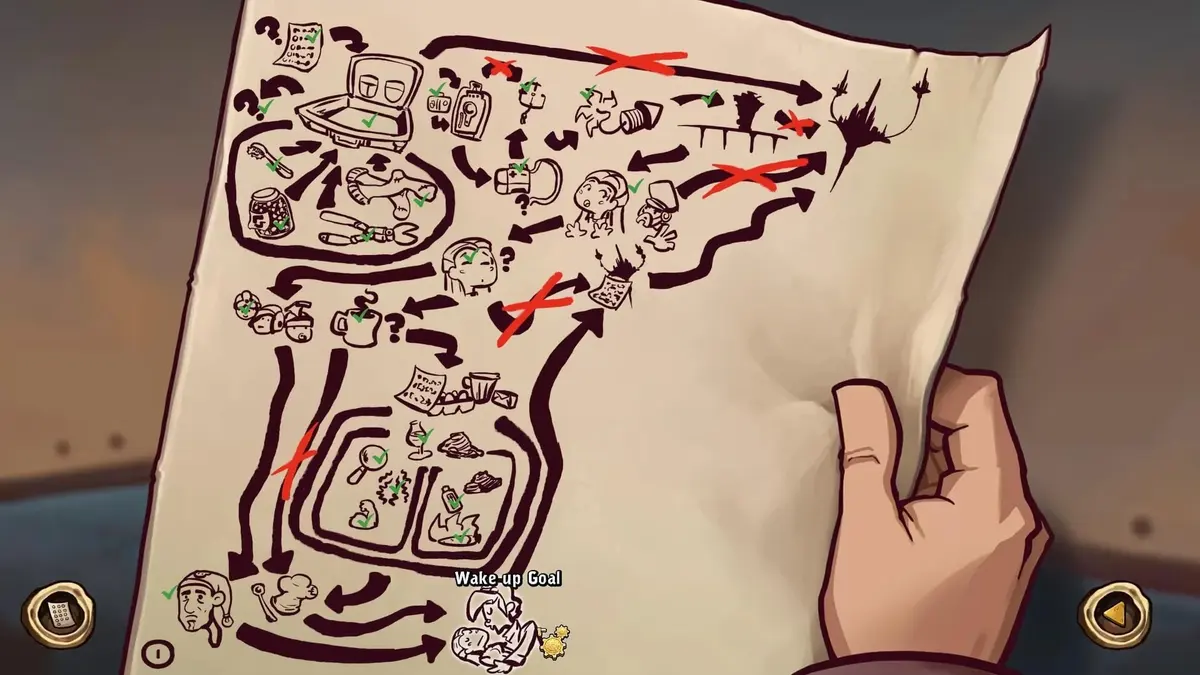
Deponia: The Complete Journey is a separate compilation product. Its typical price is $30.00 USD, and it was discounted to $3.00 until August 17, 2026. That sale does not change the scope of the August 13-20 free-to-keep offer: the giveaway grants Deponia only.
The distinction matters when verifying the library entry. The correct permanent entitlement is titled Deponia. Seeing the compilation’s store page, a bundle offer, or sequel listings does not indicate that the base-game claim failed.
Claim Dokimon Quest during its 48-hour window
Dokimon Quest opens later and has the shorter window. Its Steam AppID is 2019300, and the listing may appear as Dokimon Quest or Dokimon: Quest depending on storefront language. The correct game is the retro-style monster-taming RPG released on Steam in November 2024.
- Open the Dokimon Quest Steam page on or after August 24, 2026, at 10:00 AM PT / 17:00 UTC.
- Confirm that the account shown in Steam is the account intended to keep the game.
- Check the game’s price field. The active giveaway should reduce the base game to $0.00, €0.00, ¥0, or the applicable regional equivalent.
- Add the game to the account and confirm that the checkout total is $0.00. A payment method should not be required for the free package.
- Open the Steam Library after the confirmation screen and search the full title Dokimon Quest.
- Verify that the game has an Install or Play button and that its store page shows it as already in the Library.
The deadline is August 26, 2026, at 10:00 AM PT / 17:00 UTC. If the page has returned to its normal $14.99 USD or ¥1,200 price, the free-to-keep package has ended and any later checkout is a standard purchase.
Dokimon Quest includes 44 Steam achievements and received its final major update in December 2025. Its planned follow-up, Dokimon Quest II, has a Coming Soon Steam page but is not part of this giveaway and cannot be claimed yet.
The Dokimon Quest DLC is discounted, not free
Dokimon: The Great Fairy Island receives a 20% discount during the same 48-hour period. It remains a paid add-on. Claim the free base-game package first, then inspect the DLC price separately if the extra content is wanted.
Verify permanent ownership before closing Steam
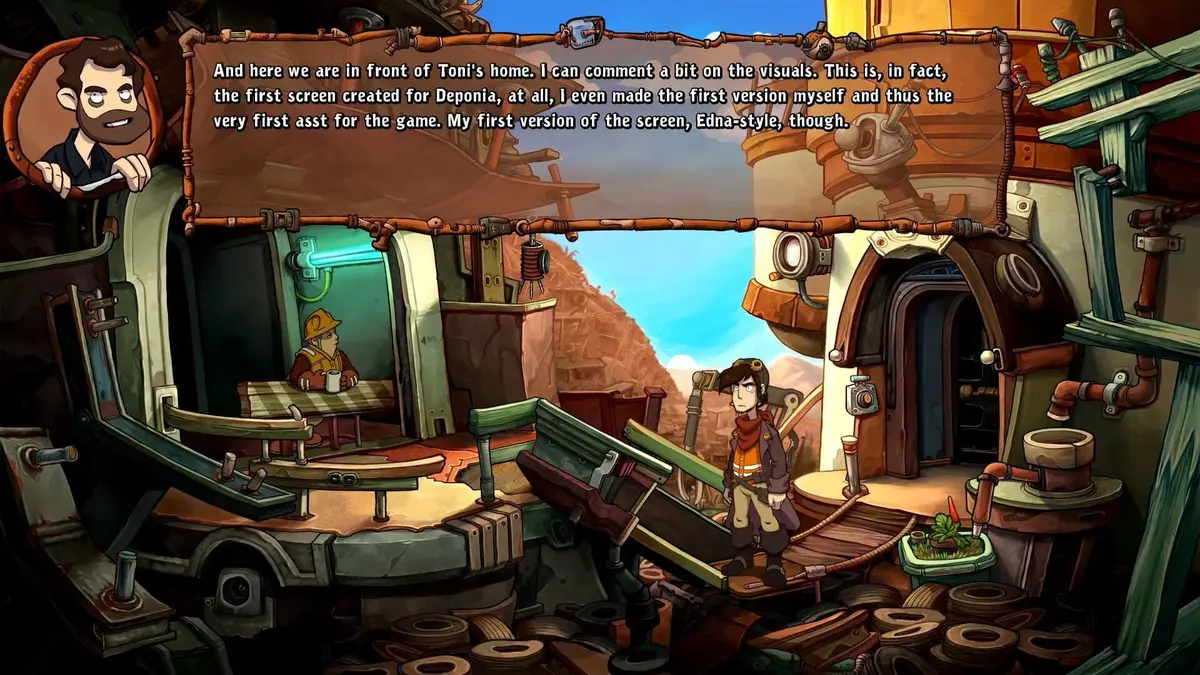
A successful free-to-keep claim behaves like a regular Steam purchase. The game license attaches to the specific account used at checkout, remains available after the promotion ends, and does not require downloading during the event.
- Library entry: Search for Deponia or Dokimon Quest in the Library sidebar. The result should be clickable and should offer Install or Play.
- Store-page status: Visit the game’s store page while logged in. A finished claim displays an in-library status instead of a purchase option.
- Purchase history: Open
Account Details → View purchase historyand look for a zero-value transaction for the relevant game. - Correct title: Verify Deponia as the standalone game and Dokimon Quest as the exact title. Dokimon Quest II is a separate, unowned upcoming release.
- Correct account: Check for a secondary, family, or shared account before assuming the license is missing. The entitlement belongs only to the account that completed the claim.
Installing either game is optional. The completed zero-cost account transaction is enough to preserve access. Downloading during the event neither improves the license nor protects an unclaimed game after the timer expires.
Fix a missing entitlement while the offer is still live
The useful troubleshooting sequence is short: confirm the current store status, confirm the account, and then confirm whether Steam recorded the $0.00 transaction. Avoid relying on an old deal listing or a browser tab that has been open since before the promotion started.
- Refresh the store page: Use
Ctrl+F5in a browser to bypass a cached promotion banner. Check that the live page still shows $0.00 and the active free-to-keep wording. - Retry the claim: Select Add to Account again if Steam did not show a confirmation screen. A timeout or interrupted page load can prevent the license from being added.
- Review purchase history: No zero-value transaction usually means the claim did not finish. A recorded $0.00 transaction means the account owns the license even if the Library is slow to update.
- Restart the Steam client: Close and reopen Steam, then search the Library again. Checking the web library can also confirm whether the issue is limited to the desktop client display.
- Check the deadline before troubleshooting further: Deponia must still show an active free package before August 20 at 17:00 UTC; Dokimon Quest must still show one before August 26 at 17:00 UTC.
- Ignore wishlist expectations: Steam does not send wishlist notifications for every 100% off free-to-keep event, so a missing alert does not mean the promotion failed to start.
Both offers are restricted to PC Steam. Console releases and similarly named products are outside these promotions. In particular, Dokimon Quest’s console counterpart, Doki Monsters: Quest, is a different product and is not included in the Steam giveaway.
Practical claim order
Claim Deponia first because its August 20 deadline arrives before Dokimon Quest’s promotion begins. Then return to Steam during Dokimon Quest’s August 24-26 window and complete the same library verification. The final check is simple: both games should appear under their exact titles with Install or Play available, and both should have a $0.00 entry in purchase history.
FinalBoss // Gear
Level up your setup
01Graphics cardson Amazon→02Gaming laptopson Amazon→03High-refresh gaming monitorson Amazon→04Discounted game keyson Kinguin→Affiliate links · As an Amazon Associate, FinalBoss earns from qualifying purchases.
Want to Level Up Your Gaming?
Get access to exclusive strategies, hidden tips, and pro-level insights that we don't share publicly.
Ultimate Guide Strategy Guide + Weekly Pro Tips