
Install Title Update 4.0 before attempting to access Norgan, then check your expansion ownership and any introductory prompts when loading your save. Keep Save Data Carry Over separate from that setup: it restarts the experience using current save data, so reserve it for deliberately beginning another run.
Table of Contents (8)
Launch times by platform
Dark Arisen’s release date is October 9, 2026, but the unlock schedule differs between platforms. PC uses a simultaneous worldwide release, which falls on October 8 in North America. PlayStation 5 mostly follows local midnight.
| Platform | Launch timing | What to check |
|---|---|---|
| PC | October 8 or 9, depending on time zone | Use the regional PC times below. |
| PlayStation 5 | Midnight local time on October 9 in most regions; 9 p.m. PDT on October 8 in the western United States | The regional PlayStation Store countdown takes precedence over the PC schedule. |
| Xbox Series X|S | October 9; check the regional storefront countdown for the unlock time | Do not automatically apply the PC release time to Xbox. |
| Nintendo Switch 2 | October 9; midnight CEST in Germany | Check your regional Nintendo listing rather than extending Germany’s timing worldwide. |
PC release times by time zone
| Time zone | Date | Unlock time |
|---|---|---|
| Pacific Daylight Time — PDT | October 8 | 5 p.m. |
| Eastern Daylight Time — EDT | October 8 | 8 p.m. |
| British Summer Time — BST | October 9 | 1 a.m. |
| Central European Summer Time — CEST | October 9 | 2 a.m. |
| Australian Eastern Standard Time — AEST | October 9 | 11 a.m. |
| New Zealand Daylight Time — NZDT | October 9 | 1 p.m. |
These PC times describe the same release moment. In Germany, that creates a two-hour gap between the midnight PS5 and Switch 2 unlocks and the 2 a.m. PC unlock. A console player’s access therefore does not mean the PC version should already be available.
Which edition you need
Existing owners can purchase Dark Arisen as separate DLC on supported platforms. The Nintendo Switch 2 edition packages the base game and expansion together. Check the contents of the listing before purchasing: a standalone expansion and a complete bundle serve different ownership situations.
Use your regional storefront’s price for the edition you need. Do not assume that a Steam price, bundle discount or upgrade offer also applies to another platform or region.
Hard Mode belongs to the free base-game update. If that is the feature you want, you do not need to purchase the Norgan expansion to receive it.
What Title Update 4.0 adds
Title Update 4.0 arrived alongside Dark Arisen on October 9. Its base-game additions cover difficulty, restarting your adventure and Pawn options.
- Hard Mode: a new difficulty option delivered through the free update.
- Save Data Carry Over: a way to restart the experience using your existing save data.
- Orienteer: a new Pawn specialization.
- New Official Pawns: additional Pawn choices introduced with the update.
- Quality-of-life improvements: further changes alongside the headline features.
The graphics additions differ by hardware. PlayStation 5 Pro receives enhanced PSSR support. On PC, the update adds FSR 3 Frame Generation and DLSS 4.5 Dynamic Multi Frame Generation. Those are platform-specific additions; the PS5 Pro feature should not be treated as a standard PS5 feature.
Save Data Carry Over and platform transfers
Save Data Carry Over describes an in-game restart using your current save. Do not assume it retains every item, quest flag, unlock or piece of progression. Check the game’s carry-over explanation before committing to a restart, especially if preserving particular equipment or completed content matters to you.
Cross-platform migration is a separate issue. Buying the Switch 2 bundle does not by itself provide a route for moving a PC, PlayStation or Xbox character. Likewise, the carry-over feature should not be used as evidence of platform-family transfer support or shared progression between different systems.
Preparing to enter Norgan
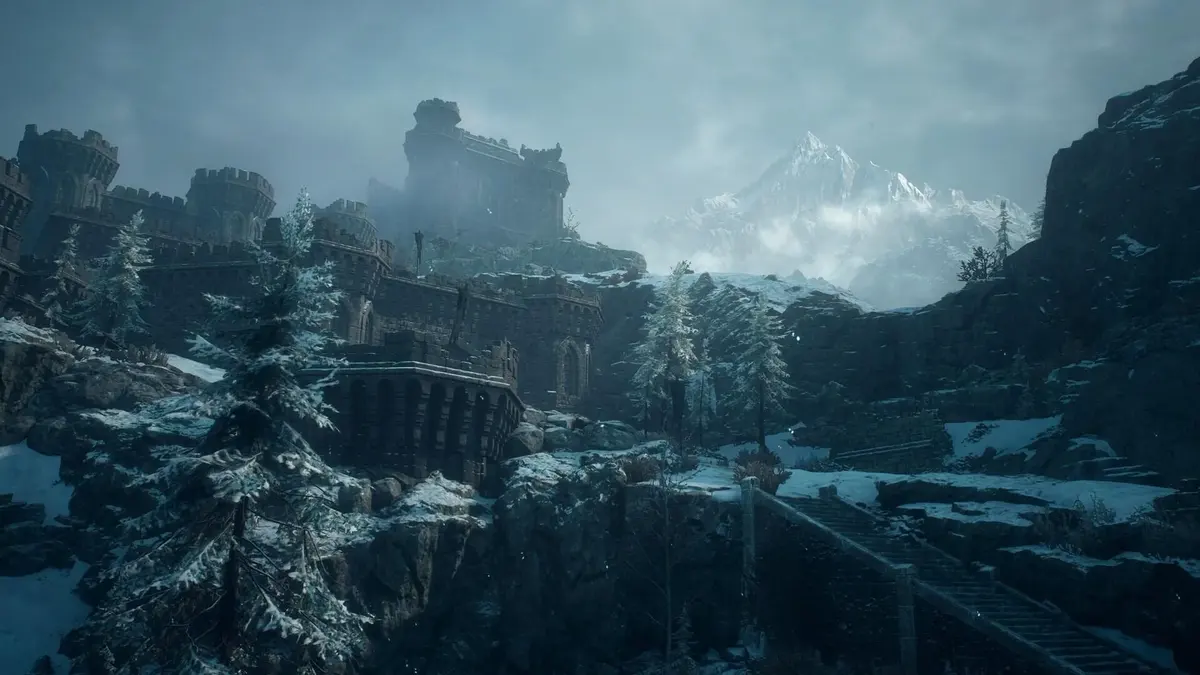
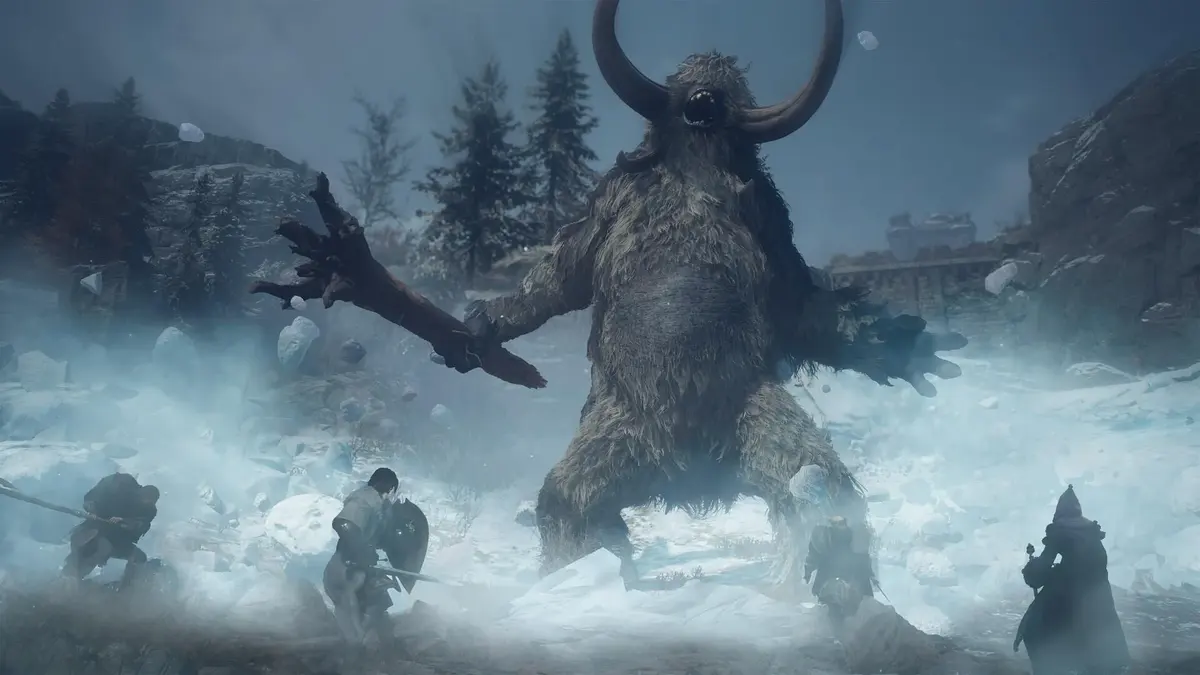
Norgan is a long-abandoned, snowy northern region. Its story brings the Arisen together with the enigmatic Eir to investigate the undying Fallen Dragon.
Begin preparation by installing Title Update 4.0 and checking that the Dark Arisen expansion is included in your ownership. After loading your save, follow any expansion introductory prompts and examine newly available NPCs or quest markers. Avoid planning around a specific entry quest, minimum level or mandatory story checkpoint without the corresponding in-game instruction.
Do not assume a fresh character can travel straight to Norgan. Starting over through Save Data Carry Over is a separate decision from locating the expansion’s opening content.
Norgan, Lost Rites and equipment progression
The expansion gives you several distinct objectives. Norgan contains the main narrative and a relic-focused exploration loop: retrieve forgotten relics and have them appraised to unlock stronger weapons and skills.
The 12 Lost Rites dungeon challenges are distributed across the game world. Treat them as separate exploration destinations rather than expecting one continuous dungeon inside Norgan. They add encounters and rare equipment, giving returning players reasons to explore beyond the expansion’s central story route.
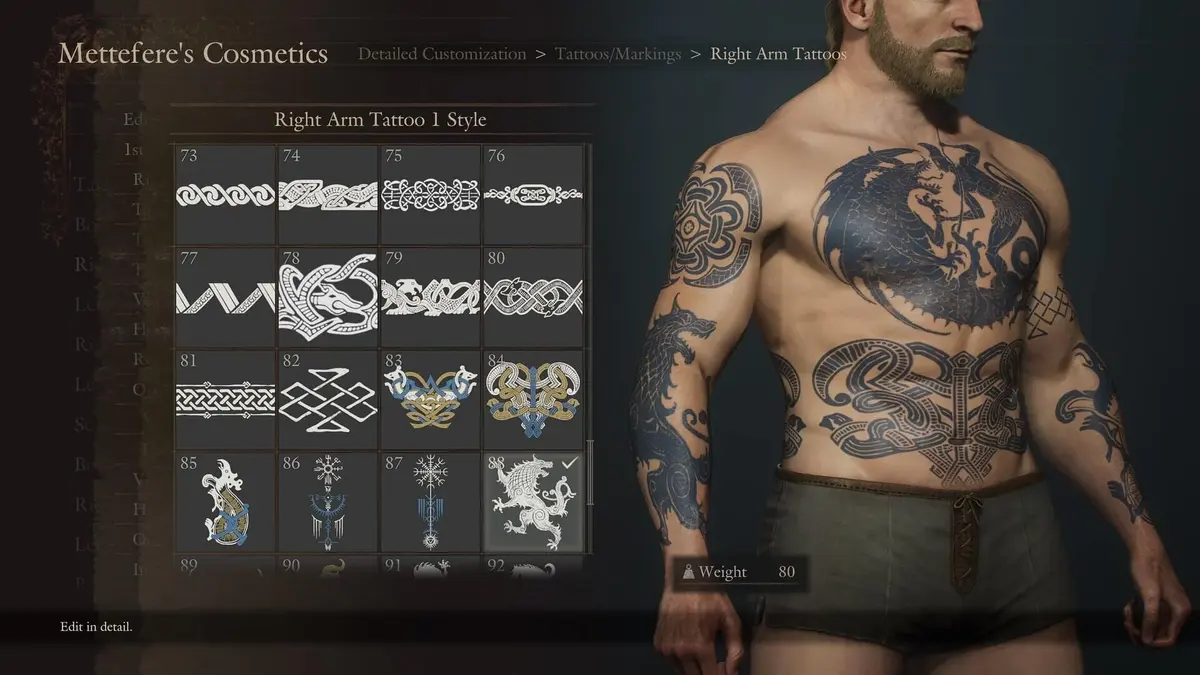
Dark Arisen also adds character-creation options. Keep those customization additions separate from Orienteer and the new Official Pawns, which belong to Title Update 4.0.
If Norgan does not appear immediately
Check the installed update, expansion ownership and any introductory quest prompts before deciding to restart your campaign. A missing expansion marker is not a useful reason to activate Save Data Carry Over: reserve that feature for a planned new run after reviewing what it retains.
FinalBoss // Gear
Level up your setup
01Top-rated gaming headsetson Amazon→02High-refresh gaming monitorson Amazon→03Gaming chairson Amazon→04Discounted game keyson Kinguin→Affiliate links · As an Amazon Associate, FinalBoss earns from qualifying purchases.
Want to Level Up Your Gaming?
Get access to exclusive strategies, hidden tips, and pro-level insights that we don't share publicly.
Ultimate Guide Strategy Guide + Weekly Pro Tips