
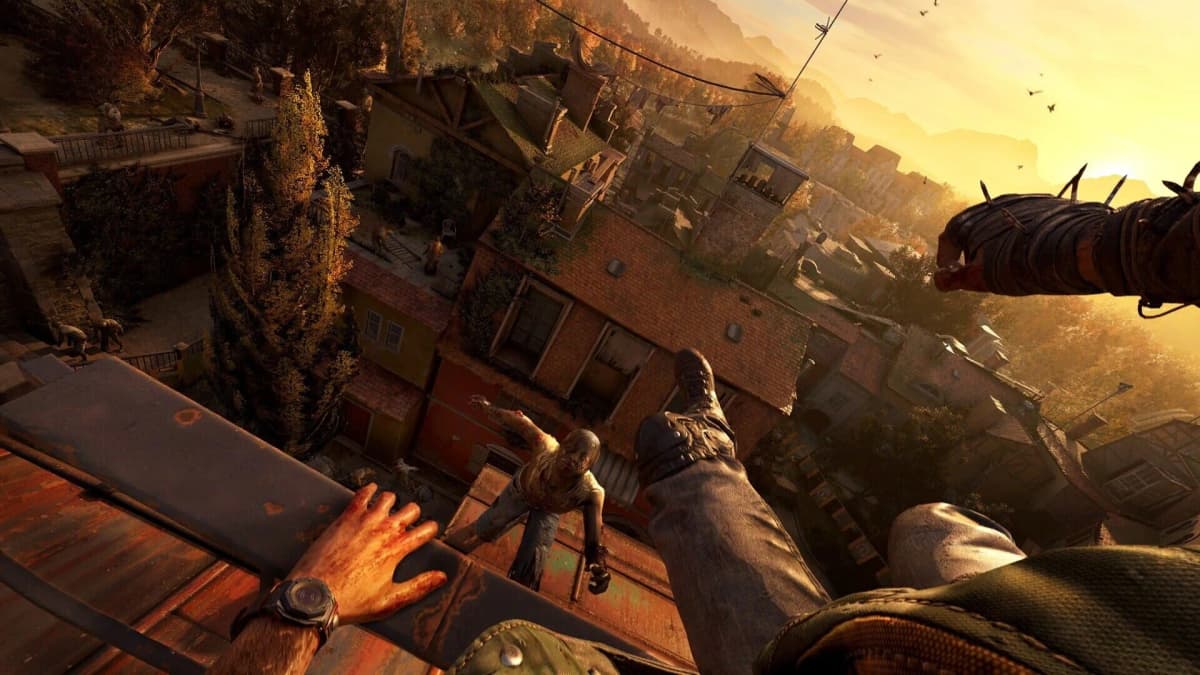
Dying Light: The Beast Is Steam Deck Verified — Here’s the Real Deal for Handheld Horror
Game intel
Dying Light: The Beast
Dying Light is a first-person, action survival horror game set in a vast and dangerous open world. During the day, players traverse an expansive urban environm…
Why This Caught My Attention
Techland getting Dying Light: The Beast officially Steam Deck Verified ahead of launch is the kind of move that makes handheld diehards perk up. Verification doesn’t magically fix heavy open worlds, but Techland didn’t just take the green tick and bail-they built a dedicated performance mode and tuned the game for Deck’s OLED perks like HDR and flexible refresh rates. Coming from a studio that supported the first Dying Light for years and nudged Dying Light 2 into solid handheld shape, that matters.
Key Takeaways
- It’s Steam Deck Verified and playable out of the box with full controller and UI support.
- Expect a stable 30 FPS on balanced settings; performance mode targets smoother play with pared-back visuals.
- Deck OLED owners should lean on HDR and refresh rate tuning for a noticeably nicer experience.
- This is one of the stronger big-budget Deck releases of 2025, but it’s still a 30-40 FPS game, not a miracle port.
Breaking Down the Announcement
Steam Deck Verified means the game boots, controls map correctly, text is legible on a 7-inch screen, and you won’t hit SteamOS-specific brick walls. It does not mean “locked 60 FPS” or “never dips.” Techland says The Beast ships with optimizations and a special Deck-focused performance mode to smooth out rendering and play nice with the OLED model’s HDR and configurable refresh rates. Translation: they actually tested this on Deck and made options that matter, not just one-size-fits-all PC presets.
Performance Reality Check on Deck
In practice, The Beast feels most reliable in its balanced preset hovering around 30 FPS at 1280×800. The dedicated performance preset can push above that in lighter areas-especially if you pair it with a 40 FPS cap-but it achieves the boost by trimming effects and dialing back shadows, ambient occlusion, and post-processing. Open hubs, dense infected swarms, and night sequences can still cause dips, but it never spirals into slideshow territory if you stick to the intended presets.
Battery life shakes out about where you’d expect for a modern open-world action game: roughly 2-3 hours in balanced and closer to 1.5-2 hours in performance mode depending on how aggressive you get with refresh rates and brightness. Deck OLED owners get the nicer end of the experience thanks to punchy contrast and HDR highlights—torches, UV lights, and sunsets have real pop—though HDR can tick up power draw and won’t erase the cost of heavy effects.
Settings That Actually Help
- Refresh rate and cap: On Deck OLED, set refresh to 80 Hz and cap to 40 FPS for smoother camera motion without spiky frametimes. On the LCD, 60 Hz with a 30 FPS cap is the safer bet.
- Presets: Start with the built-in Performance preset, then raise textures one notch if VRAM headroom allows; keep shadows at low/medium.
- Upscaling and post-process: Use the game’s upscaler at Balanced (or Quality if it stays stable for you). Disable motion blur and film grain; reduce depth of field for clarity.
- Power tuning: If you like tinkering, modest TDP limits can smooth thermals, but don’t choke the APU so much that it induces stutter—test in busy streets at night, not empty rooftops.
- HDR on OLED: Try it—highlights look great—but back off if you see crushed blacks or the battery melts too fast. Tweak in-game brightness alongside SteamOS HDR settings.
Want to Level Up Your Gaming?
Get access to exclusive strategies, hidden tips, and pro-level insights that we don't share publicly.
Ultimate Gaming Strategy Guide + Weekly Pro Tips
Controls, UI, and Co-op on a Handheld
The verification badge shows its value here. Text is readable; menus scale; and the Deck’s layout—including gyro—feels natural for parkour plus melee. Pro tip: bind jump/parkour to a rear paddle so you can sprint, aim, and vault without claw-gripping the device. Trackpads are handy for radial menus and inventory flicks if you like more precision. Co-op (up to four players) works fine on Deck as long as you’re on solid Wi‑Fi; expect the usual handheld caveat that host connections matter more than your settings. Cloud saves make swapping to a desktop painless.

Why This Matters Beyond a Green Tick
Techland already proved with Dying Light 2 that it’s willing to do the grunt work to keep a massive open world running on portable hardware. Getting The Beast Verified at launch, with a proper performance mode and OLED-aware tweaks, signals they understand where a big slice of their audience actually plays games in 2025. It also fits a broader trend: more big PC releases are shipping with 40 FPS-friendly options and sensible UI scaling out of the gate. That’s not charity—handheld PC gaming is now too big to ignore—but it benefits players all the same.
Is it perfect? No. If you’re chasing max fidelity or 60 FPS, stick to a desktop or a beefier handheld and expect to sacrifice battery and portability. But for couch sessions and commutes, vaulting across rooftops at a consistent 30–40 FPS with responsive controls and bright OLED punch is exactly the kind of “good enough” that becomes “actually great” in the hands.
TL;DR
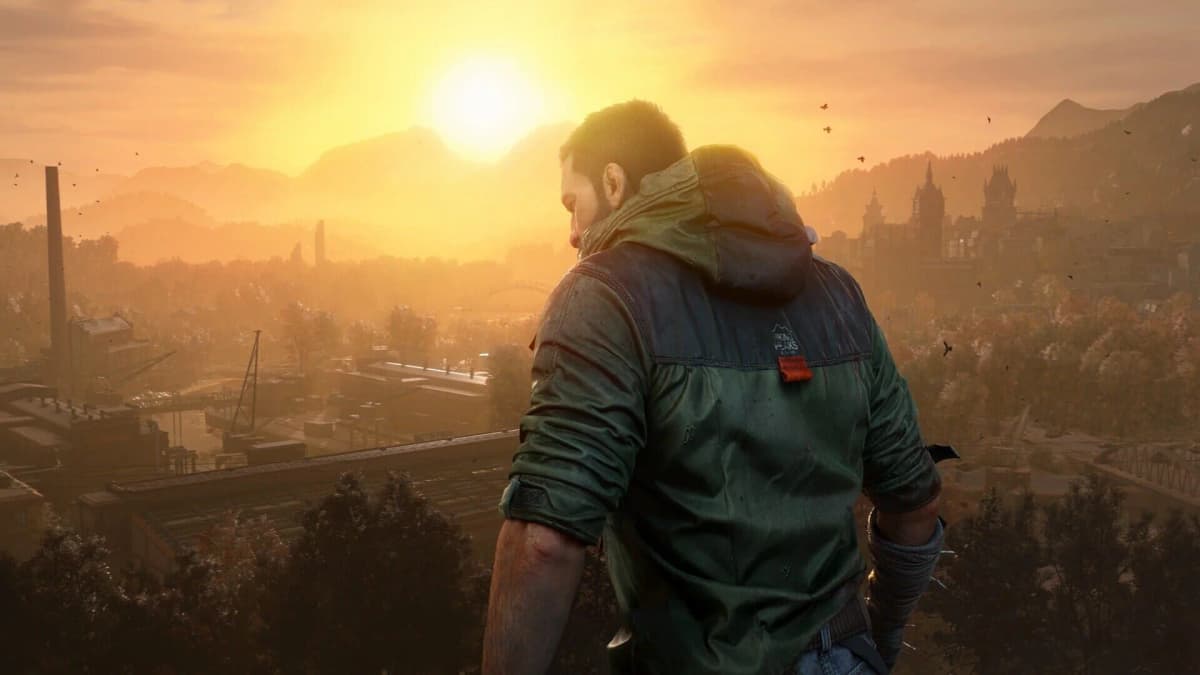
Yes—Dying Light: The Beast is Steam Deck Verified and tuned for Valve’s handheld. Expect 30 FPS on balanced, smoother play with the performance preset and a 40 FPS cap on Deck OLED, and an overall portable experience that respects your time and battery.
If you can live with 30–40 FPS and a few visual compromises, it’s one of the better “big game on a small system” wins of the year.
Level Up Your Setup
- → Graphics cards on Amazon
- → Gaming laptops on Amazon
- → High-refresh gaming monitors on Amazon
- → Gaming mice on Amazon
As an Amazon Associate, FinalBoss earns from qualifying purchases.