
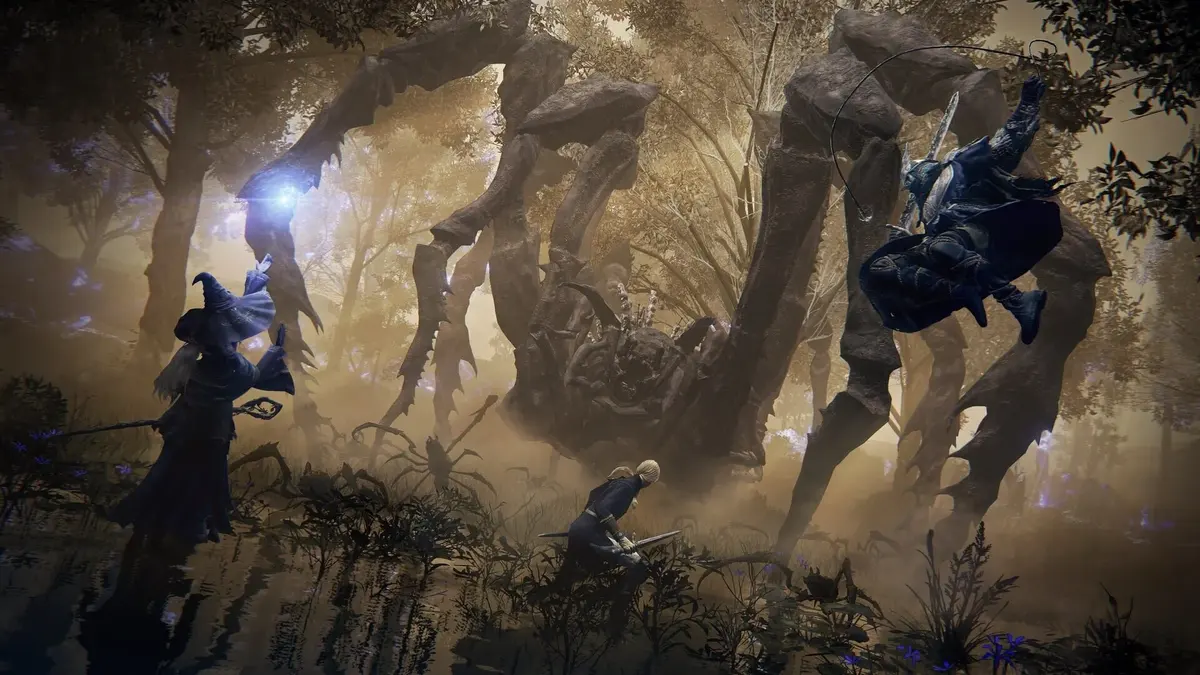
The Nintendo Switch 2 release is Elden Ring: Tarnished Edition, launching on 28 August 2026 for $79.99. It includes the full 2022 Elden Ring, Shadow of the Erdtree, and the extra content sold elsewhere as the Tarnished Pack. “Elden Ring Nightreign: Deluxe Edition” is not the name of the Switch 2 product. For performance, set your expectations around a 30fps target in both handheld and docked play, with the cleanest experience coming from testing the updated game rather than judging the first minutes in Limgrave.
Table of Contents (15)
What Elden Ring on Switch 2 is aiming for
Tarnished Edition was delayed out of its original 2025 window so FromSoftware and Bandai Namco could make performance adjustments. That extra development time matters: the early Switch 2 demo had severe drops in demanding scenes, while the later build is tuned around steadier frame pacing, shorter loading screens, and a mostly stable 30fps presentation.
That target still has limits. Fast Torrent travel through dense fields, large groups of enemies, dragon fights, boss attacks with heavy particle effects, and crowded Shadow of the Erdtree encounters are the situations most likely to expose dips. Expect occasional stutter when the game streams in a new area, enemy type, or effect. A brief hitch the first time something loads is different from a recurring slowdown every time you cross the same spot.
There is no known performance-versus-quality choice on Switch 2. Tarnished Edition is built around one 30fps target with dynamic resolution and reduced visual settings. You cannot tune foliage, shadows, draw distance, or the frame-rate cap as you could on PC, so the practical job is to identify whether a problem is coming from the game, the display setup, a first-time loading hitch, or online play.
| Play setup | What to expect | Best reason to use it | What stands out most |
|---|---|---|---|
| Handheld mode | 30fps target with a roughly 720p-class dynamic image. The smaller screen hides some softness and reduced foliage density. | More forgiving image quality and potentially steadier-feeling frame pacing during normal exploration. | Fine details, distant grass, and texture streaming are less distracting on the built-in display. |
| Docked mode on a 1080p TV in Game Mode | 30fps target, with docked resolution estimated around 900p to 1080p in lighter scenes and dynamic scaling under load. | Better menu, map, dialogue, and item-description readability. | Camera-turn judder, resolution shifts, and TV-added input delay are easier to notice. |
| Docked mode on a large 4K TV | The same 30fps target, enlarged by the television’s scaling. | Large-screen exploration and clearer HUD elements from a distance. | Aliasing, soft foliage, pop-in, and lower-detail shadows are much more visible than on handheld. |
| PS5 or Xbox Series X|S performance mode | A higher frame-rate target around 60fps, with stronger resolution, shadows, texture detail, and foliage density. | The reference point for players prioritizing responsiveness and image quality. | Switch 2 is closer to a last-generation enhanced-console presentation than this current-gen performance mode. |
Update first, then test the right areas
Install the latest available Tarnished Edition update before treating any performance behavior as final. Pre-release code and an unpatched cartridge are poor baselines for a port that received a long optimization pass. Once updated, use the same character, weather conditions where possible, and camera routine when comparing handheld and docked play.
1. Check frame pacing before starting a long run
Stand in a quiet outdoor spot with trees, ruins, or a detailed building behind your character. Slowly rotate the camera through a full circle. At 30fps, the motion will never match a 60fps console version, but it should move in an even rhythm. Repeated uneven judder during simple camera movement is more useful evidence than a single pause while entering a new area.
Run this check once in handheld mode and once while docked. Handheld may feel smoother because it renders for the lower-resolution built-in display, while docked play makes every hitch and sharpness change easier to see on a larger panel.
2. Use Torrent to separate streaming stutter from combat slowdown
Ride Torrent at full speed across an open Limgrave route, including forested terrain, cliffs, and areas where the view opens suddenly. Rapid traversal forces the game to stream terrain, enemies, foliage, and distant structures. Watch for one-time hitches, repeated stutters at the same location, and aggressive detail pop-in.
A single hiccup as a new enemy or effect appears can settle after the first pass. A repeatable stutter on every ride through the same field is the behavior worth noting. Do not decide the entire port’s quality from the first open field outside the Stranded Graveyard or near the Church of Elleh; that kind of open terrain is a harsher streaming test than a contained dungeon corridor.
3. Test an interior and a high-load fight
Stormveil Castle is a useful second check because it combines dense geometry, vertical paths, multiple enemies, and busy courtyard encounters. Compare its walkways and courtyard combat with the open field test. If the game is clean indoors but struggles during long outdoor rides, the issue is more likely tied to streaming and world density than general controller responsiveness.
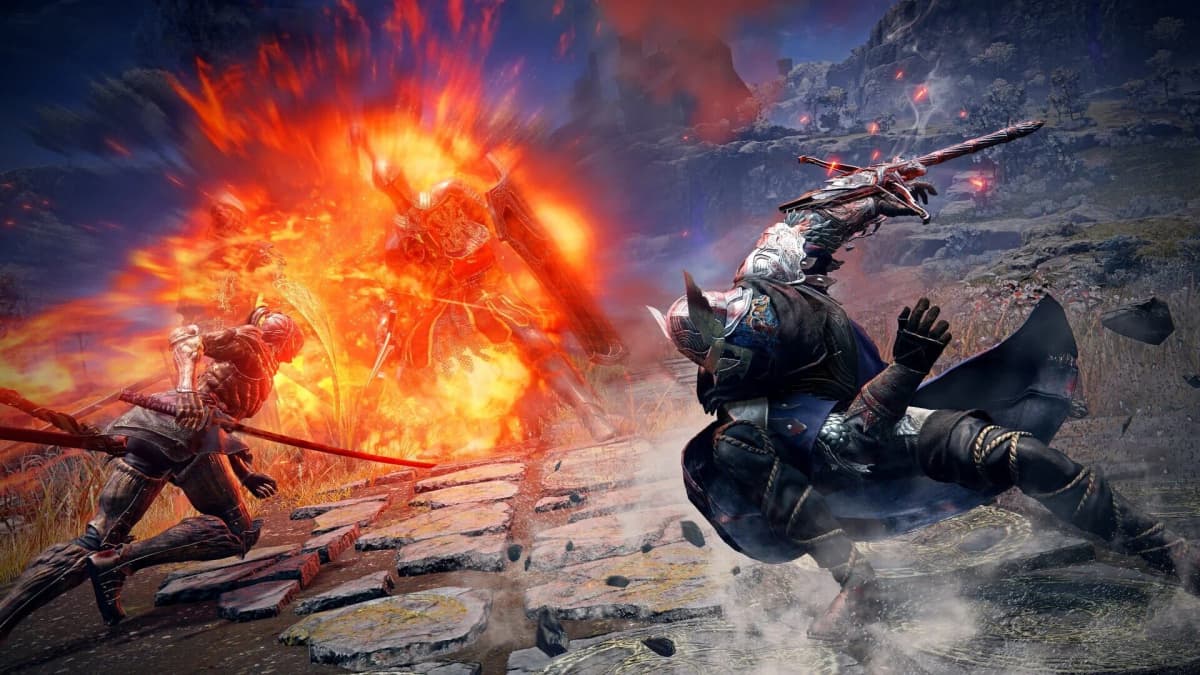
Then use a fight with several enemies or strong visual effects. Dragons, fire attacks, spell-heavy encounters, and later Shadow of the Erdtree battles are natural stress cases. The 30fps target can dip into the 20s during the busiest attacks, so focus on whether dodges and blocks still arrive consistently rather than expecting flawless motion in every particle-heavy sequence.
4. Check death, respawn, and fast-travel behavior
Elden Ring turns deaths into frequent loading tests. Respawn after a normal fight, then fast travel between distant Sites of Grace. Tarnished Edition’s updated build has substantially improved loading compared with the early Switch 2 demo, though players coming from PS5 or Xbox Series X|S will still notice longer waits.
Pay attention to consistency. A stable respawn and travel rhythm is more important than chasing a specific number of seconds. If loads get progressively worse only after extended handheld play, restart the game and repeat the same route before assuming a permanent performance problem.
Fix docked-mode problems that are not Elden Ring
Docked mode can feel worse than handheld even when the game is running correctly. A television’s image processing can add delay and make 30fps camera movement look uneven, especially when motion interpolation is active. Turn on the TV’s Game Mode, disable motion smoothing and extra picture processing, and use the display’s native output setting where available.
- Test dodge rolls, blocks, jumps, and menu navigation against basic soldiers before taking on a major boss.
- Keep a wireless controller reasonably close to the dock during the test, since signal issues can feel like sluggish inputs.
- Compare the same fight in handheld and docked mode. A docked-only delay points toward the television, HDMI chain, or controller connection.
- Read several item descriptions and open the map in both modes. Handheld can look cleaner in motion, while docked play is often easier on the eyes for the game’s dense text.
Early-game habits that make performance feel worse
Early Elden Ring already feels punishing when every death costs progress. On Switch 2, a few common habits can turn normal 30fps limitations into a much rougher experience because they force repeated respawns, chaotic camera movement, and fights in the game’s busiest areas.
Do not turn every enemy camp into a full clear immediately
Every enemy can be fought, but low-level characters are easily knocked out when they are under-equipped or still learning the combat timing. Pulling an entire camp at once also produces the most confusing version of Elden Ring combat: several attack angles, a fast camera, and no safe heal window. Use a bow or thrown attack to pull enemies apart when possible, then learn the camp’s route before committing to a clear.
An early optional camp can be cleared by drawing enemies out one at a time rather than charging into the center. That approach is easier to read at 30fps, and it stops a crowded fight from being mistaken for a system-wide performance failure.
Collect lost runes before the second mistake costs them
Runes are both merchant currency and the resource used to level up at Sites of Grace. When you die, they stay at the death location until retrieved. A second death before recovery loses them permanently, which can create a frustrating loop of rushed corpse runs and unnecessary fights.
Recovering runes from a cave is especially awkward when the drop sits where wolves spawn. Falling deaths can leave the runes on a high ledge or cliff edge as well. Clear enough room to retrieve the runes, pick them up, and leave if the situation has become messy. A bad recovery attempt is rarely worth risking another full stack.
Save arrows for control, not panic firing
Arrows are craftable when you have the right animal parts from hunting, but firing them at every moving target creates needless resupply detours. Their best early use is controlled pulling: hit one guard, back away, and fight that enemy away from the rest of the camp. It reduces crowd pressure and gives you a cleaner view of dodge timing.
Set your weapon arrangement before a fight
Elden Ring lets you equip armaments in each hand and switch them quickly with the directional inputs. That flexibility becomes a liability when a frantic d-pad press pulls out the wrong tool. A Bandit-style arrangement can put a bow and shield in the left hand, then a knife and small sword in the right, but every equipped item adds another possible accidental swap.
Keep the active rotation short until the controls are automatic. Before approaching a camp, boss fog, or night-time cave, check that the weapon, shield, and ranged option you expect are already selected.
Avoid night caves until you want the extra pressure
Caves are built for close-quarters exploration, where wolves can surround a player quickly. At night, bats and other creatures appear more often, making it easier to get swarmed. This is a poor place to evaluate a new port’s baseline performance or your own reaction timing: narrow spaces, multiple enemy models, fast camera corrections, and panic weapon swaps all happen at once.
Settings and features to confirm on the final build
Pre-release material established the quality-oriented 30fps profile, but it did not settle the settings menu. Check the following once the game is installed and patched rather than assuming the answers from footage.
- Graphics modes: Confirm whether the game offers separate Quality and Performance options or a single fixed profile in both system modes. A fixed 30fps mode is acceptable if its pacing stays clean.
- Dynamic resolution range: The minimum and maximum internal resolution have not been published. A softening image during fast motion or heavy combat is the practical sign that scaling is working hard.
- Motion blur and post-processing: Look for toggles for motion blur, depth of field, and chromatic aberration. These affect image clarity more than raw resolution on the handheld display.
- HDR and VRR: Neither feature is confirmed for this version. The system display settings and the game’s own menu settle the matter.
- Storage and patch size: Install size and day-one patch requirements were not specified before launch. Players with limited Switch 2 storage should check the eShop listing before downloading.
Use online play as a separate test
Co-op, invasions, and player messages are part of Elden Ring on Switch 2, but they require Nintendo Switch Online. Test offline first so you have a clean baseline. Then activate online mode, visit an area with several messages, and try a co-op boss attempt. Multiplayer can add network delay and more on-screen activity, which should be kept separate from local frame-rate or TV-latency issues.
There is no announced cross-save or cross-progression with the PlayStation, Xbox, or PC versions. A Switch 2 Tarnished Edition character belongs to its own save ecosystem, so install updates, choose the display mode that feels best on your screen, and make that setup decision before committing deep into the Lands Between.
FinalBoss // Gear
Level up your setup
01Best-selling Switch 2 gameson Amazon→02Switch 2 accessorieson Amazon→038BitDo controllerson Amazon→04Discounted game keyson Kinguin→
Affiliate links · As an Amazon Associate, FinalBoss earns from qualifying purchases.
Want to Level Up Your Gaming?
Get access to exclusive strategies, hidden tips, and pro-level insights that we don't share publicly.
Ultimate Guide Strategy Guide + Weekly Pro Tips