
8 WoW Addons That Will Transform Your Gameplay
After two decades of slaying dragons, outsmarting bosses, and chasing that coveted transmog set, I’ve learned that the right addons can mean the difference between a flawless raid clear and a face-palm wipe. Whether you’re mythic raiding in The War Within, speedrunning Mythic+ dungeons, or gold-farming on a fresh alt, these eight tools will revamp your UI, streamline alerts, track your collectibles, and even fatten your gold stash—without killing your FPS. Buckle up, because these addons are about to reshape every click, cooldown, and loot table in your WoW adventures.
Table of Contents (33)
1. ElvUI: Your Complete Interface Overhaul
Forget juggling ten separate mods to tweak every element of your interface. ElvUI replaces Blizzard’s default frames with a sleek, unified layout that’s as easy on the eyes as it is light on memory. Raid frames, action bars, chat windows, minimap tweaks—all live under one roof, with a performance-tuned backend that keeps your FPS high even during chaotic pulls.
Beyond aesthetics, ElvUI delivers built-in datatext panels for real-time tracking of FPS, latency, durability, and currency. Per-spec configurations load automatically when you switch between tank, healer, or DPS roles. The theme options let you toggle dark, transparent, or gradient backgrounds with a single click, while docking and scaling rules keep your setup tidy in every encounter.
Why It Rocks
- All-in-one package: unit & raid frames, action bars, chat, casting bars, and minimap.
- Profile system: save distinct setups for PvE, PvP, and solo questing.
- Optimized code: smoother framerates on raid adds and massive AoE pulls.
- Built-in datatexts: monitor guild reputation, gold, and performance metrics at a glance.
Real-World Win
Midway through a Mythic boss, I swapped to a minimal ElvUI layout to clear the clutter. Hidden cooldowns popped into view, and a clear health bar for our main tank saved me from mistiming a bloodlust. By pull five, we downed the boss faster than ever.
Pro Tips
- Use
/elvuito access the layout editor and group frames by role color. - Import community profiles from Tukui.org for ready-made raid or M+ setups.
- Lock frame positions to avoid accidental drags during boss mechanics.
- Combine with plugins like BenikUI or Shadow & Light for extra skin options.
2. All The Things: The Ultimate Completionist Companion
If you log off each night wondering which mounts, pets, or toys you still need, All The Things (ATT) is your dream assistant. It aggregates every collectible—transmog, achievements, pets, toys, mounts—by zone, so planning your next grind no longer feels like a guesswork puzzle.
ATT overlays missing items directly on your world map and minimap, and offers a zone-based checklist you can click through. Category filters let you toggle mounts, pets, toys, transmog, achievements, or fishing catches, focusing only on what matters to your goals. Lightweight design ensures minimal memory footprint, so your frame rate stays solid.
Key Features
- Zone-based checklist: track missing collectibles in Ohn’ahran Plains, Zaralek Cavern, or any new zone.
- Category filters: zero in on mounts, pets, toys, or transmogs.
- Weekly reset tracker: auto-hide objectives you’ve already cleared.
- Cross-character sync: see unified progress across mains, alts, and bank mules.
Real-World Win
I spent hours farming rares in Drustvar before ATT flagged a lone elite I’d missed. That single prompt saved me two hours of aimless roaming. Now I breeze through zone objectives, logging off confident that my completion percentage is climbing every time.
Pro Tips
- CTRL + click headers to collapse unused sections and reduce screen clutter.
- Enable “Restore Default Zones” after big patches to clear out ghost entries.
- Share ATT code strings with guildmates for coordinated achievement sprints.
- Focus on one zone per session to keep grinding fun and manageable.
3. Deadly Boss Mods (DBM): Never Miss an Alert
When a world-shattering ability from The Jailer or a void zone in a Mythic+ run appears, timing is everything. Deadly Boss Mods delivers precise countdowns, sound cues, and visual alerts for every major boss encounter, dungeon mechanic, and trash mob ability.
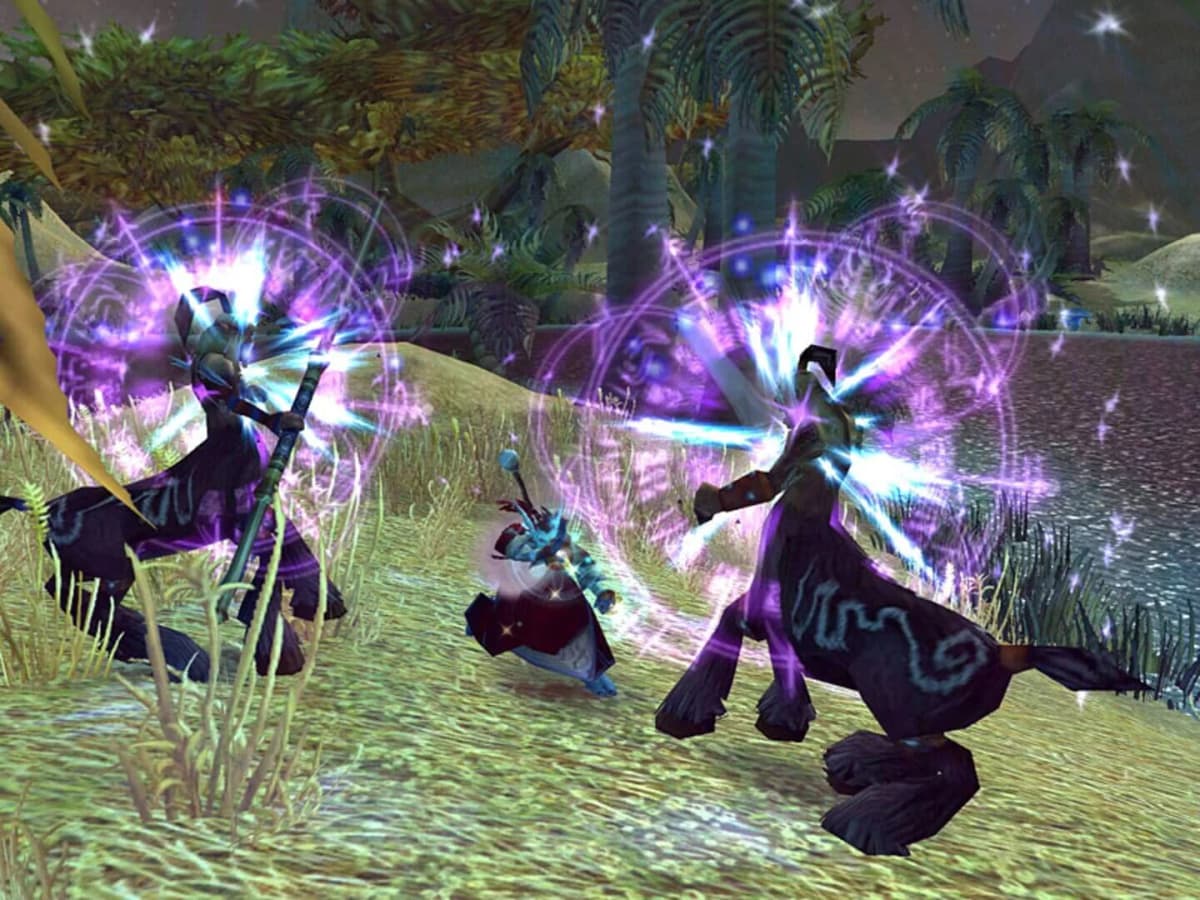
DBM auto-loads the correct modules for each raid or Mythic+ dungeon, ensuring you’re up to date with the latest boss scripts. Whether it’s a phase transition, a tank swap, or a soft enrage timer, DBM’s configurable warnings and raid-ready voice packs guide you through every encounter.
Standout Benefits
- Real-time warnings for boss abilities, phase changes, and add spawns.
- Custom voice packs: terse “Tank now!” cues or detailed narrations.
- Trash-only mode: mute trivial alerts and focus on boss fights.
- Auto-update aligned to patch notes for glitch-free performance.
Real-World Win
During a Sanctum of Domination run, constant wipes in phase two prompted me to crank up DBM’s tank-swap buzzer and frame flash. By pull three, we nailed the swap timing and downed the boss without a single mishap.
Pro Tips
- Use
/dbm testafter patches to verify scripts before raids. - Adjust “Minimum Combat Time” to avoid alert spam in quick trash pulls.
- Export your DBM profile to teammates via
/dbm export profilefor consistent settings. - Sync DBM timer bars with WeakAuras to combine text and graphic countdowns.
4. WeakAuras 2: Your Custom Reaction Coach
Ever lost track of a proc window or missed an interrupt mid-fight? WeakAuras 2 is your salvation, giving you the power to build custom cooldown trackers, resource monitors, buff/debuff alerts, and more—no programming degree required. Community-driven presets on Wago.io mean you can import optimized auras with one click.
From simple flash overlays when a boss cast ends to complex multi-layered animations tracking several procs simultaneously, WeakAuras handles triggers for health, buffs, debuffs, items, spell stacks, and resources. Dynamic groups auto-arrange icons, and performance tuning settings throttle updates during major pulls.
Top Features
- Endless triggers: buffs, debuffs, cooldowns, resource levels, stack counts.
- Community presets: import hundreds of setups from Wago.io.
- Dynamic groups: auto-align multiple auras with custom spacing.
- Performance options: limit OnUpdate checks to preserve FPS.
Real-World Win
During Shriekwing, I kept missing interrupts because I was busy watching health bars. A custom WeakAura flashed my target frame and played a beep on each cast—now I nail interrupts even when the room is swarming with adds.
Pro Tips
- Clone existing auras to tweak size or color without rebuilding triggers.
- Category labels (Cooldowns, Debuffs, Resources) keep your imports organized.
- Combine audio and visual alerts for multi-sensory notifications.
- Use
/wa globalto export aura groups for guild sharing.
5. Details!: Master-Level Combat Analysis
Want to know exactly who overhealed the raid, which pull spiked your DPS, or when tanks dipped below 20% HP? Details! delivers phase-by-phase breakdowns of damage, healing, interrupts, and deaths—perfect for post-raid debriefs or personal optimization sessions.

With a modular tab system, you can view Deaths, Interrupts, Damage Taken, and more. Graph mode visualizes DPS/HPS peaks, letting you dissect every second of an encounter. Plugin support with Exorsus Raid Tools and WarcraftLogs integration turns raw data into actionable insights.
Highlights
- Phase view: drill into damage and healing per boss phase.
- Graph mode: timeline of DPS/HPS peaks for precise cooldown planning.
- Plugin support: sync with Exorsus Raid Tools, export logs to WarcraftLogs.
- Advanced filters: isolate tank cooldown usage or healer throughput.
Real-World Win
After a tough Castle Nathria pull, our raid leader spotted a healing imbalance in phase three using Details!’ “Healing Done” graph. We reshuffled cooldowns and redistributed mana users. By the next pull, the boss went down with seconds to spare.
Pro Tips
- Reset data between pulls to avoid stale logs.
- Right-click any bar for a detailed drill-down into individual spells.
- Check “Damage Taken” mid-raid to reassign defensive cooldowns on the fly.
- Use WCLAPI plugin for private log reviews with your team.
6. GTFO: Instant Hazard Warnings
Standing in fire or soaking poison puddles kills runs faster than bad DPS. GTFO sends custom audio cues the moment you take environmental damage, giving you that split second to move out instead of a full second to rez.
With severity levels for different hazard types, GTFO plays distinct sounds for minor threats (shallow pools) or deadly zones (blade traps). Pair it with a WeakAura flash for a double-whammy alert during hectic pack pulls.
Core Benefits
- Immediate audio alerts for standing in harmful effects.
- Severity tiers: minor pings vs. critical alarms.
- Custom volume settings per hazard type.
- Lightweight design: minimal CPU impact during raids.
Real-World Win
In a M+ dungeon with swirling poison patches, GTFO’s high-volume alarm saved our mage from wiping the group. That instant warning made all the difference.
Pro Tips
- Use
/gtfo showto display active hazard zones during testing. - Adjust severity thresholds to ignore harmless effects in outdoor zones.
- Combine GTFO with a subtle WeakAura flash on your health bar.
- Mute specific sounds if they clash with raid voice packs.
7. Auctionator: Your Auction House Sidekick
Whether you’re flipping transmog, stocking reagents, or farming raw materials, Auctionator streamlines the Auction House experience. It provides quick pricing data, batch posting, and historical sale trends so you can maximize your gold per listing without endless manual searches.

Auctionator’s intuitive buy and sell tabs let you undercut or stack prices in seconds. The “stacking” feature groups similar items for bulk posting, while the buy tab shows total costs for multiple purchases. Historical data charts reveal price spikes after raids or patch releases.
Why It Works
- Quick price scans: instant comparison to the current market.
- Batch posting: group and post dozens of listings with one click.
- Historical trends: view price fluctuations over the past week.
- Undercut warnings: avoid disastrous price wars with smart alerts.
Real-World Win
I once listed several hundred raid mats at market value only to watch prices tank overnight. Auctionator’s trend chart alerted me to a sudden drop; I retracted and relisted at a new floor. That pivot snagged me thousands more gold than a blind repost.
Pro Tips
- Use the “Favorites” list to track high-margin items.
- Check “Market Value” tooltips in your bag for on-the-fly pricing.
- Batch browsing mode: scan multiple item pages without closing the AH.
- Combine with TSM for automated crafting and restocking strategies.
8. AngryKeystones: Mythic+ Speedrun Planner
Mythic+ runs are a race against the clock, and AngryKeystones keeps you on pace. It tracks your timer, affixes, and completed dungeons, then provides estimates for finishing each run. You’ll know whether it’s worth pushing for the next chest or wiping to save time.
AngryKeystones displays a dynamic timer bar, colored segments for affix milestones, and percentage completion markers. The dungeon list shows your best times per key level and suggests target keys based on personal performance. The addon also integrates with group members’ data, letting you compare speeds live.
Key Perks
- Interactive timer: segmented bar with affix and completion thresholds.
- Key performance: best time records per dungeon and key level.
- Run recommendations: pick keys that match your past speedruns.
- Group sync: share pace data with party members in real time.
Real-World Win
During a tense M+15, AngryKeystones flagged we were 30 seconds behind the best finish for a +2 chest. We shifted targets, skipped a side pull, and surged ahead—earning an extra keystone level on the back end.
Pro Tips
- Enable “Comparison Mode” to see live speed lines from top players on your realm.
- Use the chat command
/ak recallto review past run stats offline. - Tag key medals with custom names to track special challenges or group compositions.
- Sync with group members before pull to align pacing strategies.
Conclusion
There you have it—eight powerful addons to sharpen your interface, master boss mechanics, complete your collection, analyze your performance, and even turn a tidy profit. Each one offers deep customization, real-world impact, and community-driven resources that keep pace with every WoW patch. Install them, tweak the settings, and watch as your raid clears get smoother, your grind sessions more efficient, and your gold piles grow. See you in Azeroth!
FinalBoss // Gear
Level up your setup
01Top-rated gaming headsetson Amazon→02High-refresh gaming monitorson Amazon→03Gaming chairson Amazon→04Discounted game keyson Kinguin→Affiliate links · As an Amazon Associate, FinalBoss earns from qualifying purchases.
Want to Level Up Your Gaming?
Get access to exclusive strategies, hidden tips, and pro-level insights that we don't share publicly.
Ultimate Guide Strategy Guide + Weekly Pro Tips