

Fable’s return is built for much more demanding hardware than the series’ older PC outings, and storage is the first non-negotiable: players need 135 GB of free space on an SSD. An HDD installation does not meet the published specification, while Windows 10 version 22H2, DirectX 12 and a 64-bit operating system are the baseline before graphics settings enter the equation.
Match your PC to Fable’s performance tier
The minimum configuration targets 1080p at 30 FPS. That means a Ryzen 5 2600, Core i7-6850K or Core i5-10400; 12 GB of RAM; and an RX 6600, RTX 2060 or Arc A580-class GPU. Treat this as the entry point for running the game, not a route to high-refresh performance. A graphics card with less than 6 GB of VRAM falls below that floor.
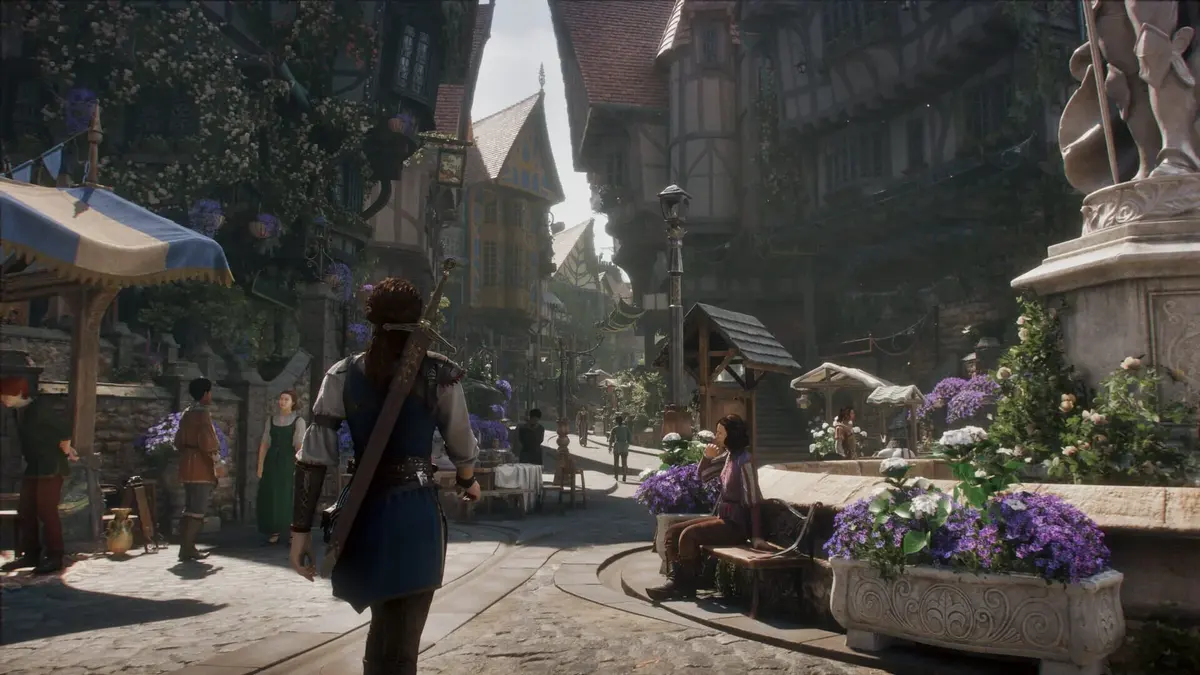
For a better-balanced setup, the next tier targets either 1440p at 30 FPS or 1200p at 60 FPS with a Ryzen 5 5600 or Core i5-11600KF, 16 GB of memory, and an RX 6700 XT or RTX 3060 Ti. The 1440p High 60 FPS tier makes a far steeper jump: Ryzen 7 7700X or Core i7-12700K processors paired with an RX 9070, RX 7900 XT, RTX 5070 or RTX 3080 Ti.
4K Ultra at 60 FPS is the premium target, calling for a Ryzen 9 7900X or Core i9-13900K plus 16 GB RAM and an RX 9070, RX 7900 XT, RTX 4080 or RTX 5080. The published table does not explain how upscaling factors into any tier, so do not assume a listed target is native resolution.
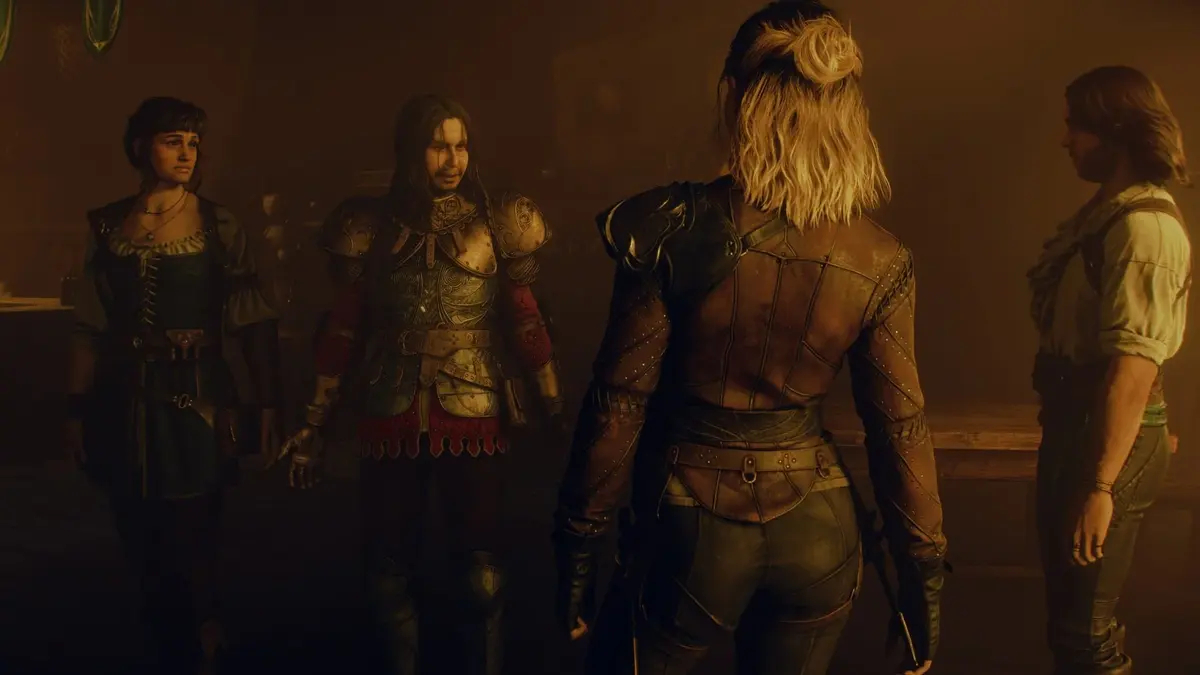
Upgrade priorities before Bowerstone
Check the SSD and operating-system version first, then RAM: 8 GB systems are out, while 16 GB is the sensible baseline for the higher modes. Enabling XMP and Resizable BAR can be worthwhile general PC housekeeping where supported, but neither is a stated requirement. With Bowerstone’s choice-driven encounters, weapon upgrades through willstones, and combat that mixes weapon swaps with crowd-control magic, the sensible verdict is simple: meet the SSD and 16 GB memory targets, then choose your GPU tier around the resolution and frame rate you genuinely intend to use.
FinalBoss // Gear
Level up your setup
01Graphics cardson Amazon→02Gaming laptopson Amazon→03High-refresh gaming monitorson Amazon→04Discounted game keyson Kinguin→Affiliate links · As an Amazon Associate, FinalBoss earns from qualifying purchases.