
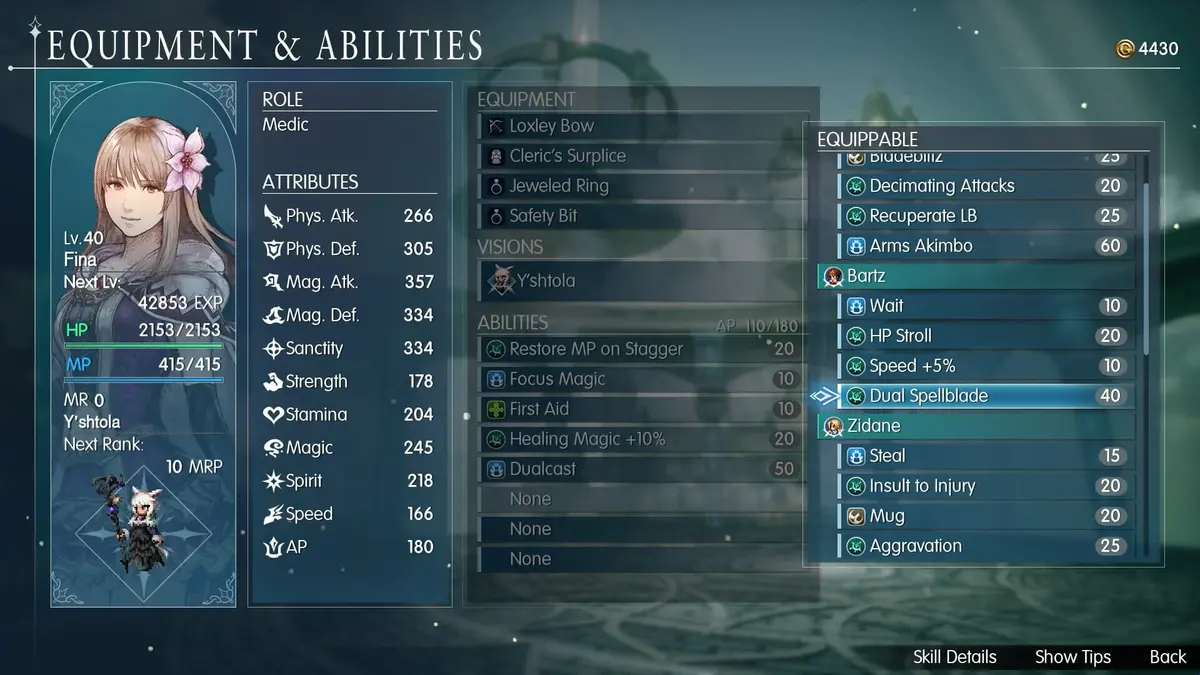
Buy the Standard Edition of Final Fantasy Resonance if you want the lowest-cost, cleanest first playthrough. The Digital Deluxe Edition costs $10 more and adds early items plus the Magitek & Grimoire Deluxe Pack, while the Collector’s Edition only makes sense for players who specifically want its physical collectibles. Before launch on October 22, 2026, also decide whether you need a physical copy: Nintendo Switch, Nintendo Switch 2, and PS5 have boxed versions listed, while Xbox and PC are digital-only.
Table of Contents (5)
Pick Your Edition Before You Pre-Order
The main trap is treating Deluxe bonuses as purely cosmetic. The pack includes an item that changes your chocobo into magitek armor, an item that unlocks the Fel Meteor Limit Burst, and early helpful items. Those extras can affect how powerful and flexible the opening hours feel, so Standard is the better choice for anyone who wants to judge the base combat balance without an early advantage.
| Edition | Listed Price | What You Get | Best For |
|---|---|---|---|
| Standard Edition | $49.99 | The base game. | Players who want the lowest entry cost and an unaltered early-game experience. |
| Digital Deluxe Edition | $59.99 | Base game plus the Magitek & Grimoire Deluxe Pack, including magitek armor chocobo appearance, Fel Meteor Limit Burst access, and starter items. | Day-one players who value bonus utility and do not need physical collectibles. |
| Collector’s Edition | $209.99 / £189.99 / ¥25,500 | Base game, deluxe content, art book, soundtrack CD, acrylic block set, and a Final Fantasy Trading Card Game promo card. | Collectors comfortable with a major premium and Square Enix Store-exclusive availability. |
For a first run focused on combat and progression, Standard has one practical advantage: every early Limit Burst, item, and damage spike belongs to the normal progression curve. Deluxe remains good value if the Fel Meteor unlock and starter items are worth the extra $10 to you, but keep those bonuses out of your first few regular encounters if you want an honest read on the game’s default difficulty.
Choose a Platform Based on Format First
Final Fantasy Resonance launches on Nintendo Switch 2, Nintendo Switch, PlayStation 5, Xbox Series X|S, Windows through the Microsoft Store, and PC through Steam. Digital copies are listed across every announced platform. Physical copies are listed only for Switch, Switch 2, and PS5.
| Platform | Digital | Physical | Launch-Day Consideration |
|---|---|---|---|
| Nintendo Switch 2 | Yes | Yes | The portable, physical-copy route. Check day-one performance and control comfort rather than assuming it matches other versions. |
| Nintendo Switch | Yes | Yes | Choose it for the existing Switch library and physical format, then test battle readability in handheld and docked play. |
| PlayStation 5 | Yes | Yes | A straightforward choice for players who want a console setup with either a disc or digital purchase. |
| Xbox Series X|S | Yes | No | Digital-only in the listed release formats. |
| Windows / Microsoft Store | Yes | No | Digital-only in the listed release formats. |
| PC / Steam | Yes | No | Digital-only in the listed release formats. |
Pick PS5 or either Switch family system if owning a cartridge or disc matters. Pick Xbox, Steam, or the Microsoft Store if your library is already there and digital-only is fine. Switch 2 is the only portable option with a listed physical release, but its day-one test should include both handheld and TV play because a turn-based RPG still needs crisp text, readable turn information, and comfortable menu navigation.
Set Up Your First Combat Session Properly
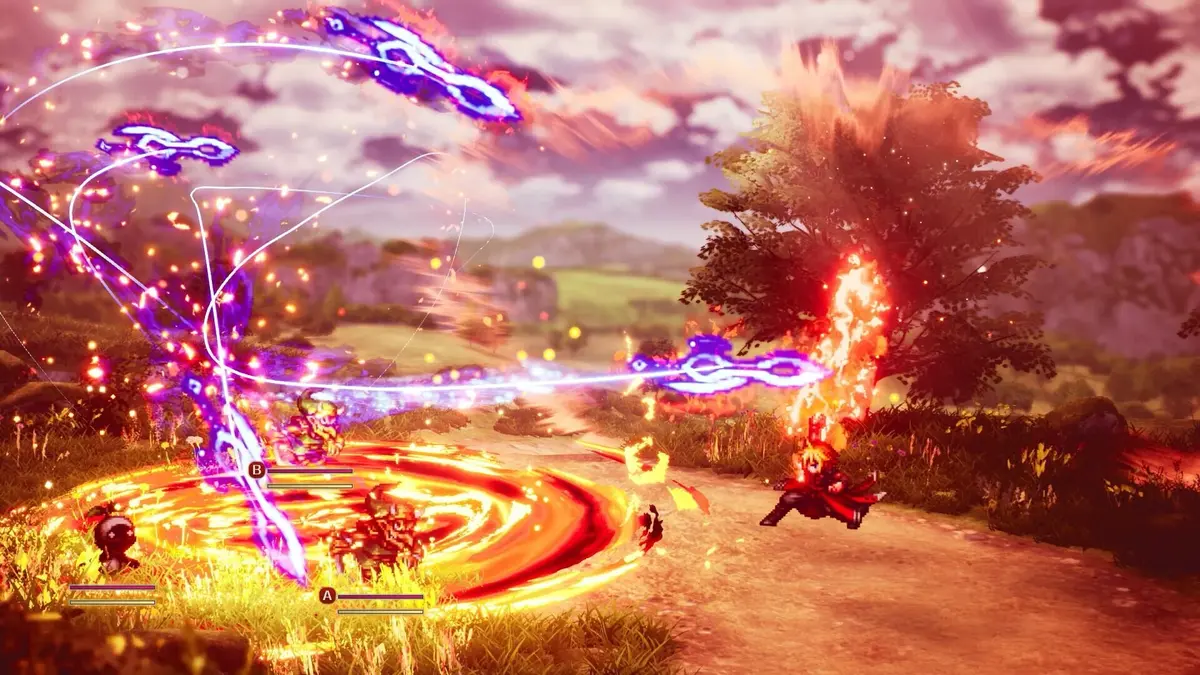
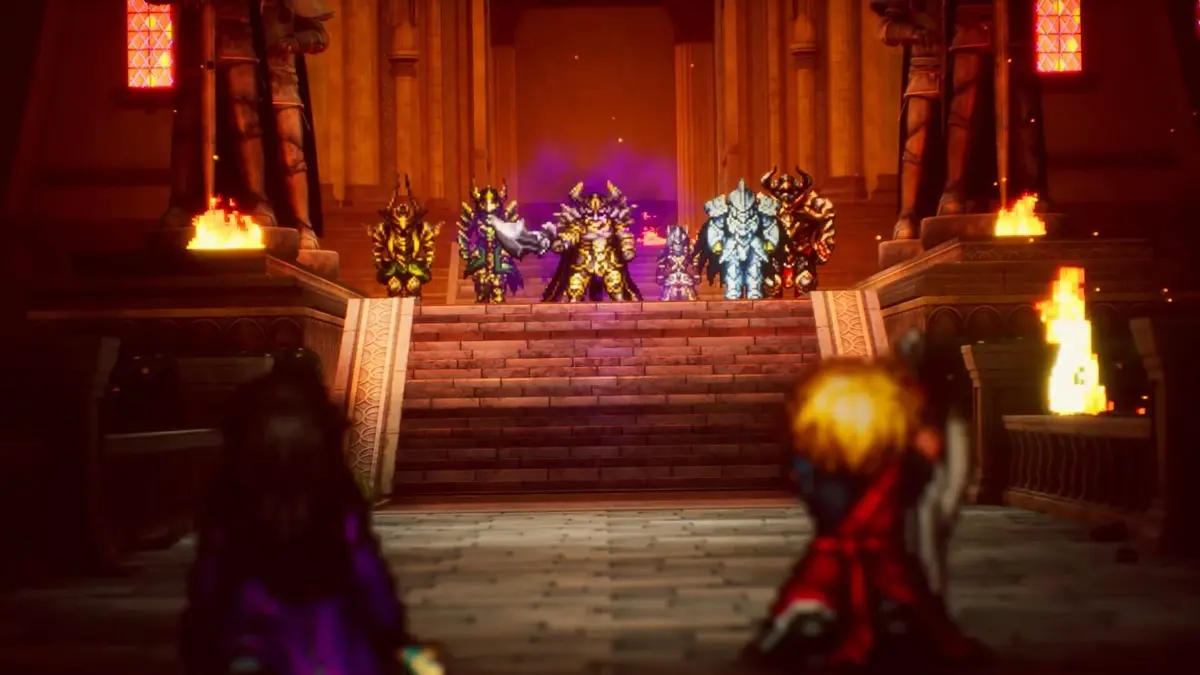
Final Fantasy Resonance rebuilds the characters and season-one story of Final Fantasy Brave Exvius as a standalone-feeling, single-player HD-2D RPG with a revised script and a new turn-based combat system. The first session should answer three practical questions: whether the timeline is easy to read, whether stagger and burst windows make sense, and whether Cloud and the Visions/invocation systems add useful tactical choices rather than extra menu friction.
- Start with the default battle settings. Use the opening encounters to learn the normal pace before changing anything. This gives you a reliable baseline for turn order, targeting, and animation timing.
- Read the turn order before committing actions. In a timeline-based battle system, the important information is often who acts next and whether an attack changes the enemy’s stagger or interrupt window. Avoid rushing through the first fights at maximum speed.
- Wait until the tutorial and first upgrade branch are complete before judging progression. Early RPG combat often has limited options by design. The first meaningful upgrade choice is the better point to assess whether your party tools are opening up clearly.
- Use Cloud and Visions/invocations as soon as they unlock. Their first availability may arrive within the opening one to two hours, depending on progression pace. Test them in a normal encounter instead of saving everything for a boss, so you can see their cost, setup, turn impact, and burst value.
- Keep Deluxe combat bonuses separate from your baseline test. If you bought Digital Deluxe, run a few encounters with ordinary actions and resources first. Bring Fel Meteor and starter items into later fights to see how much they change your options.
Use One Repeat Encounter to Fix Pacing Problems
Battle speed and targeting settings can make a good turn-based system feel worse than it is. Spend roughly 15 to 20 minutes repeating one simple encounter while changing only one setting at a time. This prevents several adjustments from masking the real issue.
- Battle speed: Lower it if turn-order changes or stagger opportunities are difficult to follow. Raise it only after you can identify the key information without pausing.
- Camera shake: Reduce it if attacks make target selection or timeline reading uncomfortable, especially on a handheld display.
- Auto-targeting: Test it against a group of enemies. Keep it on if it consistently selects the threat you intended; turn it down or off if it repeatedly sends attacks into the wrong target.
- Input confirmation timing: Check whether fast menu inputs cause accidental actions. A turn-based game gives you time to plan, so confirmation should support deliberate choices rather than slow every command.
Change one setting, repeat the same fight, then keep or revert that setting before touching the next one. The result is a setup tuned to your platform and play style instead of a pile of changes that makes the first dungeon harder to evaluate.
What a Good First Hour Should Confirm
By the time you have completed the tutorial, opened the first upgrade path, and seen Cloud plus at least one Visions/invocation interaction, you should be able to read the turn order without constant menu diving, recognize when stagger or burst timing matters, and understand what each new combat option contributes. If one of those pieces still feels unclear, lower the battle-speed friction first and continue until the early progression systems have fully opened rather than letting Deluxe items or a rushed setting determine your first impression.
FinalBoss // Gear
Level up your setup
01Top-rated gaming headsetson Amazon→02High-refresh gaming monitorson Amazon→03Gaming chairson Amazon→04Discounted game keyson Kinguin→Affiliate links · As an Amazon Associate, FinalBoss earns from qualifying purchases.
Want to Level Up Your Gaming?
Get access to exclusive strategies, hidden tips, and pro-level insights that we don't share publicly.
Ultimate Guide Strategy Guide + Weekly Pro Tips