
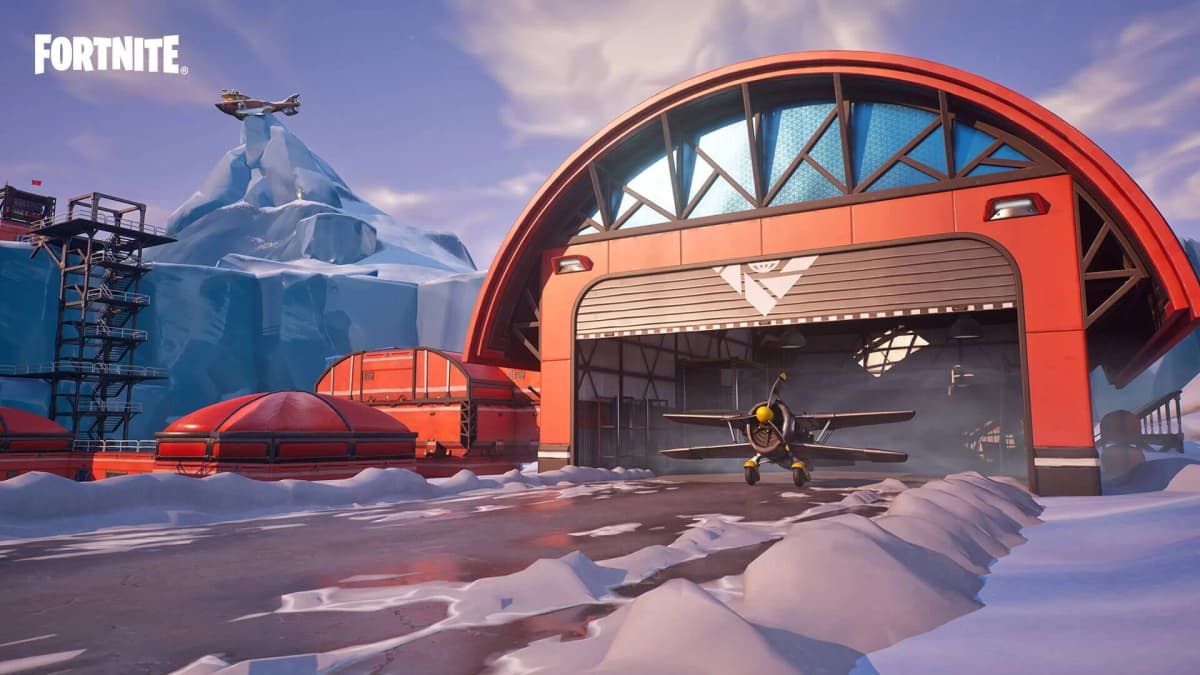
The trap on a Fortnite season-launch morning is treating the first downtime estimate as the moment you can play. Fortnite Chapter 7 Season 4: Override launches on Thursday, August 20, 2026, but its exact server-up time has not been locked to a single minute. Plan around the regional estimates below, get v42.00 downloaded during maintenance, and clear every Chapter 7 Season 3 reward before servers go offline.
Override is a core Fortnite Battle Royale and Zero Build update for PC, PlayStation 4, PlayStation 5, Xbox One, Xbox Series X|S, Nintendo Switch, and Android through the Epic Games Store or Samsung Galaxy Store. Zero Build is Fortnite’s no-building variant, and this season also carries snow-and-ice visual callbacks to Fortnite OG: Chapter 1 Season 7 while pushing the wider game into a collaboration-heavy stretch. It is also framed as Fortnite’s first full season built around gaming crossovers.
Table of Contents (8)
Fortnite Override Start Time by Region
Chapter 7 Season 3 ends on Wednesday, August 19, followed by v42.00 maintenance. The current downtime plan begins at 2:00 AM ET on August 20, which is 11:00 PM PDT on August 19, 7:00 AM BST, and 8:00 AM CEST.
There is still a difference between downtime starting and Override becoming playable. To keep the schedule clean, the table below uses one consistent set of regional estimate targets for when players should begin expecting login access. Treat every entry as an estimate, not a guaranteed server-up minute.
| Region | Estimated time to start checking | Launch date |
|---|---|---|
| Pacific Daylight Time (PDT) | 4:00 AM | Thursday, August 20 |
| Eastern Daylight Time (EDT) | 7:00 AM | Thursday, August 20 |
| British Summer Time (BST) | 12:00 PM | Thursday, August 20 |
| Central European Summer Time (CEST) | 1:00 PM | Thursday, August 20 |
| India Standard Time (IST) | 4:30 PM | Thursday, August 20 |
| Japan Standard Time (JST) | 8:00 PM | Thursday, August 20 |
| Australian Eastern Standard Time (AEST) | 9:00 PM | Thursday, August 20 |
Launch-day warning: A successful patch download does not mean Fortnite is immediately playable. Platforms can receive v42.00 at different times, and login queues, matchmaking delays, and temporarily unavailable ranked playlists are normal during the first stretch after maintenance ends.
It is also worth remembering that Epic has treated this season swap more like a three-beat handoff than a single magic hour: the Unstable Plot Moment landed on August 15, the Chapter 7 Season 3 reward cutoff hits on August 19, and Override takes over on August 20. That is useful context, because the real deadline for most players is not the first login on launch day. It is the last reliable session before downtime.

Finish These Chapter 7 Season 3 Tasks Before Downtime
Anything tied to Chapter 7 Season 3 needs to be handled before the season rollover. The safe approach is to finish this list on August 19 rather than trying to squeeze it into the final hour before downtime begins at 2:00 AM ET on August 20. If you are on the US West Coast, that cutoff is already 11:00 PM PDT on August 19.
- Complete all remaining Season 3 quests and bonus goals. Unfinished seasonal quests disappear once Override replaces the current season.
- Finish the Sprite collection. Any uncollected Season 3 Sprites are locked out when the v42.00 transition begins.
- Spend every unused Battle Star. Claim the remaining Chapter 7 Season 3 Battle Pass rewards manually. Leaving Stars sitting in the menu is the kind of mistake that feels small until the season is gone.
- Save your preferred Locker presets. Make sure your main Battle Royale, Zero Build, ranked, and casual looks are stored before the new season reshuffles the flow and starts flooding the game with fresh cosmetics.
- Check Epic account security. Confirm that your email and authenticator access still work. Two-factor authentication matters for gifting and certain account features, and launch day is a bad time to discover you cannot get into your own inbox.
- Confirm cross-progression account links. If you swap between PC, PlayStation, Xbox, Switch, or Android, make sure the same Epic account is active everywhere before the new progression cycle begins.
The important part is the order: clear the expiring rewards first, then worry about the new ones. A fresh Battle Pass page is exciting; losing a nearly finished Season 3 cosmetic because its Battle Stars were never spent is the kind of launch-week mistake that stays in your Locker forever.
Prepare the v42.00 Download Before Fortnite Goes Live
v42.00 is a major seasonal build, so leave more storage than a normal hotfix needs. Major Fortnite season patches often take noticeably more space than a routine update, and that matters most on consoles and Switch storage. The exact v42.00 file size can vary by platform, so the practical move is simple: clear extra room before maintenance starts instead of trying to solve storage problems while everybody else is already queueing.
- PC: Check the Epic Games Launcher as soon as the update appears and start the Fortnite download immediately.
- PlayStation: Make sure automatic updates are enabled, then manually check Fortnite if the patch has not shown up once downtime is underway.
- Xbox: Confirm automatic updates are turned on, but still give the Fortnite tile a manual check when maintenance begins.
- Nintendo Switch: Keep automatic software updates active and double-check available storage well before launch morning.
- Android: Update Fortnite through the Epic Games Store or Samsung Galaxy Store and leave enough free device space for the patch to unpack cleanly.
Force the update as soon as it appears instead of waiting for auto-download to catch up. The patch can land before the servers reopen, and getting that install finished early means the post-downtime queue is the only barrier left.
Your First Override Login: The Best Menu Order
The first login is where players lose time bouncing between trailers, the Item Shop, and settings while the easy early XP objectives sit untouched. Start with the menus that affect progression and match readiness.
- Open the Battle Pass tab first. The standard Override Battle Pass costs 950 V-Bucks and uses XP-earned Battle Stars across multiple reward pages. If you already know you are buying it, activating it before your first matches keeps the opening session tied to the new pass grind from the start.
- Check Quests before selecting a mode. Override resets its early objective flow with fresh daily, weekly, and story progress. Pin the easiest XP tasks first, then let those guide your opening drops instead of landing blind at the hottest point of interest on the map.
- Review the map and Collections tabs. New points of interest can shape early discovery progress, and a quick scan helps you route smarter first matches instead of wandering into launch-day chaos.
- Re-check your controls and display settings. Major updates can knock loose sensitivities, HUD preferences, keybinds, or minimap settings. It is boring menu work, but it is better than noticing something feels off halfway through your first fight.
- Start in non-ranked Battle Royale or Zero Build. Ranked is Fortnite’s competitive ladder playlist, and it often takes longer than casual modes to settle after a major patch. Casual playlists are the cleanest place to learn the revised island, test movement, and clear pinned quests.
Keep the minimap and quest-tracking HUD enabled. Override’s early discovery loop is easier to route when you can see markers at a glance. That matters even more if the season’s Sonic-inspired movement changes make traversal feel faster or looser than what you were using at the end of Season 3. Test that mobility in a casual match first, then decide how aggressive you want to get.
Battle Pass vs. Item Shop: Budget for Both Carefully
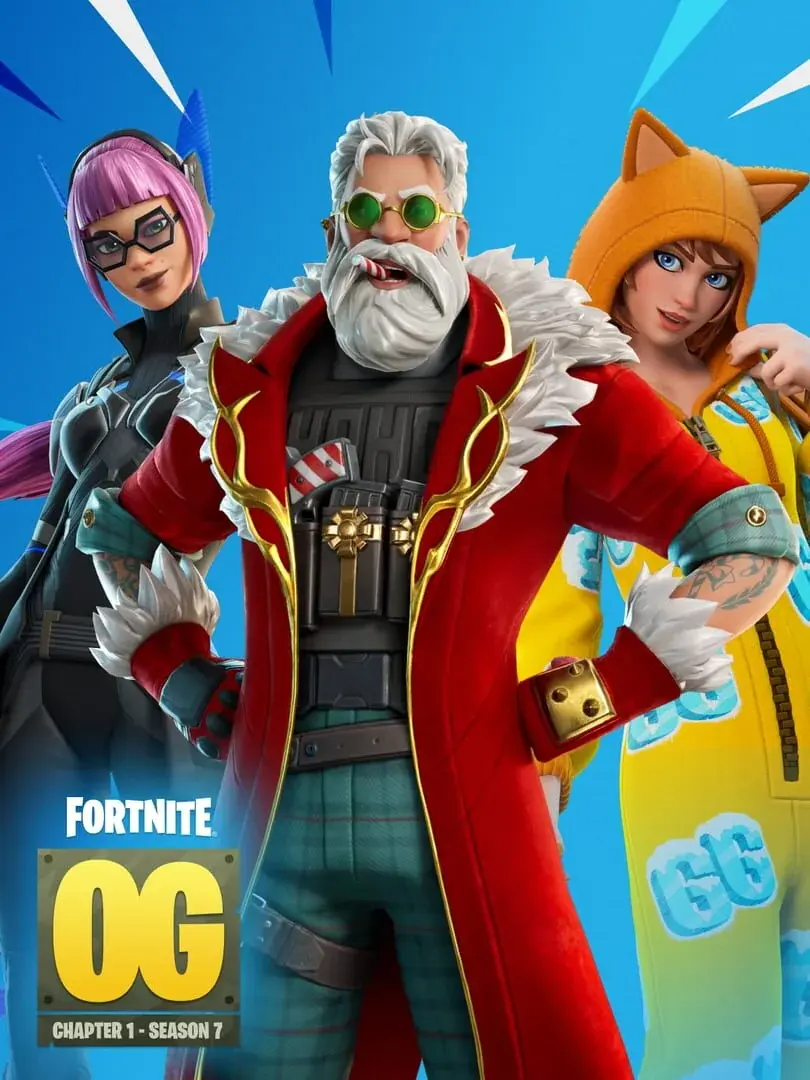
Override is built around gaming collaborations across the season, but that does not mean every crossover cosmetic belongs to the Battle Pass. The Battle Pass and Item Shop serve two different purchase lanes, so avoid vaporizing your V-Bucks before the season’s first full rotation is visible.
| Feature | Override Battle Pass | Item Shop |
|---|---|---|
| Cost | 950 V-Bucks | Varies by cosmetic and bundle |
| How rewards are earned | XP and Battle Stars across reward pages | Direct V-Bucks purchase |
| Typical contents | Skins, back bling, pickaxes, wraps, emotes, and V-Bucks | Rotating licensed outfits, bundles, tools, and emotes |
| Timing | Progression remains available during the season | Rotations can arrive or leave at different times |
| Key limitation | Rewards cannot be bought one by one | Specific sets may cost extra even if you own the pass |
The practical takeaway is not complicated: buy the pass if you plan to play the season heavily, but leave some V-Bucks in reserve if a particular crossover matters more to you than page-by-page progression. Override’s collaboration conversation has included names such as Mega Man, Persona 5’s Joker, Kingdom Hearts’ Sora, Spyro, Crash Bandicoot, and multiple Sonic characters. The exact Battle Pass-versus-Item-Shop split is the part you should not assume too early.
What the Fortnite OG: Chapter 1 Season 7 Callback Means
Override is Chapter 7 Season 4, not a straight return to the original Fortnite OG: Chapter 1 Season 7. The connection is the season’s ice-and-snow presentation, which recalls that earlier era’s winter biome identity and frosty visual language.
That makes an icy island shift, colder map styling, and nostalgia-bait visual beats fair things to watch for. It does not mean every old mechanic, weapon, vehicle, or named point of interest is automatically back. Do not build your whole day-one route around one specific memory of old Fortnite until the live v42.00 build is in your hands. The strongest first-match plan is still the boringly effective one: land where your pinned quests and discovery markers overlap, then let the first few casual games teach you the new rotation routes.
Override Launch-Day Mistakes to Avoid
- Logging in at the first estimate and assuming something is broken. Estimated regional times are still estimates.
- Leaving Season 3 Battle Stars unspent. Claim everything before downtime rather than expecting cleanup after the season ends.
- Waiting until launch day to clear storage. Seasonal patches are big enough to turn a quick update into a reinstall problem.
- Jumping straight into ranked. Casual Battle Royale and Zero Build are more dependable while playlist services settle.
- Spending every V-Buck on day one. Override’s crossover push runs across the season, and some licensed cosmetics may sit outside the Battle Pass.
- Assuming OG Season 7 mechanics are guaranteed to return. The snow-era connection is a theme and marketing callback; the live patch decides the actual loot pool and mobility options.
Launch Plan for August 20
Finish Chapter 7 Season 3 quests, Sprites, and Battle Pass claims before downtime begins at 2:00 AM ET on August 20, or 11:00 PM PDT on August 19. Download v42.00 as soon as your platform exposes it, start checking Fortnite around your regional estimate in the table above, and open in a non-ranked mode with Override quests pinned. That approach gets you through the queue, protects your expiring rewards, and puts your first matches toward useful Battle Pass and map-discovery progress instead of launch-day menu cleanup.
FinalBoss // Gear
Level up your setup
01Top-rated gaming headsetson Amazon→02High-refresh gaming monitorson Amazon→03Gaming chairson Amazon→04Discounted game keyson Kinguin→Affiliate links · As an Amazon Associate, FinalBoss earns from qualifying purchases.
Want to Level Up Your Gaming?
Get access to exclusive strategies, hidden tips, and pro-level insights that we don't share publicly.
Ultimate Guide Strategy Guide + Weekly Pro Tips