
Table of Contents (8)
Why This 2026 Laptop Guide Matters (and How I Learned the Hard Way)
After burning way too many evenings comparing spec sheets and testing a pile of 2025-2026 gaming laptops, I realized most buying advice either lives in theory or only talks about peak FPS. In real games, what actually matters is sustained performance, cooling, and how much laptop you’re really getting for your money.
This guide is the one I wish I’d had: a practical, tiered breakdown of what to buy in 2026, now that RTX 50-series mobile GPUs are starting to replace RTX 40-series, and prices are shifting thanks to RAM/SSD costs and spotty GPU availability.
I’ll walk you through three price tiers, exactly what to look for at each level, and the specific mistakes that cost me both money and performance (hello, low-TGP “gaming” laptop that throttled after five minutes).
Step 1: Be Brutally Honest About How You’ll Play
Before you even look at GPUs, be clear about what you actually want to do on this machine. Every laptop I regretted buying was one where I tried to cover “everything” instead of my real use.
- 1080p competitive multiplayer (Valorant, CS2, Fortnite, Overwatch) – you care more about high refresh (144-240 Hz) than maxed-out graphics.
- Single-player AAA at high settings (Cyberpunk, Starfield, Resident Evil, future big releases) – you need a stronger GPU and more VRAM, 1440p/1600p is where it gets nice.
- Mixed gaming + content creation (video editing, streaming, 3D) – GPU VRAM and RAM capacity matter more than you think.
- Portable “sofa & sofa table” gaming – weight, battery life, and noise become just as important as raw FPS.
Keep that picture in mind; I’ll map each use case to a price tier and GPU class below.
Tier 1 – Budget Gaming (up to ~1,200 € / $1,200)
I used to tell friends “don’t bother with cheap gaming laptops”, but that’s changed. In 2026, entry-level models actually play modern games decently if you know what to compromise on.
What I aim for in this tier:
- GPU: RTX 5050 (8 GB) or discounted RTX 4060 with at least ~100 W TGP
- CPU: Recent Intel Core Ultra / AMD Ryzen 7000/8000 H-series, not older 11th/12th gen Intel
- RAM: 16 GB dual-channel (two sticks) – 8 GB is a hard no in 2026
- Storage: 512 GB SSD minimum; ideally one free M.2 slot for later
- Display: 15/16″ 1080p IPS, 120–165 Hz, at least ~300 nit brightness
On my test runs, RTX 5050 and 100 W RTX 4060 machines handled most games at 1080p medium–high settings, often with upscaling (DLSS/FSR) enabled. You’re not buying “Ultra + Ray Tracing” here, you’re buying “smooth 60–90 FPS at sensible settings”.

Real-world examples I’ve liked in this tier:
- Lenovo IdeaPad Pro 16 (RTX 5050, OLED) – Surprisingly capable for lighter 1080p/1440p gaming, gorgeous 2880×1800 OLED, and great battery life (I was getting close to a full workday off-charge when not gaming). Compromise: 8 GB VRAM and thermals that don’t like long, heavy RT sessions.
- Gigabyte A14 (RTX 4060, ~100 W) – Thin, portable, but still enough GPU to keep 1080p high settings happy if you’re okay with fan noise under load.
Biggest traps in the budget tier (things I personally fell for):
- Low-TGP GPUs: A “RTX 4060” limited to 60–80 W can perform closer to a good RTX 3050 than to a proper 4060. Always check for TGP or reviews that mention sustained wattage and thermals.
- 8 GB RAM configs: I tried to save money once with 8 GB “upgrade later”. Windows + a modern game gobbled that up; stutter city until I bought another stick anyway.
- Poor displays: 250 nit, 60 Hz panels kill the experience. I’d rather drop from RTX 4060 to RTX 5050 and keep a 120 Hz, 300-nit+ screen.
Who this tier is for: competitive 1080p players, students, and anyone who wants a secondary gaming machine without spending desktop money. Turn down a few settings, lean on DLSS/FSR, and you’re good.
Tier 2 – Sweet-Spot Midrange (≈1,200–2,000 €)
This is where I’ve found the best mix of performance and price in 2026. If you want to play new AAA games at 1440p or 1600p with high/ultra settings, this is the comfort zone.
Key targets in this tier:
- GPU: RTX 5070 (often 8–12 GB VRAM), high-wattage RTX 4060/4070 on discount, or early RTX 5060 if the TGP is good
- CPU: Mid-to-high H-series chips; both Intel and AMD are fine here
- RAM: 16 GB is still okay, but I now prefer 32 GB for future-proofing and heavier AAA titles
- Display: 1440p/1600p 165–240 Hz IPS, or entry-level OLED if you find a deal
From my testing across several RTX 5070 laptops, this is the first class where 1600p high settings with upscaling feels effortless in demanding titles. You still make small tweaks (dropping ultra RT to high, for example), but the experience finally feels “no-compromise” for 1080p and “near-console-plus” at 1440p.
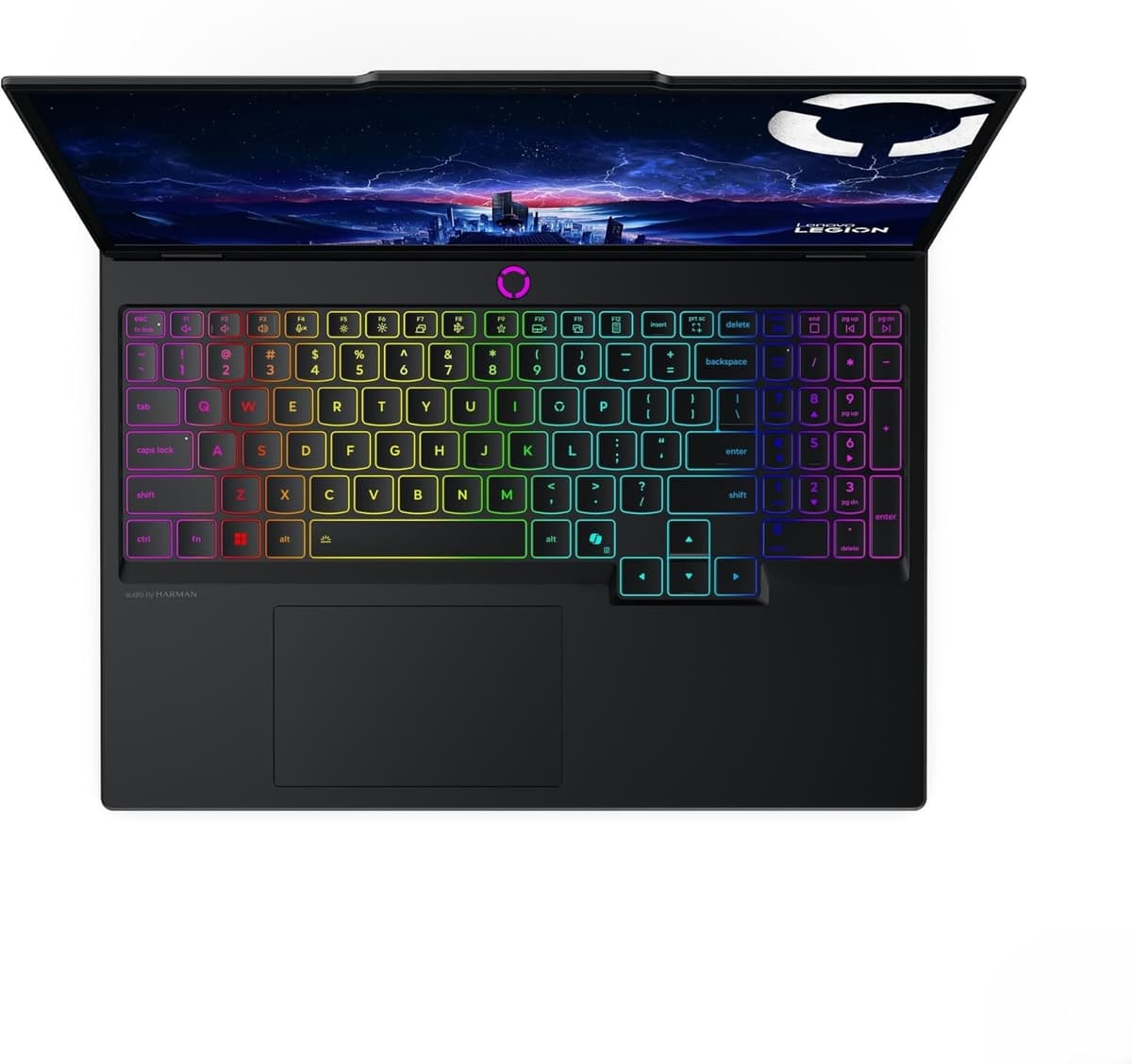
Laptop that really impressed me here:
- Acer Nitro V16 with RTX 5070 – Not glamorous, but fantastic value once it dipped to around $1,250 in sales. In my tests, 1440p rasterized games sat comfortably around 60 FPS+ at high settings. It’s a workhorse: plasticky chassis and loud fans, but strong cooling and good sustained performance.
By contrast, I also tried an “AI-focused” variant with an RTX 5060 capped around 85 W. On paper it looked great; in practice, GPU wattage was the bottleneck. It ran, but the RTX 5070 model felt like a full tier above for not much more money.
What I pay extra attention to in midrange now:
- TGP first, chip name second: A 5070 at 90 W can underperform a 4060 at 140 W in long sessions. I always dig for wattage charts or long-run benchmarks.
- VRAM needs: If you love RT-heavy titles and big texture packs, 8 GB is starting to feel tight in a few cutting-edge games. 10–12 GB is noticeably more comfortable.
- Cooling design: Dual-fan setups with big heatpipes are the minimum; if reviews mention sustained clocks dropping sharply after 5–10 minutes, I skip it.
Who this tier is for: most PC gamers. If you want your laptop to be your primary gaming machine for the next 3–5 years, midrange RTX 5070-class machines hit the sweet spot, especially as 40-series models get discounted when 50-series launches ramp up.
Tier 3 – High-End & Flagships (2,000–5,000 €)
I’ve tested a handful of these “desktop replacement” beasts, and the pattern is always the same: massive performance, massive power draw, massive diminishing returns on price. But if you know what you’re paying for, they’re incredible.
What I look for in 2026 high-end laptops:
- GPU: RTX 5080 (my current performance-per-euro favorite), RTX 5070 Ti, or halo RTX 5090 if money truly isn’t a problem
- VRAM: 12–16 GB; this is where 4K textures and heavy ray tracing start to feel truly safe for the next years
- Display: 16–18″ 1600p/4K, 240–300 Hz IPS or OLED/Mini-LED with good HDR
- Power & cooling: 230 W+ power bricks, serious multi-fan cooling, and chassis designed to sustain high TGP without throttling
Standout machines from my testing:
- HP Omen Max 16 (RTX 5080, high TGP) – This one shocked me. With a very high combined power budget and serious cooling (including an additional fan), I was seeing desktop-like sustained performance at 1600p. Cyberpunk with path tracing + DLSS 4.x stayed above 60 FPS with sensible settings.
- Asus ROG Strix Scar 18 (RTX 5090) – The “because we can” laptop. At 1080p, I was seeing obscene frame rates in esports titles and fully path-traced titles hitting triple-digits with frame generation. But thermals and price both live in the redline zone.
- XMG Pro/Core series – Consistently strong cooling and honest TGP configurations in my experience; good picks if you want high-end power without the overdesigned “gamer” shell.
Real talk on high-end spending:
- Past ~2,500 €, you’re paying a lot for small FPS gains, nicer chassis materials, and slightly better displays.
- I only recommend 5090-class laptops if you’re:
- pushing a 4K external monitor with heavy RT, or
- obsessed with 240–300 Hz in competitive games and want zero compromises.
- For most people, an RTX 5080 laptop with a great 1600p/240 Hz display is the sweet high-end spot; in my tests it hits 60+ FPS in the hardest games at high/ultra with DLSS/FG.
Who this tier is for: creators and enthusiasts who want one machine to rule everything: 4K gaming, streaming, editing, and future AAA titles with ray tracing maxed for years.
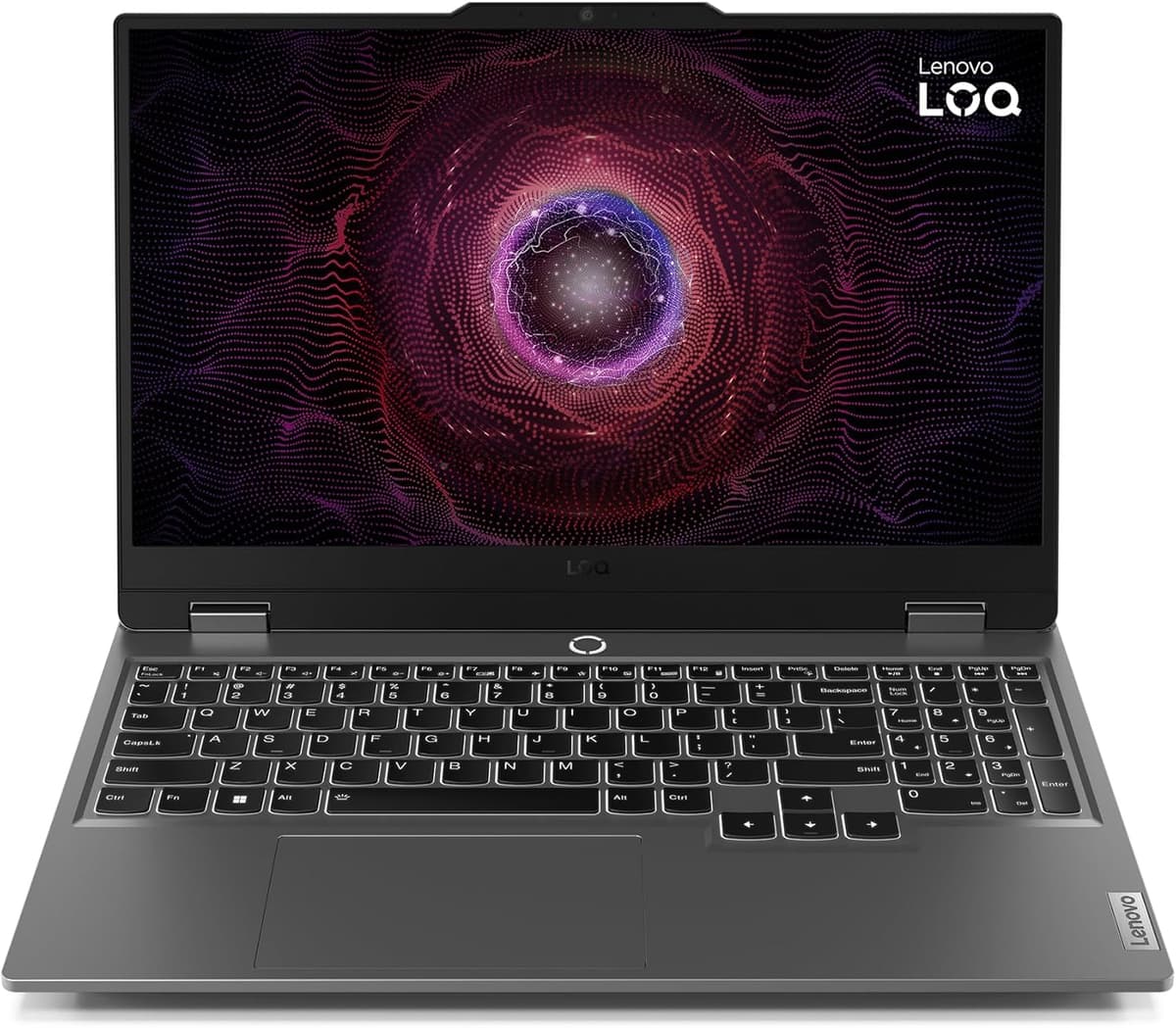
Displays, VRAM, and Other Specs That Actually Matter
Once I stopped obsessing only over FPS and started paying attention to display quality and VRAM, my overall experience improved more than any single GPU upgrade.
Display choices:
- High-refresh IPS (144–240 Hz, 1080p/1440p): best value. I’d pick a good IPS at 1440p 165 Hz over a mediocre OLED every time.
- OLED / Mini-LED: amazing contrast and HDR, great for dark games and movies. Watch for:
- at least 120 Hz refresh
- reasonable brightness (400+ nit HDR)
- potential fan noise spikes in HDR mode due to higher power draw
- Resolution: 1440p/1600p is the sweet spot. 4K on a 16″ screen looks beautiful, but in my testing it’s often wasted resolution that eats performance and battery.
VRAM & RAM:
- GPU VRAM:
- 8 GB – OK for 1080p, but already tight in some RT-heavy games.
- 10–12 GB – Comfortable for 1440p/1600p high settings with RT tweaks.
- 16 GB – Ideal if you want to push RT and high-res textures for years.
- System RAM:
- 16 GB – Minimum I’d accept in 2026.
- 32 GB – My new standard for mid/high tier; modern games + background apps can easily chew past 16 GB.
Noise, thermals, and upgradability:
- Noise: Performance modes can sound like a jet engine. I always test “Balanced” or a custom fan curve; the best laptops stay quiet enough there without tanking FPS.
- Thermals: Look for long-run benchmarks or reviews that show 20–30 minutes of gameplay. I’ve seen laptops that look amazing in 5-minute runs, then drop clocks and stutter later.
- Upgrades: At least one free RAM slot or two SO-DIMM slots and an extra M.2 slot give you years of breathing room.
RTX 40 vs RTX 50 in 2026 – Should You Wait or Buy Now?
This is the big question I’ve been getting from friends: with RTX 50-series mobile GPUs rolling out, is it a bad idea to buy a 40-series laptop now?
Based on what I’ve seen so far:
- RTX 5080 mobile currently offers the best performance-per-euro at the high end. If you see one at a sane price in a well-cooled chassis (like the better 16″ models), it’s an amazing long-term buy.
- RTX 5070 remains the midrange value champ, especially in discounted 2025 models. I’ve seen deals that undercut weaker, early RTX 5060/5050 models by a surprising margin.
- Supply is messy: RTX 50xx availability can be patchy, and memory (RAM/SSD) prices have been bouncing thanks to component shortages. That’s kept some 50-series machines priced higher than they probably should be.
My personal rules of thumb:
- If you find a well-cooled RTX 5070 laptop under ~1,600–1,700 € with 16–32 GB RAM and a good 1440p screen – don’t overthink it, that’s a great buy right now.
- If you’re targeting true high-end and see an RTX 5080 with a strong cooling design around 2,000–2,500 €, it’s worth stretching for compared to maxed-out 4070/4070 Ti models.
- If early RTX 50 machines in your region are heavily price-gouged, consider grabbing a discounted 40-series now. I’ve done this myself and didn’t regret it when the early 50-series premiums hit.
I also keep an eye on big sale windows (back-to-school, Black Friday, and just after new GPU launches) – that’s when I’ve consistently seen the best 40-series clearance deals.
Quick Recommendations by Player Type
To wrap it up, here’s how I’d match laptops after a year of testing way too many of them.
- eSports / Competitive 1080p on a budget
- Target: RTX 5050 or 100 W RTX 4060, 1080p 144–165 Hz IPS
- Example approach: something like a Lenovo/Gigabyte 15–16″ with a solid cooling system and 16 GB RAM.
- All-round AAA gamer at 1440p/1600p
- Target: RTX 5070, 16–32 GB RAM, 1440p/1600p 165 Hz IPS or OLED
- This is the “one laptop to do it all” tier I recommend to almost everyone.
- High-end enthusiast / creator
- Target: RTX 5080 (or 5090 if money is no object), 32 GB RAM, 1–2 TB SSD, 16–18″ 1600p/4K high-refresh display
- Example approach: performance-focused 16–18″ chassis with proven cooling (Omen/ROG/XMG class), especially if you’re doing heavy RT or content creation.
If there’s one lesson from all my 2025–2026 testing, it’s this: prioritize TGP and cooling over fancy marketing names, and don’t cheap out on the display. Do that, pick the right tier for your budget, and your next gaming laptop should feel good for years-not just on day one benchmarks.
FinalBoss // Gear
Level up your setup
01Graphics cardson Amazon→02Gaming laptopson Amazon→03High-refresh gaming monitorson Amazon→04Discounted game keyson Kinguin→Affiliate links · As an Amazon Associate, FinalBoss earns from qualifying purchases.
Want to Level Up Your Gaming?
Get access to exclusive strategies, hidden tips, and pro-level insights that we don't share publicly.
Ultimate Guide Strategy Guide + Weekly Pro Tips