
Best Gaming Laptops for AAA Gaming (2026)
The best gaming laptops for maxed-out AAA play in 2026 — every pick runs a full 175 W RTX 5080 or 5090, because GPU wattage matters as much as the GPU name.
AAA gaming at high settings is where laptop GPUs separate from one another — and the deciding factor is not just the chip but how many watts it is allowed to draw. The same RTX 5090 can be capped at 95 W in a thin chassis or run flat-out at 175 W, and the gap is enormous. Every machine on this list runs its RTX 5080 or 5090 at the full 175 W, so the GPU name on the box is the GPU power you actually get.
This guide is for the player who wants to max out the latest releases — ray tracing on, settings cranked, at native 1440p or 4K — and is willing to trade portability and battery life for sustained performance. In 2026 that means an HX-class CPU, a high-refresh OLED or Mini-LED panel, and a cooling system built to hold full wattage under load. These are mains-tethered performance machines first.
Below we rank seven of them, from the best all-round 16-inch to the no-compromise 18-inch desktop replacement, with the honest trade-off — heat, noise or price — called out on every pick.
What to look for
At this tier the spec sheet hides more than it shows. Four things separate a great AAA laptop from a merely fast one:
- Full GPU TGP (the headline number). A 175 W RTX 5080/5090 can be 30–40% faster than the same chip throttled to 100 W in a thin shell. Confirm the configured wattage, not just the GPU name — every pick here is verified at 175 W, and the MSI Raider 16 even pushes 300 W total with OverBoost.
- Cooling that holds the line. Sustained frame rates depend on the heatsink, not the launch benchmark. The XMG Neo 16 runs 175 W with no thermal throttling, the ASUS ROG Strix G16 pairs a vapor chamber with a tri-fan and liquid metal, and the Gigabyte AORUS Master 16's AMD X3D chip keeps both CPU and GPU in the low 80s °C. Watch the CPU side too — the Intel-based Titan 18 and Legion Pro 7i both run hot (90–100 °C).
- A high-refresh, high-quality panel. A 240 Hz OLED (Legion Pro 7i, Razer Blade 16, AORUS Master 16) or a 300 Hz Mini-LED (XMG Neo 16) is what turns extra frames into a visibly smoother game. Check for G-Sync/VRR — the Raider 16 and Titan 18 both omit it.
- Heat-and-noise reality. Nothing here is quiet or long-lived off the charger. Gaming battery life is roughly 1–2 hours across the board, and the loudest machines (Titan 18, AORUS Master 16's performance preset) are genuinely loud. Budget for headphones and a desk.
Which should you buy?
Best overall: the Lenovo Legion Pro 7i Gen 10. It pairs the full 175 W GPUs with a 240 Hz OLED, real RAM upgradeability and a very good aluminum build — the most complete 16-inch package here, if you can live with a hot CPU.
Best value: the MSI Raider 16 Max HX when discounted. It out-benchmarks the pricier Titan 18 thanks to 300 W of OverBoost and regularly sells below MSRP; the catch is a plasticky base and no G-Sync. The ASUS ROG Strix G16 is the more attainable route if you want a full 175 W RTX 5080 with class-leading cooling and a serviceable chassis.
Specialists. Want maxed-out 4K and 128 GB of RAM? The MSI Titan 18 HX AI is the 18-inch desktop replacement. Want the slimmest premium build? The Razer Blade 16 runs a 175 W GPU cooler than ever in a ~2.1 kg unibody. Want sustained, no-throttle output with an unlocked BIOS? The Europe-focused XMG Neo 16 is the enthusiast's pick, while the Gigabyte AORUS Master 16 is the coolest-running of the bunch — just loud at full tilt.
- 1Lenovo Legion Pro 7i Gen 10
from $3,299
RTX 5080 / RTX 509016" OLED32 GB2.70–2.72 kgOur best all-rounder for maxed-out 16-inch AAA play — full 175 W RTX 5080/5090, a 240 Hz OLED and genuine RAM upgradeability. The main watch-out is a hot CPU that runs 90–100 °C under load.
- 2MSI Raider 16 Max HX (B2W)
from $3,499
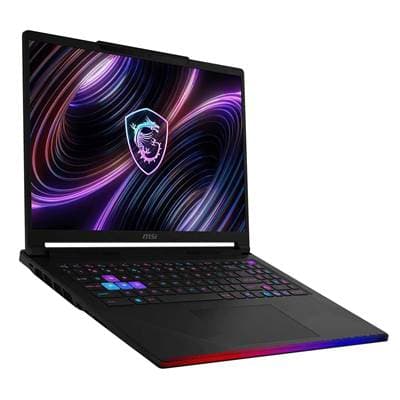
RTX 5090 / RTX 508016" OLED32 GB DDR5-6400~2.65 kgFor buyers chasing raw frame rates per dollar when it's discounted below MSRP — a 175 W RTX 5090 with 300 W of OverBoost that out-benchmarks the bigger Titan. The catch is a plasticky, flexing base and no G-Sync.
- 3XMG Neo 16 (E25 / A25)
Price unavailable
RTX 509016" Mini LED32 GB2.85 kgFor the enthusiast who wants sustained, no-throttle flagship output and an unlocked BIOS behind a bright 300 Hz Mini-LED. Watch-outs: it's sold mainly in Europe, and the Intel E25's Killer Wi-Fi can be unstable.
- 4Razer Blade 16 (2026)
from $3,499
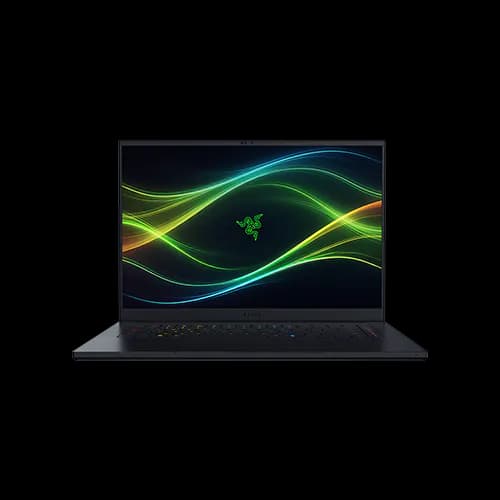
RTX 5080 / RTX 509016" OLED32–64 GB~2.1 kgThe premium, portable way to run a 175 W GPU — a slim ~2.1 kg unibody with a 240 Hz 1000-nit OLED that finally runs cooler than the 2025 model. The trade-offs are soldered RAM and a high price.
- 5MSI Titan 18 HX AI (A2XW)
from $4,299
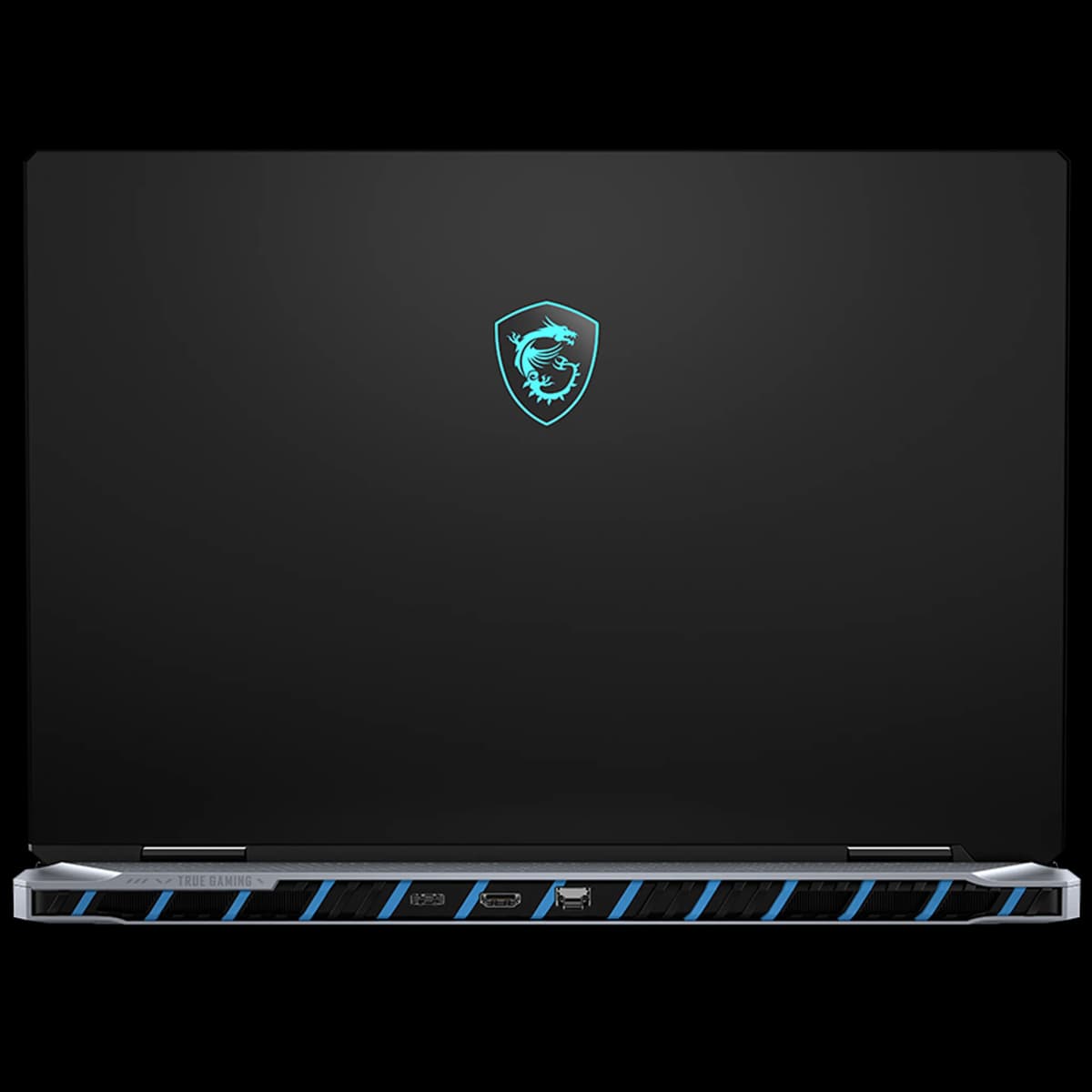
RTX 5090 / RTX 508018" Mini LED64 GB DDR5-6400~3.3 kgA no-compromise 18-inch 4K desktop replacement — full 175 W RTX 5090 and a Mini-LED panel, expandable to 128 GB RAM. Expect real heat (CPU 96–100 °C), loud fans, ~3.3 kg of weight and no G-Sync.
- 6ASUS ROG Strix G16 (2026)
Price unavailable
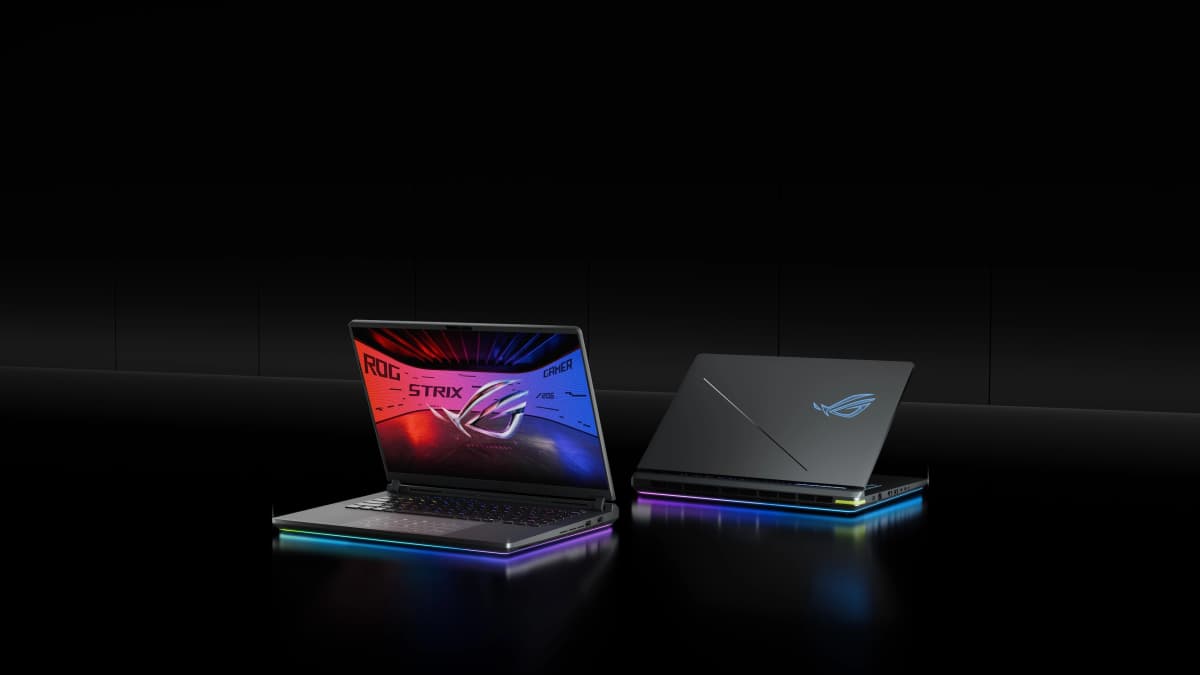
RTX 508016" IPS32 GB2.65 kgThe more attainable route to full 175 W AAA frame rates — class-leading cooling (vapor chamber, Tri-Fan, liquid metal) and a 300 Hz G-Sync panel in a serviceable plastic chassis. The recurring watch-out is coil whine.
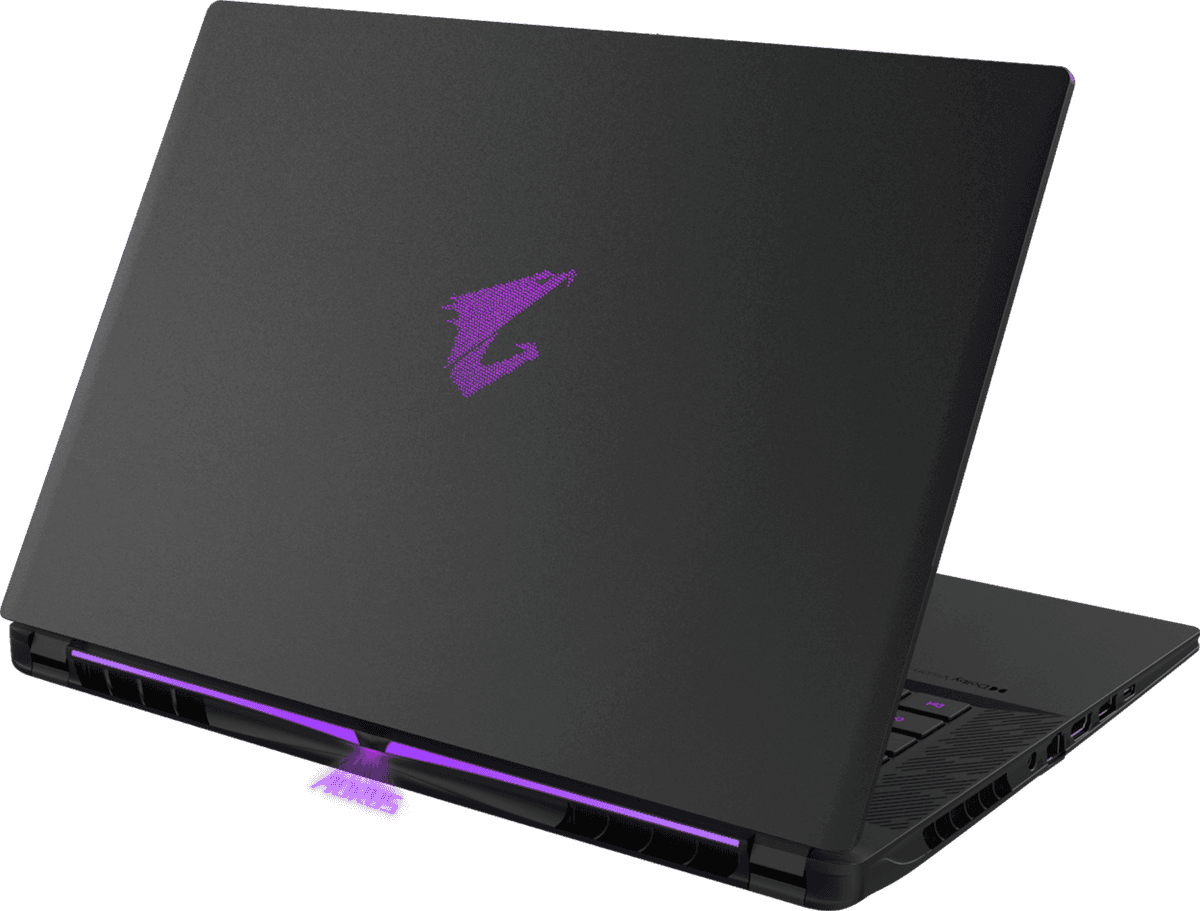
- 7Gigabyte AORUS Master 16 GEN 2 (AM6J)
Price unavailable
RTX 509016" OLED32 GB DDR5-56002.3 kgFor buyers who want a 175 W RTX 5090 that runs cool — AMD's X3D CPU keeps both chips in the low 80s °C inside a slim 2.3 kg, 240 Hz OLED body. The catch is a very loud performance fan preset and RAM capped at 64 GB.


FAQ
What specs do I need for AAA gaming at high settings?
For maxed-out 1440p to 4K, you want a high-TGP RTX 5080 or 5090 running at the full 175 W, paired with a recent HX-class CPU and at least 32 GB of RAM. Wattage matters as much as the GPU name — a throttled 5090 can lose to a full-power 5080, which is why every pick here runs at 175 W.
Is a 175 W GPU really better than a lower-wattage version?
Yes, meaningfully. The same GPU can be configured anywhere from roughly 80 W to 175 W, and the gap is large. Every machine here runs its RTX 5080/5090 at the maximum — the XMG Neo 16 holds 175 W with no thermal throttling, and the MSI Raider 16 stretches to 300 W total with OverBoost.
Should I get an RTX 5080 or an RTX 5090 for AAA gaming?
A full 175 W RTX 5080 already maxes most AAA titles at 1440p and handles 4K with DLSS, and it's the value sweet spot — the ASUS ROG Strix G16 and the base Lenovo Legion Pro 7i both ship it. Step up to the 5090 (and its 24 GB of VRAM) if you want native 4K headroom or run heavy ray tracing, as in the XMG Neo 16 or MSI Titan 18.
Do AAA gaming laptops run hot and loud?
Generally yes — pushing 175 W means real heat and fan noise. The Gigabyte AORUS Master 16 keeps both chips in the low 80s °C and the XMG Neo 16 avoids throttling, but the Intel-based Legion Pro 7i, Raider 16 and Titan 18 all push CPU temps into the 90–100 °C range, and the desktop-replacement Titan 18 is the loudest at full draw.
Do I need an 18-inch desktop replacement, or is a 16-inch enough?
A 16-inch like the Legion Pro 7i or Razer Blade 16 runs the same full 175 W GPU and is far easier to carry. Go 18-inch only if you want a 4K panel, 128 GB of RAM and the largest cooling surface — the MSI Titan 18 delivers all three, at ~3.3 kg and with prominent fan noise.