
Table of Contents (14)
A Gears Campaign Built for Dynamic Light, Not Static Set Dressing
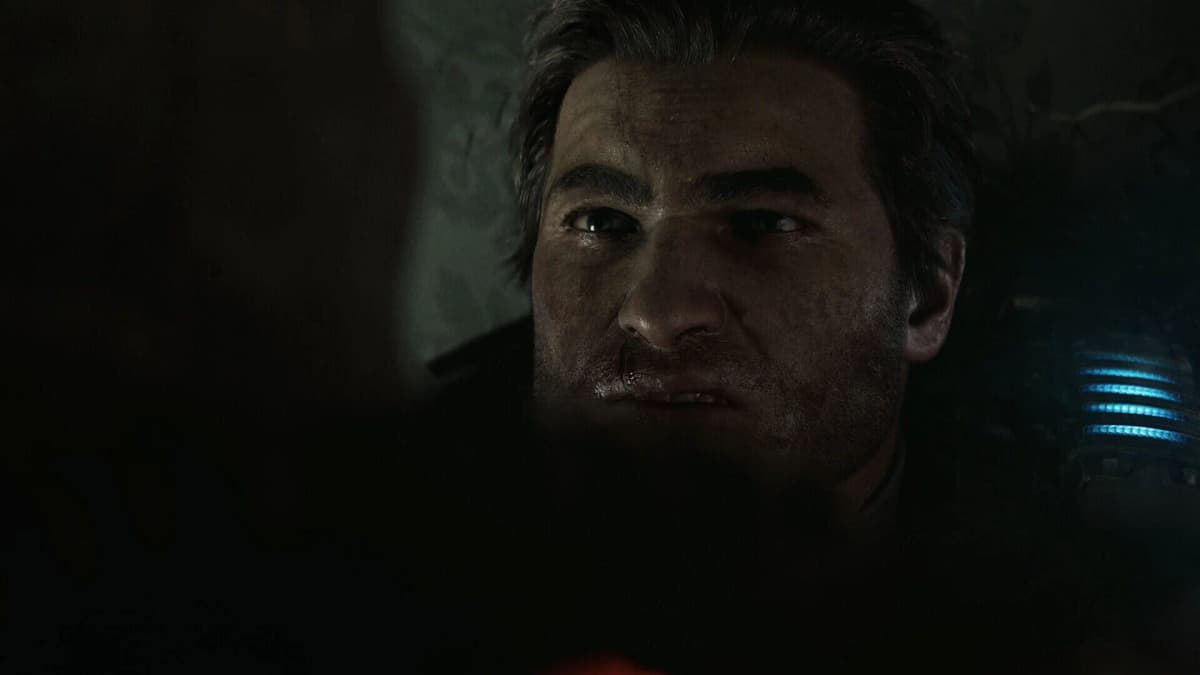
For most of the franchise’s history, Gears environments could look monumental because artists carefully controlled the light around every ruined street, fortress corridor, and slab of chest-high cover. Gears of War: E-Day takes a far more demanding route. The Coalition has replaced that old baked-lighting safety net with a fully dynamic Unreal Engine 5.8 pipeline: Nanite geometry, hardware Lumen ray tracing, and MegaLights operating together on Xbox Series X.
That technical ambition is the heart of the campaign breakdown. E-Day is targeting 60 FPS on Series X while retaining ray-traced global illumination, reflections, ambient occlusion, dynamic shadows, dense volumetrics, and destruction that can materially alter how a scene is lit. It is a much harder problem than placing a few attractive neon signs in a static alley. Blow out a wall, collapse a building, fill a street with smoke and muzzle flashes, and the lighting system has to react without turning the game into a 30 FPS slideshow.
The August 22 campaign analysis focuses on roughly the first hour of Act 2, set only hours after the Locust Horde first erupts onto the surface. It gives a more useful look at the console build than a trailer ever could: not simply whether E-Day has ray tracing, but what that ray tracing costs when Marcus Fenix, Dominic Santiago, and Bravo Squad are fighting through a city that is actively coming apart.
Specifications
MegaLights Is the Feature Doing the Heavy Lifting
MegaLights is easy to dismiss as another Unreal buzzword until a campaign scene gets ugly in the best possible way. It is designed to manage huge numbers of dynamic light sources at once: street lamps cutting through dust, emergency signage bouncing off wet pavement, weapon fire flashing across armor, burning debris casting unstable shadows, and interior lights spilling through broken walls.
The Coalition’s city sequences use hundreds of interacting lights in a single street. MegaLights makes that density feasible by controlling which lights receive the expensive ray-traced shadow treatment at a given moment. The engine can support ray-traced shadows from up to 100 light sources in real time, while the broader scene includes far more emitters contributing to the atmosphere. That distinction matters. Every tiny bulb does not need to cast a perfect shadow, but the lights that matter most to the image can still react convincingly to geometry, smoke, and moving characters.
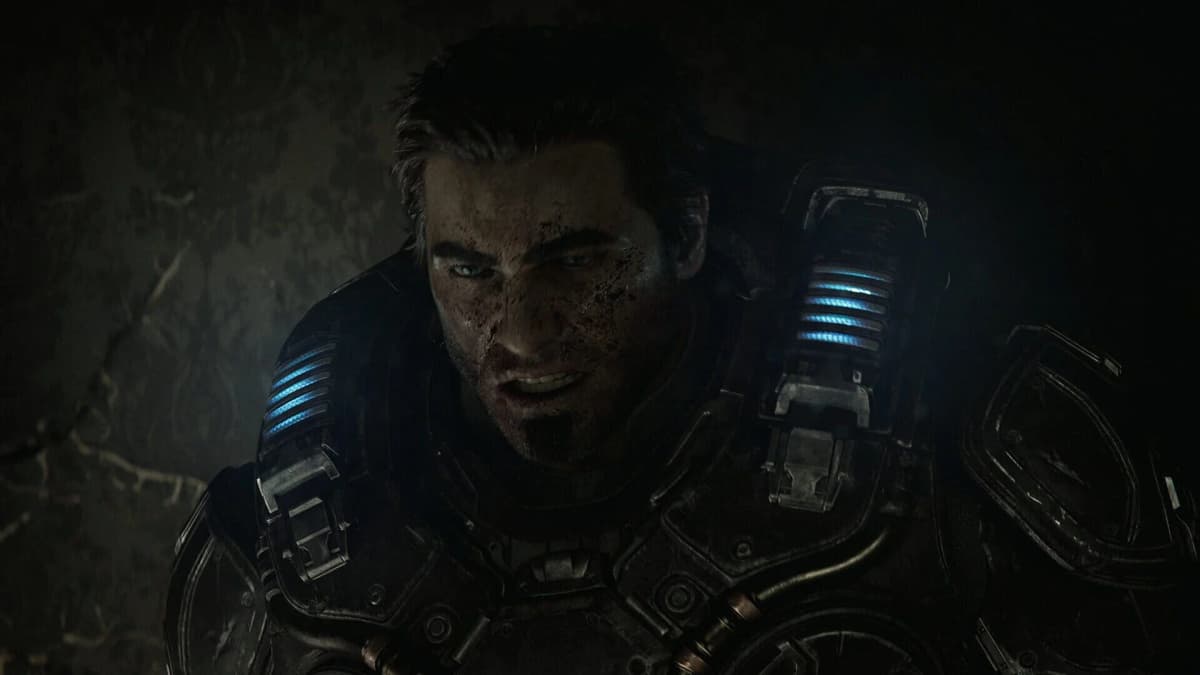
This is why E-Day’s lighting should hold up better during destruction than traditional pre-baked Gears scenes. A collapsed facade creates new gaps for daylight. A demolished roof changes the light inside a room. Smoke can catch the glow of a fire instead of looking like a gray transparency pasted over the action. The technology serves the fantasy of Emergence Day unusually well: a city losing its structural and visual order minute by minute.
Hardware Lumen changes the look of combat
Hardware Lumen handles the broader ray-traced workload: global illumination, reflections, and ambient occlusion. Global illumination is the expensive part that players may not consciously identify, even though they absolutely notice when it is missing. It determines how light bounces from a bright sign onto nearby concrete, how a muzzle flash briefly affects a cramped hallway, and how a dark room gains definition from light leaking through a shattered doorway.
The payoff is coherence. E-Day’s light sources belong to the same scene as the rubble, characters, and smoke around them. Prior Gears games used excellent art direction to create that impression; E-Day is calculating far more of it in real time. The visual upgrade is especially useful for a series where dark industrial interiors, glossy armor, wet streets, and heavy particle effects have always been part of the visual identity.
Xbox Series X Campaign Modes: What Each One Sacrifices
Series X offers three campaign modes, and they are meaningful choices rather than menu clutter. Hardware Lumen and MegaLights stay active across all three. The cuts come through internal resolution, shadow detail and distance, fine geometry, volumetric density, and the amount of temporal reconstruction needed to turn the rendered image into a clean 4K presentation.
| Mode | Frame-Rate Target | Typical Internal Resolution | Best For | Practical Trade-Off |
|---|---|---|---|---|
| Quality | 30 FPS | About 1,152p-1,224p | Players prioritizing cleaner reflections, shadow edges, and image stability | Highest input latency and the least fluid camera motion |
| Balanced | 40 FPS | About 1080p | 120Hz display owners who want a fidelity-first compromise | More demanding than 30 FPS, with less headroom for destruction and volumetric spikes |
| Performance | 60 FPS | About 900p-1000p | Players prioritizing aiming response and smooth combat | Softer reconstruction, more visible shimmer, and less stable fine reflection detail |
Quality mode: the cleanest version of the campaign image
Quality mode runs at 30 FPS with an internal resolution around 1,152p to 1,224p. Its 33.3ms frame-time budget gives the rendering pipeline more room to resolve ray-traced information and build a stable image through temporal reconstruction. Reflections on glossy surfaces should look cleaner, shadow edges should hold their shape better, and fine details in rubble, distant facades, and character materials have more source data to work with.
The cost is obvious in a cover shooter. Thirty frames per second remains playable, but it blunts the snap of rapid camera movement and makes aiming feel heavier than it should in a modern Gears campaign. This is the mode for players treating E-Day as a showpiece on a large 4K display, especially during slower exploration and cinematic campaign chapters.
Balanced mode: potentially the smartest choice on a 120Hz screen
Balanced mode targets 40 FPS at roughly 1080p internally. It needs a 120Hz display to work properly, because 40 FPS divides evenly into a 120Hz refresh cycle. On the right television or monitor, that produces smoother motion and better controller response than 30 FPS without demanding the brutally tight 16.7ms budget of 60 FPS.
Its visual differences from Quality are restrained. Lumen global illumination, MegaLights, and the general ray-traced look remain intact, while image detail and some shadow quality take the hit. That is precisely the correct place to compromise. I would choose Balanced for a first campaign run on a 120Hz OLED or LCD: it preserves the lighting work that makes E-Day special while avoiding the sluggishness that can make 30 FPS combat feel dated.
Performance mode: the default for players who value the gunplay
Performance mode targets 60 FPS, using a typical internal resolution between 900p and 1000p. That is a fairly aggressive starting point for a 4K console game, but the math is unforgiving. E-Day is trying to fit Nanite geometry, fully dynamic Lumen lighting, ray-traced reflections, MegaLights, particles, destruction, and responsive third-person shooting inside a 16.7ms frame-time budget.
The result should be the best way to play during sustained combat. The Lancer, Gnasher, vertical traversal, weapon modifications, tactical gear buffs, and supply-cache loadout changes all benefit from quicker input response. The visual penalty will show most clearly on large displays: distant detail can look softer, reflections can develop sparkling noise during fast camera pans, and finely lit surfaces may shimmer more than they do in Quality mode.
The Stress Test Is Destruction, Smoke, and Fast Camera Movement
Gears of War: E-Day’s most impressive scenes are also where the technical pressure concentrates. A normal static street is manageable. A street with collapsing buildings, dozens of enemies, lit smoke, flying debris, fire, muzzle flashes, and reflective wet ground is a different beast entirely.
Large-scale destruction forces the engine to update more than geometry. New holes alter occlusion. New debris changes shadowing. Freshly exposed surfaces need new indirect light and reflections. Add volumetric smoke or dust, which has to receive and scatter light convincingly, and the GPU workload can spike fast. These are the scenarios most likely to test Performance mode’s 60 FPS target.
Temporal reconstruction is the other part of the equation. At around 900p to 1000p, Performance mode needs to reconstruct a detailed 4K output from substantially less native image data. It can look excellent in stable movement, but quick pans across neon lighting, puddles, glossy armor, and dense foliage of particle effects are where lower-resolution ray tracing tends to reveal its seams. Watch for reflection grain, specular sparkle, or “boiling” noise that shifts between frames.
That does not undermine the feature set. It explains why the three-mode approach is sensible. The Coalition has not offered a crude “ray tracing off for performance” switch. E-Day keeps its central lighting identity and adjusts resolution, shadow quality, geometry detail, and volumetric pressure around it. For a campaign built around fully dynamic scenes, that is a more honest compromise than stripping out the technology that defines the presentation.
Act 2 Shows Why the Technology Fits E-Day’s Story
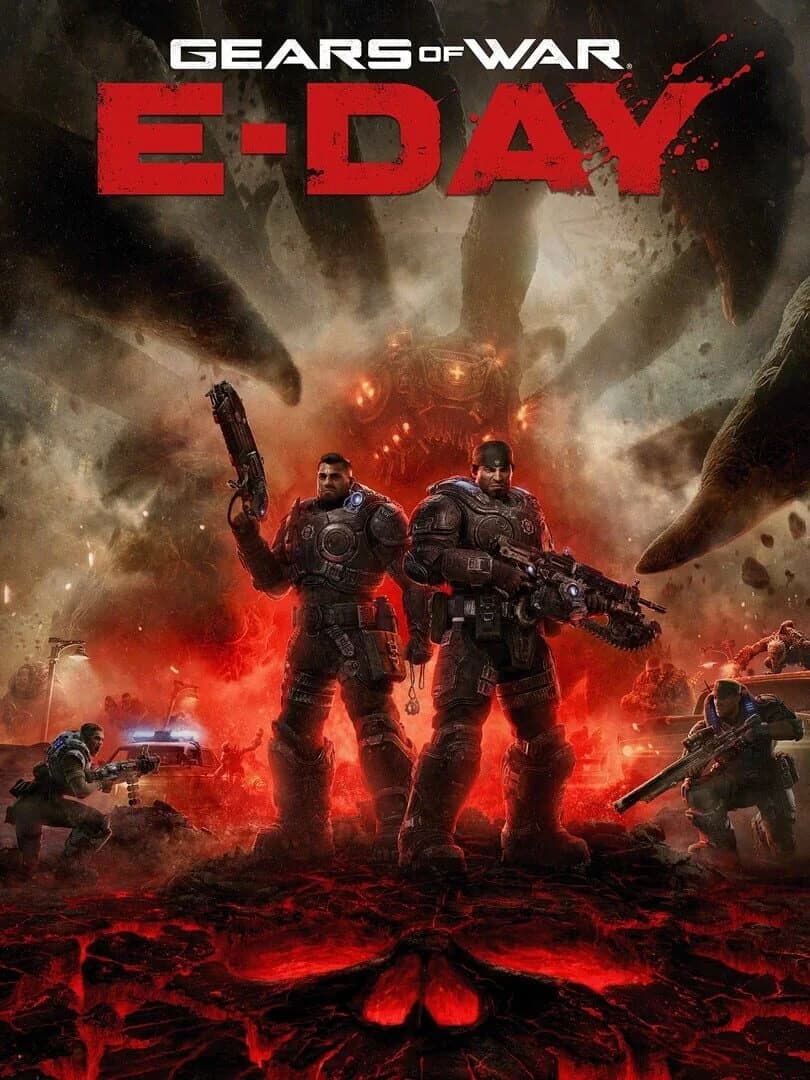
The Act 2 campaign slice begins during the first hours of the Locust invasion, with Marcus and Dom operating alongside Lucas Reyes and Mags Carter as Bravo Squad. Oria Stadium serves as a forward operating base for downtown operations, while Colonel Trench oversees the briefing and Captain Akila Grey manages Bravo Squad’s deployment.
Those locations give the engine a useful range of lighting problems. The stadium base has enclosed spaces, practical light sources, character close-ups, and reflective materials. Downtown combat introduces exterior shadowing, neon, street lighting, smoke, destruction, and much greater view distances. Nanite’s role becomes clear in the dense environmental detail: damaged concrete, fractured building fronts, debris piles, and interiors can retain their shape without obvious LOD pop-in pulling attention away from the fight.
Supply caches reinforce the campaign’s pacing by refilling ammunition, changing loadouts, and equipping weapon mods between encounters. Those mechanics sound familiar in a Gears context, but they matter technically because they encourage players to look around combat spaces rather than sprint directly to the next marker. E-Day has to survive close inspection of its props, rubble, reflections, and lighting transitions — not merely deliver a good-looking corridor from one scripted firefight to the next.
What to Check in the Final Xbox Series X Build
- Confirm that Balanced mode is available on a 120Hz display. A 40 FPS mode only earns its place when the display refresh can present it with proper frame pacing. Owners of 60Hz televisions should lean toward Quality or Performance.
- Compare reflections during fast camera movement. Puddles, glass, polished floors, and wet streets are the easiest places to spot the image-quality gap between 60 FPS Performance and the higher-resolution modes.
- Use large destruction sequences as the real performance test. Watch for sudden frame-rate drops, delayed shadow updates, or temporal instability when buildings collapse and smoke fills the screen.
- Inspect distant shadows and fine rubble. Performance mode should preserve the overall lighting style, but Quality will offer cleaner distant shadow detail and more stable fine geometry.
- Prioritize responsiveness in high-pressure fights. E-Day’s tactical gear, weapon mods, and classic cover-shooter rhythm are better served by 60 FPS if the campaign’s chaos becomes too visually busy for relaxed play.
Pros and Cons of E-Day’s Series X Tech Approach
✓ PROS
+
Fully dynamic Lumen lighting gives destruction real visual consequences
+
MegaLights supports exceptionally dense combat lighting
+
40 FPS Balanced mode is valuable for 120Hz display owners
+
60 FPS Performance mode keeps the campaign’s core RT features active
+
Nanite detail suits Gears’ debris-heavy environments
✗ CONS
–
Performance mode’s 900p-1000p internal resolution will expose reconstruction artifacts on large 4K screens
–
Balanced mode needs a 120Hz display
–
Dense destruction and volumetrics remain the toughest scenario for a 60 FPS target
–
No ray-tracing-off option exists for players who want a simpler performance-first presentation
FinalBoss // Gear
Level up your setup
01Best-selling Xbox Series X|S gameson Amazon→02Xbox controllerson Amazon→03Top-rated gaming headsetson Amazon→04Discounted game keyson Kinguin→
Affiliate links · As an Amazon Associate, FinalBoss earns from qualifying purchases.
Want to Level Up Your Gaming?
Get access to exclusive strategies, hidden tips, and pro-level insights that we don't share publicly.
Ultimate Tech Strategy Guide + Weekly Pro Tips