
Table of Contents (9)
Gears of War: E-Day’s 60 FPS targets are achievable — but upscaling is part of the deal
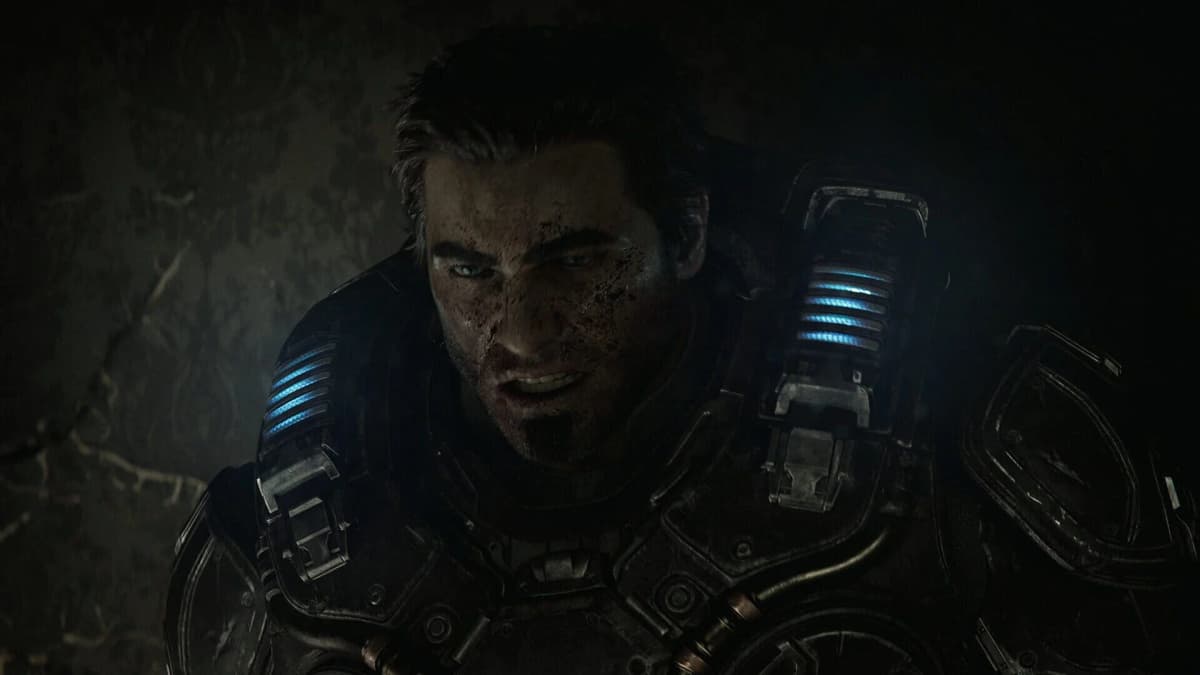
Gears of War: E-Day has a clearer PC performance target than most big-budget releases: three official tiers, three explicit resolution goals, and a stated 60 FPS target attached to each one. Minimum is framed around 1080p at 60 FPS on Medium. Recommended moves to 1440p at 60+ FPS on High. Ultra targets 4K at 60+ FPS on Ultra. In every case, the published profile is listed with upscaling enabled, using one of the supported options such as DLSS, FSR, TSR, or XeSS.
That detail matters because it turns the spec sheet from marketing wallpaper into something you can actually plan around. The Coalition is not promising native 4K brute force across the board, and it is not pretending an old hard drive or a pre-ray-tracing GPU can sneak through on stubbornness alone. Every tier requires an SSD. Every tier requires a hardware ray-tracing-capable graphics card. The PC feature set is modern, the assumptions are modern, and the hardware floor is much firmer than the 1080p label might suggest at first glance.
That ray-tracing baseline immediately leaves older GTX cards and pre-ray-tracing Radeon hardware outside the official spec, even where their traditional raster performance might look decent on paper. E-Day is built in Unreal Engine 5 and uses MegaLights alongside hardware ray-traced reflections, shadows, and global illumination. That lighting ambition has a real cost. The more pleasant surprise is higher up the stack: the official 4K Ultra target stops at an RTX 5070 Ti or Radeon RX 7900 XT rather than demanding the absolute top shelf. For a UE5 shooter with ray-traced lighting in the rendering path, that is a stricter baseline than older Gears games but a less absurd ceiling than many players probably feared.
There is also a useful bit of context around timing. The game is Gold, the final PC requirements are public, preload dates are locked in, and launch planning is no longer theoretical. If you wanted a clean moment to check whether your current rig is ready for Emergence Day or whether it needs one last SSD or GPU reality check, this is it.
Gears of War: E-Day PC requirements at a glance
| Tier | Official target | CPU | GPU | Memory and storage |
|---|---|---|---|---|
| Minimum | 1080p, 60 FPS, Medium preset, upscaling enabled | Ryzen 5 2600X Core i7-6850K or Core i5-10400 | RTX 2060 or RTX 5050 Radeon RX 6600 or RX 9060 6GB VRAM | 12GB RAM 115GB SSD listed |
| Recommended | 1440p, 60+ FPS, High preset, upscaling enabled | Ryzen 5 5600 Core i5-11600K | RTX 3060 Ti or RTX 5060 Radeon RX 6700 XT or RX 9060 XT 8GB VRAM | 16GB RAM 115GB SSD listed |
| Ultra | 4K, 60+ FPS, Ultra preset, upscaling enabled | Ryzen 7 7800X3D Core i7-14700K | RTX 5070 Ti Radeon RX 7900 XT 12GB VRAM | 16GB RAM 115GB SSD listed |
There are two quiet but important patterns in that table. First, VRAM climbs in tidy 6GB, 8GB, and 12GB steps as the official target rises from 1080p to 1440p to 4K. Second, system memory tops out at 16GB rather than escalating into the usual “buy more RAM and pray” nonsense. That does not mean memory stops mattering. It means E-Day’s published tiers are more disciplined than a lot of recent PC releases, even if the ray-tracing requirement keeps the entry point fairly strict.
The other small-print item worth noting is DirectX 12. The baseline is DirectX 12 with feature level 12_0, alongside Windows 10 64-bit at minimum. That is not glamorous information, but it is part of the same broader message: this is a current-generation PC build with current-generation assumptions, not a game that plans to bend itself around aging hardware.
The minimum tier is a bigger cutoff than the 1080p label suggests
The 1080p profile targets 60 FPS at Medium settings with upscaling enabled. An RTX 2060, RTX 5050, RX 6600, or RX 9060 with 6GB of VRAM meets the graphics baseline. CPU requirements are similarly reasonable: a Ryzen 5 2600X, Core i5-10400, or Core i7-6850K gets through the door, while the memory requirement lands at 12GB.
That does not make this a friendly game for a truly old PC. The hardware ray-tracing condition means cards such as the GTX 1060, GTX 1660, and GTX 1080 are outside the supported specification regardless of how well they handled older Gears titles. Players still on 8GB of system memory need an upgrade too. Twelve gigabytes is the official floor, and 16GB remains the more comfortable place to be for a modern UE5 game that is juggling combat spaces, streamed assets, effects, and lighting data at once.
The practical reading of this tier is simple: if your machine lines up with RTX 2060- or RX 6600-class hardware, start by treating the official profile as a complete package rather than a rough suggestion. That means 1080p output, the Medium preset, and upscaling enabled from the start. Do not begin by pretending you are one menu tweak away from a convincing 1440p High build. The spec sheet already tells you where this class of GPU belongs.
This is also the tier where unsupported wishful thinking gets expensive. A non-RT card with respectable older-game performance is still outside the baseline. A mechanical hard drive is still outside the baseline. An 8GB RAM system is still below the published floor. If you are rebuilding a borderline machine for the cheapest possible entry, the least flashy upgrades are also the least debatable ones: install the game on SSD storage, make sure you have enough system memory, and verify that the GPU is actually part of the ray-tracing era.
For buyers deciding between patching up an old rig and starting clean, that last point is the real dividing line. An RTX 2060 or RX 6600-class card may not sound luxurious in late-2026 PC terms, but it is at least inside the rules of the game. A beloved older GTX card is not. No amount of menu optimism changes that.
Recommended is the practical 1440p target
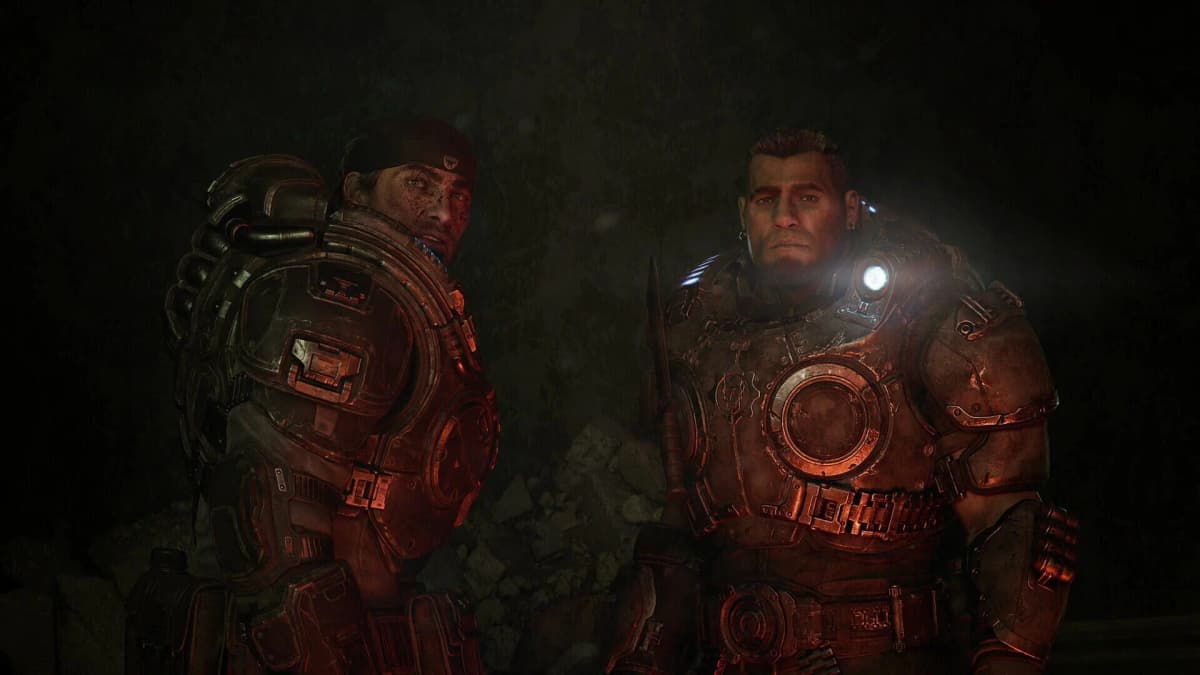
The Recommended tier is where E-Day makes the most sense for a typical current gaming setup: 1440p, High settings, and 60+ FPS with upscaling enabled. The Coalition specifies a Ryzen 5 5600 or Core i5-11600K, 16GB of RAM, and an RTX 3060 Ti, RTX 5060, RX 6700 XT, or RX 9060 XT with 8GB of VRAM.
In plain English, this is the sweet spot. It is the tier that looks like a sensible modern gaming PC rather than an entry-level compromise or a 4K showcase build. If you already own a 3060 Ti, 5060, 6700 XT, or 9060 XT class card and a halfway recent six-core CPU, the official message is refreshingly direct: this is the hardware class E-Day expects for 1440p High.
The move from 6GB to 8GB of VRAM matters almost as much as the jump in raw GPU speed. At 1440p, there are more pixels to push and less room for memory pressure to hide. The Recommended tier does not read like excess. It reads like the point where the game can breathe a little. Owners of an RTX 2060 or RX 6600 can still play, but the official profiles point those cards toward 1080p for a reason.
The same goes for CPU expectations. A Ryzen 5 5600 or Core i5-11600K is not an extravagant recommendation, but it does suggest E-Day wants more than a token processor behind the GPU. That is good news for players on balanced midrange builds and a mild warning for anyone pairing a decent new graphics card with an old, tired platform and hoping the CPU will quietly stay out of the conversation.
For settings, the cleanest starting point is again the official package: 1440p output, High preset, and one supported upscaler enabled. DLSS is the obvious option on RTX cards. FSR, TSR, and XeSS are the broader cross-vendor alternatives. The point is not to chase a magic acronym. It is to match your hardware to the profile the requirements are actually describing, then measure from there.
Intel Arc A580 and Arc B580 hardware has been associated with the minimum and recommended classes in secondary requirement tables, but the safest purchase target remains the NVIDIA and AMD cards that are directly named in the main published requirements. Existing Arc owners should keep drivers current and wait for launch-day benchmark coverage before treating those classes as a one-to-one guarantee for the 60 FPS tiers.
If you are choosing where to spend money, this tier also gives the clearest answer. Moving from an entry 1080p build to the Recommended class is not just about a few extra frames. It is the jump from “I meet the baseline” to “I fit the game’s most sensible target.” In upgrade terms, that usually means the GPU first, system memory second if you are still below 16GB, and CPU/platform considerations right alongside them rather than as an afterthought.
Ultra means 4K output, not native 4K rendering
The Ultra profile is 4K, Ultra settings, and 60+ FPS with upscaling enabled. The official GPUs are the GeForce RTX 5070 Ti and Radeon RX 7900 XT, paired with a Ryzen 7 7800X3D or Core i7-14700K. System memory remains at 16GB, while graphics memory rises to a 12GB requirement.
The distinction between 4K output and native 4K rendering matters. The 4K60 claim is built around upscaling, so an RTX 5070 Ti or RX 7900 XT is not being asked to brute-force every frame at a full 3840×2160 internal resolution with no reconstruction help. That is normal for a modern UE5 game, but it should shape buying expectations. The official target is high-end and ambitious, not miraculous.
That context is also why the Ultra tier looks a little saner than expected. A lot of players hear “Unreal Engine 5, hardware ray-traced reflections, shadows, global illumination, MegaLights” and immediately assume only the most excessive GPU on the shelf will do. Instead, The Coalition’s top published tier lands on an RTX 5070 Ti or RX 7900 XT. That is still expensive territory, obviously, but it is not the full halo-tax version of 4K gaming.
Cards with 10GB of VRAM or less sit in an awkward middle ground here. Even when raw shader throughput remains respectable, the official 12GB VRAM target is a blunt warning that 4K output and the game’s lighting stack are not especially forgiving. It does not automatically mean every 10GB card is useless. It does mean the published Ultra target is not describing that class of hardware.
The same caution applies to buyers shopping by name alone. A previous-generation flagship is not always a clean substitute for the official Ultra GPUs if its memory capacity or feature support lands short of the listed target. The spec table is unusually explicit here: 12GB VRAM, not “somewhere around that if the stars are aligned.”
NVIDIA’s PC feature set adds another layer on GeForce hardware, including DLSS 4.5, Super Resolution, Dynamic Multi Frame Generation, and Reflex. Those features can make a powerful RTX setup look even better on paper, but the boring rule still applies: a solid base frame rate matters first. Generated frames are useful seasoning, not a replacement for an actually stable render rate in a fast third-person shooter.
It is also worth remembering that the official messaging around PC performance extends beyond a single pretty scene. The stated claim is up to 60 FPS across Campaign and Multiplayer, which makes the published tiers more useful than the usual hand-wavy launch-week promises. It still does not guarantee identical behavior in every fight, every map, or every hardware variation. It simply gives players a much clearer target than most releases manage.
SSD capacity: reserve 150GB and avoid the install-day headache
E-Day requires SSD storage across Minimum, Recommended, and Ultra. The latest published requirement lists 115GB on SSD, but there is a small and annoying conflict in the paper trail because older requirement tables used 130GB as a planning figure. That is not unusual for a big release late in the launch cycle, but it does matter if you are trying to clear space on a crowded drive without playing storage roulette.
SSD reality check: Treat 115GB as the current listed install requirement for Minimum, Recommended, and Ultra. Treat 130GB as the older planning figure that showed up in earlier tables. The sensible move is to split the difference in the least dramatic way possible: reserve at least 150GB free on your SSD so preload files, shader caches, patches, and temporary install overhead do not turn launch night into storage Tetris.
An HDD is not part of the supported configuration. That is a reasonable hard line for a UE5 game leaning on streamed assets and a modern lighting stack. A SATA SSD should satisfy the stated requirement. An NVMe drive is still the better long-term home for a large current-generation release, especially if this machine also rotates through other 100GB-plus games and you are tired of deleting half your library every month.
This is one of those upgrade calls that barely counts as glamorous and still matters enormously. An SSD will not magically turn Minimum into Ultra, but it can prevent storage from becoming the dumbest possible bottleneck. If you are the sort of PC player who has ever spent launch night watching a progress bar, freeing space, moving another game to a secondary drive, and muttering at yourself for not planning ahead, you already know why this section exists.
Settings checklist for getting closest to 60 FPS
The safest way to tune E-Day is not to improvise from the top down. Start by matching your hardware to the tier the official requirements are actually describing, then verify resolution, preset, memory, storage, and upscaling in that order.
| Tier | Resolution and preset | CPU class | GPU class | VRAM / RAM | Storage and feature checks |
|---|---|---|---|---|---|
| Minimum | 1080p, Medium, 60 FPS target, upscaling enabled | Ryzen 5 2600X Core i7-6850K or Core i5-10400 | RTX 2060 or RTX 5050 RX 6600 or RX 9060 | 6GB VRAM 12GB RAM | SSD required Hardware RT-capable GPU required |
| Recommended | 1440p, High, 60+ FPS target, upscaling enabled | Ryzen 5 5600 Core i5-11600K | RTX 3060 Ti or RTX 5060 RX 6700 XT or RX 9060 XT | 8GB VRAM 16GB RAM | SSD required Hardware RT-capable GPU required |
| Ultra | 4K, Ultra, 60+ FPS target, upscaling enabled | Ryzen 7 7800X3D Core i7-14700K | RTX 5070 Ti RX 7900 XT | 12GB VRAM 16GB RAM | SSD required Hardware RT-capable GPU required |
- Match your PC to an official tier before touching individual settings. The requirements are already tiered by output resolution, preset, and hardware class. Start there. If your GPU is in the RTX 2060 or RX 6600 class, build around Minimum. If you own a 3060 Ti or 6700 XT class card, build around Recommended. Save 4K Ultra assumptions for the hardware that is actually named for it.
- Use the listed resolution and preset first. Minimum means 1080p on Medium. Recommended means 1440p on High. Ultra means 4K on Ultra. That sounds obvious, but it is the easiest part to get wrong when players start mixing a higher output resolution with a lower tier GPU and then blaming the game for a target it never promised that hardware.
- Enable one supported upscaler from the beginning. The official profiles are published with upscaling enabled. On GeForce RTX hardware, that usually means DLSS. FSR, TSR, and XeSS are the other supported options. The key point is not which badge looks prettiest in a menu screenshot. The key point is that the spec targets are built around using one of them.
- Confirm the non-negotiables: SSD and hardware ray tracing. This is not a title where an old HDD or a non-RT graphics card qualifies as a quirky workaround. If either one is missing, your first “setting” is hardware replacement, not menu tweaking.
- Check your memory honestly. Minimum starts at 12GB system RAM and 6GB VRAM. Recommended moves to 16GB RAM and 8GB VRAM. Ultra asks for 16GB RAM and 12GB VRAM. If you are below the published memory target for a tier, assume that tier is not really yours.
- Use the built-in benchmark and advanced PC options once the baseline is set. E-Day supports advanced PC settings, and a benchmark pass is the cleanest way to test whether your chosen tier is behaving like the official target. It is better than guessing from one chaotic firefight and calling it science.
- After that, make one change at a time. If your chosen tier is close but not quite there, adjust in small steps and re-test. Jumping from preset to preset, changing output resolution, and swapping upscalers all at once is how players lose the plot and end up troubleshooting their own troubleshooting.
There are a few extra PC niceties around that process too. The feature set includes HDR and ultrawide monitor support, which is nice for players with displays that can show it off, but those features do not change the core requirement logic. The actual hierarchy is still the unromantic one: first make sure the machine fits the tier, then worry about presentation extras.
What the Ultra CPU requirement tells us
The Ryzen 7 7800X3D and Core i7-14700K requirement at Ultra is worth taking seriously. At 4K, GPU load normally dominates the conversation, but E-Day’s top published tier still asks for very fast CPUs. That tells us the Ultra target is not being treated as a lazy GPU-only checkbox. The game is expecting a serious platform around that graphics card.
That should not trigger panic buying. Players on CPUs like the Ryzen 7 3700X or Core i7-10700K do not need to assume disaster before launch. It does mean they should avoid the classic mistake of treating a 4K build as nothing more than a GPU shopping problem. If your system falls short of the official Ultra CPU class, the more grounded expectation is that the Recommended-style 1440p High target may be the cleaner fit even with a fairly strong graphics card.
This is also where good testing habits matter more than dramatic forum posts. Use the game’s benchmark. Watch frame pacing, not only average FPS. If the system behaves like a comfortable 1440p machine and a fussy 4K machine, believe the evidence in front of you. The spec sheet is giving you a lane, not daring you to ignore it.
Launch planning for PC and Game Pass players
Gears of War: E-Day launches worldwide on October 6 for Xbox Series X, Xbox Series S, Xbox on PC, Steam, and Game Pass. Premium Edition players can start on October 1, up to five days early. Pre-installation begins September 29 at 15:00 UTC, which is 17:00 in mainland Spain.
With the game Gold and the final PC spec sheet now locked in, that preload window is the right time to do the unsexy housekeeping that saves you from launch-day nonsense. Update Windows. Install a current GPU driver. Confirm that the game is going onto SSD storage with enough free space left over. Double-check that your monitor is running at the refresh rate you think it is running at, not the one Windows guessed three months ago and never corrected.
Windows 10 64-bit is the baseline, and DirectX 12 feature level 12_0 is part of the requirement floor. If you are building or refreshing a higher-tier machine now, staying current on Windows and GPU drivers is simply the sensible play. A game this modern should not be the thing that reminds you your system has been living on deferred maintenance.
The final takeaway is pleasantly practical. E-Day is demanding in a very specific way, not a vague one. It wants an SSD. It wants a ray-tracing-capable GPU. It wants upscaling turned on for the official targets. And it gives you three reasonably clear lanes for 1080p, 1440p, and 4K. That is more useful than most pre-launch PC spec dumps, even if the answer for some older rigs is still the least romantic sentence in PC gaming: yes, it is probably time for an upgrade.
FinalBoss // Gear
Level up your setup
01Best-selling Xbox Series X|S gameson Amazon→02Xbox controllerson Amazon→03Top-rated gaming headsetson Amazon→04Discounted game keyson Kinguin→
Affiliate links · As an Amazon Associate, FinalBoss earns from qualifying purchases.