
If you want to play every mainline Gears of War game on current hardware in 2026, the platform you own determines which entries are available and how they perform. An Xbox Series X paired with Xbox Game Pass Ultimate remains the only setup that grants native access to the full saga from 2006 through Gears 5 without buying individual releases. PlayStation 5 players can experience the remastered starting point through Gears of War: Reloaded, while PC offers the most flexible middle ground via Game Pass Ultimate and native Windows versions. This guide maps each main entry to its best current-gen home and explains which console settings actually improve the experience versus which ones introduce new problems.
Table of Contents (9)
What You Need to Start
- Console: Xbox Series X is recommended for native 4K/60 FPS performance across the catalog. Xbox Series S plays the same library but requires FPS Boost enabled for older titles to hit higher frame rates. PlayStation 5 supports Gears of War: Reloaded.
- Subscription: Xbox Game Pass Ultimate is essential for accessing the legacy catalog without purchasing individual games, and it includes cloud streaming for titles not natively installed.
- Account: A valid Xbox Live account with internet connectivity for cloud saves, multiplayer, and matchmaking.
- Storage: Budget at least 100GB of free space for Gears 5 and the upcoming Gears of War: E-Day; legacy installations are smaller.
- OS: Windows 10 (64-bit) or Windows 11 for PC players.
Xbox Series X|S: The Full Saga
Every mainline Gears of War entry is playable on Xbox Series X|S. Gears of War 4 and Gears 5 run natively as optimized titles with faster load times and improved resolution. The older quadrilogy-Gears of War (2006), Gears of War 2, Gears of War 3, and Gears of War: Judgment-relies on backward compatibility. On Series X, these backward-compatible games benefit from Auto HDR and the console’s raw GPU headroom, which typically locks them to their original target frame rates with far better stability than original hardware. Because your Xbox Live account handles cloud saves, you can jump between an Xbox One and a Series X without losing progress in Gears 5 or the backward-compatible titles.
FPS Boost on Series S
On Xbox Series S, you must enable FPS Boost in the system compatibility settings for Gears 2, Gears 3, and Judgment to run at doubled frame rates. Without it, those titles remain locked to their original 30 FPS. You can verify that Boost is active by pressing the Xbox button and checking the compatibility tags in the guide overlay. The caveat is that FPS Boost can introduce occasional frame pacing inconsistencies or minor resolution drops on the less powerful console, so test each title after enabling the feature. If a game feels slightly unstable, toggling Boost off and accepting the lower frame rate is the smoother trade-off.
Auto HDR Reality Check
Auto HDR automatically applies high-dynamic-range lighting to backward-compatible games, but it is not universally beneficial in the Gears catalog. In the darker corridors of the original trilogy, Auto HDR can blow out shadow detail and make enemy Locust harder to spot. The telltale sign that Auto HDR is fighting the art direction is when shadowed corners in Gears 2’s Locust tunnels look gray instead of black. If contrast looks exaggerated, disable Auto HDR on a per-game basis through the Xbox guide menu. For Gears 4 and Gears 5, which have native HDR implementations, leaving the console-wide Auto HDR on is harmless because the native profile overrides it.
PlayStation 5: Gears of War Reloaded
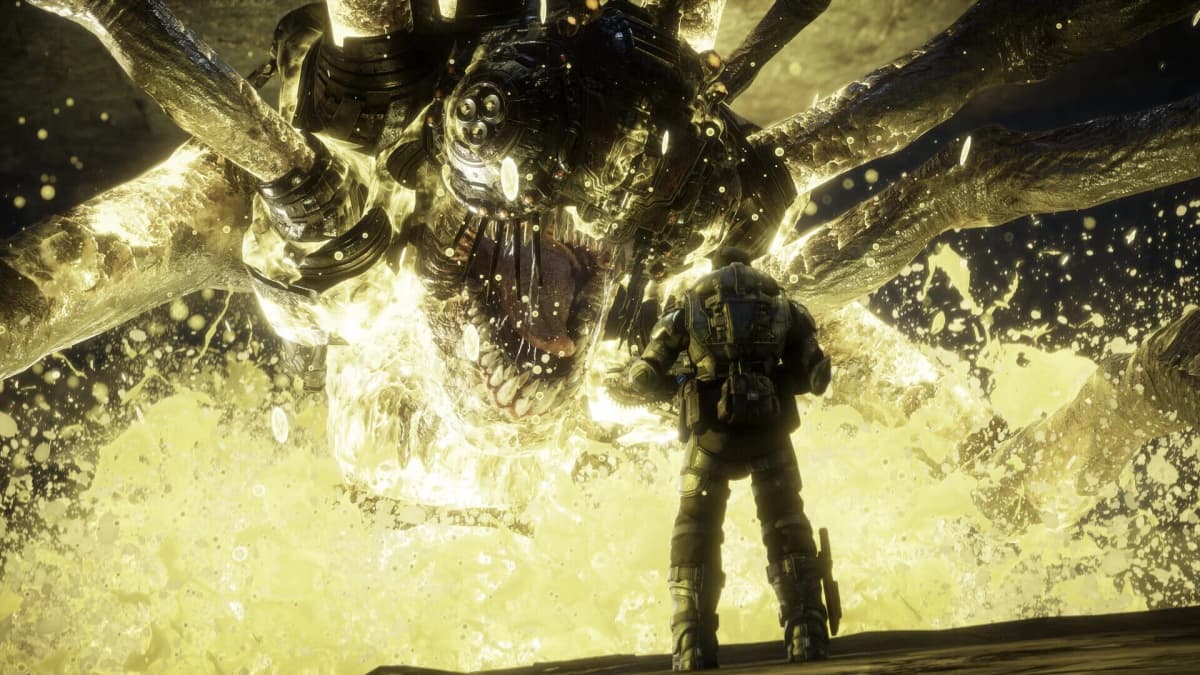
PlayStation 5 does not support the broader backward-compatible Xbox catalog, so Gears of War: Reloaded is the primary entry point for Sony players in 2026. This remaster includes the original campaign and multiplayer suite with all post-launch DLC bundled. On PS5, the campaign runs at native 4K and 60 FPS with no loading screens between acts, while multiplayer targets up to 120 FPS when paired with a variable refresh rate display. DualSense support adds adaptive trigger resistance and haptic feedback that varies by weapon class, giving the Lancer and Hammerburst distinct feels. If you own a PS5 Pro, the remaster includes additional enhancements that stabilize performance during heavy multiplayer particle effects.
Reloaded also supports cross-play and cross-progression, so squads on PS5 can matchmake with players on Xbox Series X|S and PC. Cross-progression is particularly useful if you split time between a PlayStation and a PC, as your unlocked multiplayer skins and rank carry over. Note that Reloaded covers the original Gears of War experience; to play Gears of War 2, Gears 3, Judgment, Gears 4, or Gears 5, you will still need access to an Xbox or PC ecosystem.
PC: Game Pass Ultimate and Native Versions
PC is the most flexible platform for the franchise. Through Xbox Game Pass Ultimate, you can natively install Gears 5 and Gears of War 4 on Windows 10 or Windows 11, complete with uncapped frame rates and ultrawide monitor support. Gears of War: Ultimate Edition is also available natively on PC via the subscription. Unlike the console versions, the PC builds of Gears 4 and Gears 5 allow you to preload shader caches, which eliminates the micro-stutter that sometimes appears when new effects trigger on console. Keep an extra 20GB free for these cache files if you are sensitive to frame-time consistency.
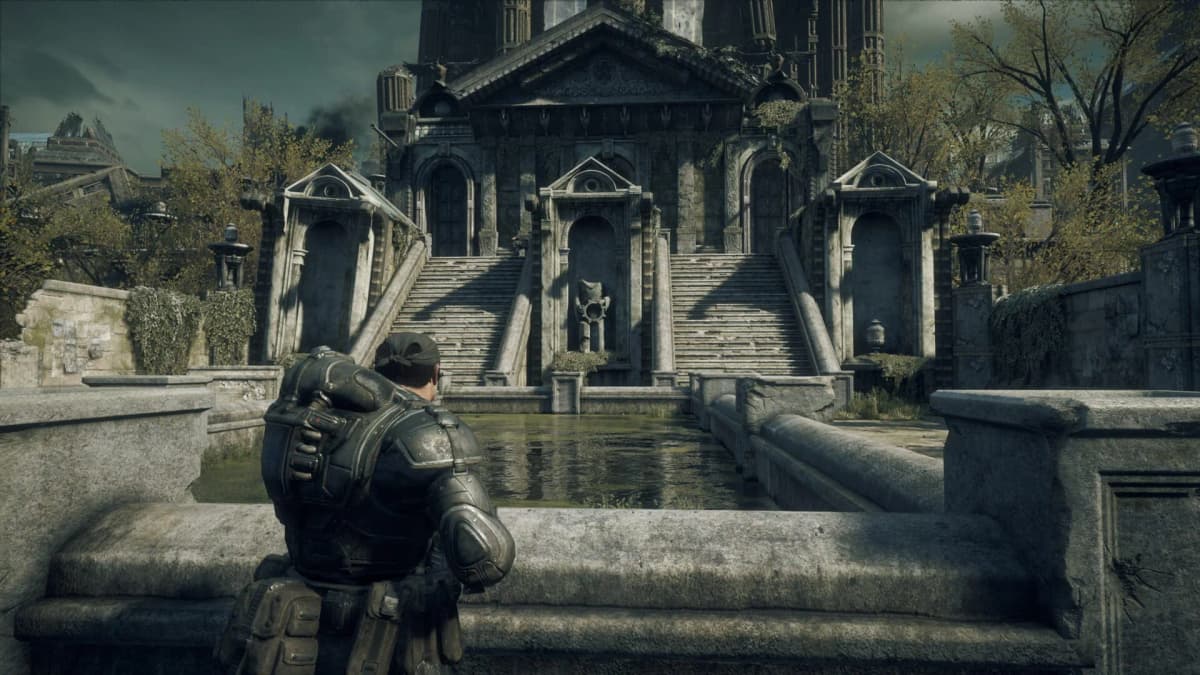
For Gears of War 2, Gears of War 3, and Judgment-which do not have native PC ports—Game Pass Ultimate’s cloud streaming lets you play the Xbox versions on your PC without local installation. Gears of War: Reloaded is available on PC as well, giving you the same 4K/60 FPS campaign and high-frame-rate multiplayer found on consoles. Because the PC version supports variable refresh rate and a wide range of graphics presets, it is often the cleanest way to experience Reloaded if your hardware exceeds the console baseline.
Main Entry Quick Map
Use this reference to decide where to install each mainline title.
- Gears of War (2006) / Ultimate Edition: Xbox Series X|S via backward compatibility or Game Pass; PC natively; PS5 via Gears of War: Reloaded.
- Gears of War 2: Xbox Series X|S backward compatibility with FPS Boost; PC via Xbox Cloud Gaming.
- Gears of War 3: Xbox Series X|S backward compatibility with FPS Boost; PC via Xbox Cloud Gaming.
- Gears of War: Judgment: Xbox Series X|S backward compatibility with FPS Boost; PC via Xbox Cloud Gaming.
- Gears of War 4: Native on Xbox Series X|S and PC via Game Pass Ultimate.
- Gears 5: Native on Xbox Series X|S and PC via Game Pass Ultimate; requires roughly 100GB.
- Gears of War: Reloaded: Native on PS5, Xbox Series X|S, Xbox One, and PC.
Common Setup Mistakes
Expecting Auto HDR to improve every legacy title is the most common misstep. In Gears of War 3’s darker multiplayer maps, boosted highlights actually reduce visibility. Another frequent issue is installing Gears 5 alongside the entire legacy catalog without accounting for storage; the 100GB footprint of Gears 5 plus Reloaded and the backward-compatible collection can quickly overwhelm a 500GB Xbox Series S. Relying on cloud streaming for competitive multiplayer in Gears 3 or Judgment is another error; the added latency of cloud rendering makes wall-bouncing and Gnasher duels noticeably harder against native opponents. Finally, PlayStation players should confirm their display supports 120 Hz over HDMI 2.1 before expecting performance mode in Reloaded’s multiplayer to function—without it, the toggle does nothing.
Final Recommendations
For the complete mainline saga, prioritize an Xbox Series X with Game Pass Ultimate. It is the only platform that runs every entry locally with minimal fuss. Series S owners should manually enable FPS Boost for the Xbox 360-era games and keep Auto HDR off for the darkest titles. PlayStation 5 players should treat Gears of War: Reloaded as a high-fidelity remaster of the original experience, not the full series, and verify display compatibility for 120 FPS multiplayer. PC players can bridge both ecosystems through Game Pass Ultimate, running modern entries natively and streaming the older trilogy from the cloud.
FinalBoss // Gear
Level up your setup
01Best-selling Xbox Series X|S gameson Amazon→02Xbox controllerson Amazon→03Top-rated gaming headsetson Amazon→04Discounted game keyson Kinguin→
Affiliate links · As an Amazon Associate, FinalBoss earns from qualifying purchases.
Want to Level Up Your Gaming?
Get access to exclusive strategies, hidden tips, and pro-level insights that we don't share publicly.
Ultimate Guide Strategy Guide + Weekly Pro Tips