
Table of Contents (11)
Which version of Gecko Gods should you buy?
Gecko Gods is the kind of game where the platform you pick actually changes how it feels. You spend most of your time climbing walls and ceilings, swinging the camera around ruins, sailing between islands, and reading slow environmental puzzles. When pacing or image quality goes soft, the calm mood breaks faster than it would in a turn-based game or a 2D platformer. So before you buy, it helps to know exactly what each version gives you.
The short version
- Where it runs: Gecko Gods is out on PC (Steam), PlayStation 5, and Nintendo Switch. PS5 and Switch both released on April 16, 2026.
- Best for control: PC. You get graphics settings, frame caps, and access to handheld PCs from one purchase.
- Best for least fuss: PS5. Fixed hardware, plug in and play.
- Best for pure portability: Switch, or a Steam Deck if you already live in the PC ecosystem.
- Steam Deck: rated Steam Deck Verified, with roughly 4 hours of battery on the OLED model.
- Patch first: update before you play. Steam Build #2723 (April 17, 2026) fixed a soft lock and several out-of-bounds exploits.
Where Gecko Gods is available
Gecko Gods is on Steam for PC, PlayStation 5, and Nintendo Switch. The PS5 and Switch versions both launched on April 16, 2026. The Switch release is a standard eShop title, so it plays in the usual TV, tabletop, and handheld modes.
One thing to clear up: there is no announced free Nintendo Switch 2 upgrade for Gecko Gods. It does not appear on Nintendo’s published list of games receiving free Switch 2 updates, and neither the developer nor the publisher has announced an upgrade path. If you buy on Switch, buy it for the Switch you own today.
PC: the version with the most control
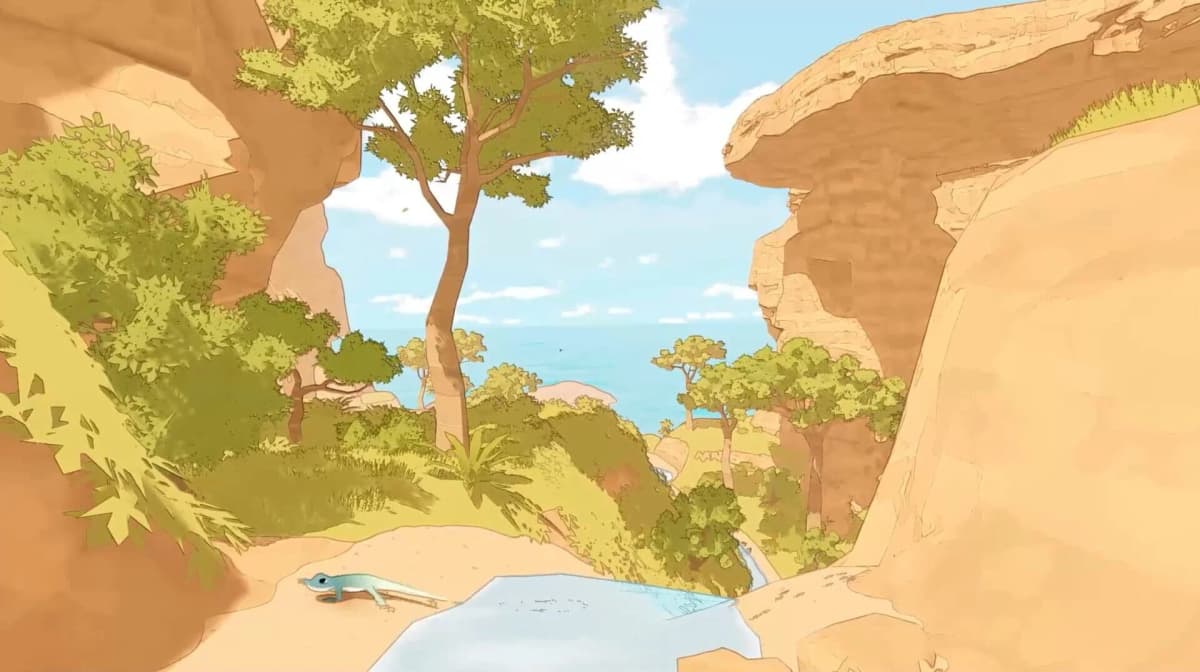
PC is the pick if you want to tune the experience yourself. Steam’s published minimum spec is light: Windows 10 or later, 1024 MB (1 GB) RAM, a GTX 1650 or equivalent GPU, and 4 GB of storage. That 1 GB RAM figure surprises people, but it is exactly what Valve’s store page lists; it is not a typo. The takeaway is the same either way: this is a release built for low-end and midrange machines, not a hardware showcase.
Low requirements do not guarantee flawless frame pacing, fast area transitions, or clean camera movement in every scene, and that matters here because the constant climbing and camera rotation make stutter more obvious than the “cozy” label suggests. The upside of PC is that you can smooth those rough edges yourself, and you keep access to whatever patches arrive later.
The PC settings to touch first
In a traversal-and-puzzle game, steady camera motion beats a high headline frame rate. Prioritize consistency.
- Resolution or render scale: the first thing to cut on modest hardware. Lower the internal render resolution before stripping every other setting.
- Frame cap and V-Sync: if pacing is uneven, a stable cap feels better than a fluctuating uncapped output. Smooth 30 beats wobbly 40s.
- Shadow quality and post-processing: the next most efficient cuts. They matter less to puzzle readability than stable movement.
- Overlays and capture tools: easy to forget. Disable extra overlays before blaming the game.
Steam Deck and handheld PCs
Gecko Gods is rated Steam Deck Verified, confirmed by the developer’s launch FAQ and the store listing. One reviewer who played on a ROG Ally Z1 Extreme said it “ran great.” Verified is a usability rating, though, not a performance promise: it tells you the text is readable, the controls map correctly, and the game launches without tweaks. It does not guarantee perfect frame pacing or zero bugs under every load.
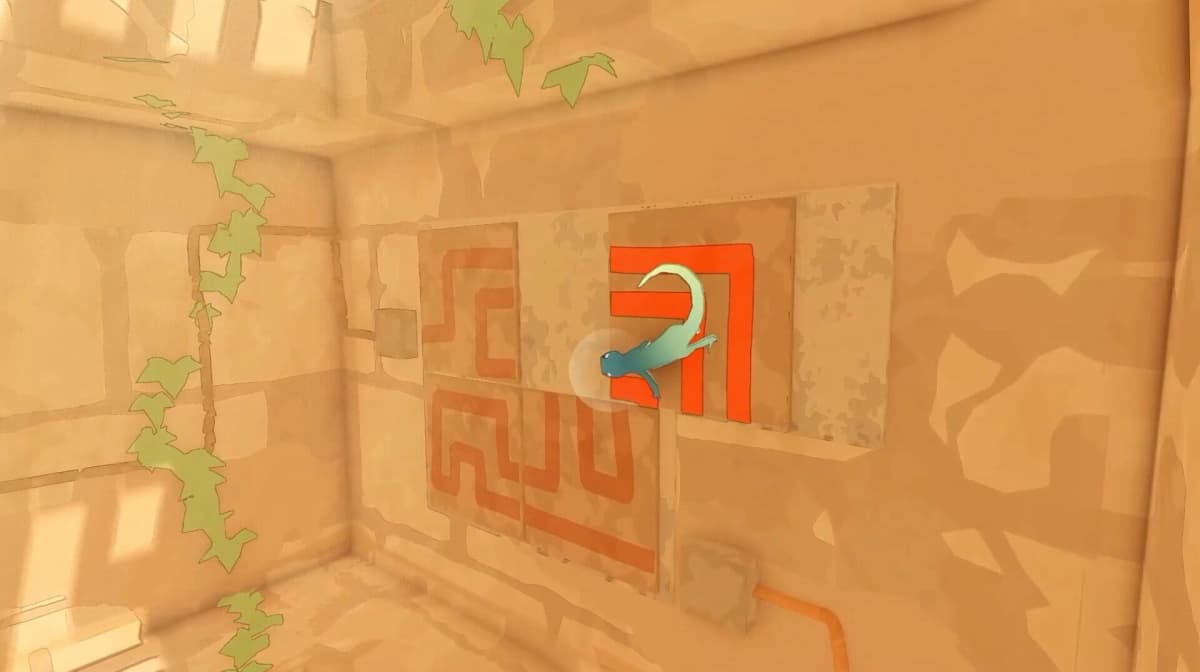
Battery life is the encouraging part. A Steam Deck OLED review measured about 4 hours of play, which is solid for a calm, portable game like this. The thing to manage is raw performance and bugs, not drain.
Steam Deck starting points
- Set a 30 FPS cap in
Quick Access → Performanceif motion feels inconsistent. - Don’t assume more wattage fixes it. If the cause is a bug or uneven optimization, extra power won’t help.
- If a patch introduces odd behavior, run
Steam → Properties → Installed Files → Verify integrity of game filesbefore changing graphics options.
PS5: the least setup
The PS5 version released on April 16, 2026, and fixed hardware makes it the easiest place to avoid setup headaches. Pick PS5 when you want a straightforward couch session and don’t care about adjusting settings. The in-game options are limited, so your display chain matters more than any imagined “performance mode”: console-level Settings → Screen and Video controls how output behaves, but they can’t add a higher-performance mode the game doesn’t include.
Nintendo Switch: portable and convenient
If you specifically want the Switch version: Gecko Gods launched on Switch on April 16, 2026 and plays in TV, tabletop, and handheld modes like any standard eShop title. Its slow scale and tranquil design fit handheld sessions well, so buy it on Switch for form factor and convenience above all.
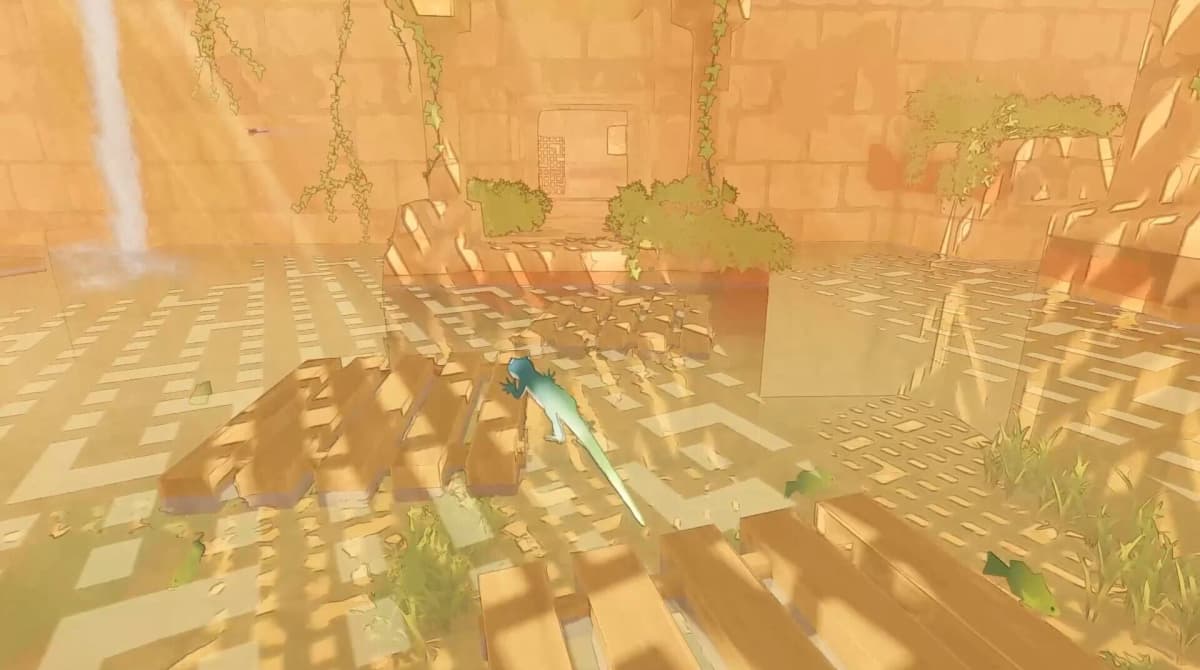
One general note that applies everywhere: reviewers flagged occasional pop-in, and the launch build shipped with real bugs. Several were addressed in Steam Build #2723, which went live on April 17, 2026 and fixed a soft lock that hit if you collected a River Temple relic and immediately died, multiple volcano out-of-bounds exploits, Ancient Hills terrain clipping below water, a Desert Temple gap, and disappearing coin piles. Whatever platform you choose, install the latest update before you start.
Common mistakes
- Buying Switch for a Switch 2 upgrade. There isn’t one announced. Choose the version that fits the hardware you own now.
- Assuming “Steam Deck Verified” means flawless. Verified covers usability, not frame pacing. Expect compatible first, perfectly tuned second.
- Chasing high frame rates on PC. A stable 30 with smooth camera motion serves the puzzles better than an unstable 50.
- Playing the launch build. Update first so you skip the River Temple soft lock and the out-of-bounds exploits patched on April 17.
- Expecting hidden PS5 performance modes. If the game doesn’t offer one, console display settings won’t create it.
Practical takeaway
Gecko Gods lives or dies on comfort, not visual complexity: camera smoothness, clean puzzle readability, and a patched build matter more than extra graphical flourish. Pick PC for control and the chance to fix rough edges yourself, PS5 for the least setup, and Switch or a Steam Deck for portability. Whichever you choose, update to at least Build #2723 first, cap the frame rate if motion feels uneven, and play it the way it’s meant to be played: slowly.
FinalBoss // Gear
Level up your setup
01Best-selling Switch 2 gameson Amazon→02Switch 2 accessorieson Amazon→038BitDo controllerson Amazon→04Discounted game keyson Kinguin→
Affiliate links · As an Amazon Associate, FinalBoss earns from qualifying purchases.
Want to Level Up Your Gaming?
Get access to exclusive strategies, hidden tips, and pro-level insights that we don't share publicly.
Ultimate Guide Strategy Guide + Weekly Pro Tips