
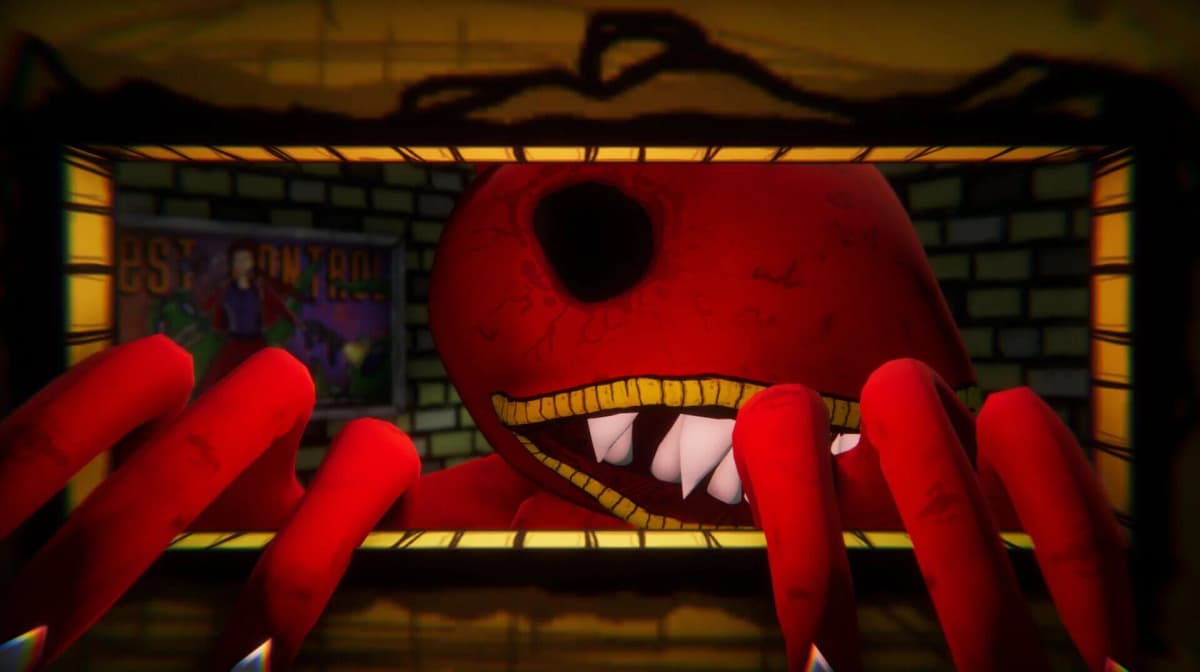
Glitched Out is already being removed from Steam, and the developer has not announced a firm cutoff date. Because the game is free-to-play, the only way to guarantee access after the store page disappears is to add the license to your Steam library immediately. Once the title is tied to your account, it should remain available in your library even after public delisting.
Table of Contents (5)
Add the Game to Your Account Now
Do not wait for a promotional banner or price change. Search for Glitched Out directly in the Steam client or browser and open the store page. Click Play Game or Add to Account to attach the free license to your profile. If the store page fails to load in your region, search for App ID 2661260 inside the Steam client to reach the listing. Wait for the license confirmation to finish before closing the window.
Verify That Your Library Owns It
Adding a free title is not the same as wishlisting it. Open your Library, type Glitched Out into the search bar, and confirm it appears under your owned games with an Install or Play button. If you have multiple Steam accounts, repeat this check on the profile that claimed the license.
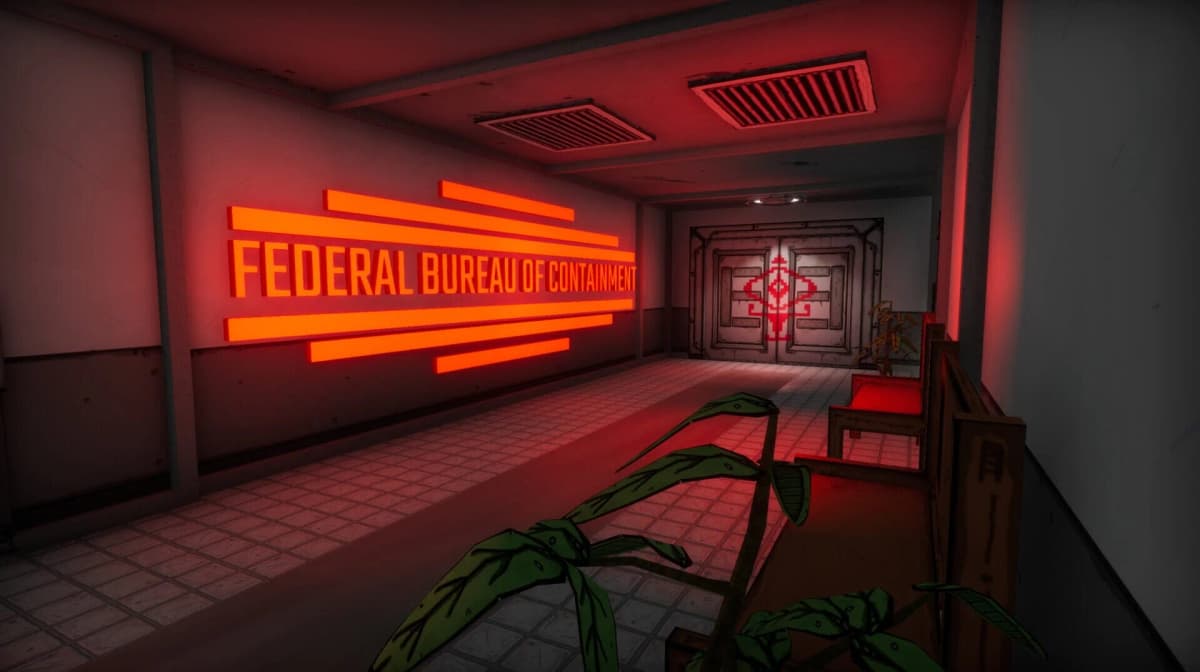
Install and Launch Before the Window Closes
Server-side depots can stay live for a grace period after delisting, but the safest approach is to have the game fully installed now. Start the download, let it complete, and launch the title at least once to confirm it passes the initial entitlement check and runs on your current setup. Having the game fully installed before the store page vanishes removes any uncertainty about depot availability during a future reinstall.
What to Expect After Delisting
Once the store page is removed, Glitched Out should still appear in your library and allow downloads as long as Valve continues hosting the depot files under your account’s license. You will no longer be able to find it through Steam store search or access community hubs tied to the public listing. Reinstallation from your library is the intended path forward.
Mistakes That Cost Access
- Wishlisting instead of claiming. A wishlist entry does not grant a license or guarantee a download after removal.
- Waiting for a “free to keep” weekend. The game is already free-to-play; the urgency is the store removal, not a sale.
- Assuming F2P titles stay in your library automatically. If you never clicked to add the account license, the delisted page will simply vanish.
If the store page is already inaccessible in your region, check your Library immediately for an existing Glitched Out entry. Because the publisher is shutting down, Steam is the only confirmed source for the license, and there is no known way to recover access after the listing is removed.
FinalBoss // Gear
Level up your setup
01Graphics cardson Amazon→02Gaming laptopson Amazon→03High-refresh gaming monitorson Amazon→04Discounted game keyson Kinguin→Affiliate links · As an Amazon Associate, FinalBoss earns from qualifying purchases.
Want to Level Up Your Gaming?
Get access to exclusive strategies, hidden tips, and pro-level insights that we don't share publicly.
Ultimate Guide Strategy Guide + Weekly Pro Tips