
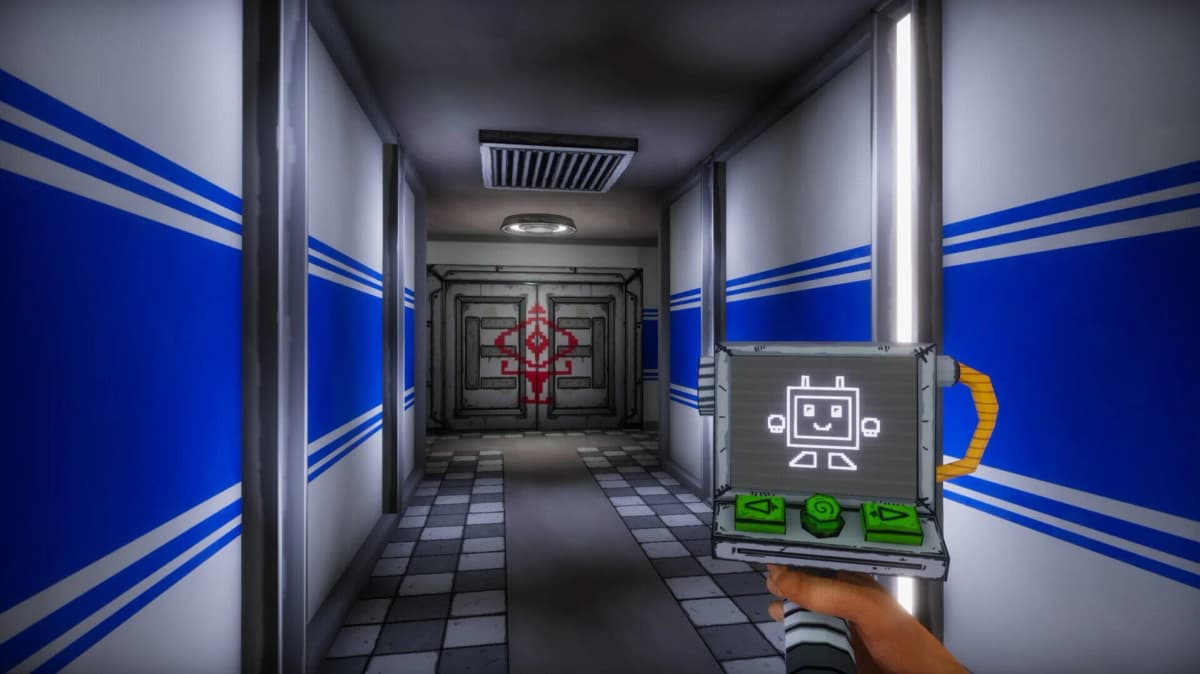
Steam delistings usually block new purchases, but free-to-keep titles follow a simpler rule: claim the game before the store page disappears and it is yours permanently. Glitched Out, a 2024 horror release, is vanishing from Steam because its publisher is closing, and the exact cutoff date has not been announced.
Since Glitched Out is already free-to-play rather than part of a limited-time promotion, clicking “Add to Library” secures a standard Steam license with no expiration timer. After the delisting, the store page will reject new players, but anyone who previously claimed the title will retain full download, installation, and play access. Steam’s retention policy treats prior owners identically whether they paid or claimed a free title.
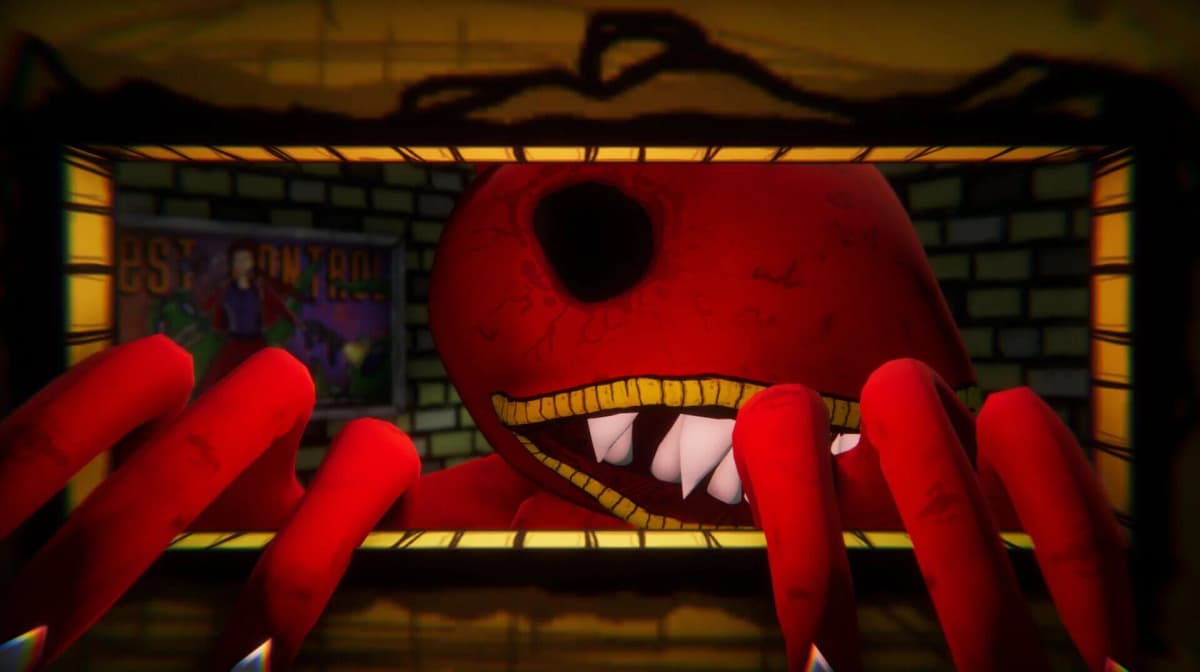
The window to act is narrow and unannounced. Add the game to your library immediately, then verify it appears in your owned titles and is not merely sitting on a wishlist. If you maintain multiple regional accounts, claim it on each one, because delistings can occasionally restrict availability or entitlement checks by region.
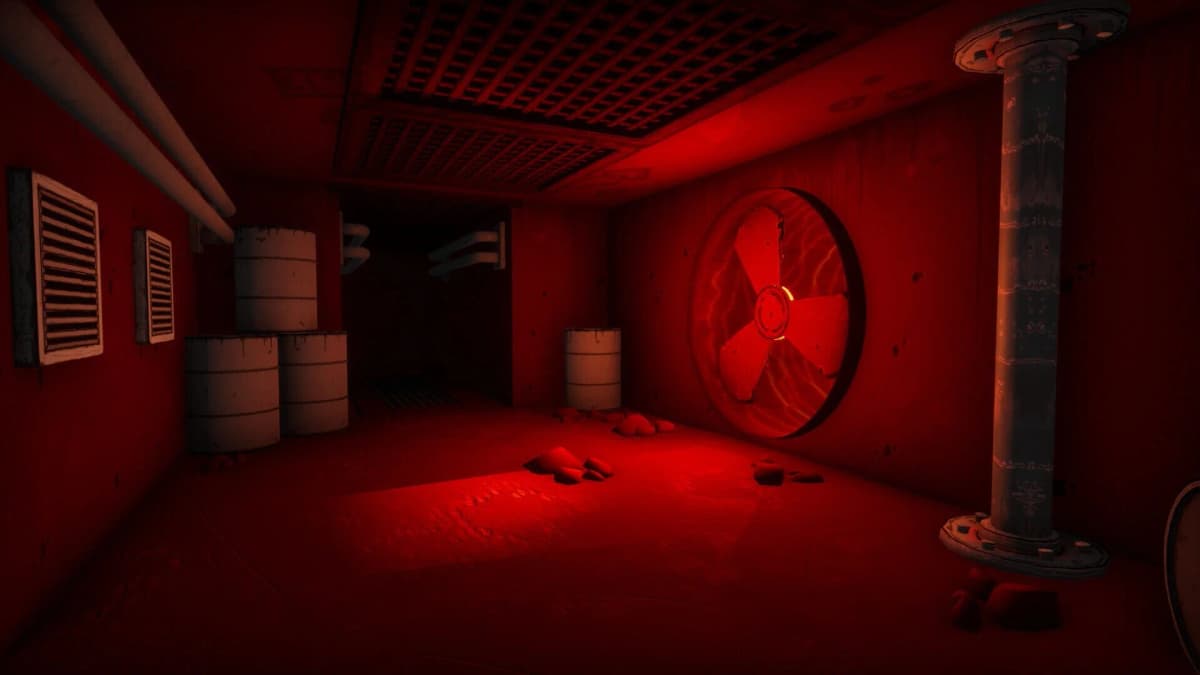
Secure your copy now
- Click Add to Library on the Steam store page; simply downloading the client without formally claiming the license does not guarantee long-term retention.
- Open your Library tab and confirm Glitched Out appears under your owned titles, not just your wishlist or recent activity.
- After delisting, use your Library-not the Store page-to install or reinstall the game on any compatible device.
Once the title is in your library, Steam treats it like any purchased game even after the publisher shuts down. Future updates and support are unlikely, but the existing build will remain fully playable for prior claimants. If the store page vanishes before you claim it, the opportunity is gone permanently.
FinalBoss // Gear
Level up your setup
01Graphics cardson Amazon→02Gaming laptopson Amazon→03High-refresh gaming monitorson Amazon→04Discounted game keyson Kinguin→
Affiliate links · As an Amazon Associate, FinalBoss earns from qualifying purchases.