

Prime Day inventory shifts hour by hour, and the biggest discount percentage rarely tells the full story. If you are hunting for a gaming laptop that will run Gothic 1 Remake and stay relevant through 2026, start with the GPU and work outward. The absolute minimum mobile card to target is an RTX 4060, which delivers excellent 1080p High/Ultra performance in modern titles. The preferred sweet spot is an RTX 4070 or RTX 5060; either gives you the headroom to step up to 1440p, handle heavier ray tracing, and leverage DLSS without immediately hitting a wall. Before any “Lightning Deal” forces a snap decision, confirm the display matches the GPU, verify the wattage configuration, and double-check that the SKU has not been silently swapped for a stripped-down variant.
Table of Contents (7)
Start With the GPU Tier
Retailers love to advertise an RTX 4060 laptop at a jaw-dropping price, but not all 4060s perform the same, and not all 4060s are paired with components that let them breathe. In real-world testing, a properly powered RTX 4060 laptop runs current RPGs and action titles at 1080p High or Ultra settings while maintaining stable frame rates. It is the functional floor for a machine you buy during Prime Day, not because it is exotic, but because anything weaker will force compromises on games released even six months from now.
The better long-term investment is an RTX 4070 or the newer RTX 5060 mobile GPU. Both push into QHD territory comfortably and carry enough VRAM and rasterization muscle to absorb future texture-heavy updates. Gothic 1 Remake supports DLSS, and on a 4070 or 5060 you can enable Quality or Balanced DLSS at 1440p to keep frame rates high while enjoying the remake’s overhauled visual density. If a Prime Day deal drops a 4070/5060 system under €1,000, it is usually the correct choice over a marginally cheaper 4060, provided the rest of the config is legitimate.
Match the Display to the Card
A common trap is chasing a high-resolution panel that the GPU cannot actually feed. For an RTX 4060, pair it with a 1080p display running at 120 Hz or 144 Hz. That combination keeps frame rates consistently above 60 fps in dense open-world areas and leaves enough overhead for occasional ray-traced shadows or reflections. Moving to 1440p on a 4060 often forces you to drop texture or shadow settings in newer titles, which undermines the visual upgrade you paid for.
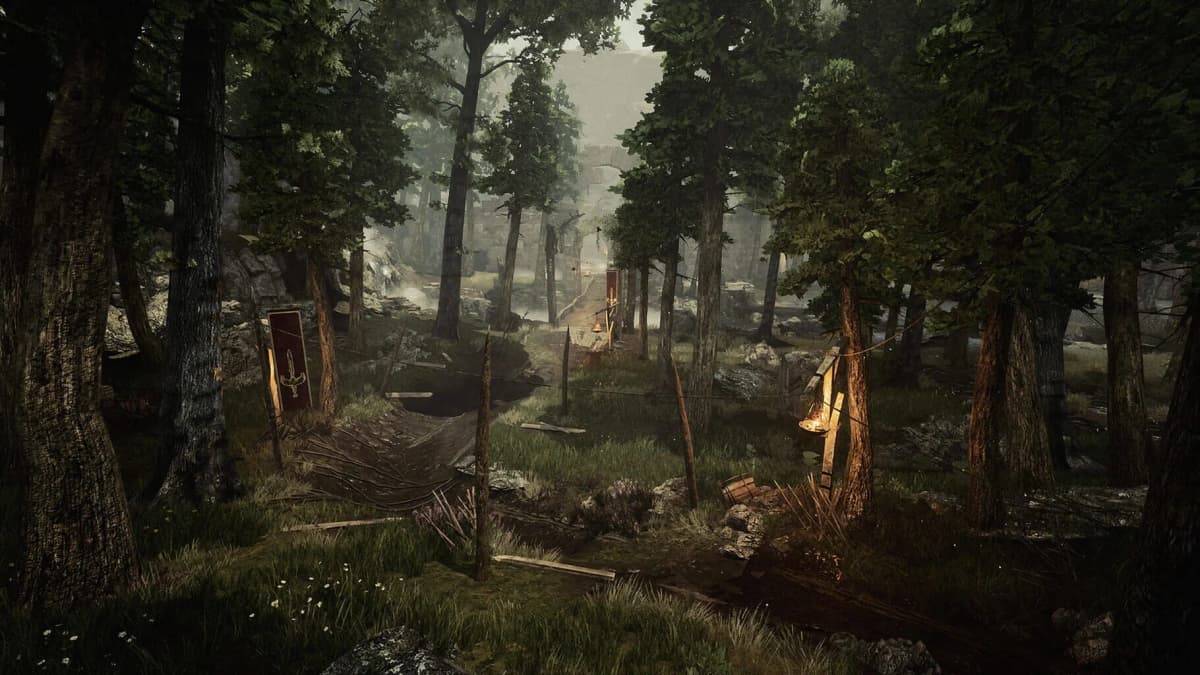
If you secure an RTX 4070 or 5060, a 1440p panel becomes viable and recommended. The increased sharpness benefits RPG interfaces, readable inventory text, and environmental detail. In Gothic 1 Remake, the extra clarity makes the rebuilt Colony easier to read: the weathered stone of the Old Camp, the machinery around the New Camp, and the haze drifting through the Swamp Camp all gain definition. Aim for at least 120 Hz at 1440p; slower panels exist, but the price gap is usually negligible during sale events. Avoid 4K entirely in this bracket-it is a marketing checkbox that tanks performance without delivering perceptible benefits on laptop screen sizes.
Sanity-Check TGP and the Full Config
Two laptops can carry identical GPU names and produce wildly different benchmark scores because of Total Graphics Power (TGP). A low-wattage RTX 4060 locked at 60-75 W behaves more like a previous-generation mid-range card than a standard 4060. Before you buy, look up the exact model on the manufacturer’s support page and confirm the TGP. A healthy RTX 4060 laptop config should sit between 100 W and 115 W; an RTX 4070 should push 110 W to 140 W depending on the chassis cooling. If the Prime Day listing omits wattage and the SKU is vague, assume the worst and skip it.
Memory and storage are just as easy to hide in sale listings. Do not accept less than 16 GB of system RAM; 8 GB DDR5 configs are still floating around and they choke modern open-world games. For storage, 512 GB fills up after the operating system, a few drivers, and one large RPG with patches-Gothic 1 Remake itself benefits from an SSD and modern texture streaming, so a 1 TB NVMe drive is the practical minimum. Finally, check the VRAM allocation: 8 GB is acceptable on a 4060 for 1080p, but a 12 GB buffer on a 4070 or 5060 protects against stutter in texture-heavy camp hubs and future releases.
Prime Day Timing and Inventory Bait-and-Switch
Prime Day “inventory” is fluid. A deal that shows a specific ASUS or Lenovo model at 9:00 AM can be replaced by a visually identical shell with slower RAM, a dimmer screen, or a lower TGP GPU by 11:00 AM. The headline price stays the same, but the internal SKU changes. To avoid this, screenshot the exact model number, RAM speed, display resolution, and TGP before adding to cart. When checkout rolls around, verify those details have not shifted.
Lightning deals and countdown timers are designed to suppress critical thinking. Set your ceiling prices before the event: roughly €800-€900 for a well-configured RTX 4060 or 5060 machine, and €950-€1,100 for an RTX 4070 in a 1440p chassis. If you see a 5070 listed under €1,000, scrutinize the listing-it is often a mislabeled previous-generation part or a severely power-limited variant. Use price-history tools if available, and remember that a 10% discount on the correct config beats a 25% discount on the wrong one.
Why This Matters for Gothic 1 Remake
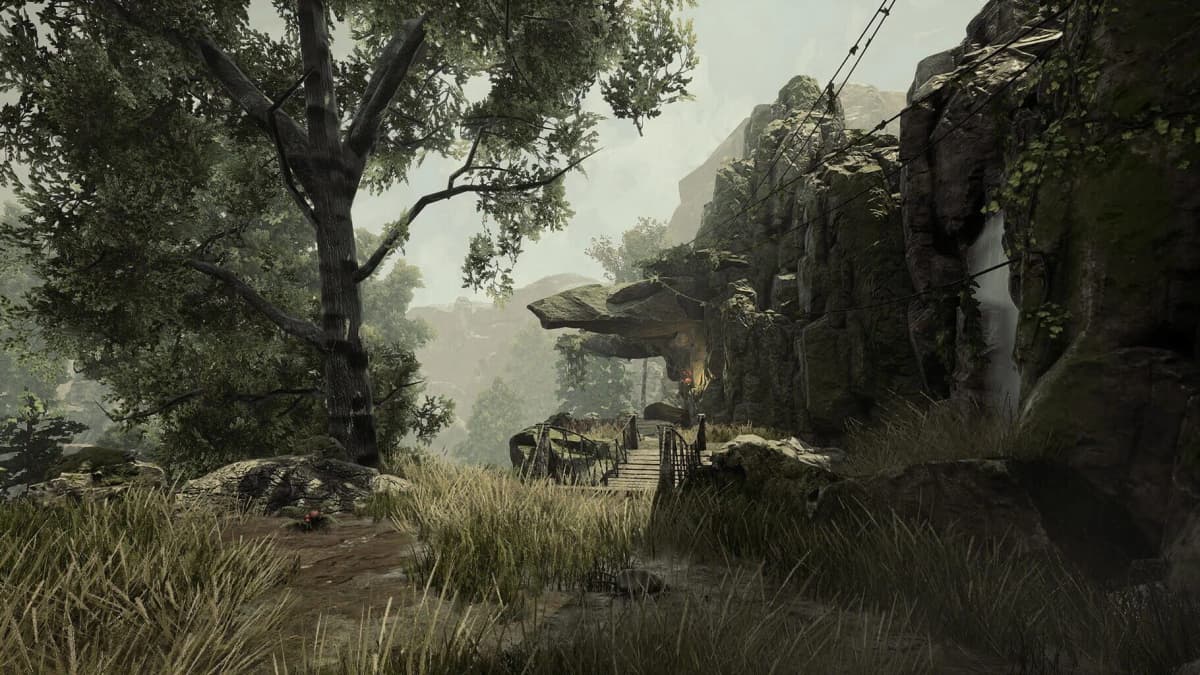
Gothic 1 Remake is available on PC, PlayStation 5, Xbox Series X, and Xbox Series S, but the PC version is the clear performance winner after recent patches. The remake preserves the original’s brutal early-game difficulty and its camp-driven social structure—choosing allegiances between the Fire Mages and other factions, navigating the tension of the Old Camp, and surviving the wilderness of the Colony. It also modernizes the presentation with full voice acting, overhauled controls, mouse aiming for ranged weapons, and a new lockpicking minigame.
Those upgrades come with heavier system demands than the 2001 original. Dense draw distances, improved particle effects, and higher-resolution textures mean that a weak or low-wattage laptop GPU will drop frames precisely when you are trying to parry or line up a shot. A Prime Day laptop built around a full-power RTX 4060—or better, a 4070/5060—absorbs those moments and lets the game’s atmosphere land as intended. If you are shopping specifically to experience the remake on PC, do not buy a machine that barely clears the minimum requirements; buy one that handles the maximum visual settings at your target resolution.
Prime Day Buying Checklist
- GPU: RTX 4060 minimum for 1080p; RTX 4070 or RTX 5060 preferred for 1440p and future headroom.
- TGP: Verify wattage—4060 should run ~100–115 W, 4070 ~110–140 W. Skip listings that hide it.
- Display: 1080p 144 Hz for 4060; 1440p 120 Hz+ for 4070/5060. Avoid 4K.
- RAM: 16 GB DDR5 minimum. Do not settle for 8 GB.
- Storage: 1 TB NVMe SSD. 512 GB is too restrictive for modern installs and patches.
- VRAM: 8 GB acceptable at 1080p; 12 GB strongly preferred for 1440p texture streaming.
- SKU Lock: Confirm the exact model number before and during checkout to prevent inventory swaps.
- Budget Ceiling: €800–€900 for 4060/5060 setups; €950–€1,100 for 4070 QHD machines.
Bottom Line
Prime Day can be the best window of the year to land a QHD-capable gaming laptop under €1,000, but only if you filter by the GPU first and verify everything else second. An RTX 4070 or RTX 5060 at the right TGP will run Gothic 1 Remake at High or Ultra settings today and leave enough performance overhead for the titles you will want to play next year. Check the wattage, lock the display resolution to what the card can actually drive, and refuse to let a countdown timer override your spec sheet.
FinalBoss // Gear
Level up your setup
01Retro consoleson Amazon→028BitDo controllerson Amazon→03Capture cards (Elgato & more)on Amazon→04Discounted game keyson Kinguin→
Affiliate links · As an Amazon Associate, FinalBoss earns from qualifying purchases.
Want to Level Up Your Gaming?
Get access to exclusive strategies, hidden tips, and pro-level insights that we don't share publicly.
Ultimate Guide Strategy Guide + Weekly Pro Tips