
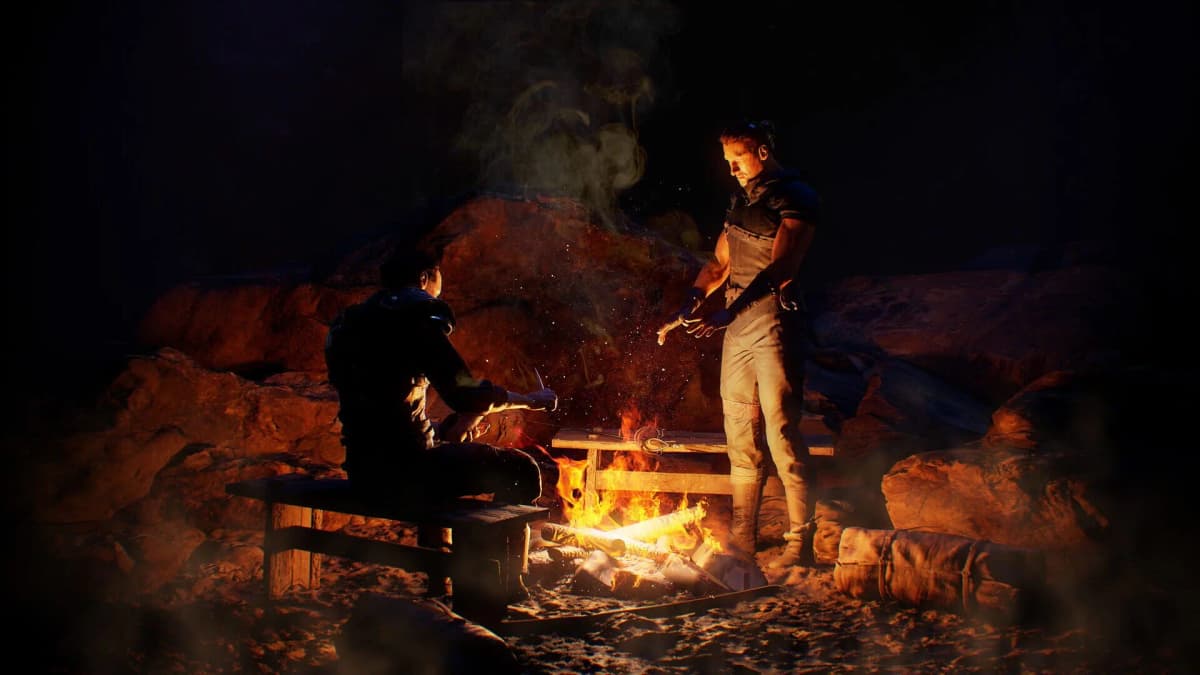
Gothic 1 Remake drops you into the Colony with no compass and a paper map that does not label a single NPC. You will know a merchant or a locked chest exists somewhere in Old Camp, but the game will not tell you where. An interactive map fixes exactly that gap, and the fastest one to reach for is Game8’s interactive map of the Colony.
Table of Contents (8)
The short version
- Use Game8’s interactive map. It covers the whole Colony plus a closer Old Camp view, with pins for NPCs, Teachers, Traders, Armorers, and Chests.
- The in-game paper map is for orientation only. There is no compass, and the paper map never auto-labels NPCs — it only lets you drop manual markers.
- Buy the Colony Map from Dexter, not Graham. Dexter sells it for 28 ore nuggets, cheaper than Graham. Graham also stocks the dedicated Old Camp map.
- Filter in layers. Pull up Traders and Teachers when you are questing and shopping; switch to Chests when you do a loot pass.
The reason this matters is structural: Gothic 1 Remake keeps the original’s deliberately sparse navigation. There is no compass, and the paper maps you buy with ore nuggets only help with orientation and manual markers — they will not point you at the trainer, merchant, or chest you are actually looking for. An interactive map is the cleanest way to answer the “where exactly?” question without flattening the world into a checklist.
The map to use: Game8’s Colony interactive map
Game8 hosts an interactive map of the Colony, the main setting of the remake. It comes in two views: the full Colony map and a closer, detailed Old Camp map. The legend breaks pins into five categories that match how you actually move through the game:
- NPC — characters you talk to for quests or information.
- Teacher — trainers for skills like lockpicking, pickpocketing, and swordfighting.
- Trader — characters you buy from or sell to.
- Armorer — the NPCs who upgrade your faction’s armor.
- Chest — containers holding items and weapons.
That feature set is the right one for Gothic, because a camp here is never just a shopping stop. It is your training hub, rumor network, and quest handoff zone all at once, and a map that separates Traders and Teachers from the general crowd saves far more time than a plain terrain view.
Buy the right paper map first: Dexter over Graham
The interactive map handles routing, but you still want the in-game paper map for orientation since there is no compass. In Old Camp, two vendors sell maps. Dexter sells the Colony Map for 28 ore nuggets. Graham also sells the Colony Map, but at a higher price, and he is the one who stocks the dedicated Old Camp map. Ore is tight early, so buy the Colony Map from Dexter and save the nuggets.
Remember what the paper map does and does not do: it shows you the lay of the land and lets you place your own markers, but it will not label NPCs for you. That is the whole reason to pair it with an interactive map — paper for the shape of the world, interactive for who and what is in it.
Start in Old Camp, then branch out
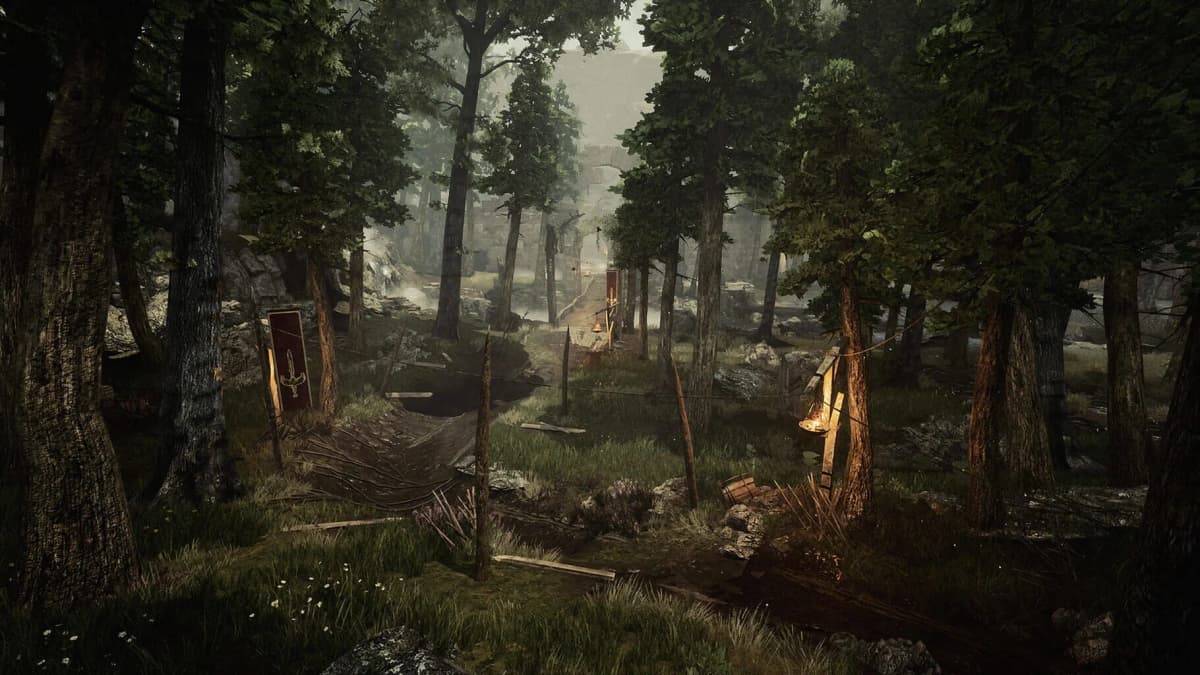
Old Camp is where a map pays off fastest. It is dense, full of named characters, and easy to waste time in because early errands, purchases, and training stops drag you through the same lanes repeatedly. Use the Old Camp view and group your visits by purpose:
- Quest-and-shop sweep: show Traders, Teachers, and NPCs. Do one loop — turn in quests, buy gear, line up training — and leave.
- Loot pass: switch to Chests and revisit only the sections still worth clearing.
- Armor upgrades: use the Armorer pins once you have committed to a faction.
From Old Camp, the Colony opens up to the rival factions: the New Camp and the Swamp Camp. When you head out toward either, switch the map to the full Colony view first so you can plan the route instead of stumbling into a zone tuned for a stronger character. Treating Old Camp and the wider Colony as two different maps is what kills the backtracking.
NPC routing is the real time saver
For most players, finding people is the reason to keep a map open. Gothic’s characters belong to real places and routines, which is great for immersion but slow when a quest chain sends you back to someone you spoke to once. Use the NPC, Trader, and Teacher pins to plan a single sweep through camp rather than sprinting to one name and reopening the map every time.
Read chest pins as decisions, not orders
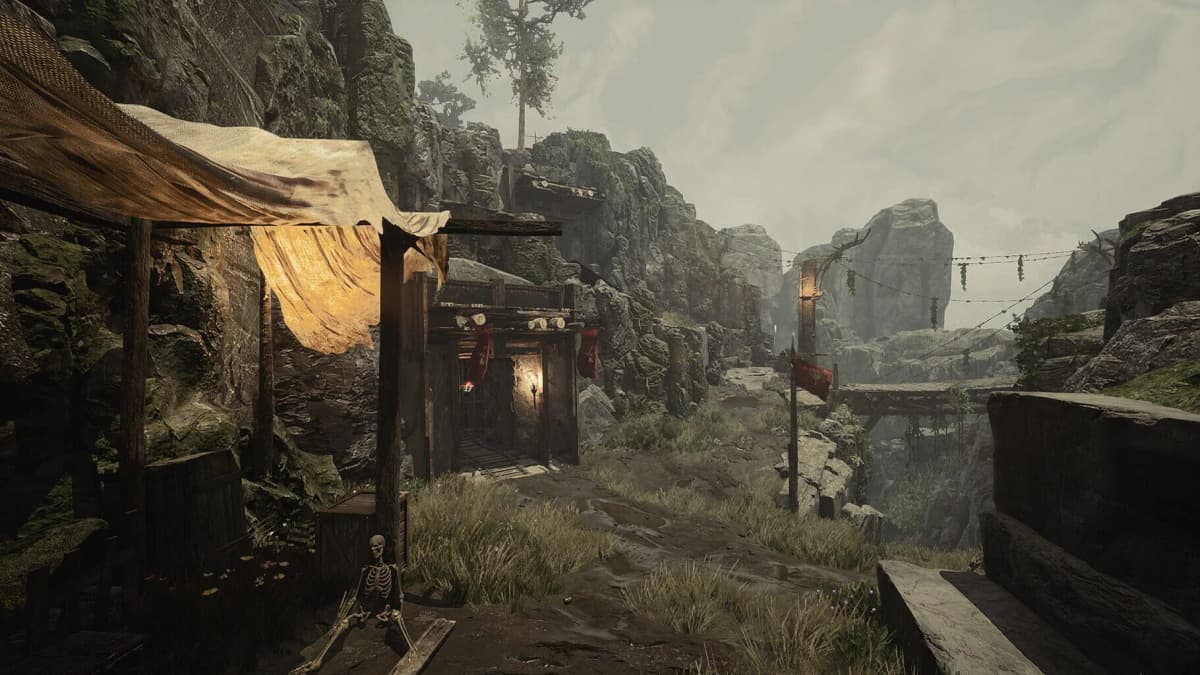
A Chest pin is a question, not an objective: can you open it now, do you need a key or lockpick first, or is it guarded by a fight you are not ready for? If reaching a chest means trespassing in someone’s quarters or picking a fight you do not need yet, note it and move on. The pin tells you a chest exists; it does not tell you it is worth the detour right now.
Common mistakes
- Turning on every pin category at once. You stop reading the map and start drowning in symbols. Filter to one job at a time.
- Buying the Colony Map from Graham. Dexter sells the same map for 28 ore nuggets, cheaper. Only go to Graham for the Old Camp map.
- Expecting the paper map to label NPCs. It never will — that is what the interactive map is for.
- Chasing every chest pin immediately. Some are best treated as future returns once you have a key or the levels.
- Ignoring the in-game map entirely. With no compass, the paper map is still how you build real spatial awareness of the Colony.
Practical takeaway
Navigate inside the game with the paper map you buy from Dexter for 28 ore nuggets, and plan outside it with Game8’s interactive Colony map. Stay in the Old Camp view while you learn the camp, filtering to NPCs, Traders, and Teachers for one clean sweep, then Chests for a loot pass. Switch to the full Colony view before you push to the New Camp or Swamp Camp. There is no compass and no auto-labeling here by design — the right map setup gives you direction without taking away the sense of place that makes Gothic what it is.
FinalBoss // Gear
Level up your setup
01Retro consoleson Amazon→028BitDo controllerson Amazon→03Capture cards (Elgato & more)on Amazon→04Discounted game keyson Kinguin→
Affiliate links · As an Amazon Associate, FinalBoss earns from qualifying purchases.
Want to Level Up Your Gaming?
Get access to exclusive strategies, hidden tips, and pro-level insights that we don't share publicly.
Ultimate Guide Strategy Guide + Weekly Pro Tips