
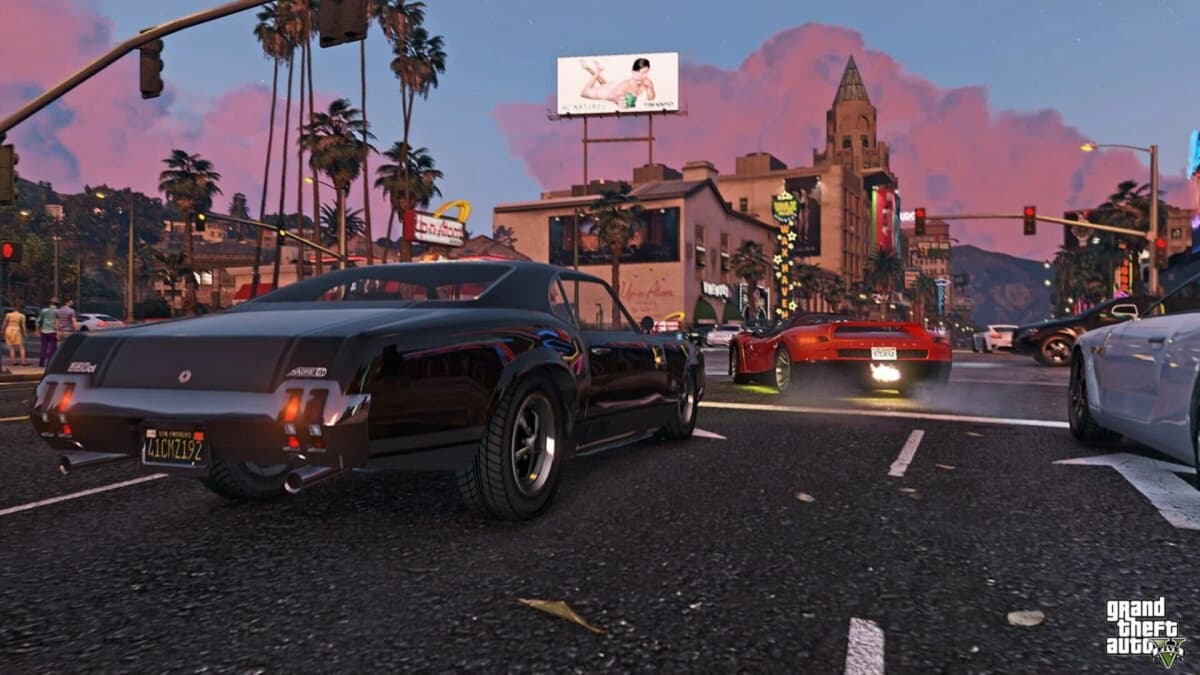
I still remember the sting of popping my PS4 disc into the PS5 and watching it pull up the old backwards-compatible version. Same Los Santos skyline, same ten-second texture pop-in when I floored it down the Del Perro Freeway. I had assumed the upgrade would just… happen. That the machine would recognize the disc and summon the ray-traced, 60fps miracle I’d been promised. Instead, I was still playing the 2014 build, and the PlayStation Store was asking me for full price.
That moment of confusion is the GTA V next-gen upgrade in microcosm. Rockstar did not hide the new version behind a paywall for everyone, but they also did not make the path universal. Whether you get the free upgrade to PlayStation 5 or Xbox Series X|S depends entirely on how you originally bought the game, what edition you own, and-if you bought a physical copy-whether your new console even has a disc drive. With the Kortz Center Heist arriving in July, getting stuck on last-gen over a store entitlement issue is unacceptable.
Table of Contents (6)
What the Free Upgrade Actually Includes
The PlayStation 5 and Xbox Series X|S version-marketed as Expanded and Enhanced—is not a patch. It is a separate client with overhauled tech. You are looking at three graphics modes on consoles (including a 60fps Performance mode and a 30fps ray-traced Fidelity mode), drastically shorter loads, 3D audio on PS5, and adaptive trigger support for weapons and vehicles. Exclusive to this version is Hao’s Special Works, a premium upgrade shop at the Los Santos Car Meet that lets you push select vehicles past their standard limits. If you are still launching the backwards-compatible PS4 or Xbox One app, you are missing all of it.
Digital vs. Physical Ownership: The Real Difference
Here is where most players get tripped up. There is no single blanket free upgrade for every PS4 and Xbox One owner. Digital purchasers generally have the easiest time: the next-gen license is usually tied to the same Store account, meaning the PS5 or Xbox Series X|S version should appear as a free entitlement in your library or storefront. You still have to download the new client, but you will not pay again.
Physical owners face a different reality. The disc acts as a license key. On PlayStation 5 and Xbox Series X, you need the disc inserted both to claim the next-gen version and to launch it afterwards. The console verifies the disc, then runs the Expanded and Enhanced build. If your disc is scratched, from a different region than your account, or currently loaned to a friend, the upgrade path breaks. And if you bought a physical Xbox One copy but upgraded to an Xbox Series S, you are effectively locked out—the Series S has no disc drive, and the store cannot verify a disc you cannot insert. You will need to buy digital.
How to Verify and Claim Your Upgrade
Because eligibility hinges on your specific edition and platform, treat the process as verification-first, not automatic. On PlayStation 5, navigate to the PlayStation Store and search for Grand Theft Auto V. Do not boot from your old library tile. Look for the PS5 version. If you are eligible, the listing should show as Purchased or Free. If you see a price tag, stop. Double-check that you are signed into the same account that originally bought or redeemed the game, and confirm that your region matches the disc or code.
On Xbox Series X|S, the situation depends on whether your copy supports Smart Delivery or a separate X|S listing. Open the Microsoft Store, search for GTA V, and look for the optimized next-gen version. Some players will see it as a free entitlement; others may find restrictions based on how the original code was bundled. If the store demands payment, check your order history and compare the SKU against Rockstar’s official upgrade support page. Do not impulse-buy a second copy until you have ruled out an account or region mismatch.
Regardless of platform, the download is massive—expect well over 90 GB with updates—so clear storage space before you start. If you are on a metered connection, start the download overnight.
Carrying Over GTA Online Progress in 2025-2026
Once the client is installed, the bigger question is your character. GTA Online progression from PlayStation 4 and Xbox One can carry forward to PlayStation 5 and Xbox Series X|S, but the transfer is tied to your Rockstar Social Club account. You must use the same Social Club profile linked to your old-gen character. When you launch the next-gen version and enter GTA Online for the first time, the migration prompt should appear, pulling across your rank, cash, properties, vehicles, and unlocks.
Treat this migration as largely one-way. Once your character lands on PS5 or Series X|S, do not expect to shuttle progress back to old-gen. The two ecosystems diverge after transfer. Story Mode saves are a separate headache: PlayStation users may need to pull saves from PS Plus cloud or a USB backup, while Xbox cloud saves tend to transfer more seamlessly between generations. Before you migrate, log into your old-gen version one last time and verify that your most recent autosave is intact. Rockstar’s migration servers can hiccup during peak traffic, and the July Kortz Center Heist launch will absolutely qualify as peak traffic.
Timing Your Upgrade for the Kortz Center Heist
The July GTA Online update centered on the Kortz Center Heist is not just another seasonal event. Heist prep is time-sensitive, and running it on last-gen hardware means longer load screens between freemode sessions, lower population lobbies, and missing next-gen vehicles that could matter for escapes. If you wait until the heist goes live to start your upgrade and migration, you are gambling with server queues, entitlement verification delays, and a 90-plus-gigabyte download.
Treat June as your setup month. Claim the upgrade now, migrate your character this week, and run a freeroam mission to confirm your progression carried correctly. Check that your garages, your weapons, and your bank balance all survived the jump. If something is missing, you want time to open a support ticket before the heist drops and Rockstar’s queue balloons. You also want to acclimate to the 60fps Performance mode if you have been stuck at 30fps for years; the faster controller response makes a noticeable difference during high-speed getaways and aerial sequences.
Common Mistakes to Avoid
- Buying the standalone GTA Online by accident. Rockstar sells a GTA Online-only client separately. If you want Story Mode and the full experience, make sure you are claiming Grand Theft Auto V, not just GTA Online.
- Forgetting the disc. Physical players on PS5 and Series X need the disc in the tray every single time they launch the next-gen version. If you packed it away after the initial install, dig it out.
- Region mismatches. A European disc paired with a North American account will not validate correctly. Match your disc region to your Store region.
- Starting a fresh next-gen character before migrating. If you already created a new character on PS5 or Series X|S, the migration prompt may overwrite or conflict with that file. Know what you are sacrificing before you confirm.
- Ignoring storage. The next-gen install balloons quickly. Leave at least 100 GB free to avoid patch-day headaches.
FinalBoss // Gear
Level up your setup
01Best-selling Xbox Series X|S gameson Amazon→02Xbox controllerson Amazon→03Top-rated gaming headsetson Amazon→04Discounted game keyson Kinguin→
Affiliate links · As an Amazon Associate, FinalBoss earns from qualifying purchases.
Want to Level Up Your Gaming?
Get access to exclusive strategies, hidden tips, and pro-level insights that we don't share publicly.
Ultimate Guide Strategy Guide + Weekly Pro Tips