
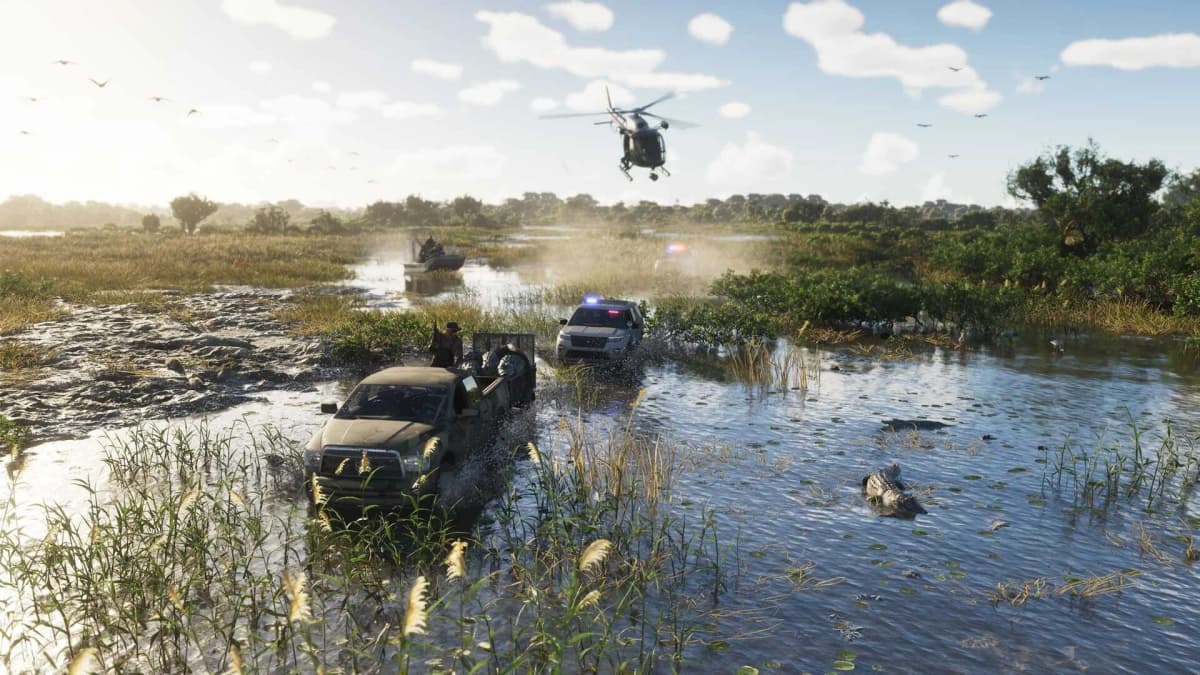
I was halfway through a GTA Online heist, hauling a bag of cash through the sewer tunnels beneath Los Santos, when I realized I couldn’t hear the enemy chopper over my old soundbar’s muddy, throttled bass. By the time the explosion lit up my screen, two of my crew were already spamming the restart button and questioning my sanity. That failure wasn’t about aim or strategy-it was about hardware lying to me at the worst possible moment. With GTA 6 set to drop us into a Vice City even denser and more reactive than anything Rockstar has built before, I’m not letting a lazy display, a washed-out headset, or a dead controller be the reason I eat pavement on day one. Prime Day is the last major discount window before launch fever takes over, and if you shop with intent instead of hype, you can assemble a setup that actually answers what the game is going to demand of you.
Table of Contents (10)
What GTA 6 Will Actually Ask of Your Console
Let’s ground this in reality before you throw money at a checkout cart. On PlayStation 5 and Xbox Series X, GTA 6 will almost certainly target performance modes in the 1440p to 4K range at 60fps, with visual features that chew through GPU cycles faster than GTA Online ever did. The Series S will likely land somewhere between 1080p and 1440p, possibly toggling between 30fps and 60fps depending on the mode you pick. That gap matters because it determines where your upgrade dollars actually land. If you’re on Series S, spending for a 4K 120Hz display is wasted cash; the console cannot push that resolution in a Rockstar open world without making brutal cuts elsewhere. But if you’re on PS5 or Series X, the combination of dense urban geometry, crowds, and vehicle physics means one thing above all: fast camera motion. A 60Hz panel will show its limits the first time you whip a sports car down a neon-soaked boulevard and the screen tears or smears during the turn. You want low response time and, ideally, 120Hz support with full HDMI 2.1 bandwidth so your console can breathe when the action gets thick and the frame pacing stays tight.
Prime Day Upgrades That Actually Move the Needle
Display: Prioritize Refresh Rate and Response Time
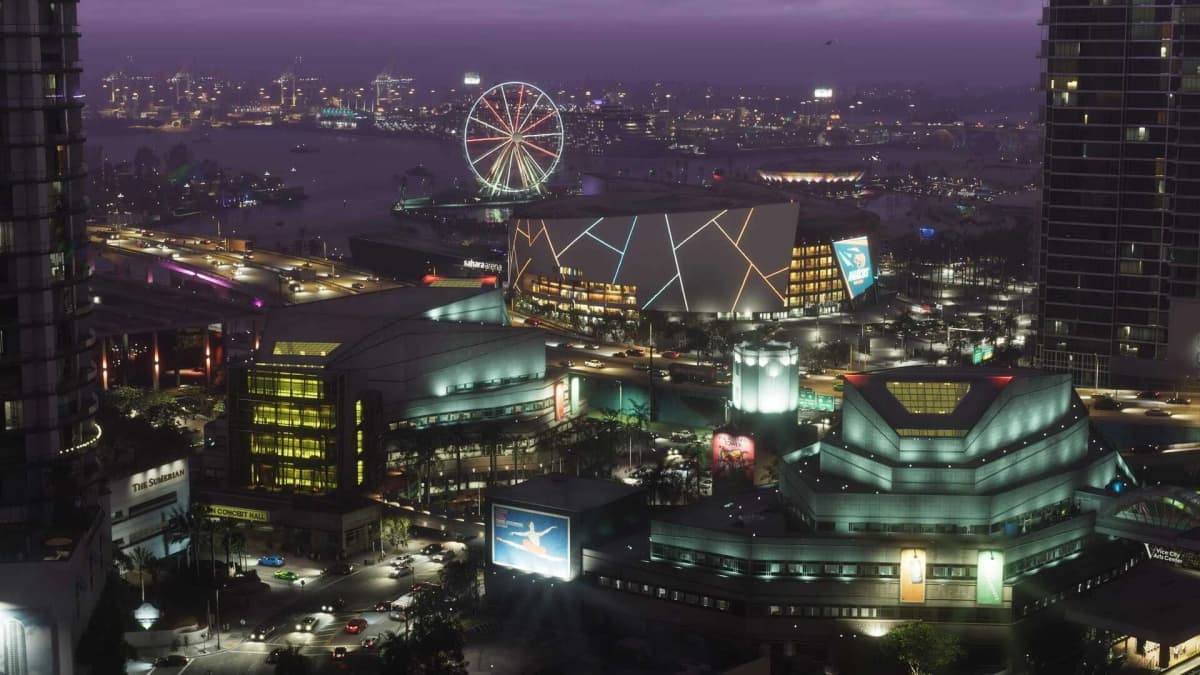
The single biggest improvement you can make for GTA 6 is a display that keeps up with your inputs. I don’t care how many neon signs Rockstar paints across Vice City-if your TV is processing the image like it’s solving a math problem, you’re driving by delay, not reflex. Look for Prime Day deals on 120Hz OLED or high-quality VA/QLED panels with HDMI 2.1 ports. On PS5 and Series X, that 120Hz pipeline isn’t just a marketing bullet; it cuts input lag and makes the frame pacing feel tighter when you’re weaving through traffic or lining up a free-aim shot. HDR brightness matters too. A dim panel will crush the detail in those Florida sunsets and night scenes where contrast separates a pedestrian from a shadow. If you’re limited to a monitor, aim for 27 inches or larger with a 1ms GtG response time. Anything smaller and you’ll lose sight of minimap details during chaotic sequences. And please, do not buy an 8K TV for this game. There is no scenario where GTA 6 renders native 8K on these consoles, and you’ll be paying for pixels you cannot use while sacrificing the refresh rate that actually matters.
Audio: Positional Awareness and a Clean Mic
GTA 6’s map is shaping up to be massive, and if it carries any of the ambient density of Red Dead Redemption 2’s world, sound design will be doing half the storytelling. A cheap stereo headset collapses that depth into a flat wall of noise, which means you’ll miss directional vehicle cues, police sirens, and the subtle audio tells that warn you before a gunfight kicks off. You want a headset with solid positional audio-virtual surround is fine if it’s tuned well, but a proper stereo stage with clean imaging beats a gimmicky 7.1 mode any day. Latency matters too. Bluetooth audio lag is a nightmare for sync during cutscenes and can throw off your timing in GTA Online coordination. Stick to wired 3.5mm or a dedicated 2.4GHz wireless dongle. And because Rockstar has doubled down on multiplayer integration since GTA Online became a platform of its own, get a headset with a detachable or flip-to-mute boom mic. Your crew needs to hear callouts clearly when you’re splitting targets across the city, and nobody wants to replay a setup because someone’s mic was drowning in static.
Controllers and Charging Redundancy
DualSense and Xbox Wireless Controllers are solid pieces of hardware, but they are not immortal. Stick drift, bumper fatigue, and battery degradation happen exactly when you’re deep in a session and hours away from a save point. Prime Day is the right time to grab a backup controller, but be picky. First-party pads are worth the premium over third-party clones because of haptic fidelity and proper firmware support—especially if GTA 6 uses adaptive triggers on PS5 the way Rockstar leaned into nuanced feedback in other recent titles. If you see a deal on a charging dock that juices two pads simultaneously, grab it. Keeping one controller on the dock while you play with the other eliminates the mid-heist battery panic. Also, inspect the return policy carefully. Controllers have a higher defect rate than almost any other gaming peripheral, and you want the option to swap a unit with sticky triggers or a wandering left stick without fighting customer service for three weeks. Buy from a retailer that offers hassle-free exchanges, even if it costs a few dollars more than the deepest discount.
Storage, USB, and Power Management
GTA 6 is going to be enormous. Between the base install, day-one patches, and whatever Ultimate Edition content Take-Two bundles in at launch, you need breathing room on your internal SSD. An external USB drive can hold last-gen titles or media, but do not expect to run a native PS5 or Series X|S game from a slow external HDD. If you find a Prime Day deal on a certified NVMe expansion for PS5 or the Seagate Storage Expansion Card for Xbox, that is where your money goes. Those match the internal read speeds the console expects, which means faster texture streaming when you’re driving at high speed through the busiest parts of Vice City. For everything else, a basic USB 3.0 hub can solve the port shortage if your setup includes a headset dongle, external drive, and controller charging cable. Just make sure the hub is externally powered; console USB ports do not deliver enough juice to reliably run multiple high-draw devices. Cable management trays and adhesive clips are boring purchases, but in a game where sessions stretch past midnight, a clean desk keeps you focused on the road instead of untangling your charging cable.
How to Shop Smart Without Getting Burned
Prime Day deals move fast, and retailers count on you panicking. Before you click buy, match every peripheral to the ports and specs your console actually supports. A PS5 owner needs HDMI 2.1 on the TV or monitor to unlock 120Hz at 4K; a Series S owner does not need that bandwidth and should hunt for a strong 1080p or 1440p 120Hz panel instead. Check the warranty terms directly on the product page, not just the Prime Day banner. Accessories sold by Amazon directly usually have cleaner return windows than marketplace third parties, and for something like a controller or headset, that difference matters. If you’re cross-shopping at Best Buy or another major retailer, look for price-match guarantees that remain valid through Prime Day; sometimes the same deal exists off-Amazon with a longer return window. Avoid officially licensed “gaming” junk that lights up but adds nothing—RGB strips, novelty controller stands, and branded thumbstick grips rarely survive the first month of serious play. Put that cash toward latency-friendly hardware instead.
What to Skip Entirely
Let me save you some regret. Skip the 8K television. Skip the $300 “gaming” router unless your current hardware is literally a decade old. Skip third-party cooling stands that promise to chill your console; the PS5 and Series X ventilation is engineered well enough that these plastic add-ons do almost nothing and sometimes block exhaust. Skip Bluetooth-only headsets if you care about audio sync. And absolutely skip any third-party controller that lacks firmware support for the console’s full feature set—haptic trickery and proper dead-zone calibration are not luxuries in a Rockstar driving sandbox, they are necessities.
The Prime Day Hit List
- Display: 120Hz OLED/QLED with HDMI 2.1 for PS5/Series X; 1080p-1440p 120Hz for Series S.
- Audio: Wired or 2.4GHz wireless headset with positional imaging and a clean boom mic.
- Controllers: First-party backup pad plus a dual charging dock.
- Storage: Certified internal expansion SSD; skip slow external HDDs for next-gen games.
- Connectivity: Powered USB 3.0 hub and basic cable management.
- Policy check: Confirm return windows and warranty coverage before checkout.
One Last Thing Before You Check Out
GTA 6 is going to punish players who assume the game will carry them. Rockstar builds worlds that reward attention to detail, and that starts with the hardware translating every frame and every footstep accurately. Prime Day gives you the chance to tighten that chain without paying full price, but only if you buy gear that solves real problems instead of imaginary ones. Get the display that keeps up, the audio that warns you, and the backup plan that keeps you in the session. Everything else is just packaging.
FinalBoss // Gear
Level up your setup
01Best-selling Xbox Series X|S gameson Amazon→02Xbox controllerson Amazon→03Top-rated gaming headsetson Amazon→04Discounted game keyson Kinguin→Affiliate links · As an Amazon Associate, FinalBoss earns from qualifying purchases.
Want to Level Up Your Gaming?
Get access to exclusive strategies, hidden tips, and pro-level insights that we don't share publicly.
Ultimate Guide Strategy Guide + Weekly Pro Tips