
GreedFall sits in an awkward but important spot in RPG history: it launched as a last-generation game, then later received native upgrades for newer consoles. That matters because the platform you buy on, and even the version you launch on the same console, changes how the game feels. If you want the short answer first, the native PS5 edition is the version to use on Sony hardware. It offers a Performance mode targeting 60 FPS and a Quality mode targeting 30 FPS, while the backward-compatible GreedFall PS4 application on PS5 has been reported as a single 1296p/30 profile. In practice, that makes the PS5 upgrade a real upgrade, not just a convenience patch.
The bigger platform picture is also fairly clear. GreedFall is available across the original last-gen ecosystem and newer consoles, but the verified performance conversation is strongest on PS5 and Xbox Series X|S. That is where the graphics modes, image-quality changes, and smoother frame-rate targets are documented well enough to guide a buying decision.
Table of Contents (8)
Where GreedFall is available, and why that can be confusing
For most players, the practical platform list looks like this: PS4, PS5, Xbox One, Xbox Series X|S, and PC. The confusion starts because PS5 owners can encounter both the older PS4 version and the native PS5 version, and those are not equivalent. Early messaging around the upgrade described it as a free PS5 upgrade when it arrived in 2021, while current storefronts can present the PS5 edition as its own product page. If you are returning to the game after a long break, that storefront history can make it easy to assume every copy behaves the same. It does not.
- PS4: Original last-gen release.
- PS5: Can run the older PS4 app through backward compatibility, but also has a native PS5 edition with upgraded visual options.
- Xbox One: Original last-gen release.
- Xbox Series X|S: Optimized newer-console version, with different targets depending on whether you are on Series X or Series S.
- PC: Available, but performance depends on your hardware and settings rather than a fixed console profile.
If you are buying specifically for console smoothness and image quality, the platform split that matters most is simple: PS5 and Xbox Series X|S are the versions with documented graphics-mode choices, while the older PS4-era app is the one you do not want to launch by mistake on PS5.
PS5 performance: what the native upgrade actually gives you
The native PS5 version is the main reason GreedFall still comes up in performance discussions. Sony’s store description for that edition emphasizes 4K resolution, highly improved visuals, fast loading, and 60 FPS in Performance mode. Independent technical analysis lines up with the broad shape of that claim: PS5 offers two graphics modes, with Performance measured at native 2560×1440 and targeting 60 FPS, while Quality runs at native 3840×2160 and targets 30 FPS.
That means your choice on PS5 is not just “smooth versus pretty” in the abstract. It changes how traversal, camera movement, and melee exchanges feel. GreedFall is not the fastest action RPG in the genre, but it still benefits from higher responsiveness when you are circling enemies, lining up parries, or switching between ranged and melee pressure. Performance mode is the obvious pick if you value control feel first.
There is a catch, and it is worth knowing before you lock yourself into the 60 FPS setting. The same independent analysis reported frame-pacing issues on PS5 Performance mode that can make motion look as if it is briefly dipping toward 30 FPS, even when the game is still aiming for 60. It also noted occasional tearing at the bottom of the screen. So while Performance mode is the smoother option on paper, it is not perfectly clean in motion. If you are sensitive to uneven camera scrolling or judder-like presentation, Quality mode may actually look more stable to you despite the lower frame-rate target.
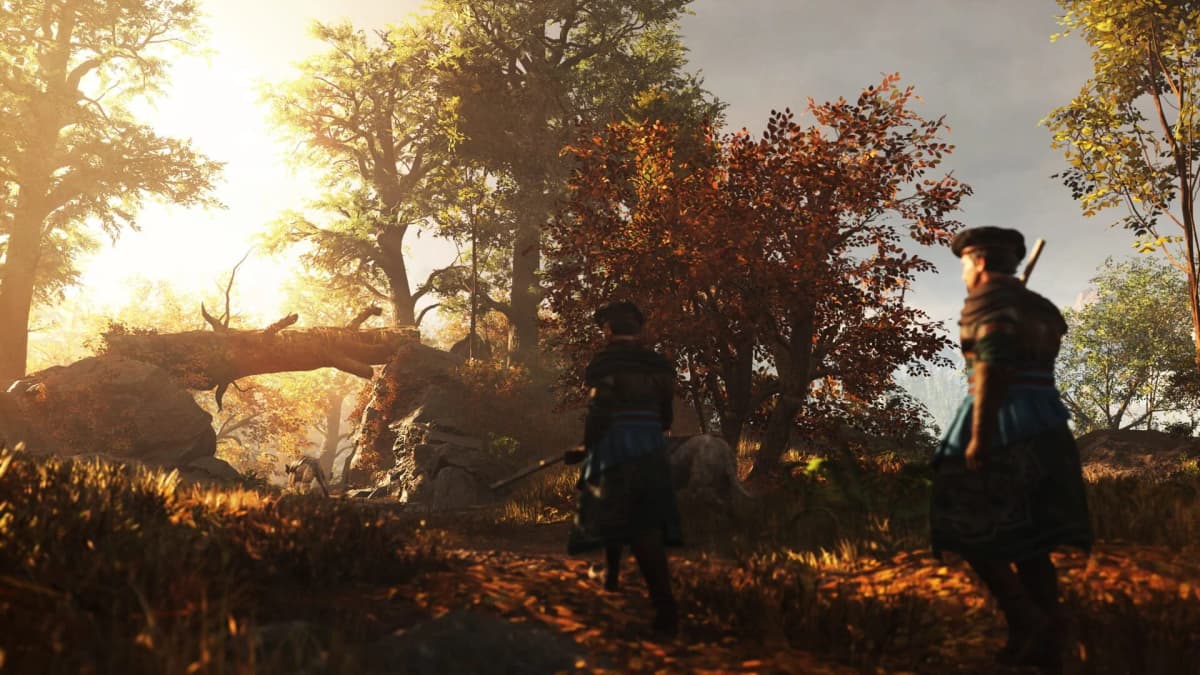
Quality mode also improves draw distance, which matters more in GreedFall than some players expect. The game spends a lot of time in wide outdoor spaces, towns with layered architecture, and areas where environmental readability helps you track routes and threats. If you mainly play for exploration, atmosphere, and cleaner image quality on a large screen, the 4K/30 option makes sense.
GreedFall PS4 on PS5: the version mix-up that changes everything
This is the mistake to avoid on PlayStation. If you own or install the PS4 version and let PS5 run it through backward compatibility, you are not getting the native PS5 feature set. Reported testing on PS5 showed that backward-compatible PS4 build running as a single 1296p/30 profile. That is a very different experience from the native PS5 edition with 1440p/60 Performance and 4K/30 Quality options.
In practical terms, if GreedFall feels oddly sluggish on PS5 and you cannot find the graphics-mode option you expected, the first thing to check is whether the console is launching the PS4 application instead of the PS5 one. This matters more than any individual visual toggle. Choosing the right version is effectively the most important “setting” on PlayStation.
This is also why GreedFall PS4 and GreedFall PS5 should not be discussed as if they are interchangeable. The PS4-era build remains the legacy experience. The PS5 edition adds faster loading, higher image quality targets, and the all-important 60 FPS mode, even if that mode is not flawless in every scene.
Xbox Series X and Series S: close in structure, different in results
The published console comparison paints PS5 and Xbox Series X as very close technically. Series X was reported with the same basic targets as PS5: 1440p/60 in Performance mode and 4K/30 in Quality mode. That suggests near-parity in how the upgraded console version is designed, even if runtime behavior can never be assumed to be absolutely identical scene by scene without fresh retesting.
Series S is where the compromise becomes more obvious. Reported measurements put Series S at 1600×900 in Performance mode and 1920×1080 in Quality mode. It still gets the upgraded treatment rather than being ignored, but it is a clearly lower-spec solution. Sources also agree that Quality mode improves draw distance across the console versions, and that PS5 and Series X retain better texture quality than Series S. So on Series S, your mode choice is not just about frame rate; it also has a bigger effect on how clean and detailed the world looks.
If you are comparing consoles purely on the verified data available, the hierarchy is straightforward: PS5 and Series X occupy the top tier and look very similar in design targets, while Series S is the more compromised but still optimized version.
PC, PS4, and Xbox One: what can be said without inventing numbers
PC is the hardest platform to summarize with one sentence because it does not have a fixed hardware profile. A strong PC can obviously be tuned around your monitor, GPU, and CPU, while a weaker machine may need reduced settings to reach the kind of responsiveness that the PS5 and Series X Performance modes are targeting. The safe takeaway is that the console numbers do not translate directly to PC. PC performance is a settings and hardware problem, not a single published profile.
For PS4 and Xbox One, the important comparison point is that they belong to the original release generation, not the later native-upgrade conversation. If your main goal is the smoother, newer console presentation people usually mean when they talk about GreedFall performance, that conversation is primarily about PS5 and Xbox Series X|S. Last-gen availability is useful, but it is not where the headline technical improvements live.
The settings that matter most before you start a save
GreedFall is not a game with a giant menu full of transformative console options. Most of the meaningful choices are concentrated in a few areas, and one of them happens before you even press continue on your save.
- On PS5, confirm you are launching the native PS5 edition. This is more important than any graphics toggle. The backward-compatible PS4 app does not give you the native PS5 mode selection.
- Choose Performance mode if combat feel matters most. This is the better fit for players who prioritize smoother camera movement, input response, and more fluid traversal.
- Choose Quality mode if you dislike uneven motion. On PS5 in particular, reported frame-pacing issues in Performance mode mean some players will prefer the steadier-looking 30 FPS presentation.
- Use Quality mode when visual readability matters more than speed. Better draw distance can make exploration and environmental scanning feel cleaner, especially on bigger displays.
- On Series S, weigh resolution more carefully. The gap between its Performance and Quality presentations is more noticeable because the baseline is lower than PS5 or Series X.
The exact resolution figures most often repeated publicly come from one detailed comparison, so it is fair to treat them as the best current read rather than eternal truth. The broader guidance is much firmer: the native PS5 and Series X versions give you a real 60-versus-30 choice, the PS4 app on PS5 does not, and Quality mode is about more than frame rate because it also improves visibility distance.
If you searched for GreedFall 2 PS5
Do not carry the original game’s console assumptions directly into the sequel. The verified performance details here concern the released versions of the first GreedFall, especially the native PS5 upgrade and its comparison points on Xbox Series X|S. If you were looking specifically for GreedFall 2 PS5 information, the safest takeaway is that this article does not treat the sequel’s performance profile as interchangeable with the first game’s 60 FPS and 30 FPS console modes.
Which version makes the most sense
For PlayStation players, the answer is the native PS5 edition, not the backward-compatible PS4 app. For Xbox players, Series X is the closest match to PS5’s top-end console experience, while Series S remains a workable but more compromised version. For PC players, the platform can be excellent, but the result depends on your own hardware instead of a fixed target. And if you are deciding between PS5 modes, Performance is the better gameplay-first choice, while Quality is the better image-first choice and may look cleaner if frame pacing bothers you.
That is the real shape of GreedFall: platforms and performance in 2026: platform choice matters, version choice on PS5 matters even more, and the best setting depends less on marketing labels than on whether you care more about motion smoothness or presentation stability.
FinalBoss // Gear
Level up your setup
01Best-selling Xbox Series X|S gameson Amazon→02Xbox controllerson Amazon→03Top-rated gaming headsetson Amazon→04Discounted game keyson Kinguin→
Affiliate links · As an Amazon Associate, FinalBoss earns from qualifying purchases.
Want to Level Up Your Gaming?
Get access to exclusive strategies, hidden tips, and pro-level insights that we don't share publicly.
Ultimate Guide Strategy Guide + Weekly Pro Tips