
MSI Claw 8 AI+ vs Valve Steam Deck OLED
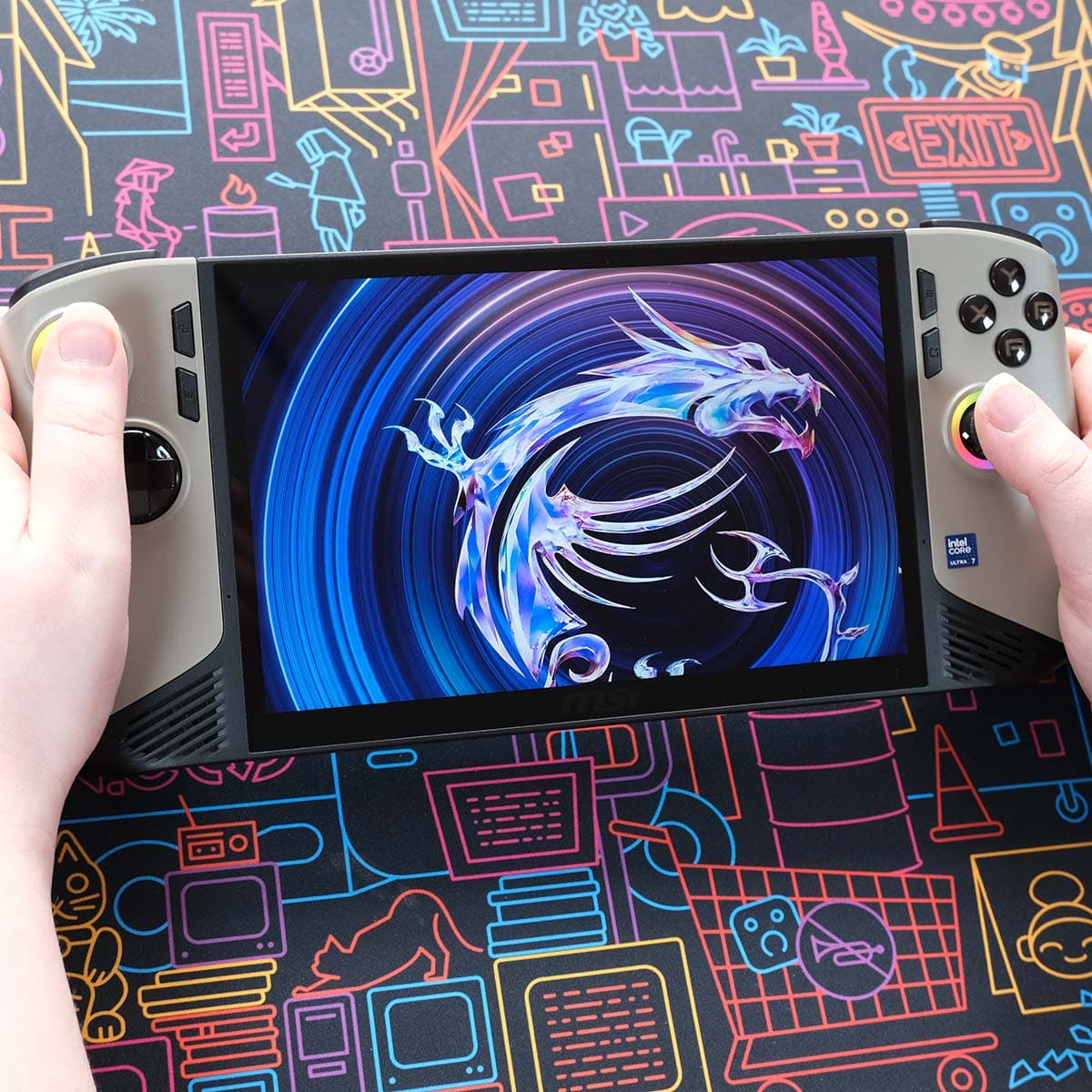
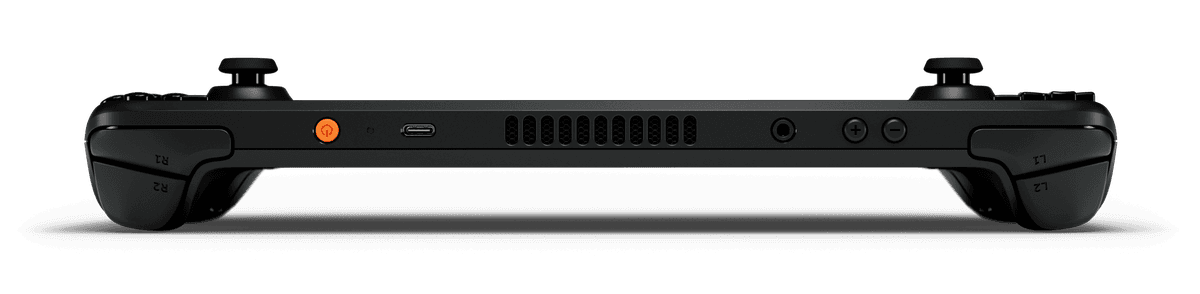
The Claw 8 AI+ moves to Intel's efficient Lunar Lake silicon and pairs it with an 80 Wh battery and dual Thunderbolt 4 ports — more battery and connectivity than the Steam Deck OLED — while the Steam Deck OLED counters with a lighter 640 g body, a vivid OLED panel and SteamOS's smoother software layer. Notebookcheck rated the Claw 8 AI+ favorably for its efficiency, but its MSI Center M software remains rougher than SteamOS.
Spec comparison
| Spec | MSI Claw 8 AI+ | Valve Steam Deck OLED |
|---|---|---|
| Starting price | $1,119 | $789 |
| OS | Windows 11 | SteamOS |
| Screen size | 8" | 7.4" |
| Panel | IPS | OLED |
| Refresh rate | 120 Hz | 90 Hz |
| Resolution | 1920 × 1200 | 1280 × 800 (16:10) |
| Weight | 793 g | 640 g |
| Battery | 80 Wh | 50 Wh |
| APU | Core Ultra 7 258V | Steam Deck OLED APU |
| Max TDP | 37 W | 15 W |
| Hall-effect sticks | Yes | No |
| Trackpads | No | 2× 32.5 mm haptic trackpads (improved fidelity) |
| Gyro | Yes | Yes |
Handheld prices are unusually volatile in 2026 due to a global memory-chip shortage — we show the best figure at our last check, but always confirm the live price at the retailer.
MSI Claw 8 AI+
Pros
- Efficient Lunar Lake APU with strong performance-per-watt
- Large 80 Wh battery — ~5–6 hr balanced
- Dual Thunderbolt 4 / USB4 and Wi-Fi 7
Cons
- Laggy MSI Center M software and awkward AI energy profiles
- Fan speed fluctuates under load
- Reach to the sticks awkward for some hand sizes
Valve Steam Deck OLED
Pros
- Excellent 90 Hz HDR OLED (1000 nits HDR) with 110% P3
- Bigger 50 Wh battery and Wi-Fi 6E vs LCD
- Best-in-class SteamOS suspend/resume; twin haptic trackpads
Cons
- Same Zen 2 / RDNA 2 APU — no performance gain over LCD
- No VRR; 800p ceiling limits sharpness
- Potentiometer (non-Hall) sticks
Who should buy which
Buy the Claw 8 AI+ if you want a large 80 Wh battery, dual Thunderbolt 4/USB4 ports and full access to the Windows game library.
Buy the Steam Deck OLED if you want a lighter device, an OLED screen and the more mature, less fiddly SteamOS software experience.