
The original Switch’s struggle with Hogwarts Legacy stung every time masonry blurred into mush, hallways stuttered and “door roulette” derailed our momentum. So when Nintendo announced the Switch 2 port—promising the first truly portable Hogwarts experience—expectations were wary. After a quick 24 GB download, a voice-pack patch and a few moments of anticipation, I found myself sweeping across the Great Hall at a rock-solid frame rate and diving headlong into Witching Hour raids. At last, the handheld magic we’ve been waiting for has arrived.
Table of Contents (7)
Technical Snapshot
- Handheld: native 1080p, full HDR support
- Docked mode: up to 1440p output
- Frame rate: locked 30 fps handheld; peaks at 45 fps docked
- Load times: roughly 8–10 sec (vs. 30+ sec on the original)
- Storage footprint: 24 GB install plus language and voice packs
- Battery life: ~2 hr at max settings; ~3 hr on medium
- Thermals: mid-40 °C under load, nearly silent fan
From Download to Spellcasting
The old GameKey Card still handles activation, but once the Switch 2 taps Wi-Fi, installation wraps up in minutes. Menus load, fast-travels kick in and save-data syncs almost immediately—no more staring at static screens hoping for progress bars to budge. Switching between docked and handheld feels seamless, so you can chase mischief from sofa to subway without missing a beat.
Visuals & Audio: A Living, Breathing Castle
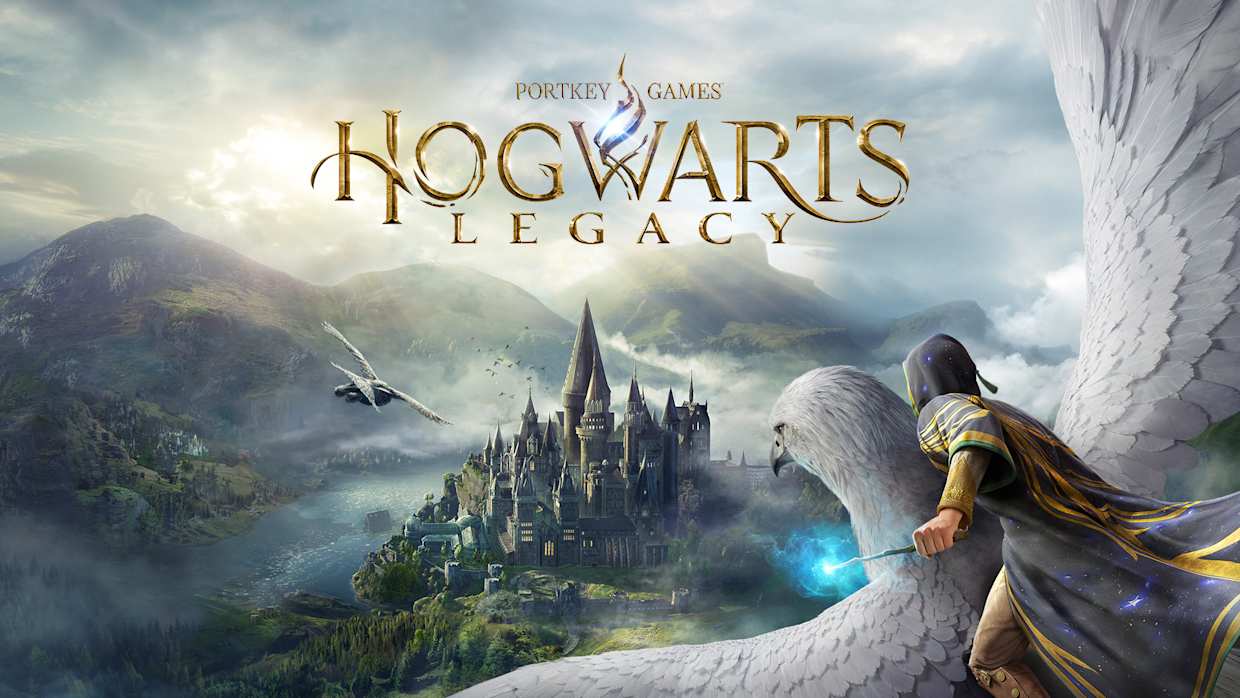
In handheld mode, casting Lumos unveils crisp brickwork, torches glowing with genuine HDR warmth and distant spires rendered as distinct silhouettes instead of fuzzy blobs. Docked on a TV, HDR brightness remains stable in sun-soaked courtyards and shadowy corridors alike. The upgraded stereo speakers add depth: clean dialogue, subtle floorboard creaks and distant owl hoots breathe new life into the castle’s ambiance.
Performance: Stable Enchantment
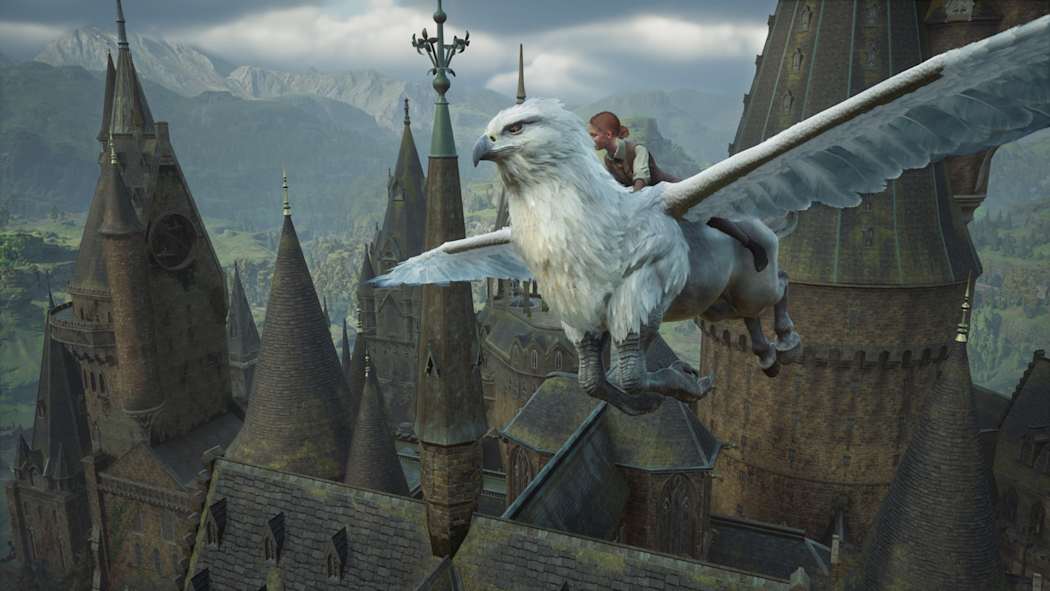
Whether you’re dueling in Charms club or racing past goblins in a crowded corridor, the game holds a steady 30 fps handheld and hustles up to 45 fps when docked. Even the most elaborate particle-heavy spells only trigger momentary dips before snapping back. Compared to the teens-level frame rates on the original Switch, this is nothing short of miraculous.
Battery & Thermals: Midnight Marathon
With HDR and screen brightness cranked, expect around 1 hr 50 min before the low-battery alert. Drop settings to medium, and you’ll approach three hours of continuous play. Surface temps plateau in the low-40 °C range, while the cooling fan whispers in the background—even during the busiest Hogwarts raids.
Trade-Offs & Developer Notes
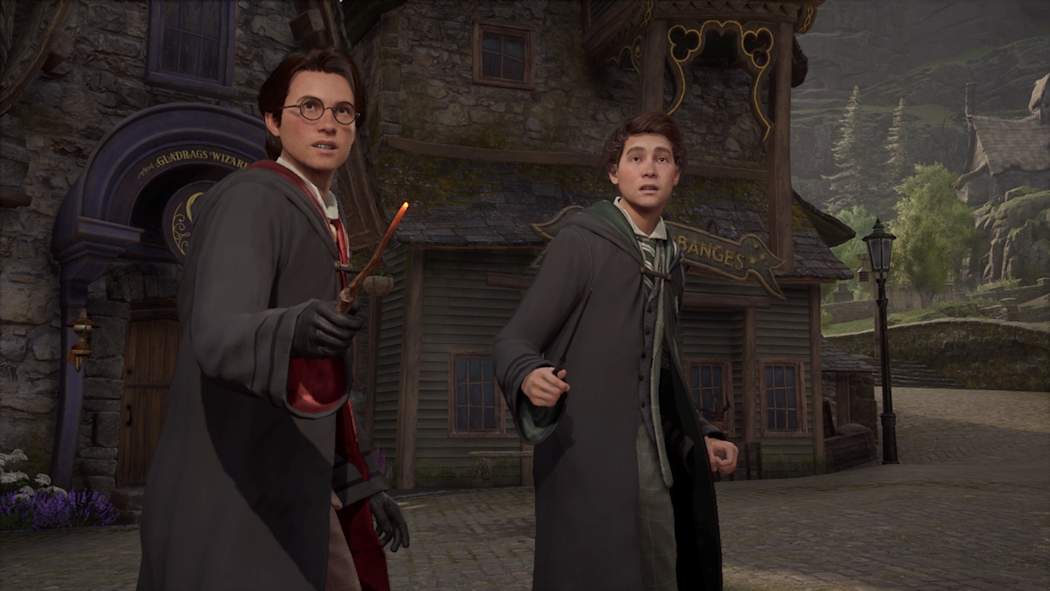
No port is perfect. To preserve frame-rate consistency, crowd density in sprawling outdoor areas has been scaled back and a handful of decorative props dissolve at a distance. Quick camera pans can still reveal minor aliasing on hair strands or floating dust motes. According to the developers, future patches may restore some of these visual flourishes.
Community Reaction
On Reddit and Discord, fans hail this as the definitive upgrade. Streamers praise smoother capturing, veterans are diving back into side quests, and the verdict is unanimous: this is how you do a Switch port.
FinalBoss // Gear
Level up your setup
01Best-selling Switch 2 gameson Amazon→02Switch 2 accessorieson Amazon→038BitDo controllerson Amazon→04Discounted game keyson Kinguin→Affiliate links · As an Amazon Associate, FinalBoss earns from qualifying purchases.
Want to Level Up Your Gaming?
Get access to exclusive strategies, hidden tips, and pro-level insights that we don't share publicly.
Ultimate Reviews Strategy Guide + Weekly Pro Tips