
Table of Contents (13)
Why Planning Fortnite Chapter 6 Live Events Matters
After spending most of Chapter 6 glued to Fortnite’s live events, I learned the hard way that the real “boss fight” isn’t the Dark Presence or the Ice King-it’s timing. I missed almost all of an early event because I tried to log in 10 minutes before it started and got stuck in queues. Since then, I’ve treated every live event like a real-world appointment, with alarms, time zone checks, and a strict “log in 40 minutes early” rule.
This guide walks through the full Fortnite Chapter 6 live event schedule, what’s coming in Chapter 7, and exactly how to make sure you’re actually in the match when the countdown hits zero. I’ll break down the steps I use now for every live show-Zero Hour, OG Ice Storm, and whatever comes next-so you don’t repeat my early mistakes.
Chapter 6 Live Events Timeline (From a Player’s POV)
Chapter 6 mixed big lore finales, crossover spectacles, and music promos. From playing almost every one live, here’s how they actually felt and why they mattered.
- New Year 2025 (Dec 31, 2024 – Jan 1, 2025) – Short, looping celebration that ran every hour. Fireworks, a disco ball dropping through a Rift, and quick party vibes. I treated this like a warmup: low pressure, easy to catch, and a good test of whether my setup could handle crowds.
- The Confrontation (Feb 15, 2025 – Warrior’s Watch) – The first “you really don’t want to miss this” story event of the chapter. Daigo vs. Shogun X in a cinematic sword duel to save Jade. This was the moment it became clear Chapter 6 was going hard on demon hunter lore.
- Daigo’s Fate (Apr 30, 2025 – Magic Mosses) – Smaller in scope but important for the story. Reckless Daigo diving into the Spirit Realm alone. As a player, it felt like a mid-season lore check-in rather than a huge spectacle, but still worth seeing live if you care about the narrative thread.
- Death Star Sabotage (Jun 7, 2025 – Death Star) – Kicked off Mini Season 1 with a full Star Wars raid vibe. Hope, Jones, and Loopers sneaking onto the Death Star to tear it apart from the inside so the Rebellion could finish the job. This one showed how far Epic would push crossover storytelling.
- Super Showdown (Aug 2, 2025 – Demon’s Domain) – Superman and the Supernovas facing off against the Mask Maker and his master. This was peak comic-book energy: huge setpieces, DC heroes on screen, and the sense that the Island was barely holding together.
- Daft Punk Experience (Sep 27, 2025 – The Monolith) – More of an immersive concert/playground than a traditional event. No big lore twist, just Daft Punk’s music and a custom space built around their style. I treated this as a hangout event—get in early, chill with friends, soak in the atmosphere.
- Welcome, Our Alien Overlords (Nov 1, 2025 – Bart’s Treehouse) – The “everything goes wrong” pre-finale. The attempt to contain the Dark Presence backfires and sets up the end of the chapter. You could feel the tension in chat and voice—everyone knew the next event would be massive.
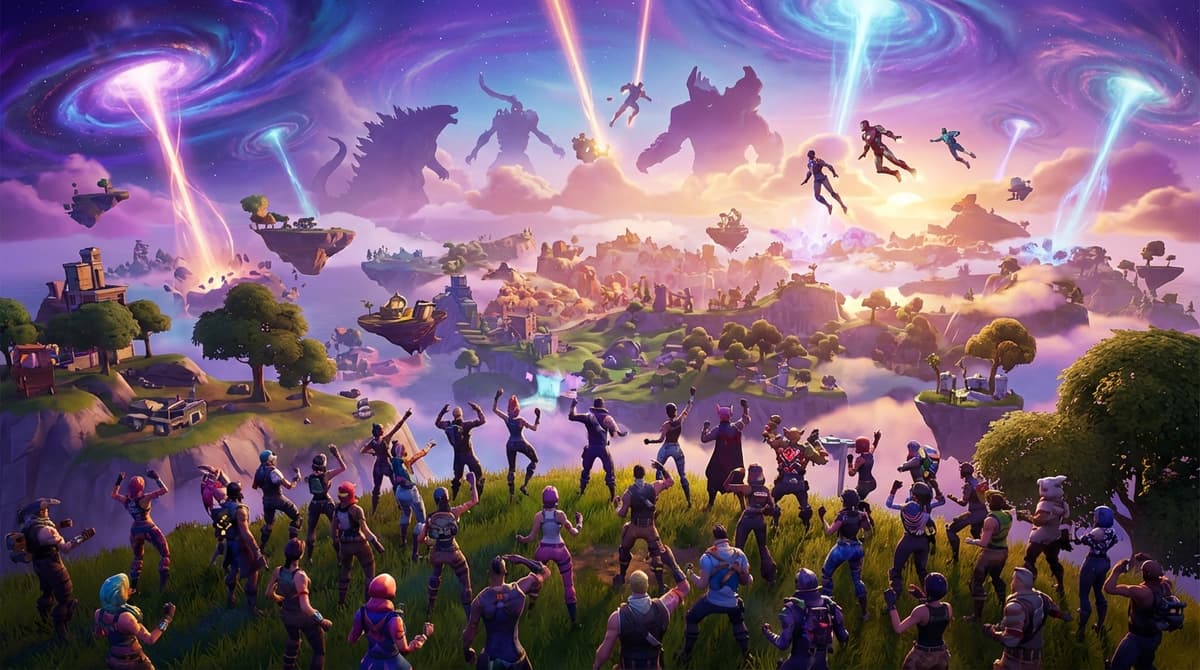
- ZERO HOUR (Nov 29, 2025 – 2:00 PM ET / 11:00 AM PT) – Chapter 6’s grand finale. Over 10.5 million players showed up live to watch Titans from across the Omniverse—Godzilla, Kong, Giant Homer, The Bride, and more—take on the Dark Presence. From inside the event, it felt like Fortnite’s biggest crossover flex to date and the clear pivot into Chapter 7.
Most of these events followed the same core rules: be in the right playlist at the right time, stay in the match, and let the game take over. The specifics change, but the participation mechanics are consistent—once you understand them, you’re set for every future event.
What’s Next: Chapter 7’s Ice Storm and Future Finales
Chapter 6 is done, but Fortnite’s live-event machine hasn’t slowed down. The next big date you should treat like a non-negotiable appointment:
OG Ice Storm event (“Ice Storm”) – Scheduled for February 15, 2026 at 2:00 PM ET / 11:00 AM PT, and it runs exclusively in Fortnite OG. It’s a remixed version of the classic 2019 Ice King event: a gigantic Ice King projection summoning an island-wide storm and returning Ice Legion zombies to the OG map.
Epic hasn’t fully detailed the rewards yet, but based on past Chapter 6 events, expect themed cosmetics (emotes, sprays, loading screens) and possibly event quests tied to Ice Legion or OG map activities.
On top of that, files added in the 39.40 update strongly hint at a future Chapter 7 Season 1 finale built around The Seven vs. Dark Voyager. Nothing is officially announced, but the pattern from Chapter 6 is clear: slow-burn build-up, one big live event, then 3–5 hours of downtime for the chapter or season transition.
Step-by-Step: How to Actually Get Into a Fortnite Live Event
This is where I used to mess up. I’d assume “start time” meant “time to boot the game,” and that’s how you end up watching Zero Hour on someone else’s stream instead of your own screen. Here’s the process I follow now for every major event.
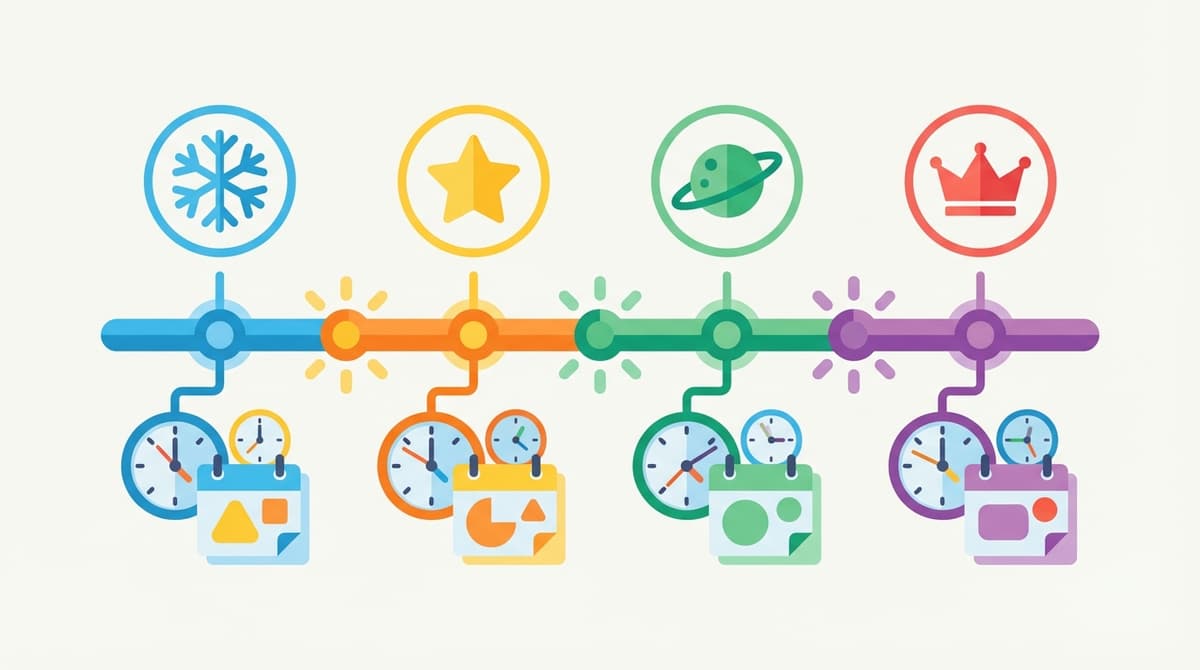
Step 1 – Treat the event time as “doors close,” not “doors open”
Epic consistently recommends logging in at least 40 minutes early. I personally aim for 45–50 minutes, especially for massive finales.
- Set a phone alarm for 40–50 minutes before the official event time in your local timezone.
- Make sure the game is fully updated earlier that day so you’re not stuck in a patch at the worst moment.
This single habit would have saved me from my early near-miss with Zero Hour, where login queues almost locked me out.
Step 2 – Log in and find the dedicated event playlist
For major events, Epic almost always creates a special playlist rather than using regular Battle Royale queues. Once you’re in the main menu:
- Go to the mode selection screen (
Play → Change Mode). - Look for a playlist named after the event (for example,
Zero HourorIce Storm). - Select that playlist instead of standard Battle Royale or Zero Build.
Getting this wrong is one of the most common mistakes I’ve seen in friends: they sit in a normal BR queue and only realize something is wrong once Twitter is full of screenshots.
Step 3 – Load into the waiting lobby and stay put
Once you join the event playlist, you’ll be dropped into an extended-time match or special lobby. This is your staging area—emote, explore, hang out—but do not leave the match.
- Stay in that lobby all the way until the event starts.
- Don’t return to the main menu “just to check something” once you’re in.
- If you crash, re-launch and re-queue immediately; queues can lock as the start time approaches.
Live events typically last about 5–15 minutes. During this window the normal rules are suspended—you usually can’t be eliminated and the game will force you through the event’s camera work and sequences.
Step 4 – Make sure you’re in the right kind of match at start time
The key rule is simple but strict: you must be in a Battle Royale or Zero Build match (or the specific event playlist) at the exact event start time. Sitting in the lobby doesn’t count. If you’re not inside a match when the clock hits zero, you’ve effectively missed it.
This is why the 40-minute buffer is so important: it gives you time to fight through queues, load in, and settle before that hard cut-off.
Countdowns and Time Zones: Converting the Ice Storm Event Time
The OG Ice Storm event on February 15, 2026 is officially scheduled for 2:00 PM Eastern Time (ET). Here’s when that is in common time zones:
- 2:00 PM ET (New York)
- 1:00 PM CT (Chicago)
- 12:00 PM MT (Denver)
- 11:00 AM PT (Los Angeles)
- 7:00 PM GMT (UK)
- 8:00 PM CET (Central Europe)
What I do is set a reminder for 40 minutes before my local time. So if I’m on CET, I set an alarm for 7:20 PM, launch the game, and aim to be sitting in the event playlist by 7:30 PM at the latest.
If You Miss an Event: What You Can (and Can’t) Do
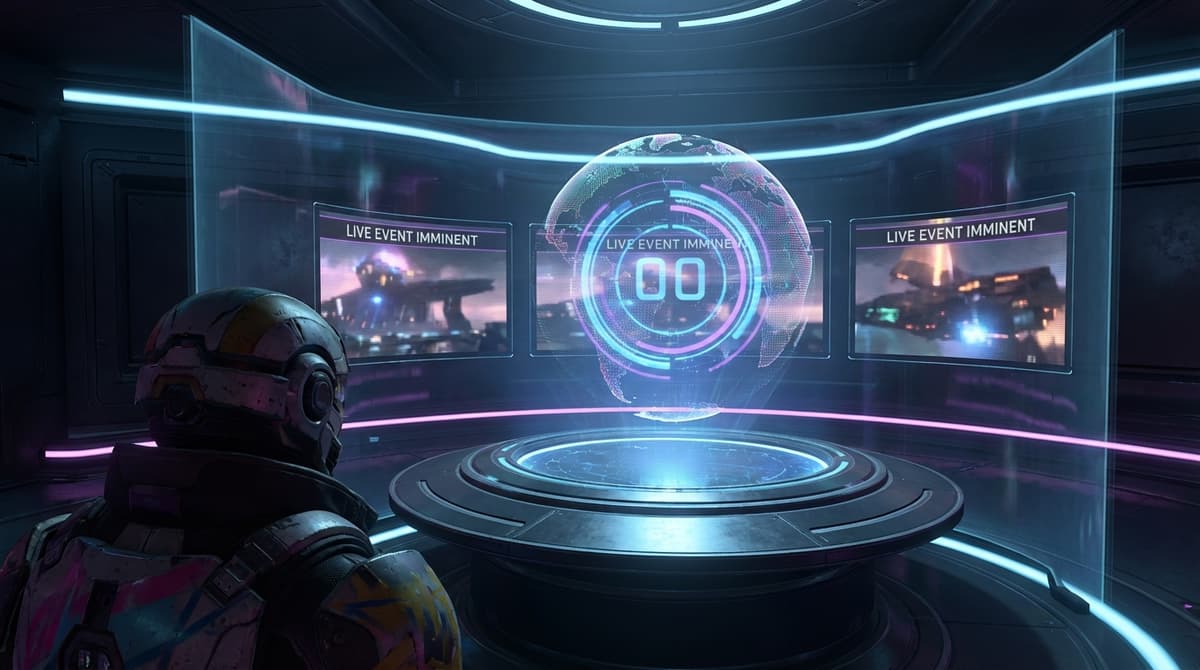
Most of Fortnite’s big live events are one-time only. Once Zero Hour or Ice Storm finishes, there usually isn’t an in-game replay option. Occasionally there are repeat showings, but you should never rely on that.
If you do miss it, your best move is to watch VODs from creators and streamers. I’ve had to do this once, and while it’s not the same as being there with your own HUD and friends, it’s better than piecing it together from screenshots.
Zero Hour Live: What It Actually Felt Like
Zero Hour is the event that convinced me to start taking Fortnite’s live shows as seriously as raid nights in MMOs. Being in that lobby with millions of others, watching Titans like Godzilla and Kong square up against the Dark Presence while chat and voice exploded—that’s not something you get from a replay.
Once the final cinematic faded and the servers went dark for 3–5 hours of downtime, it felt like the end of a TV season where everyone hops into Discord to dissect what just happened. That downtime window is how Epic pushes massive map changes and systems live, so don’t be surprised when matchmaking shuts down right after the next big finale, too.
Advanced Tips for the Best Event Experience
- Stabilize your connection: If possible, use a wired connection. Close downloads, streams, and background apps on your PC or console before logging in. Spikes during the event can cause stutters or, worst-case, disconnects.
- Lower graphics if needed: For big setpieces, I’d rather have a rock-solid frame rate than maxed-out shadows. Before the event, drop effects and view distance a notch if your system struggles in crowded lobbies.
- Party up early: If you want to experience the event with friends, form your party 10–15 minutes before you queue into the event playlist. Voice chat reactions are half the fun for story-heavy finales.
- Record or stream: On PC and console, set up your capture or streaming software in advance. Start recording before you ready up so you don’t miss the lead-in sequences.
- Clear your schedule: Events themselves last around 5–15 minutes, but between pre-lobby time and post-event downtime, I usually block out a full hour.
Quick Checklist Before the Next Fortnite Live Event
- Note the official start time in your local timezone.
- Set an alarm for 40–50 minutes before that time.
- Update the game earlier in the day.
- Log in early and join the dedicated event playlist.
- Stay in the match until the event fully ends.
- Expect possible 3–5 hours of downtime after chapter/season finales.
Once you build these habits, Fortnite’s live events stop being stressful “hope I get in” moments and start feeling like must-see premieres you’re fully prepared for. If I can go from nearly missing Zero Hour to comfortably co-hosting watch parties for friends, you can absolutely lock in future Chapter 7 events the same way.
FinalBoss // Gear
Level up your setup
01Top-rated gaming headsetson Amazon→02High-refresh gaming monitorson Amazon→03Gaming chairson Amazon→04Discounted game keyson Kinguin→Affiliate links · As an Amazon Associate, FinalBoss earns from qualifying purchases.
Want to Level Up Your Gaming?
Get access to exclusive strategies, hidden tips, and pro-level insights that we don't share publicly.
Ultimate Guide Strategy Guide + Weekly Pro Tips