
This launch caught my attention because Hytale’s comeback story – repurchased by co‑founder Simon Collins‑Laflamme after a cancellation – feels like a promise that the team built the game for players, not investors. With Early Access opening Jan 13, 2026, the keys are in players’ hands and the first hours will shape community tempo for months.
Table of Contents (7)
Hytale Early Access: Quick Launch Essentials
- Launch time: Jan 13, 2026 – 7 AM PT / 10 AM ET / 3 PM GMT. Windows PC only via the official Hytale Launcher (not Steam) on day one.
- Editions: Three paid tiers (Standard $19.99; Supporter $34.99; Cursebreaker Founders $69.99). Cosmetic perks only; preorders funded ~2 years of development.
- Mod & platform roadmap: CurseForge mod integration and Mac/Linux clients planned after launch; console betas later in 2026.
- Expect heavy queues — pre-download the launcher and authenticate early to reduce log-in pain.
{{INFO_TABLE_START}}
Publisher|Hypixel Studios
Release Date|January 13, 2026
Category|Sandbox / Survival
Platform|Windows PC (Hytale Launcher) — Mac/Linux betas planned
{{INFO_TABLE_END}}
Day‑One: A short, usable checklist
- Download the Hytale Launcher from hytale.com before 7 AM PT and sign in. Authenticate now to cache credentials.
- Confirm your edition purchase inside the launcher — keys auto-link to accounts for preorders.
- Update GPU drivers and free ~20 GB on an SSD. Recommended: 16 GB RAM and an RTX 3060 / RX 6700 XT for smooth play.
- If you plan to host, prepare port 25565 and 4+ GB server RAM for small groups; third‑party hosts are ready with launch offers.
Step‑by‑step: Download, install, and first launch
1) Get the official launcher from hytale.com and run the installer as administrator. No Steam option at launch — the launcher is the gatekeeper. 2) Sign in or create an account (Discord login optional). 3) Buy/redeem your edition in‑launcher if you haven’t already — preorders auto-link. 4) Click Install/Play once the countdown hits zero; expect ~15 GB to download and a small Day‑1 hotfix. 5) On first run the game verifies files and presents Singleplayer/Multiplayer options — explore a fresh world solo before hitting crowded servers.
Multiplayer and hosting — practical tips
Hytale is designed around both seamless co‑op and dedicated servers. On launch expect heavy load and 1M+ logins early; queue times will spike. Join official hubs for big player pools or search community SMPs for quieter survival play.
- Queue tips: log in 15-30 minutes early; solo queues tend to get in faster than party queues.
- Hosting: use the launcher’s “Create Dedicated” option or rent from providers if you want uptime—allocate 4 GB RAM for ~10 players.
- Troubleshooting: for connection failures try restarting the launcher, flushing DNS (ipconfig /flushdns), disabling strict NAT or enabling UPnP, and checking hytale.com/status.
Mods, performance and what’s available at launch
Day one focuses on the polished core loop: world generation, building, combat and foundational multiplayer. CurseForge integration for mods is live at launch for client mods; server mod tooling is coming soon. Expect a handful of early performance mods (community equivalents to Sodium-like optimizers) and cosmetic packs tied to higher purchase tiers — none confer gameplay advantage.
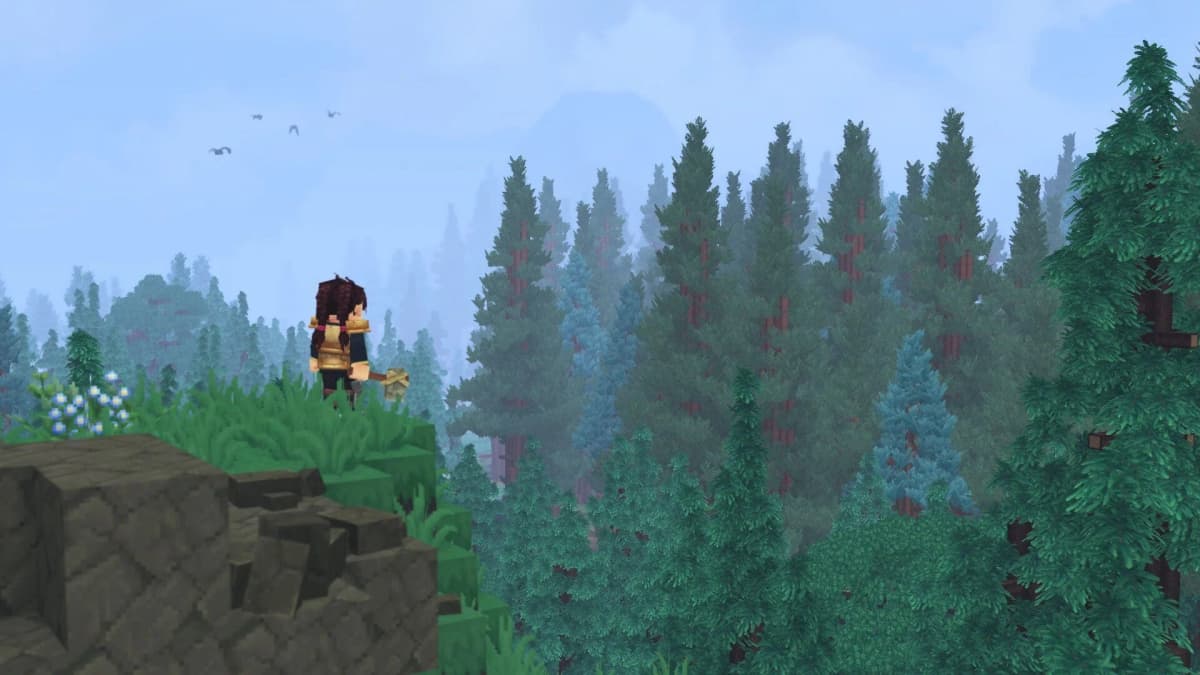
Performance tips: lower shadow quality, reduce render distance to 16 chunks, close background apps. If you’re on the cusp of minimum specs, aim for a 1080p/30-60 FPS experience on low settings and use the community performance mods when available.
Why this launch matters — and what I’m watching
Hytale’s launch is a test of custody — the team intentionally chose a direct launcher route and paid early access to secure development independence. That matters: preorder funding bought breathing room for the roadmap instead of early monetization pressure. My skepticism: missing Steam on day one fragments discoverability and may worsen queue pain. My optimism: the developer‑funding model and tight community tools could produce a healthier mod ecosystem and regular updates.
TL;DR
Hytale Early Access is live Jan 13 (7 AM PT) on Windows via the Hytale Launcher. Pre‑download the launcher, authenticate, and expect queues. Play now to explore the core systems and early mods; host or rent a server if you want stable group play. The launch’s long‑term promise is real — funded development and a mod‑first approach — but short‑term friction (queues, no Steam) is almost guaranteed. Pack patience and enjoy the worldbuilding.
FinalBoss // Gear
Level up your setup
01Top-rated gaming headsetson Amazon→02High-refresh gaming monitorson Amazon→03Gaming chairson Amazon→04Discounted game keyson Kinguin→Affiliate links · As an Amazon Associate, FinalBoss earns from qualifying purchases.
Want to Level Up Your Gaming?
Get access to exclusive strategies, hidden tips, and pro-level insights that we don't share publicly.
Ultimate Gaming Strategy Guide + Weekly Pro Tips