
Table of Contents (7)
Staring Down a 28-Year-Old Save File
I was awake at three in the morning, sitting cross-legged on a thrifted rug in front of a 27-inch CRT that hummed like a refrigerator, when I saw it. My original Super Metroid cartridge still held File 1: a 1994 timestamp, Samus hovering in her ship above Zebes exactly where I left her as a terrified nine-year-old. The nostalgia hit like a gut punch, immediately followed by something colder. That CR2032 battery soldered to the PCB had been bleeding power since before I learned to drive. It was a corpse pretending to be alive. One lazy Sunday boot-up, one jostle of the cartridge, and that file would evaporate into static, taking a piece of my childhood with it. I had already lost my EarthBound save years ago on a road trip when a loose battery contact wiped everything somewhere outside Albuquerque. I refused to let it happen again.
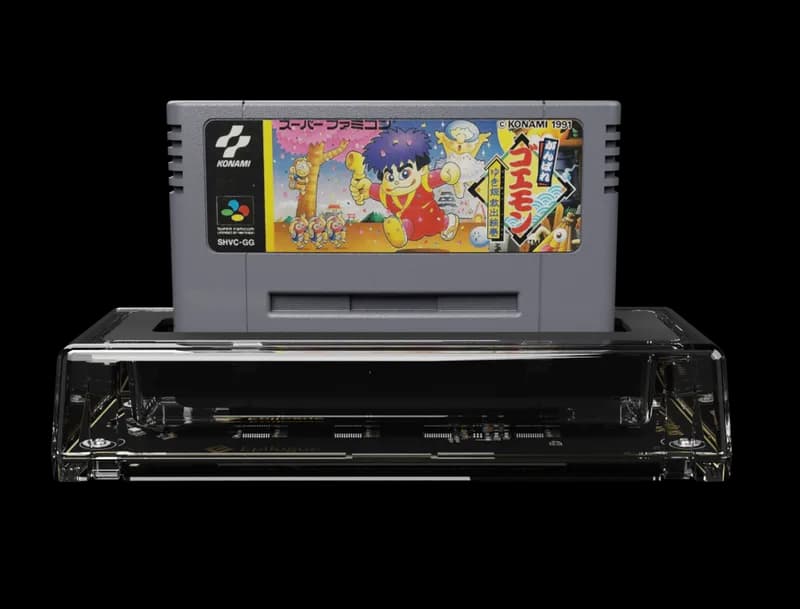
That night, I went looking for a weapon against entropy. I found the Epilogue SN Operator, a $60 USB cartridge reader that promised to pull save files-and ROMs-straight from Super Nintendo and Super Famicom carts onto my PC. I did not buy it to play games on my laptop. I bought it like you buy a fire extinguisher: hoping I would never need it, but knowing I absolutely would.
A Tool, Not a Toy
The SN Operator arrived in a small box with exactly zero flair. Inside was the matte-black device itself, a USB cable, and a single sheet of paper. No RGB lighting, no wireless dongles, no firmware update anxiety. It is the size of a deck of cards, with a top-loading cartridge slot that grips PCBs with a satisfying, snug clack. I immediately slotted in my copy of Chrono Trigger; the cart did not wobble or sit crooked, which matters when you are handling a thirty-year-old PCB worth more than a new AAA release. I plugged the USB into my Windows PC, and the device registered instantly. No driver hunts. No Device Manager exorcisms.
I launched Epilogue’s Playback software, which the company built on top of the open-source bSNES core. The interface is sparse to the point of looking clinical. There is no main-menu music, no particle effects, no storefront nudging you toward DLC. You insert a cart, the software reads the header in about two seconds, and you are presented with three stark options: Play, Backup Save, Backup ROM. After years of wrestling with finicky retro hardware that demands incantations and forum archaeology, I found the honesty refreshing. This thing knows it is a tool, and it acts like one.
The Two-Click Panic Button
I started my tests with Chrono Trigger because it is the most precious real estate on my shelf: a complete save file with every ending unlocked, every New Game Plus flag triggered, Crono and Marle waiting at the End of Time. I clicked Backup Save. The software asked for a destination folder. I clicked again. An 8KB .srm file dropped onto my desktop. That was it. Two clicks. The entire emotional history of my forty-hour playthrough now lived as a standard file I could duplicate, email to myself, or stash on a NAS drive.
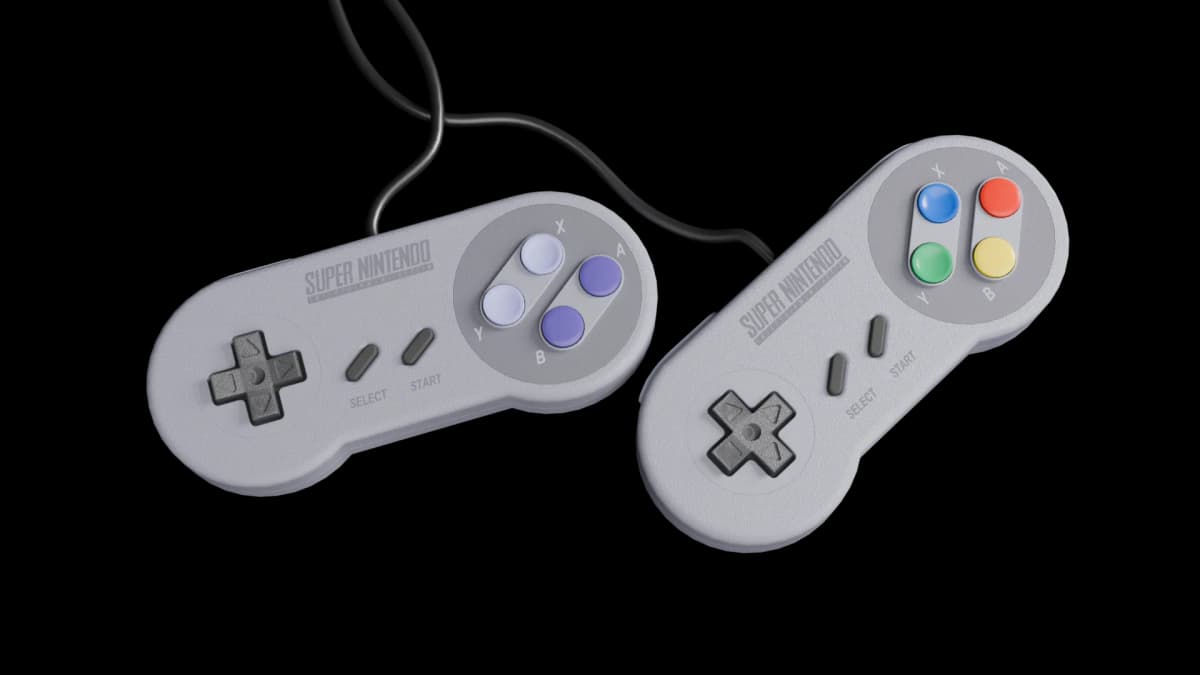
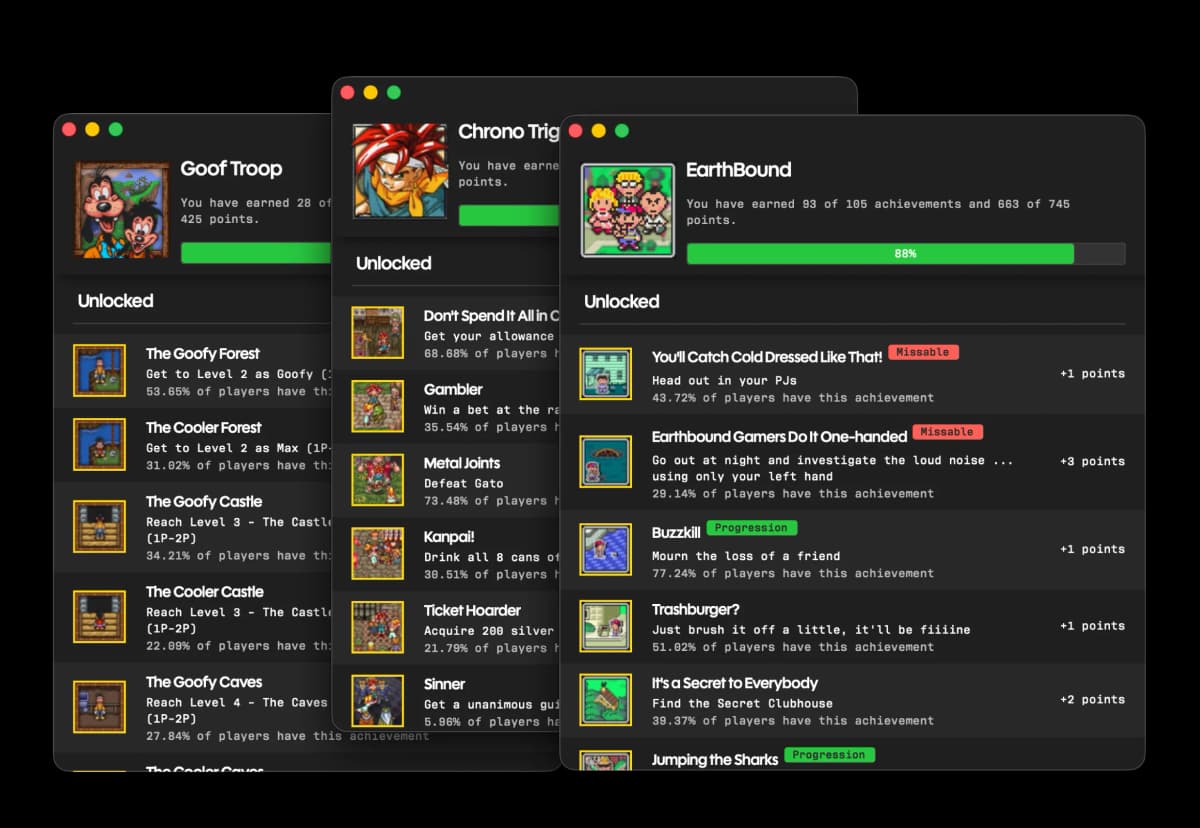
To prove the file was actually free, I dragged that .srm into RetroArch, loaded a verified ROM image of my own cart, and booted it. The save loaded perfectly. My party stood exactly where I left them, right down to the forgotten Speed Tabs stuffed in the inventory. This is the detail that matters most: the SN Operator does not trap your data in proprietary formats or lock it to the device. I have used backup solutions in the past-old console-based dumpers that encrypted everything behind walled gardens, or devices that forced you to export through clunky mobile apps tied to dying servers. The SN Operator treats your save like a document. It is an 8KB text file of your life, and Epilogue simply handed me the keys.
Battery Surgery with a Safety Net
Backing up is one thing. Restoring is where the rubber meets the road. I decided to perform live battery replacement surgery on my copy of EarthBound, a cartridge that now fetches triple digits on the secondary market and holds memories I cannot price. I dumped the save first—Ness, Paula, Jeff, and Poo standing outside the Phase Distorter, every Sanctuary location mapped, every ATM card balance intact. Then I grabbed my tri-wing screwdriver, opened the shell, and stared at the original CR2032 battery still clinging to the board with factory solder joints.
I heated the iron and removed the old battery, installing a fresh CR2032 in a socketed battery holder so I would never need to solder again. For anyone who has done this, you know the terror: the SRAM chip that holds your save is volatile. Kill power for more than a few seconds during the swap, and the file dies. I worked fast, my hands actually shaking. Once the new battery sat flush and the shell clicked shut, I did not immediately test it on my Super Nintendo. Instead, I inserted the cart back into the SN Operator, opened Playback, and used the write function to push that .srm file directly back onto the cart’s memory.
I popped the cartridge into my console, powered on, and held my breath. The title screen appeared. I selected File 1. There they were. Ness at level 78, the Sound Stone complete, every memory intact. The relief was physical. I sat back on that rug and exhaled for what felt like the first time in an hour. That single moment justified the entire sixty-dollar purchase. It turned battery replacement from a game of Russian roulette into a routine oil change.
ROMs, Accuracy, and the Super Game Boy Wall
ROM dumping works through the exact same two-click workflow. I dumped my copy of Super Mario World and ran it directly through Playback just to stress-test the bSNES foundation. It played flawlessly. Cycle-accurate emulation means the sprites, the parallax scrolling, and the audio crackle all felt identical to original hardware. I even tested a Super Famicom import—Rockman X—and the software recognized the Japanese header immediately, dumping the ROM and save without regional complaint. I do not personally need another way to play these games on a PC, but having verified, bit-perfect dumps of my own collection satisfies the archivist in me. If a cart ever dies beyond repair, I own its DNA.
But the SN Operator is not omnivorous, and the limitation stings. I slid in my Super Game Boy cartridge, the official Nintendo adapter that lets you play Game Boy carts on a Super Nintendo. Playback flatlined. It would not read the header, would not acknowledge the cart, offered no error message beyond a grayed-out screen. Super Game Boy support is simply incompatible. I tried reseating it three times, blowing dust off the contacts like it was 1992, rebooting the software. Nothing. If you collect Game Boy titles and rely on the Super Game Boy to play or back them up through your SNES, this device offers zero help. It is a frustrating blind spot because the physical cartridge shape is identical, and the SNES slot itself accepts the cart without complaint. The SN Operator’s logic just refuses to engage. For me, this meant my Pokémon Red and Tetris saves remained unprotected through this particular box. It is the single biggest ding against an otherwise immaculate tool.
Who Actually Needs This?
Let me be direct about the value equation. If your Super Nintendo library tops out at a loose Street Fighter II and a copy of Mario Kart you bought at a garage sale, the SN Operator is overkill. Those games either do not use battery saves or hold nothing you cannot recreate in an afternoon. But if you own original copies of Final Fantasy III, Secret of Mana, Super Mario RPG, Lufia II, or any Japanese Super Famicom RPG imports with a coin battery and a hundred hours of progress stored in SRAM, this is essential infrastructure. Battery death is not theoretical. It is chemistry. Every single one of those saves is actively deteriorating right now.
The alternative preservation paths are grim. You can perform battery swaps blindly and hope the SRAM holds its charge long enough during the desoldering, which is exactly how I lost a complete Link to the Past file in 2019. You can hunt down older dumpers on eBay that cost twice as much and require driver gymnastics from Windows XP. Or you can trust cloud-enabled modern consoles that do not actually read your original carts. At sixty dollars, the SN Operator undercuts most of those options while delivering a workflow so simple that even a collector who fears PCs can use it. It is cheaper than replacing a single rare cart you fry during a botched solder job, and far less expensive than the therapy you will need after losing a completed Dragon Quest V save.
The Bottom Line
After living with the Epilogue SN Operator for weeks, systematically dumping every battery-backed cartridge on my shelf and performing two live battery replacements with full restore confidence, I am convinced this is one of the most important pieces of retro hardware I have bought in years. It is not glamorous. It will not stream to Twitch or light up your desk with unicorn vomit. It simply does the one job that matters: it rescues your memories from entropy before the batteries give out.
The Super Game Boy incompatibility is a real and specific flaw that collectors need to weigh heavily if they own Game Boy libraries. I hope future software updates address it. But for pure Super Nintendo and Super Famicom cartridge preservation—reading saves, writing them back, and archiving ROMs with zero lock-in—this device is currently unmatched in its simplicity. If you own the games, protect the saves. The SN Operator is how you sleep soundly.
FinalBoss // Gear
Level up your setup
01Retro consoleson Amazon→028BitDo controllerson Amazon→03Capture cards (Elgato & more)on Amazon→04Discounted game keyson Kinguin→
Affiliate links · As an Amazon Associate, FinalBoss earns from qualifying purchases.
Want to Level Up Your Gaming?
Get access to exclusive strategies, hidden tips, and pro-level insights that we don't share publicly.
Ultimate Reviews Strategy Guide + Weekly Pro Tips