
Table of Contents (14)
Crimson Desert, Intel Arc, and the Plant Flickering Mess
Crimson Desert’s PC launch was already under scrutiny for performance and stability, but Intel Arc owners had a very specific problem: for many, the game simply refused to run at all at release, and once it did, plant life in the game world exhibited aggressive flickering and corruption artifacts. Intel’s newer Arc B‑series “Battlemage” cards have now received a targeted fix in the 32.0.101.8724 driver, explicitly aimed at that plant rendering issue. The result is a partial resolution that improves the experience on newer Intel GPUs while leaving first‑generation Arc hardware in an awkward holding pattern.
This is not a generic “stability improvements” patch. In Intel’s own notes, Crimson Desert is called out by name, with a direct reference to “flickering corruption” on plants in the DirectX 12 renderer for Arc graphics and Intel Core Ultra processors. That kind of specificity tells you two things: the bug was highly reproducible, and Intel’s driver team has isolated at least one root cause in their stack. The more interesting question is what this actually changes on the ground for different classes of Intel hardware.
To understand why this update matters and why it is still incomplete, it helps to map out the recent history: the game launched in March 2026 with no official Intel Arc support, Intel’s 32.0.101.8629 “Game On” driver finally enabled the title to start on Arc GPUs in early April, and now 32.0.101.8724 tries to address one of the most visible rendering glitches. That’s a rapid-fire sequence by driver standards, but it also highlights how fragile day-one compatibility can be when a major PC game and a relatively young GPU ecosystem collide.
What Driver 32.0.101.8724 Actually Fixes
Driver version 32.0.101.8724 is an incremental release on paper, but for Crimson Desert it has one headline item: a fix for visual corruption on vegetation. Before this driver, Arc B‑series owners reported rapid shimmering, geometry popping, and noisy artifacting specifically on plants and grass. These issues were severe enough in some scenarios that the entire ground cover appeared to vibrate or dissolve as the camera moved, particularly in dense foliage areas.
In 32.0.101.8724, Intel classifies the Crimson Desert change as a resolved issue for “Intel Arc Graphics and Intel Core Ultra with Arc graphics,” while explicitly referencing the DirectX 12 version of the game. In practical terms, that means:
- The fix is scoped to the DX12 renderer, which is the primary API Crimson Desert uses on PC.
- B‑series Battlemage cards (e.g. B580, B570) are included.
- Current-generation Intel Core Ultra processors that integrate Arc-class GPUs are also covered.
Crucially, this specific resolution does not mention first-generation Arc A‑series cards (like the A770), even though they use the same broad Xe architecture family. That omission is consistent with external reporting that A‑series users are still seeing similar corruption, and that other games with comparable artifacts have not been fully cleaned up by this release. In other words: the driver is a targeted bandage for a subset of hardware, not a universal cure-all for Intel’s rendering quirks in modern open-world titles.
Arc B‑Series, A‑Series, and Core Ultra: Who Gets What?
The confusing part for many players is the split between hardware generations. On the surface, “Intel Arc” sounds like a single family, but Crimson Desert currently treats different subsets very differently. At launch, the game outright refused to run on Arc, displaying a “graphics device is currently not supported” message and sending players to the publisher’s refund guidance. Intel publicly stated that it had offered engineering assistance; Pearl Abyss later updated its messaging to say Arc compatibility was being worked on after the backlash.
Intel’s April “Game On” driver (32.0.101.8629) was the first real step, enabling Crimson Desert to launch successfully on Arc hardware, including B‑series GPUs. However, that release still exhibited missing or corrupted textures, facial rendering glitches, and, most prominently, wildly unstable vegetation. Driver 32.0.101.8724 tackles the plant issue for the latest generation, but not all Arc owners are in the same boat.
The table below summarizes where things stand today for the key Intel GPU groups and Crimson Desert under DirectX 12, based on Intel’s own notes plus community reporting.
Specifications
This distinction matters for purchasing decisions. B‑series buyers and owners of recent Core Ultra laptops now have a clear path to a relatively clean Crimson Desert experience, at least in terms of obvious vegetation artifacts. A‑series owners, by contrast, are in a waiting pattern until either Intel extends the same fix to Alchemist or Pearl Abyss adjusts its rendering path to be more tolerant of Arc’s first-generation driver behavior.
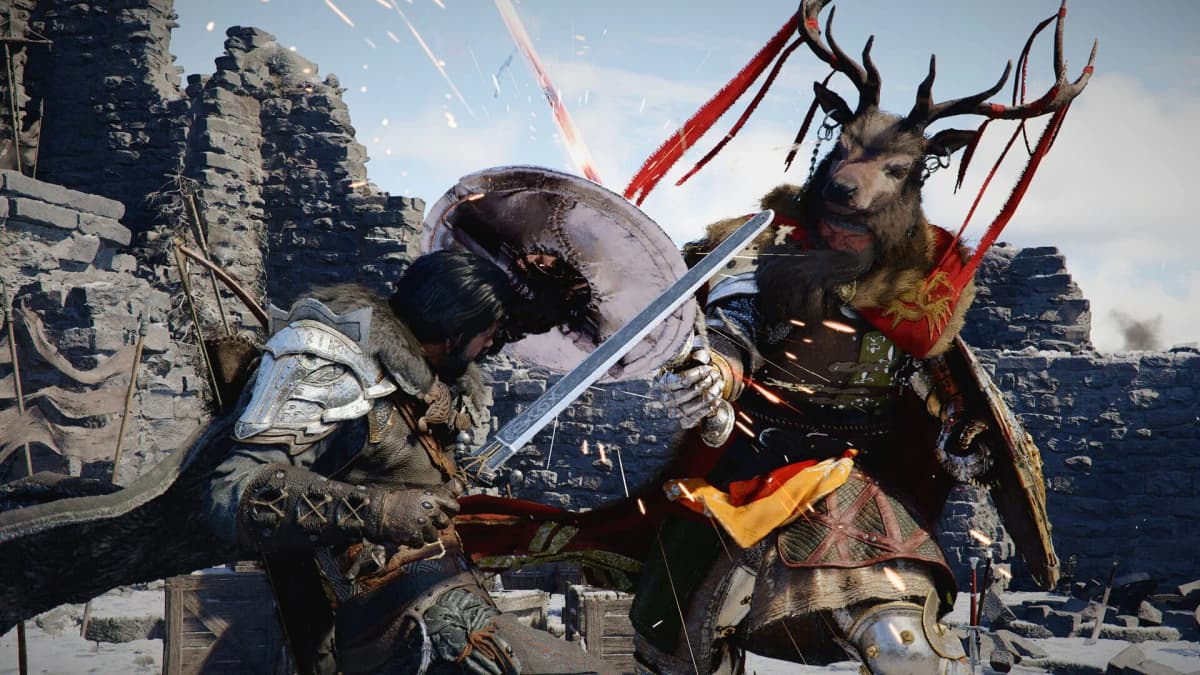
Why Were Plants Flickering in the First Place?
Intel has not publicly published a deep technical breakdown of the Crimson Desert bug, but the pattern of symptoms points toward a handful of likely mechanisms. In large open-world engines, vegetation rendering is often handled by a highly optimized combination of instancing, alpha-tested or alpha-blended textures, temporal anti-aliasing (TAA), and aggressive level-of-detail (LOD) transitions. Any mismatch between the engine’s assumptions and the GPU driver’s shader compilation or depth handling can easily show up first in foliage.
One plausible scenario is a driver-level issue with how certain pixel or geometry shaders are compiled and scheduled on Arc hardware under DirectX 12. If the engine relies on undefined or edge-case behavior-something that works a certain way on NVIDIA and AMD drivers but technically violates the spec-Arc may expose that difference visually as flickering, Z-fighting, or temporal instability. Another possibility is an interaction with the game’s temporal reconstruction or upscaling solution, where history buffers storing previous frame information become corrupted or misaligned for specific material types like plants.
There is also a performance dimension. Vegetation systems push a huge number of small, overdraw-heavy primitives. On relatively young GPU architectures like Arc, small errors in how depth testing, early-z rejection, or alpha-to-coverage are implemented can cause patterns that look like “noise” confined to leaf clusters and grass blades. The fact that Intel can partially correct this via a driver update suggests the underlying engine code path was technically valid, but interacting poorly with Arc’s shader compiler or rasterization pipeline. However, it is important to stress that this is an informed hypothesis rather than a confirmed internal postmortem.
What Changes with 32.0.101.8724 in Real Play Sessions?
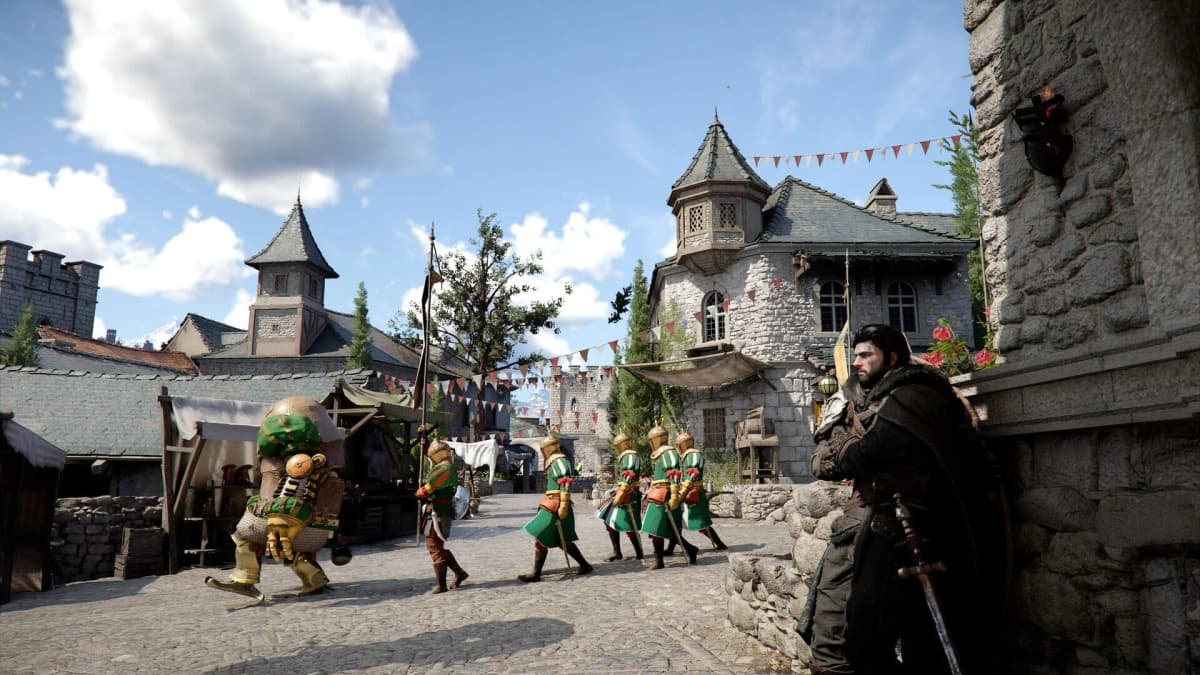
From a user-facing standpoint, the most visible shift with 32.0.101.8724 on B‑series and current Core Ultra hardware is the reduction or elimination of intense shimmering and corruption specifically on plants when running Crimson Desert under DirectX 12. Areas that previously looked unstable-fields, forests, and overgrown ruins—are reported to render with far less visual noise. That alone significantly improves perceived image quality because foliage covers so much of the game’s outdoor environment.
It is important not to oversell the scope of the fix. The driver notes single out vegetation artifacts, not an across-the-board overhaul of Crimson Desert performance or stability on Arc. Earlier reports of facial rendering glitches, occasional terrain oddities, and intermittent crashes on some systems are not explicitly addressed in this changelog. Those may require additional driver revisions, game patches from Pearl Abyss, or both. The 32.0.101.8724 update is best viewed as a surgical change rather than a global revamp.
Performance-wise, there is no broad claim of frame rate uplift in this driver for Crimson Desert. Any frame-time improvements will likely be incidental, such as slightly reduced overdraw or fewer re-drawn pixels if the vegetation passes are now handled more efficiently. For most B‑series users, the primary benefit is a cleaner frame rather than a faster one.
Practical Guidance for Intel Arc B‑Series Owners
For anyone running Crimson Desert on an Arc B‑series card or a Core Ultra system with Arc graphics, the path forward is straightforward: install driver 32.0.101.8724 or newer before investing serious time in the game. Even if some visual issues linger, this version is the first that explicitly acknowledges and targets the plant flickering bug, and empirical reports indicate a clear improvement compared to 32.0.101.8629.
For best results, a clean or at least express installation via Intel’s driver utility is recommended to ensure that shader caches and profile settings are refreshed. Within Crimson Desert itself, it is sensible to maintain the DirectX 12 renderer, as this is the path Intel is optimizing against. Features like temporal upscaling or motion blur can be tuned based on personal preference, but disabling or reducing overly aggressive sharpening can sometimes help mask any residual shimmer on fine detail like leaves and grass.
Setting expectations correctly is also crucial. Arc B‑series is competitive in many modern titles, but Crimson Desert is a heavy open-world workload. Medium to high settings at 1080p or 1440p with reasonable upscaling targets are more realistic than maxed-out settings at ultra-high resolutions, particularly until further optimizations land. The new driver’s goal is visual correctness, not to turn Battlemage into a direct competitor to the absolute top-end discrete GPUs in a worst-case scenario engine.
Where Does This Leave Arc A‑Series Owners?
First-generation Arc A‑series users are in a more complicated position. Those cards already went through a challenging launch cycle, with multiple driver overhauls needed to stabilize DirectX 9 and DirectX 11 performance. Crimson Desert adds another stress test. While driver 32.0.101.8629 finally allowed the game to run on A‑series, ongoing reports of corruption and shimmering, particularly in vegetation, suggest that whatever change Intel made for B‑series in 32.0.101.8724 has not yet been fully backported to Alchemist.
There are several possible explanations for this staggered support. B‑series (Battlemage) and the Arc-class graphics integrated into newer Core Ultra CPUs represent Intel’s current focus, both commercially and in terms of long-term driver architecture. It is plausible that certain rendering paths or hardware features used by Crimson Desert map more cleanly onto Battlemage, making a targeted fix more straightforward there. Alchemist may require deeper changes in the driver stack, or even cooperation from the game developer to avoid interaction patterns that stress its particular quirks.
Practically speaking, A‑series owners have three choices right now: continue playing Crimson Desert on the latest driver and tolerate the remaining artifacts, temporarily shelve the game in the hope of a future fix, or switch to other hardware if a clean experience is a priority. Given that Pearl Abyss has already had to adjust its stance on Arc support after launch, there is at least some incentive for both the studio and Intel to keep pushing toward a more stable state for all Arc users, but there is no firm timeline or guarantee.
How Much of This Is on Intel, and How Much on Pearl Abyss?
The Crimson Desert-Intel Arc situation is a textbook example of the shared responsibility model that underpins PC gaming. GPU vendors provide driver-level implementations of DirectX and other APIs, game engines build complex rendering pipelines on top of those abstractions, and titles like Crimson Desert then push each component to the edge to deliver dense open worlds, heavy post-processing, and advanced upscaling. When something breaks visually on a single vendor’s hardware, it is rarely attributable to one party alone.
At launch, Pearl Abyss did not list Intel Arc among supported GPUs and actively directed Arc users toward refunds. That was a clear sign that the studio had not validated the title on Intel’s relatively new graphics stack. Intel, for its part, responded quickly by rolling out a Game On driver to at least make the game start, and is now iterating with bug-specific fixes. The fact that vegetation corruption is fixable in the driver suggests Intel owned at least part of that specific problem, but other Arc-specific issues may still require engine-level changes from the developer.
Going forward, the most robust solution will come from a combination of approaches: Intel continuing to harden its shader compiler and rendering paths for Unreal-like open-world stress tests, and Pearl Abyss ensuring its engine does not rely on undefined behaviors that only happen to work on more mature GPU ecosystems. The 32.0.101.8724 driver is one data point in that joint effort, not the end state.
Pros and Cons of Updating to 32.0.101.8724 for Crimson Desert
Summarizing the situation specifically from the perspective of Crimson Desert players on Intel hardware highlights the trade-offs of this driver release.
✓ PROS
+
Targeted fix for severe vegetation flickering on Arc B‑series and Core Ultra iGPUs in Crimson Desert (DX12)
+
Improves overall visual stability in foliage-heavy scenes
+
Maintains game launch compatibility introduced in 32.0.101.8629
+
No widely reported regressions in other major titles so far
+
Demonstrates ongoing Intel focus on day‑two game optimizations for Arc
✗ CONS
–
Fix is scoped to newer Arc generations; first‑gen A‑series users still see corruption
–
Does not explicitly address other Crimson Desert issues (face artifacts, terrain glitches, crashes)
–
No significant documented performance uplift in Crimson Desert
–
Underlines fragmentation between Arc generations from a support standpoint
–
Requires users to track and install frequent driver updates for acceptable compatibility
Broader Takeaways for PC Players and Intel’s GPU Strategy
Stepping back from Crimson Desert specifically, driver 32.0.101.8724 illustrates both the progress and the remaining fragility of Intel’s discrete GPU ecosystem. On one hand, the responsiveness—moving from “game will not launch” to functional gameplay with bug-specific fixes within a few weeks—reflects a vendor taking compatibility seriously. On the other hand, the split between B‑series and A‑series support underlines that early adopters of Intel’s first-generation Arc are still exposed to rough edges, especially in high-profile, technically ambitious releases.
For players deciding between GPU vendors with a strong focus on big-budget open-world titles, this kind of case study matters. AMD and NVIDIA are not immune to launch-day issues, but their driver pipelines and developer relations programs have had more time to mature. Intel is accelerating, but the Crimson Desert sequence—unsupported at launch, belated enablement, then targeted bugfixes—shows there is still a reliability gap in expectations. B‑series looks to be the new baseline Intel wants to be judged on, while A‑series risks being bracketed as an early-generation step that will never quite achieve parity for every complex title.
From a purely technical standpoint, though, the 32.0.101.8724 release is a positive signal. Driver-level fixes for specific visual corruptions mean Intel is not relying solely on game patches or workarounds. Each such fix also tends to harden the underlying driver paths, which can benefit structurally similar games down the line—other large DX12 open worlds with heavy foliage, for example. Over time, that cumulative hardening is what shifts Arc from “interesting but risky” to “boring and reliable,” which is ultimately what most PC players want from their graphics stack.
VERDICT
Intel’s 32.0.101.8724 driver is a meaningful but partial fix. B‑series owners should update immediately for Crimson Desert; A‑series users should treat this as another interim step rather than a resolution.
VERDICT
Intel’s 32.0.101.8724 driver is a meaningful but partial fix. B‑series owners should update immediately for Crimson Desert; A‑series users should treat this as another interim step rather than a resolution.
FinalBoss // Gear
Level up your setup
01Top-rated gaming headsetson Amazon→02High-refresh gaming monitorson Amazon→03Gaming chairson Amazon→04Discounted game keyson Kinguin→Affiliate links · As an Amazon Associate, FinalBoss earns from qualifying purchases.