
A Magic Loot code that fails has to be sorted into one of three redemption systems before it can be diagnosed: Roblox account redemption, an in-game Magic Loot code box, or a purchase-linked virtual-item code. A valid code entered in the wrong system will still fail. Confirm the code type and its original announcement before changing browsers, retrying entries, or assuming the game is bugged.
Table of Contents (9)
Classify the Code Before Redeeming It
Roblox uses separate redemption routes for platform items, experience-specific rewards, and codes included with physical or digital purchases. Magic Loot codes are normally expected to be redeemed inside the Magic Loot experience, while a general Roblox item code belongs on the official Roblox redemption page.
| Code type | Typical source | Correct redemption route | Common failure |
|---|---|---|---|
| Roblox promo or platform item code | An official Roblox promotion | roblox.com/redeem, while signed into the intended account | Entering it into Magic Loot’s in-game menu |
| Magic Loot game code | A Magic Loot developer announcement, Roblox group, community post, or official channel | The Codes, Promo, or Redeem control inside the exact Magic Loot experience | Pasting it into the general Roblox redemption page |
| Gift card, toy, or virtual-item code | Retail packaging, a purchase confirmation, or a bundled item | The route specified with the product or Roblox’s account redemption system where applicable | Treating a purchase code as a free Magic Loot reward code |
Warning: A code list does not establish which redemption route a code uses. The original announcement or included product instructions determine that. Start there rather than testing the same string across multiple menus.
Verify That the Code Is Actually for Magic Loot
For a game-specific reward, the exact experience matters. A code created for another Roblox game will not transfer to Magic Loot, even if both games use a similar-looking Codes button or reward the same type of currency.
- Open Magic Loot’s official Roblox experience page and confirm the game name before launching it.
- Find the developer’s latest official announcement channel, such as the game’s Roblox group, Discord server, X/Twitter account, YouTube community posts, or other developer-managed pages.
- Trace the code back to its original post. Reposted lists can retain entries after they have expired.
- Check the announcement date and compare it with the developer’s latest activity. A recent explicit confirmation is more useful than an old page still labelled “working.”
- Use recent player reports only as a status check. Several current reports of the same code failing usually indicate expiration, a changed redemption route, or a code intended for another experience.
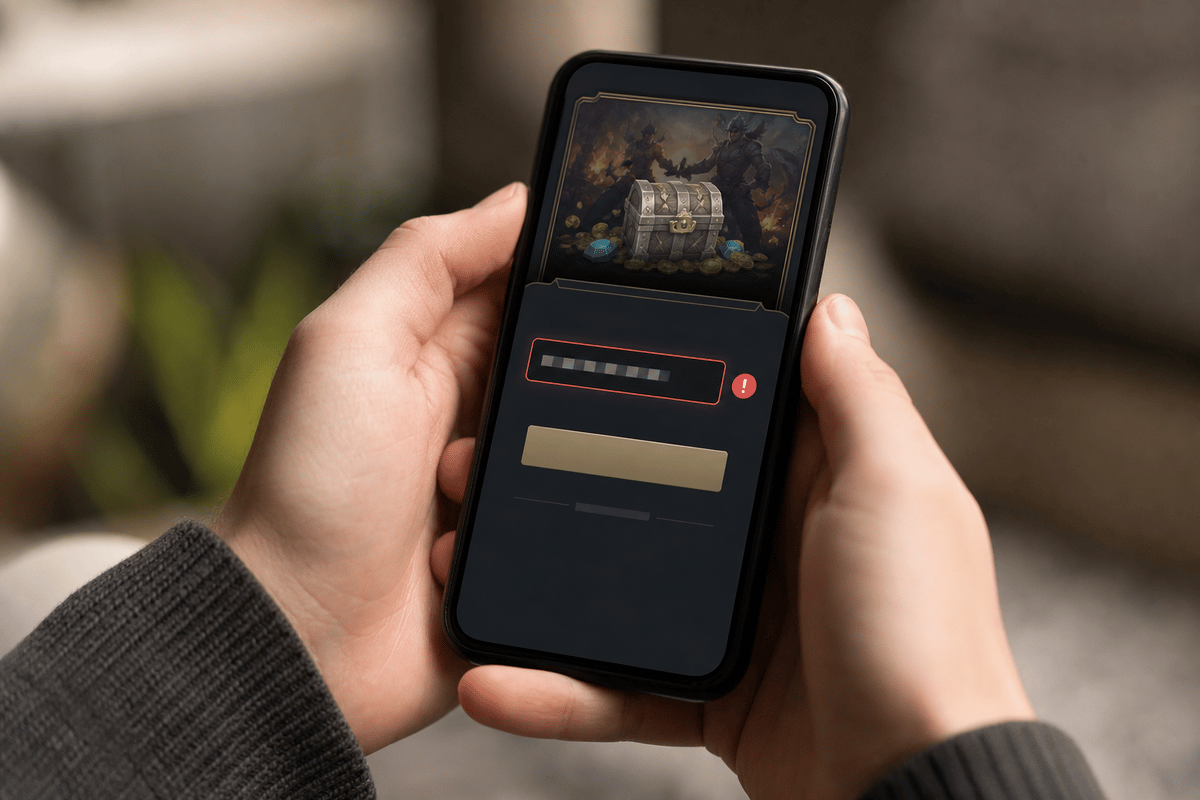
Magic Loot code availability can be inconsistent. If the developer has not recently confirmed an entry, treat its status as unverified. Repeated attempts cannot reactivate an expired code.
Use the Correct Redemption Path
For Roblox platform promo codes and account items
Use roblox.com/redeem only when the original source identifies the code as a Roblox account, promo, gift-card, or item redemption code. Do not use this page for a Magic Loot code unless Magic Loot’s own instructions specifically say to do so.
- Sign into the Roblox account that should receive the item.
- Open
roblox.com/redeem. - Copy the code directly from its original source.
- Remove any leading or trailing spaces without changing letters, numbers, punctuation, or capitalization.
- Redeem the code once, then check the account inventory for the item before entering it again.
An already-owned item can create confusion. If the reward is already in the account inventory, the code may have been redeemed previously or may only grant a one-time item.
For Magic Loot game codes
Launch Magic Loot first. Look for the in-game control identified by the developer, usually labelled Codes, Promo, or Redeem. The exact menu placement can change with an update, so follow the current developer instruction rather than relying on an old menu route from another Roblox experience.
- Enter the confirmed Magic Loot experience.
- Open its current code-redeeming menu.
- Paste the code directly from the official announcement.
- Check for a reward notification, currency increase, or item grant.
- Stop testing the same code if the game reports that it is invalid, expired, or already redeemed.
If Magic Loot has no visible code entry field and the original announcement does not describe one, return to the source post. Do not assume that the general Roblox redemption page is an alternative for an in-game code.
Eliminate Copy and Entry Errors
Code strings often combine letters, numbers, and characters that are easy to misread. Manual retyping introduces avoidable errors, particularly when a code is copied from an image, a video overlay, or a comment thread.
- Copy the complete code from the original post rather than typing it from memory.
- Paste it into a plain text field first if the source includes extra punctuation, quotation marks, or line breaks.
- Remove spaces before and after the code.
- Keep every intended character intact. Do not add quotes, hashtags, or the name of the game.
- Use the code once in the correct redemption surface instead of trying variants across unrelated menus.
A failed manual entry does not prove the code is dead. A failed direct copy from the original source, entered in the correct Magic Loot menu or Roblox redemption page, is much stronger evidence.
Run a Controlled Account and Browser Test
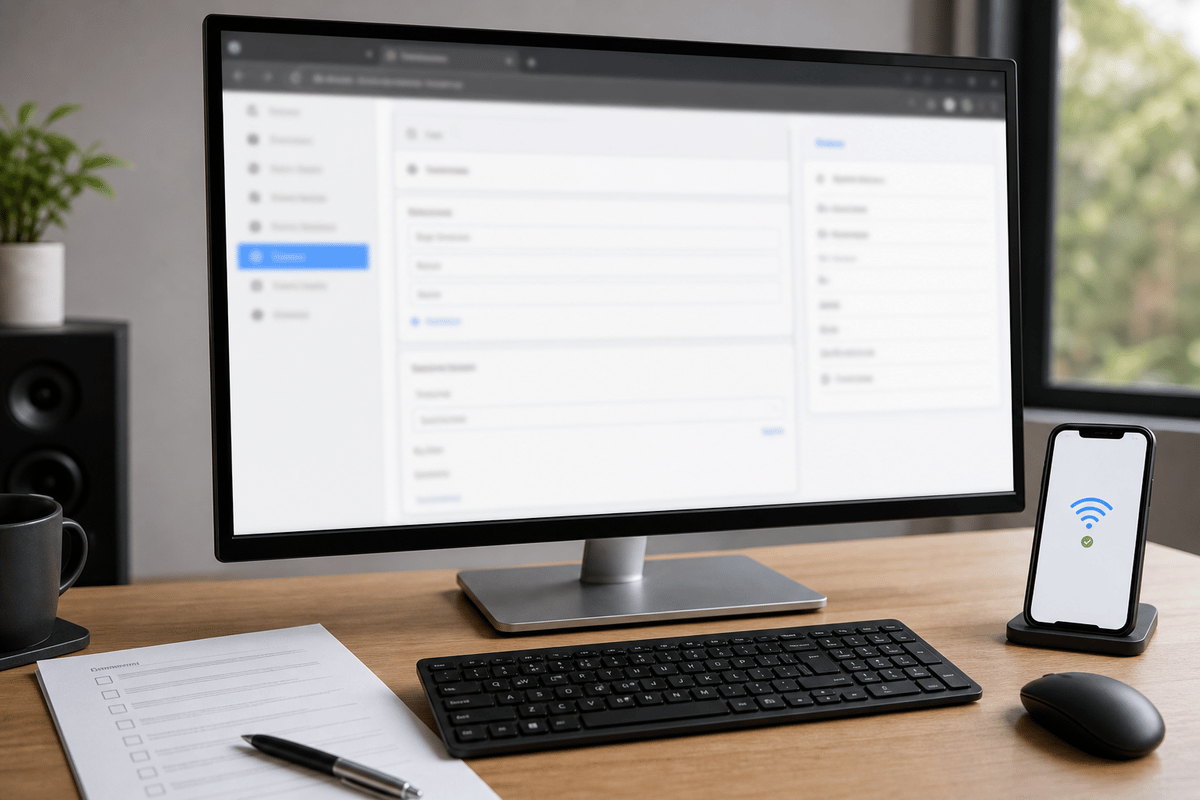
Only run this check after confirming the code type, the exact game, the source post, and the intended menu. Browser and account troubleshooting is useful for a confirmed current code; it does little for an expired or misplaced one.
- Log out of Roblox, then sign back into the correct account.
- Use a fresh browser session for a platform code, or restart Roblox before opening Magic Loot for an in-game code.
- Paste the exact original code into its correct redemption route.
- Try a second browser or device if the first attempt produces a generic error.
- Temporarily disable aggressive browser extensions that may interfere with account pages, then retry once.
- If the official redemption page errors on more than one browser and device, wait and retry later instead of repeatedly submitting the same code.
A simultaneous failure across devices points toward a Roblox-side or service-side problem more than a local browser problem. By contrast, one old Magic Loot code failing while the rest of Roblox functions normally usually points to code status, source accuracy, or the in-game menu.
Read the Failure Message as Evidence
| What happened | Most useful interpretation | Next action |
|---|---|---|
| The code is marked invalid | The entry may be expired, mistyped, intended for another Roblox experience, or entered in the wrong place. | Recheck the original announcement, exact game name, code type, and direct copy-paste method. |
| The code is marked already redeemed | The account may have received the reward earlier, or the reward is limited to one redemption. | Check the relevant account inventory or Magic Loot reward balance before taking further action. |
| A generic or unexpected error appears | The code may be valid, but the account page, app, browser, or Roblox service may be having a temporary issue. | Repeat the controlled browser and device test, then wait before retrying. |
| Magic Loot has no code menu or rejects every listed entry | The list may be stale, the game’s redemption route may have changed, or no currently active game codes may be confirmed. | Use the developer’s latest official Magic Loot announcement as the deciding source. |
Use This Magic Loot Decision Flow Before Giving Up
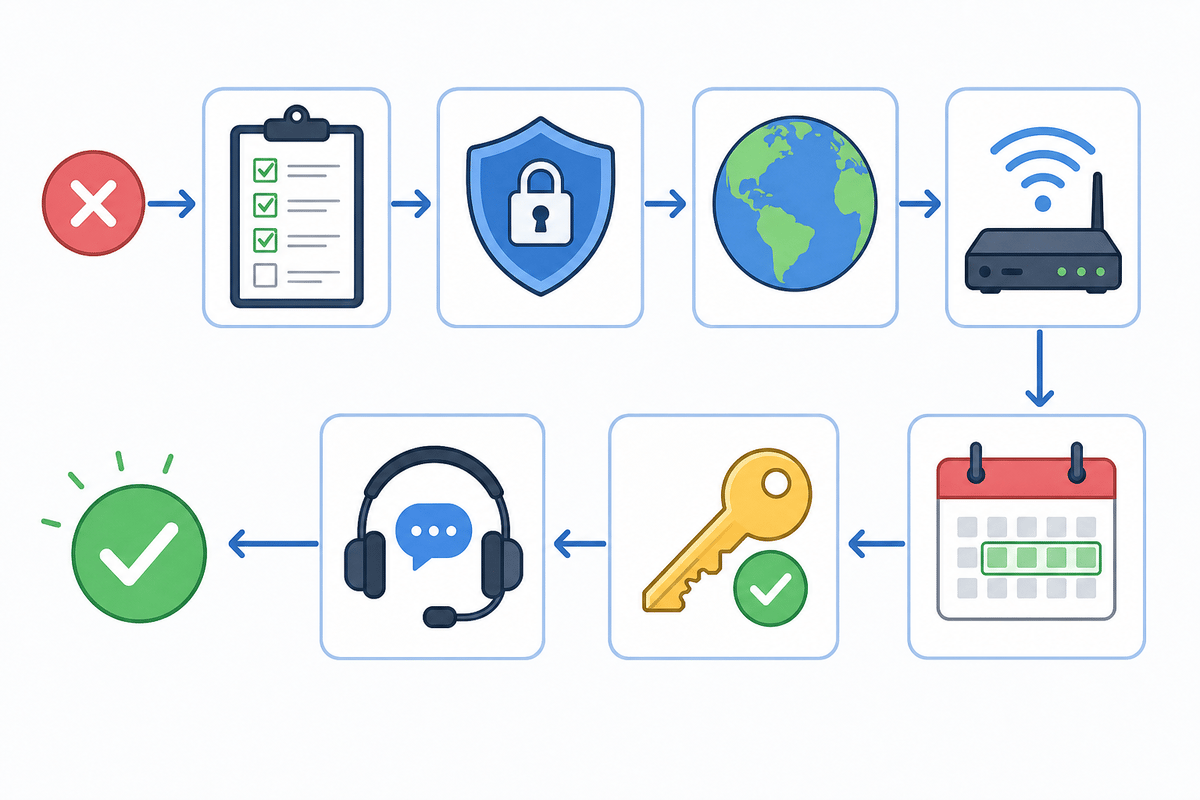
- Identify the code category. Decide whether it is a Roblox account code, a Magic Loot code, or a purchase-linked code.
- Confirm the experience. Verify that the code explicitly names Magic Loot and that you are in the correct Roblox game.
- Trace the source. Find the developer’s original announcement rather than relying on a copied list.
- Check recency. Look for a current confirmation, especially when an entry was posted around an older update or event.
- Use one correct route. Redeem platform items at
roblox.com/redeem; redeem Magic Loot entries inside the game. - Paste once. Preserve the exact code and remove only unwanted spaces.
- Check ownership. Inspect the account inventory or in-game reward state for an already-claimed reward.
- Test the setup. Sign in again, use a fresh session, then test another browser or device if a generic error persists.
- Escalate with evidence. Keep screenshots of the error, the redemption screen, the date, and the route used before contacting the appropriate official support channel.
For a confirmed Magic Loot game code, route the report through the game’s official developer channel. For a Roblox platform item, gift-card, toy, or virtual-item issue, use Roblox’s official support route and include the exact error details. Keeping the code category, redemption location, and error message together prevents the report from being treated as a vague “code does not work” claim.
FinalBoss // Gear
Level up your setup
01Mobile gaming controllerson Amazon→02Top-rated gaming headsetson Amazon→038BitDo controllerson Amazon→Affiliate links · As an Amazon Associate, FinalBoss earns from qualifying purchases.
Want to Level Up Your Gaming?
Get access to exclusive strategies, hidden tips, and pro-level insights that we don't share publicly.
Ultimate Guide Strategy Guide + Weekly Pro Tips