
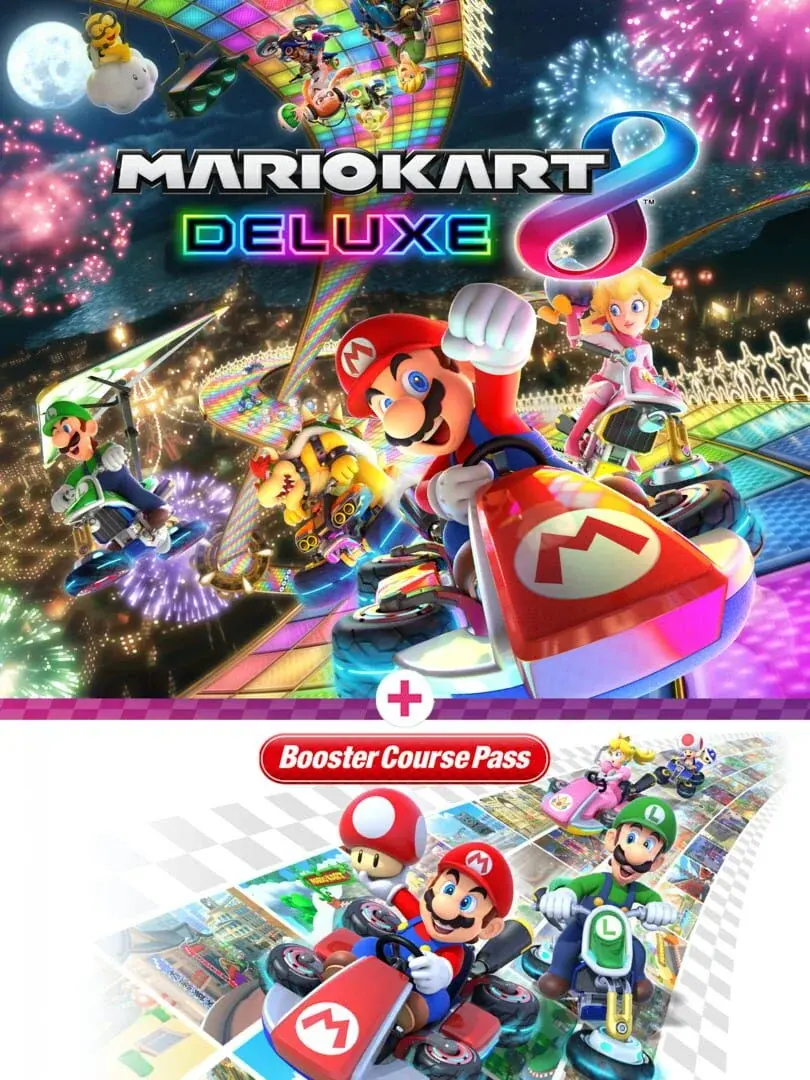
Mario Kart 8 Deluxe arrived on April 28, 2017, long before Switch 2 brought another hardware generation into its races. Maintaining consistent multiplayer conditions across those consoles now matters more than adding another feature. Version 4.0.1 tackles a particularly awkward discrepancy: Switch 2 could display more obstacles or Item Boxes than the original Switch during online and local wireless races.
The update adds no tracks, drivers or vehicles. Its practical value is fairer shared race conditions and fewer specific bugs, with one preparation requirement: a console running 4.0.1 cannot connect through local wireless or LAN Play to a console running an older version.
Table of Contents (5)
Why the obstacle and Item Box fix matters
Before this patch, Switch 2 players could encounter different obstacle or Item Box counts from players on the original Switch in Online Play and local wireless races. Version 4.0.1 corrects that hardware-dependent difference in both modes.
Those objects affect decisions throughout a lap. An additional obstacle can demand an evasive move; another Item Box can change where a driver heads to collect an item. More boxes and more hazards also pull in different directions, so describing the bug as a straightforward Switch 2 advantage or disadvantage would oversimplify it. The important correction is that the console no longer determines those differences.
This is the patch’s most consequential change for mixed Switch and Switch 2 groups. It addresses the conditions players race through, without changing the game’s course selection or adding another reason to reconsider a kart build.
Local wireless and LAN require matching versions
The compatibility restriction applies even when the race does not use online matchmaking. Updating the host console alone is insufficient: every participating system needs the same Mario Kart 8 Deluxe version.
| Connection mode | Version requirement | Practical consequence |
|---|---|---|
| Online Play | The current game update is required. | Install the update before entering online races. |
| Local wireless | Consoles running 4.0.1 cannot play with older versions. | Update every participating Switch and Switch 2 before creating the session. |
| LAN Play | Consoles running 4.0.1 cannot play with older versions. | Check every console’s version before assembling the LAN race. |
For a local gathering, the useful check is the version number on each console — not simply whether everyone owns the game. An older-version system remains incompatible with the updated group until its software is updated, regardless of whether that system is an original Switch or Switch 2.
The other fixes: user selection, Wii Rainbow Road and crashes
Version 4.0.1 also fixes a two-player problem in Online Play and local wireless sessions. Players could sometimes be unable to select a user registered on the console. That correction matters before the starting grid: it removes a specific obstacle to setting up the intended two-player session.
For Booster Course Pass players, the update restores missing Star Bits on Wii Rainbow Road when played on Switch 2. This is a visual correction to an existing course, rather than an addition to the pass.
A separate fix addresses an issue that could make the game close unexpectedly under certain conditions. That is a stability repair; it should not be stretched into a promise of higher frame rates or broader performance improvements.
Update checklist before your next session
- Close Mario Kart 8 Deluxe and connect the console to the internet. Do this on every Switch and Switch 2 that will participate.
- Highlight the game on the HOME Menu and press + or −. Open Software Update, then select Via the Internet.
- Check the displayed version number. For this patch, every participating console should show 4.0.1; do not assume another console updated automatically.
- Launch the updated game before creating the room. Starting a fresh session avoids carrying on with software that was already running before installation.
- Check guest consoles before local wireless or LAN setup. A single system left on an older version cannot join the 4.0.1 group.
The practical tradeoff
Continued maintenance is useful for a game whose multiplayer audience spans two console generations. It provides no schedule for further Mario Kart 8 Deluxe content or future Mario Kart World updates.
FinalBoss // Gear
Level up your setup
01Racing wheels (PC & PS5)on Amazon→02High-refresh gaming monitorson Amazon→03Gaming chairson Amazon→04Discounted game keyson Kinguin→Affiliate links · As an Amazon Associate, FinalBoss earns from qualifying purchases.
Want to Level Up Your Gaming?
Get access to exclusive strategies, hidden tips, and pro-level insights that we don't share publicly.
Ultimate Tech Strategy Guide + Weekly Pro Tips