
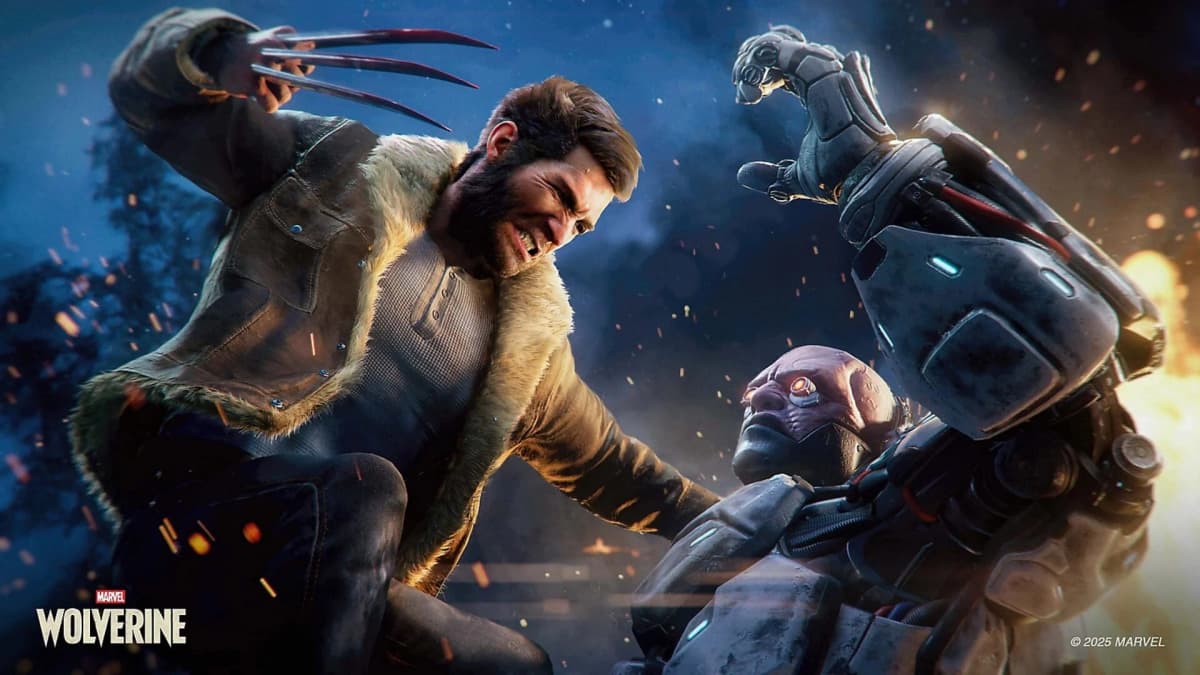
Marvel’s Wolverine gives players meaningful control over its most explicit material: blood splatter, limb removal, Logan’s graphic healing, scripted close-up violence, and profanity in US English. Those filters matter because Insomniac’s September 15 PS5 action game remains a hard-edged M for Mature release built around brutal claw combat, even when every content-reduction option is enabled.
The important distinction is simple. These options reduce visual and audible explicitness; they do not turn Wolverine’s campaign into a Teen-rated superhero adventure. Combat still has lethal outcomes, Rage Tier 3 still pushes Logan into a berserker state, and the story retains its adult themes, including crime, trauma, drug references, partial nudity, and revenge.
Table of Contents (5)
Marvel’s Wolverine content-filter settings at a glance
| Platform | PlayStation 5 |
| Age rating | ESRB M for Mature 17+ |
| Rating descriptors | Blood and Gore, Intense Violence, Partial Nudity, Drug Reference, Strong Language, In-Game Purchases |
| Violence controls | Dynamic Blood, Dismemberment, Visceral Healing, fixed cinematic-violence blur |
| Language control | Single language audio profanity filter for US English |
| Default setting | Blood, gore, dismemberment, and strong language enabled |
| Violence presets | Multiple coordinated presets, with individual settings available for fine-tuning |
What Dynamic Blood, Dismemberment, and Visceral Healing change
Insomniac has split violence visibility into separate controls instead of burying everything behind a blunt “gore on/off” switch. That is the right call for a character whose fighting style depends on claws, close-range finishers, and rapid regeneration. Someone comfortable with blood but uncomfortable with amputations can set the game accordingly, rather than accepting an all-or-nothing compromise.
| Setting | Gameplay effect | Cutscene effect |
|---|---|---|
| Dynamic Blood | Controls blood from impacts, including splashes on enemies, Logan, and nearby surfaces during combat. | Reduces or removes blood spatter and pooling in many scripted scenes. |
| Dismemberment | Prevents enemy limbs from being visibly severed while preserving the combat result and lethal finishers. | Uses blur treatment for scripted limb removal and graphic injuries rather than reworking the entire scene. |
| Visceral Healing | Adjusts the amount of exposed damage, open wounds, and regeneration detail shown on Logan’s body. | Reduces visible impalements, gashes, and graphic healing in story sequences. |
| Fixed cinematic violence blur | Does not apply to standard combat encounters. | Obscures specific pre-scripted extreme shots, including close-up claw impacts, while the scene’s motion and story beat continue. |
Dynamic Blood is the broadest visual filter. With it enabled, Wolverine’s attacks produce the blood sprays expected from a game where physics-based particles react to impacts. Turning it off reduces the red stuff in both fights and many cinematics. The attack animation, enemy reaction, and gameplay timing remain in place, so the combat does not become less aggressive in mechanical terms.
Dismemberment has the clearest practical boundary. Disabling it stops visible limb removal during gameplay. Wolverine can still perform finishing moves, enemies can still be defeated, and Rage-driven attacks remain part of the combat loop; the game simply suppresses the explicit separation of body parts. In cinematics, Insomniac uses blur at the graphic moment instead of attempting to rebuild each scene from alternate animation and camera work.
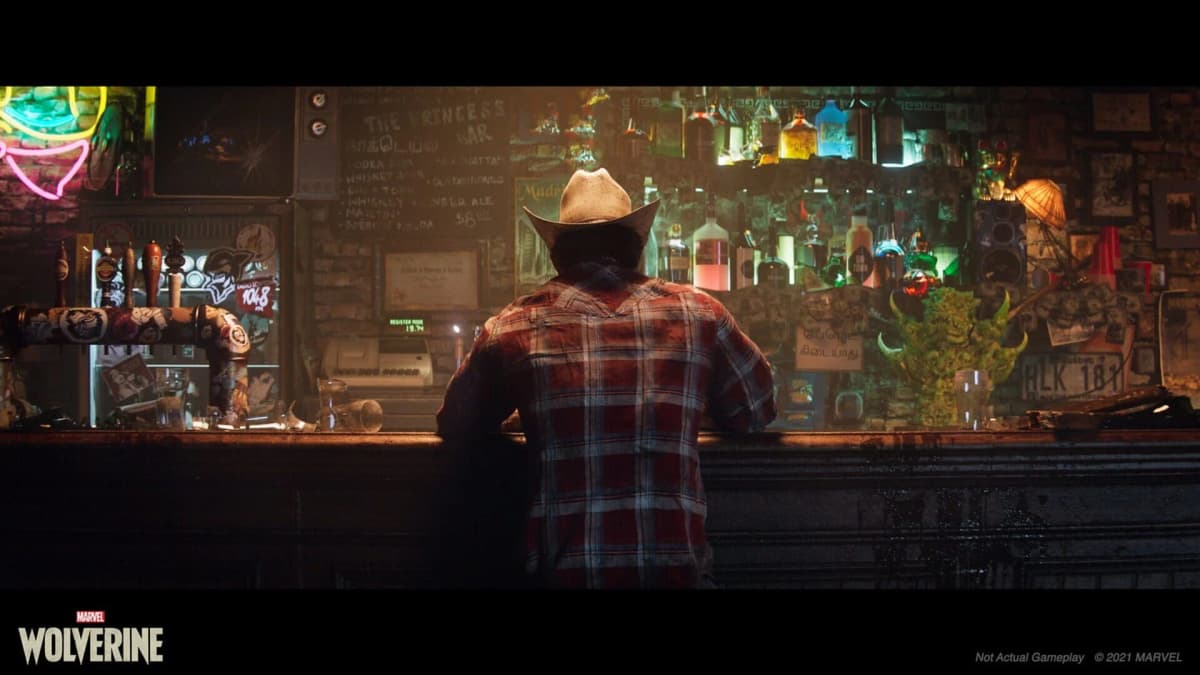
Visceral Healing is the setting worth checking carefully for players who can handle action violence but dislike body horror. Logan’s healing factor is central to the game’s presentation, including suit regeneration during combat, so lowering the setting reduces visible wounds and graphic regeneration rather than removing the underlying health and recovery systems. It also carries into cutscenes, where impalements and open injuries can otherwise linger on screen.
That separation matters during Rage Tier 3. Wolverine’s final rage state shifts the presentation toward a black-and-white, muted-audio berserker frenzy and enables especially aggressive critical strikes and takedowns. Reducing blood, dismemberment, and healing detail makes those moments less explicit, but it does not remove the rage meter, its three tiers, or the simplified two-trigger takedown input used during the berserker state.
The profanity filter is useful, but US English-only
The single language audio profanity filter works independently from the violence controls. With US English selected, profane words in spoken dialogue become brief silences, while the surrounding line continues normally. Subtitles and on-screen text replace the same words with asterisks.
Silence is less distracting than a cartoonish bleep, although it naturally leaves a tiny hole in a line’s rhythm. More importantly, the filter currently applies only to US English audio and text. Players using another localization should not assume that enabling the option will mute dialogue or censor subtitles in that language.

Because language and violence are separate, the useful combinations are available. Full combat gore can sit alongside muted profanity. Minimal blood and reduced healing detail can coexist with uncensored dialogue. That flexibility is far more practical than forcing a single family-friendly preset on every player.
How to verify the filters before starting the campaign
The final menu grouping is expected under Accessibility and either Gameplay or Content, available from the main menu and the pause menu. Since the game enables gore and strong language by default, households that need reduced exposure should adjust settings before launching into an opening mission or story scene.
- Set a reduced-violence baseline first. Choose the least explicit violence preset, then confirm that Dynamic Blood is off, Dismemberment is off, and Visceral Healing is at its lowest available level.
- Test Dynamic Blood in a repeatable combat encounter. Check enemies, nearby walls, and Logan’s clothing for impact splatter. Replay the same scene with the setting enabled to establish the difference.
- Test Dismemberment separately. Keep blood enabled, turn Dismemberment off, and use heavy finishers. Enemy defeat animations should continue without visible severed limbs.
- Check a scripted violent scene. With Dismemberment disabled or a minimal preset selected, the graphic moment should be blurred rather than removed. The scene’s audio, camera movement, and narrative outcome remain.
- Lower Visceral Healing and take visible damage. Logan should show fewer exposed wounds and less graphic recovery detail during combat and in subsequent story scenes.
- Enable the profanity filter with US English active. Spoken swear words should become silent gaps, and subtitles should display asterisks in place of the uncensored text.
- Run the combinations that matter. Test full violence with muted profanity, reduced violence with full language, and every filter enabled. This catches any scene that uses a special cinematic treatment rather than the standard setting.
The limits of Marvel’s Wolverine accessibility filters
The system is granular, but it has honest limits. Fixed cinematic blur applies to specific authored shots, so players who require predictable content reduction should verify major scenes as they encounter them. The exact number and labels of violence presets have also not been finalized publicly, and the final menu taxonomy may differ slightly from the pre-launch descriptions.
More fundamentally, every toggle can be enabled and Marvel’s Wolverine will still be an M-rated game. Rage-driven claw combat, lethal takedowns, threatening villains, and Logan’s violent history remain part of the campaign. Filters reduce the explicit detail around those moments; they do not rewrite their intent or consequences.
FinalBoss // Gear
Level up your setup
01Top-rated gaming headsetson Amazon→02High-refresh gaming monitorson Amazon→03Gaming chairson Amazon→04Discounted game keyson Kinguin→
Affiliate links · As an Amazon Associate, FinalBoss earns from qualifying purchases.
Want to Level Up Your Gaming?
Get access to exclusive strategies, hidden tips, and pro-level insights that we don't share publicly.
Ultimate Tech Strategy Guide + Weekly Pro Tips