
Table of Contents (12)
Why This Guide Matters (and How I Learned the Hard Way)
After spending well over 200 hours trying to “get good” the wrong way-bouncing between games, copying random builds, and brute-forcing fights-I finally put together a routine that actually improved my fundamentals. The breakthrough came when I stopped grinding content and started practicing mechanics with intention. This guide is the exact process I use across shooters (Counter-Strike 2, The Finals), action RPGs (Elden Ring, Diablo IV), stealth (Metal Gear Solid V), and co-op chaos (Overcooked 2). Expect a learning curve, but if you commit 30-45 minutes per session to these steps, you’ll feel improvement within a week.
Step 1: Nail Movement and Camera Control
I wasted hours sprinting everywhere and face-planting into ambushes. What finally worked was isolating movement as its own skill. Whether you’re on PC or console, start with these drills.
- Set baseline controls: PC use
WASD+ mouse; consoles use left stick to move, right stick to look. Turn off excessive motion blur; bump FOV slightly (I useSettings → Video → Field of View: 95-105in shooters). - Do 5-minute “line runs”: pick two points and sprint between them, but every 3-4 seconds do a full 180 camera turn. This trains re-centering and awareness.
- Practice “walk-peek”: move slowly while feathering the stick/keys to inch out from cover. In stealth games like MGS V, use
L3to toggle walk and watch enemy vision cones. - Strafe circles: circle a dummy target while keeping the camera locked on it. Do clockwise and counterclockwise reps for 2 minutes each to link strafing with camera micro-adjustments.
- Jump-crouch cadence: practice jump → crouch landings to minimize exposure after clearing ledges. In The Finals or Apex’s firing range, hop ledges and immediately crouch to break headshot lines.
Common mistakes: over-sprinting (creates noise, drains stamina), and letting the camera fight you. If your aim feels jittery, lower sensitivity until you can do a 180 comfortably without lifting the mouse. On controllers, reduce look deadzones and add a touch of response curve to smooth micro-corrections.
Step 2: Make Combat Predictable (Timing, Not Twitch)
My biggest leap came when I realized most fights are pattern recognition, not reaction speed. I now dedicate sessions to either defensive timing or offensive confirms.
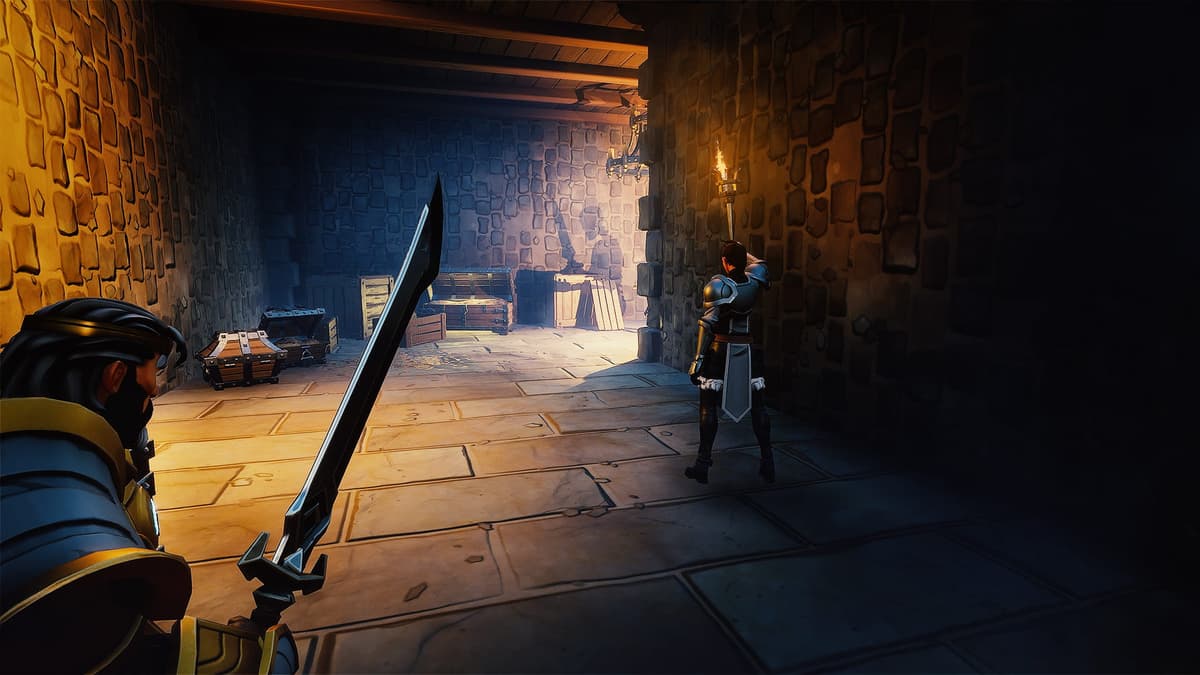
- Defensive timing loop: pick a forgiving enemy (Elden Ring soldiers, Remnant 2 basic mobs). Spend 10 minutes only dodging or blocking. Count the rhythm out loud: “wind-up…2…roll.” Track i-frames: typical dodge on
Circle/Btriggers invulnerability starting a fraction into the animation; roll too early and you get clipped. - Parry lab (if applicable): map parry to a comfortable input (
L2/LTor right mouse). Stand still and parry 10 attacks without counterattacking. Reset if you swing. This engrains the window without panic mashing. - Hit-confirm discipline: do light → light → pause. If the enemy flinches, finish with a heavy; if not, back off. This replaces spam with decision points and preserves stamina.
- Shooter recoil routine: in CS2 or The Finals, mag-dump into a wall to learn the spray, then draw the inverse pattern. Do 3 mags hip-fire, 3 mags ADS, then 3 short-burst runs.
Common mistakes: panic rolling twice (you’ll eat delayed attacks) and whiffing heavies because you don’t confirm hits. In shooters, reloading after every kill will get you caught mid-anim-reload behind cover or weapon swap with Y/Triangle if another target appears.
Step 3: Treat Resources Like a Puzzle
I used to hoard potions until my bag overflowed, then die with 12 in my inventory. The fix was giving every consumable a rule and binding quick slots I could hit under pressure.
- Quick-slot essentials: bind heal to an easy thumb or index reach (
4on keyboard,Upon D-pad). Practice 20 fake “heal pops” during movement drills so it’s automatic. - Adopt thresholds: heal at 60–70% HP in games with bursty damage; save panic heals for below 30% only if you have guaranteed disengage.
- Ammo discipline: reload under 40% if you’re safe; otherwise swap weapons (
Y/Triangle) to keep pressure. In high TTK games, prioritize positioning over topping off. - Cooldown sequencing: order big cooldowns so you always have one escape. For example: engage tool → damage buff → sustain → retreat tool (off CD next fight).
- Inventory triage: every 10 minutes, open
Inventory → Sort by weight/value. Scrap or stash redundant gear; upgrade one primary weapon instead of five middling ones.
Common mistakes: burning all resources in the first wave or never using them. Pick one slot as “use aggressively” (grenades, buffs) and commit to spending it every fight.
Step 4: Read Environments and Puzzles Like a Designer
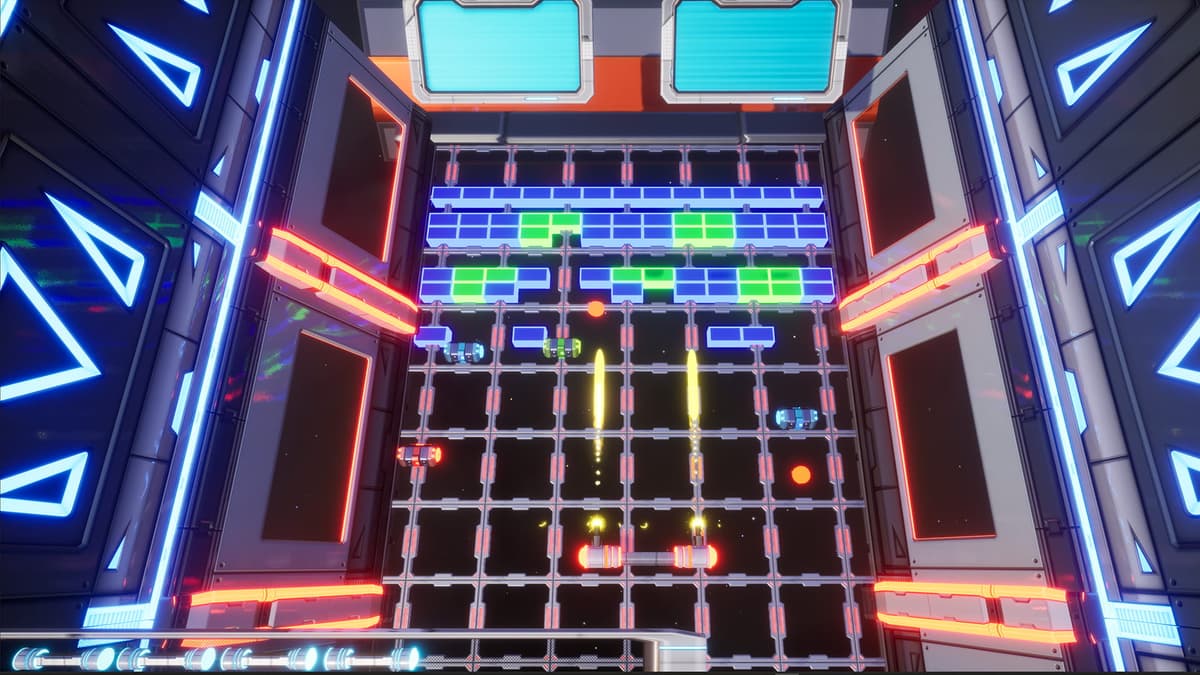
The moment puzzles stopped frustrating me was when I slowed down and looked for the “language” of a level: color coding, light sources, cables, and sightlines. Portal 2 trained this perfectly, but the habit carries everywhere.
- Scan pass: do a clockwise sweep from spawn—note switches, climbable edges, and anything with a cable or unusual lighting.
- Test inputs first: press/interact (
Eon PC,Square/Xon console) with everything before moving objects. Many puzzles teach with a single switch or hint sound. - Prototype quickly: try the dumb idea for 60 seconds before committing to a complex setup. Most “trick” puzzles hinge on an overlooked simple interaction.
- Co-op clarity: assign roles out loud—“I control levers, you scout”—and count down actions. Overcooked 2 becomes trivial when you call rotations (“cut → cook → plate”).
Common mistakes: moving every object before understanding the goal and refusing to reset. If stuck for over 5 minutes, walk back to the last known clue and rebuild the logic chain.
Step 5: Understand Progression and Commit to a Lane
Don’t make my mistake of sprinkling points across every stat. Modern games reward synergy. Pick a role early, then pick upgrades that feed it.

- Build identity: choose one of these per character—burst damage, sustained damage, survivability, utility. Your skill points, gear, and talents should reinforce that identity.
- Two-slot rule: always keep two flexible slots (a ring, mod, or skill) to counter specific encounters. Everything else stays locked to your core plan.
- Upgrade cadence: aim for one meaningful upgrade every 20–30 minutes. If nothing changes for an hour, you’re hoarding—craft, respec, or sell to push power.
- Milestone checks: after each boss or mission, ask “What did I struggle with?” Then buy/slot one thing that directly addresses it (more stamina if you mistimed rolls, shield if you kept getting ranged poked).
If your game allows respecs, use them. I used to treat respec like cheating; now I see it as learning. Try a full defensive build for a night to feel the difference in timings.
Step 6: Optimize Settings and Controls Before You Grind
Half my improvement came from options menus. Here’s my baseline across platforms.
- Video:
Settings → Video → V-Sync: Off (if your monitor supports high refresh);Field of View: +10 over default;Motion Blur: Off;Film Grain: Low/Off. - Mouse: 800–1200 DPI; tune in-game sens so a full mousepad sweep equals ~30–35 cm for a 360 turn (shooters). Consistency across titles matters more than the number.
- Controller: reduce inner deadzone by 1–2 ticks; set outer deadzone modestly to avoid stick drift; enable
Hold to Sprintif you tend to accidental toggles. - Audio: raise effects, lower music 20–40%; turn on subtitles. Positional audio calls out flanks you won’t see.
- Bindings: put “panic” actions on your strongest fingers—dodge/roll on
Mouse 4or rear paddle; heal onUpD-pad with a paddle remap. On PC, map interact toFand ping toMiddle Mouse.
Console note: PS5’s adaptive triggers feel great but can add fatigue in shooters—set Adaptive Trigger Effect: Weak for consistency. Xbox players, use the Accessories app to create a profile with reduced trigger deadzones.
Step 7: A 30-Minute Daily Routine That Actually Works
- 5 min movement: line runs, 180 checks, strafe circles.
- 10 min defense: dodge/parry only vs. easy mobs or in a training map. No attacking.
- 10 min offense: hit-confirm drills or recoil/burst control. Record a clip if you can.
- 5 min review: one note on what felt off, one setting/bind to tweak, one goal for next session.
If you’re short on time, do defense-only days. Improving survival buys you more learning per life.
Troubleshooting the Most Common Roadblocks
- Overwhelmed by controls: temporarily remove two mechanics from your bar and play with a “mini-kit.” Add one back each session.
- Input fumbles: your binds are probably fighting your hands. Swap any action you consistently miss with something closer. I moved heal from
3toMouse 5and stopped dying with charges left. - Laggy feel: check
Settings → Controller/Mouse → Response Curve/Raw Input; disable extra smoothing; ensure your display is in Game Mode. - Plateauing: change the enemy. If you’ve learned one boss’s tells, you’re not practicing timing anymore—you’re speedrunning. Find a new pattern to read.
- Co-op misfires: assign roles and ping everything. Use the in-game ping wheel; if your game doesn’t have one, set a push-to-talk and keep calls to verbs: “push,” “plate,” “kite,” “swap.”
Advanced Techniques When You’re Ready
- Position over aim: pre-aim likely angles and force enemies into your crosshair with movement. In CS2, shoulder-peek to bait shots, then wide-swing on the reload.
- Animation knowledge: learn recovery frames. Many bosses punish greedy thirds; do two hits, bait, then punish the whiff.
- Quick-swap tech: in action games, weapon swap can be faster than reloading. Practice kill → swap → finish, then reload both safely.
- AI manipulation: break line of sight to reset stealth or force patrol loops (MGS V). Toss a distraction, relocate, and re-engage on your terms.
- Stagger economy: in soulslikes, lighter constant hits can build stagger faster than whiffing heavies. Track the invisible bar by enemy reactions and commit when you see the flinch.
Platform-Specific Tips I Wish I Knew Earlier
- PC: bind a “radial menu” or ping to
Mouse Wheel Click; set a per-game sensitivity converter to keep muscle memory consistent across titles. - PlayStation 5: map dodge/roll to a back paddle if you have one; adaptive triggers set to Weak; haptics On for stealth (footstep feedback helps pacing).
- Xbox Series: use Quick Resume to jump into practice maps quickly; remap guide + button combos for screenshots to review your positioning later.
Wrap-Up: Focus on Systems, Not Stats
If you take one thing from my grind, let it be this: mastery is systems-first. Games change, patches tweak numbers, new metas emerge—but movement, timing, resource discipline, and clear comms will always carry. Start with the 30-minute routine, tune your settings, and give yourself two weeks before judging results. The first time you dodge on rhythm instead of panic, or clear a room without reloading in the open, you’ll feel the click. Keep going—you’re closer than you think.
FinalBoss // Gear
Level up your setup
01Top-rated gaming headsetson Amazon→02High-refresh gaming monitorson Amazon→03Gaming chairson Amazon→04Discounted game keyson Kinguin→Affiliate links · As an Amazon Associate, FinalBoss earns from qualifying purchases.
Want to Level Up Your Gaming?
Get access to exclusive strategies, hidden tips, and pro-level insights that we don't share publicly.
Ultimate Guide Strategy Guide + Weekly Pro Tips