
I Went from Sniper Noob to 300m Ace in Battlefield 6—Here’s How
After pouring 60+ hours into Recon, I used every trick in the book—but it was the rangefinder attachment that turned me from a whiffing wannabe into a reliable 300m+ assassin. If you’re tired of watching bullet drop ruin your “sure-fire” headshots, buckle up. This expanded guide walks you through weapon choices, bullet drop mastery, platform tips, pro drills, and dirty tricks to make the rangefinder feel like an extension of your eye.
Table of Contents (13)
Choosing Your Perfect Sniper Rifle Combo
Your choice of rifle and attachments sets the stage for long-range dominance. Bolt-action rifles like the SPR A2 pack high muzzle velocity and damage but demand precise timing. DMRs such as the Kar98k offer faster follow-up shots at the cost of a slower bullet. I favor a bolt-action for one-shot potential, then slap on the rangefinder, a mid- to long-range optic, and a suppressor if you want to stay off the radar.
Attachment synergy matters: a lightweight chassis for quicker ADS, a precision barrel to tighten spread, and lastly the rangefinder in the right accessory slot. On PC, place the rangefinder on your customized “sniper” loadout for instant access—no fumbling through menus when a target pops up.
Mastering Bullet Drop: From Theory to Practice
Understanding bullet drop feels like a physics lecture, but it’s simple: gravity pulls your projectile downward the farther it travels. Zeroing sets your crosshair for a specific range—default is 100 m. Fire beyond that, and the bullet arcs; aim too far below, and you’ll sail over your target. My practice routine uses a 300 m range in the firing range mode, taking timed shots at 50 m intervals to internalize drop compensation.
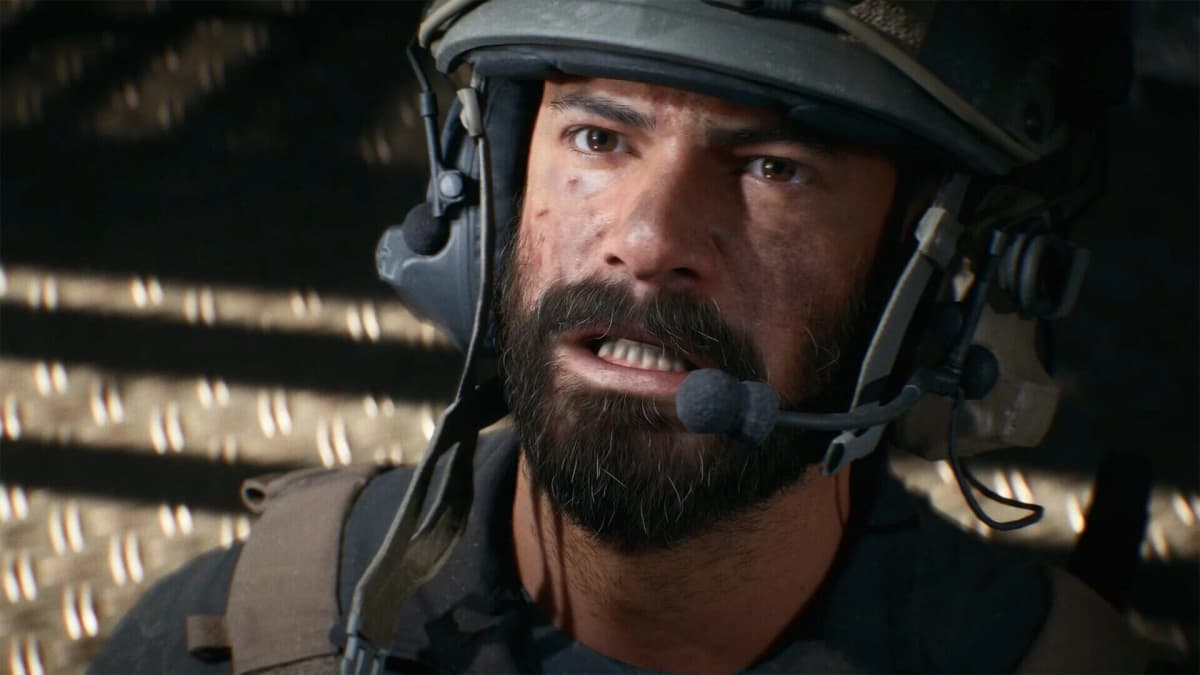
Tip: jot down drop values in your notebook—eight clicks up at 200 m, 16 at 300 m, and so on. When the rangefinder tags 275 m, you’ll instinctively dial about 14 clicks of elevation, even before you get comfortable with the HUD indicator.
Platform-Specific Nuances
- PC (Keyboard & Mouse): Aim down sights, hold
B(default) to activate. I rebound mine toGfor a quicker thumb flick. - Xbox & PlayStation: ADS then hold
D-Pad Down. Consider rebinding in Settings to the back paddle if you’re on an Elite or Scuf controller. - HUD Differences: PC shows a precise meter tag; consoles flash the range icon—learn to read both at a glance.
Quick 3-Step Setup
- Equip Your Rangefinder: Go to Loadout › Primary Weapon › Attachments, then slot it in the right accessory.
- Pick a Crystal-Clear Scope: High-contrast reticles (yellow or red) help distance tags pop against any backdrop.
- Test Your Input: ADS, press your rangefinder key/button until you see the distance tag—no tag, no fix.
My Expanded Spot-to-Shot Routine
- Spot & Lock: Use binoculars or buddy spotting, then wait for a split-second pause before committing.
- ADS & Aim: Target the torso—wider zone boosts your first-shot success.
- Rangefind: Tap your input once, note the HUD tag, then zero. If the number’s off-screen, adjust your view around the target.
- Hold & Lead: If the target drifts, predict movement. Rangefinder only locks distance, so add a few degrees of lead on rushes.
- Fire & Follow-Up: Listen for the sweet hit marker; if you miss, quickly re-zero and chamber another round.
- Relocate: After a successful shot, slide to a new perch. Reset zeroing for the next target—don’t get lazy.
Common Pitfalls & How to Fix Them
- Stale Zero: Jumping spots without re-ranging makes your next shot drift. Retrigger the rangefinder after every move.
- Fast-Mover Fear: The rangefinder won’t predict velocity. Lead by estimating speed: half a target’s width per 100 m for sprints.
- Settings Overload: Accidentally rebinding the same key kills your rangefinder input. Audit your key bindings monthly.
- Missing HUD Tag: Flick scopes off and on (console) or toggle overlays in Settings > HUD (PC).
- Optic Zoom Mismatch: Some scopes compress distance tags at higher magnification. Stick to x4–x6 for a balance of view and clarity.
Practice Drills to Hone Your Skill
- Fixed-Range Snapshots: Place targets at 100/200/300/400 m, then cycle through them without using the rangefinder. This cements your mental map.
- Moving Target Drills: Use tank drivers on “Test Range” moving along set paths. Combine rangefinder tags with leading practice.
- Time Trials: Record how quickly you can spot, range, zero, and fire at random spawn points. Aim to shave off seconds each run.
Pro Tricks for Dirty Kills
Impulse Zeroing
While camping chokepoints, pre-zero at a popular distance (200–250 m). You’ll instinctively snap off a hit when someone walks into your lane—no HUD tag needed.

Map Distance Cheat Sheet
Spend a match memorizing distances between major flags—assuming “A to C” is 350 m, you can fire blind-guaranteed if you know your zero setup.
Edge Pixel Shooting
Stand at the very edge of cover, range the corner of objects (pillars, crates) to guarantee a consistent zero even if you can’t fully ADS behind it.
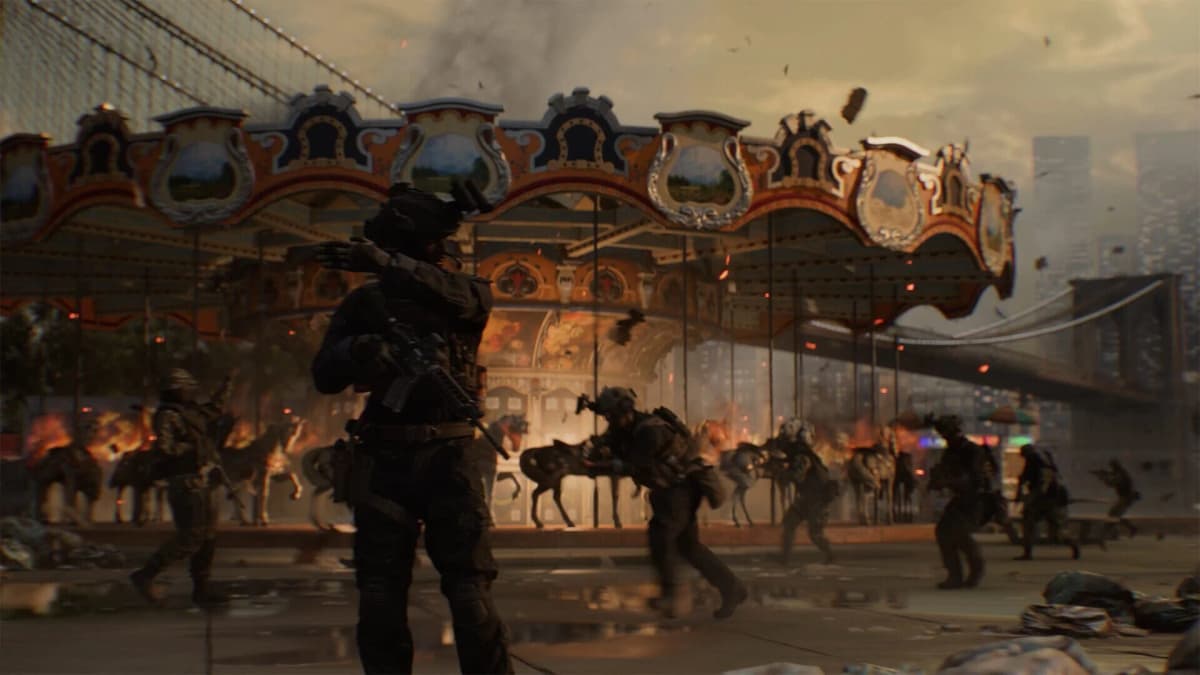
Suppressed Surprise
Pair your rangefinder with a suppressor. After an initial shot, the noise stays quiet, giving you a window to range again without alerting enemies.
Final Thoughts & Next Steps
Think of the rangefinder as your secret algorithm—it handles the math, you pull the trigger. I recommend 30 minutes in a live fire range each session: jot down drop data, test different rifles, and refine your scope choice. Soon, you’ll dial in distances by intuition and dominate any Battlefield 6 map as a 300 m+ sniper ace. Ready to see your name light up on the kill feed?
FinalBoss // Gear
Level up your setup
01Top-rated gaming headsetson Amazon→02High-refresh gaming monitorson Amazon→03Gaming chairson Amazon→04Discounted game keyson Kinguin→Affiliate links · As an Amazon Associate, FinalBoss earns from qualifying purchases.
Want to Level Up Your Gaming?
Get access to exclusive strategies, hidden tips, and pro-level insights that we don't share publicly.
Ultimate Guide Strategy Guide + Weekly Pro Tips