

Metroid Prime 4’s download size is out — and it’s a storage trap you should plan for
Game intel
Metroid Prime 4: Beyond
An episode in the Metroid Prime series which started on the GameCube, this game takes place between Metroid Prime and Metroid Prime 2: Echoes. Interstellar bou…
What this actually changes for gamers (and why I care)
Nintendo finally posted download sizes for Metroid Prime 4: Beyond ahead of its December 4 launch, and the numbers are small enough to avoid panic – but still big enough to scramble your Switch’s storage. That matters because the original Switch’s usable internal space is tiny, and whether you buy digital or physical will shape your launch-day experience. This caught my attention because Metroid Prime is one of Nintendo’s marquee single-player experiences – you don’t want install logistics getting between you and the first hour.
- Key takeaways:
- Official eShop listings vary: original Switch shows roughly 26.3-28.9 GB depending on region; the Switch 2 edition is around 31.6 GB.
- The extra size on Switch 2 almost certainly buys higher-res textures, HDR assets and other next-gen niceties – but not necessarily native 4K/120 in every mode.
- If you own an original Switch/Switch Lite, you’ll almost certainly need a microSD card (128 GB recommended) unless you delete games first.
- Physical cartridges are still the easiest way to save internal storage, though patches will still require downloads.
Official file sizes (and why listings disagree)
Here’s the messy truth: Nintendo’s storefronts aren’t giving a single, neat number. Some regional listings for the original Switch list Metroid Prime 4 at about 26.3 GB, while the U.S. eShop lists it at 28.9 GB. The Switch 2-specific edition shows roughly 31.6 GB. Those differences come from regional metadata, compression/encoding choices, or inclusion/exclusion of language packs and pre-patch data.
Bottom line: plan for roughly 29-32 GB of space per version. Add another 1-3 GB for a likely Day One patch and you’re into the 30–35 GB neighborhood.
Why file size actually matters (practical gamer implications)
If you’re on an original Switch or Switch Lite, you’ve got 32 GB of nominal internal storage — but system files cut that down to roughly 25–28 GB usable. That means Metroid Prime 4 could consume most or all of your internal space. Translation: either delete games you love or buy a microSD card. For most players, a 128 GB card is the sweet spot; 256 GB if you hoard big titles.
Download times also matter. At 100 Mbps you’re looking at ~30–40 minutes to pull down 30 GB; on slower or congested networks, plan for longer. And if you’re tempted to use mobile data — don’t, unless it’s truly unlimited.
FinalBoss // Gear
Level up your setup
01Best-selling Switch 2 gameson Amazon→02Switch 2 accessorieson Amazon→038BitDo controllerson Amazon→04Discounted game keyson Kinguin→Affiliate links · As an Amazon Associate, FinalBoss earns from qualifying purchases.
Switch 2 features: the extra GB buys something, but temper expectations
Nintendo’s listings note Switch 2-specific features: HDR, mouse support, and options for 4K/120fps. That’s exciting on paper, but veteran skepticism is warranted. “4K/120” is a specs tick that doesn’t guarantee full-quality 4K at 120 fps across the entire game. Expect performance/quality modes: higher framerate may come with lower resolution or simplified effects, while 4K likely targets 30–60 fps in more cinematic areas.
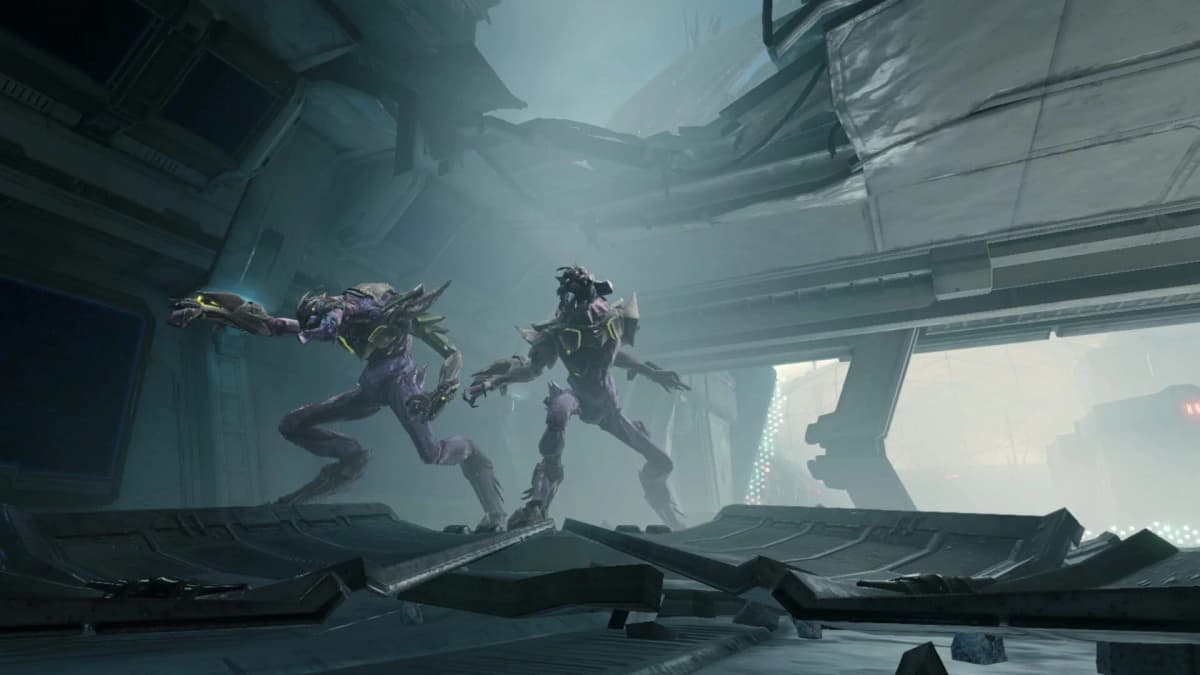
The extra ~2.7 GB on the Switch 2 build is almost certainly higher-res textures, improved lighting data and possibly uncompressed HDR assets. Those files are big, but they’re exactly the sort of upgrade that justifies a next-gen edition — assuming Retro and Nintendo tune the engine well.
Want to Level Up Your Gaming?
Get access to exclusive strategies, hidden tips, and pro-level insights that we don't share publicly.
Ultimate Gaming Strategy Guide + Weekly Pro Tips
Physical vs. digital: which should you pick?
Physical cartridges still win if your internal storage is a concern — the cartridge holds the bulk of the game, and you only need a small patch download. Digital is convenient if you want instant access and don’t mind managing storage. For collectors or resale, physical copies stay superior.
How to prepare for launch day (easy checklist)
- Check System Settings > Data Management to see free space.
- If under 32 GB on original Switch, buy a 128 GB+ microSD card now.
- Pre-download if you can, and leave room for a Day One patch.
- Prefer physical? Pre-order early; big releases still sell out at retail.
Recommended cards: SanDisk Extreme 128 GB or Samsung EVO Plus 256 GB are good bets — speed helps with load times on open-ended areas.
TL;DR
Metroid Prime 4 will sit in the ~26–29 GB range on the original Switch and around ~31.6 GB for the Switch 2 edition. That’s manageable, but original Switch owners should clear space or buy a 128 GB microSD. The Switch 2 build’s larger size buys visual upgrades — the marketing promises (4K/120) deserve healthy skepticism until we see in-game performance.